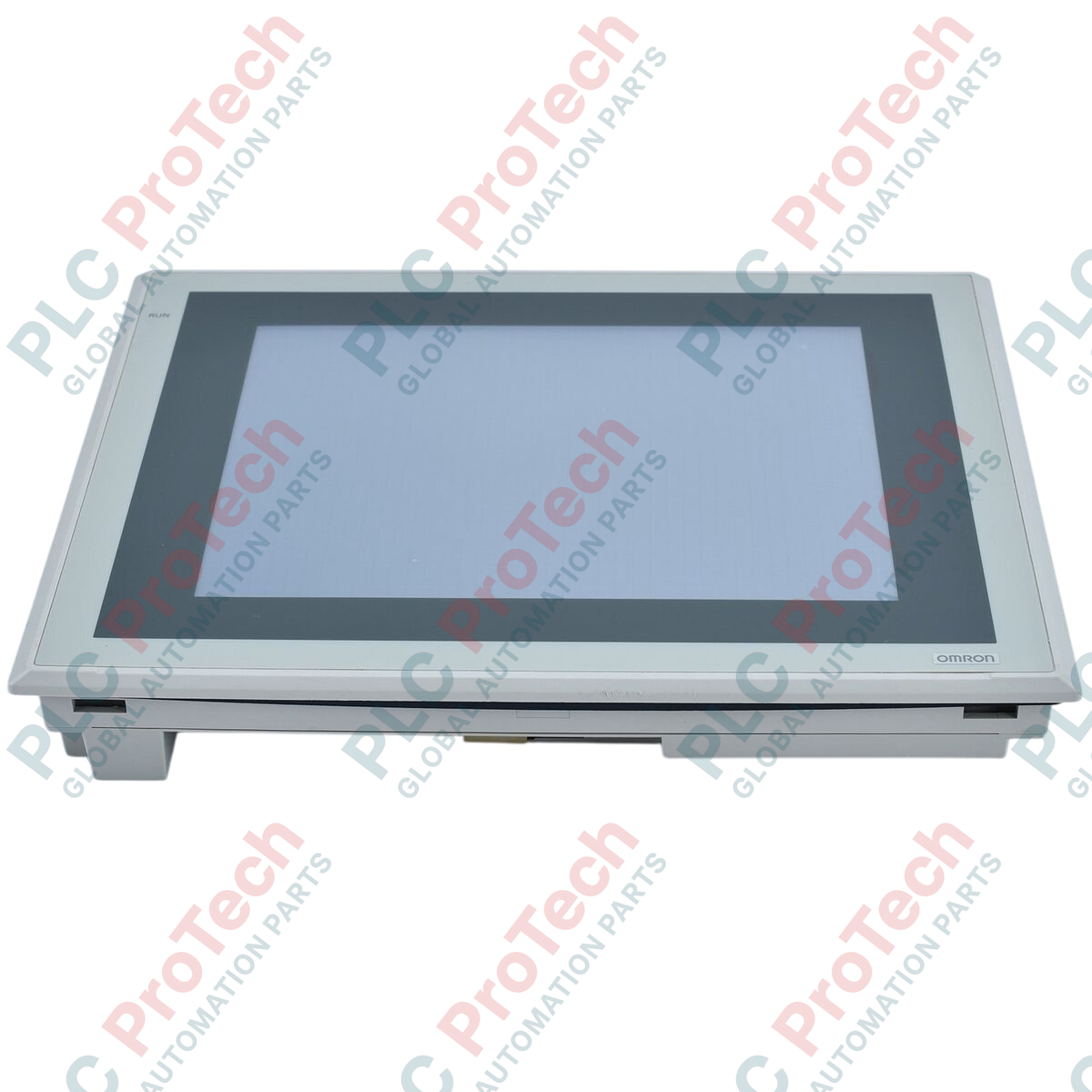
Description
Designed to act as a central operator interface within Sysmac system topologies, the Omron NS10-TV01-V2 HMI module offers exceptional visualization and touch control for demanding automation setups. This 10.4-inch active-matrix TFT display features integrated communication capabilities, enabling reliable, high-speed interaction with PLCs, motion controllers, and variable frequency drives on the plant floor.
Features
-
High-Visibility TFT Display: Crisp 10.4-inch display utilizing an energy-efficient LED backlight with wide viewing angles.
-
VGA Resolution: High-density 640 x 480 pixel grid optimizes screen real estate for complex graphical plant layouts.
-
Native Ethernet Port: Supports high-speed communications, project uploads/downloads, and remote web-based monitoring.
-
Industrial Construction: Durable ivory enclosure engineered to resist oil, chemicals, and physical impacts.
-
Efficient Power Envelope: Maximum 25 W power consumption on a standard industrial 24 VDC bus.
Applications
- Assembly and manufacturing packaging lines.
- Water and wastewater chemical dosing and level monitoring.
- HVAC control and environmental chamber automation systems.
- Multi-axis motion control configuration and diagnostic stations.
Technical Specifications
| Parameter |
Specification |
| Manufacturer |
Omron |
| Model |
NS10-TV01-V2 |
| Series |
NS Series |
| Display Size & Type |
10.4-inch TFT LED Backlight |
| Resolution |
640 x 480 dots (VGA) |
| Ethernet Port |
Yes (10/100 Base-TX RJ45) |
| Case Color |
Ivory |
| Rated Power Voltage |
24 VDC |
| Power Consumption |
25 W maximum |
| Ambient Storage Temperature |
-20 to 60 degC |
| Ambient Operating Humidity |
35% to 85% (0 to 40 degC), 35% to 60% (40 to 50 degC) non-condensing |
| Operating Atmosphere |
No corrosive gases |
| Weight |
2.3 kg maximum |
| Shipping Weight (Calculated) |
3.5 kg |
Connections and Interfaces
| Connector / Port |
Function / Circuit Assignment |
| Ethernet Port |
RJ45 interface for PLC communications and remote host connections. |
| Serial Port A |
RS-232C D-sub 9-pin connector for direct PLC link or legacy programming. |
| Serial Port B |
RS-232C D-sub 9-pin connector for auxiliary communication loops. |
| USB Ports |
Type-A for external storage; Type-B for PC-to-HMI project transfers. |
Empirical Engineering Insights
Alternative Models & Compatibility
The NS10-TV01-V2 completely replaces older NS10-TV01 (non-V2) models. When upgrading, project files written in CX-Designer must be reconfigured in system properties to target the "V2" system hardware to ensure perfect touch-coordinate registration and display driver alignment.
Application Pitfalls & Engineering Notes
Operating the unit continuously above 40 degC without adequate ventilation in sealed enclosures may accelerate LED backlight degradation. Ensure panel layouts contain passive or active air circulation paths to keep ambient cabinet temperatures well below the 50 degC maximum limit.
Commissioning & Wiring Tips
To prevent grounding loops and electrical noise from distorting touchscreen responsiveness, always route the 24 VDC power supply using shielded twisted-pair cables. Ensure the HMI functional ground (FG) pin is wired directly to the single-point system cabinet earth bar using a dedicated, low-impedance copper conductor.
Installation Guidelines
CRITICAL WARNING: Prior to attempting any installation, physical placement, or electrical wiring modifications, ensure that all main incoming AC and DC control voltages to the enclosure are completely isolated. Confirm electrical zero with a calibrated digital multimeter before handling terminal connections.
1
Cut a standard rectangular opening in the enclosure door matching the panel cutout dimensions provided in the Omron installation manual.
2
Position the watertight rubber gasket flat and centered around the HMI bezel flange to ensure a proper IP65 environmental seal against moisture ingress.
3
Insert the HMI terminal through the cutout and secure it in place from behind using the supplied mounting brackets, tightening the screws to the specified torque range of 0.5 to 0.6 Nm.
4
Connect the 24 VDC power supply wires and functional ground to the terminal block, then interface the RJ45 Ethernet link cable with the controller network switch.