Allen-Bradley

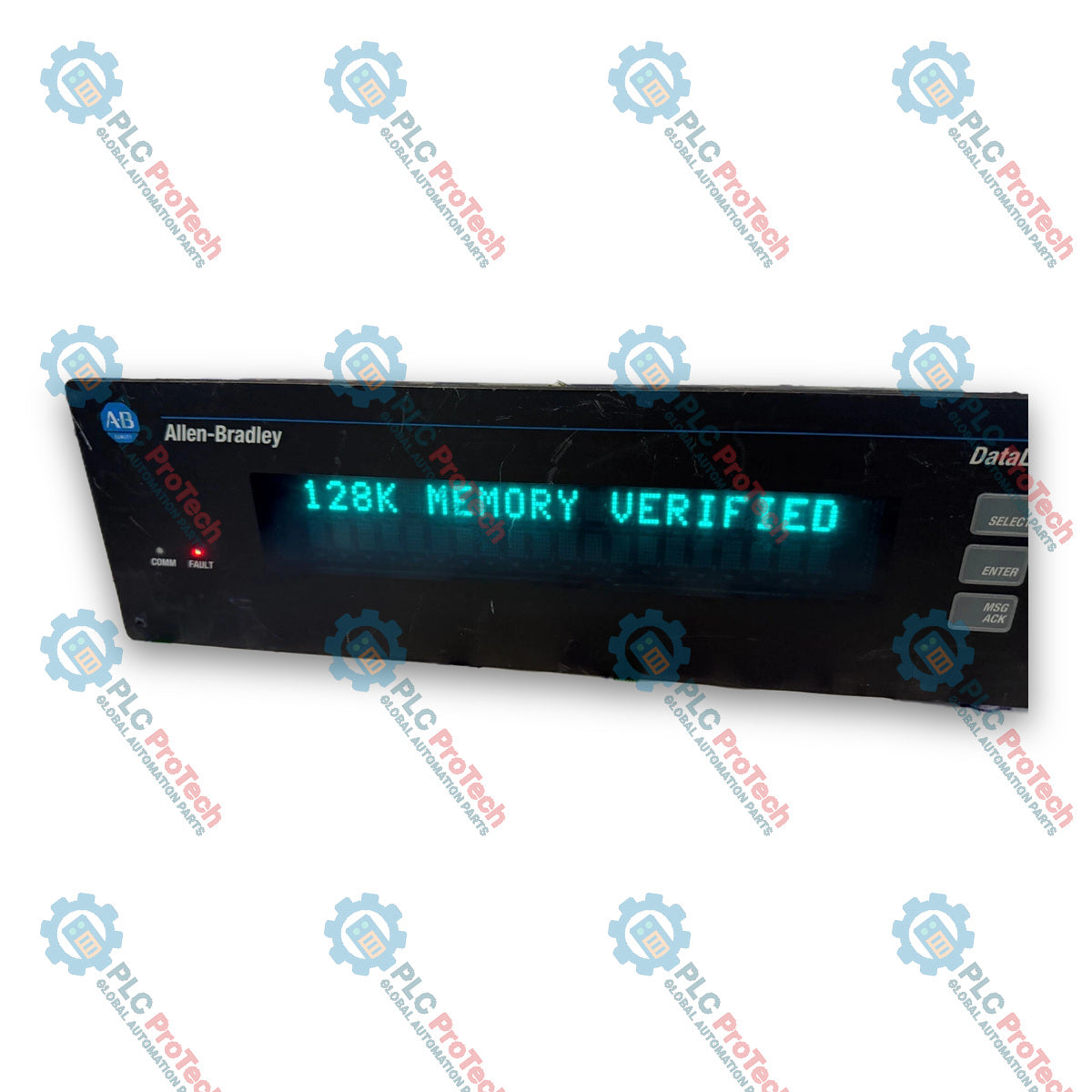
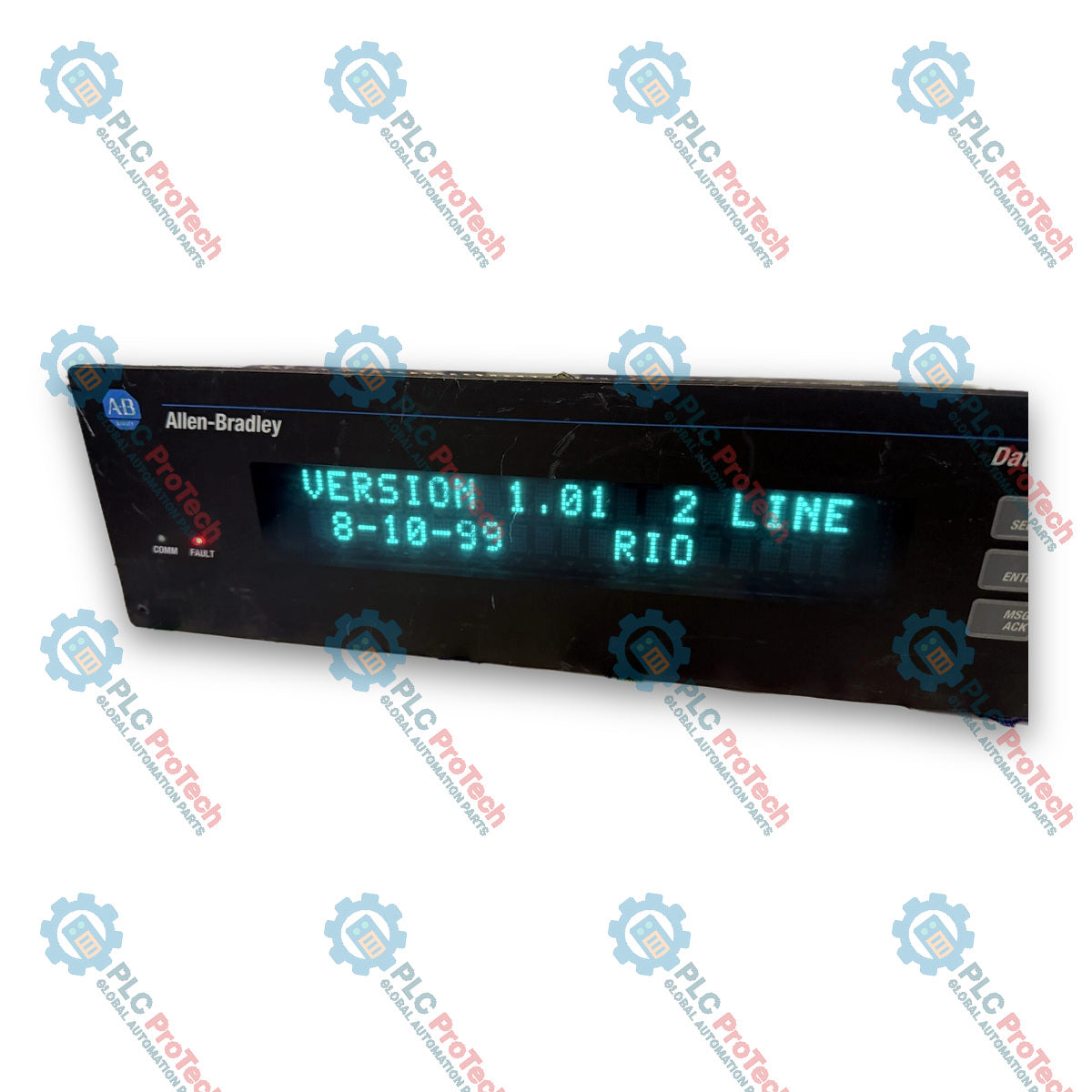
Allen-Bradley 2706-LV2R DataLiner DL40 Plus Message Display Ver 1.01 Ser A Rev C

SKU 2706-LV2R

In stock
  • 12-month warranty
  • Free returns within 30 days
  • Manufacturer: Allen-Bradley

  • Product No.: 2706-LV2R

  • Country of origin:United States

  • Product Type: Message Display HMI

  • Payment: T/T, Western Union

  • Weight: 1600g

  • Dimensions: 365 x 111 x 81 mm

  • Shipping port: Xiamen

  • Warranty: 12 months

Description

The Allen-Bradley 2706-LV2R is a 2-line DataLiner DL40 Plus message display engineered for real-time operator interface, process monitoring, and system status annunciation in industrial automation environments. Operating as a dedicated visual interface within the Allen-Bradley DataLiner DL40 family, this display unit bridges complex PLC control systems and plant-floor operators by delivering high-visibility alphanumeric messaging, alarms, and diagnostics directly at the machine level.

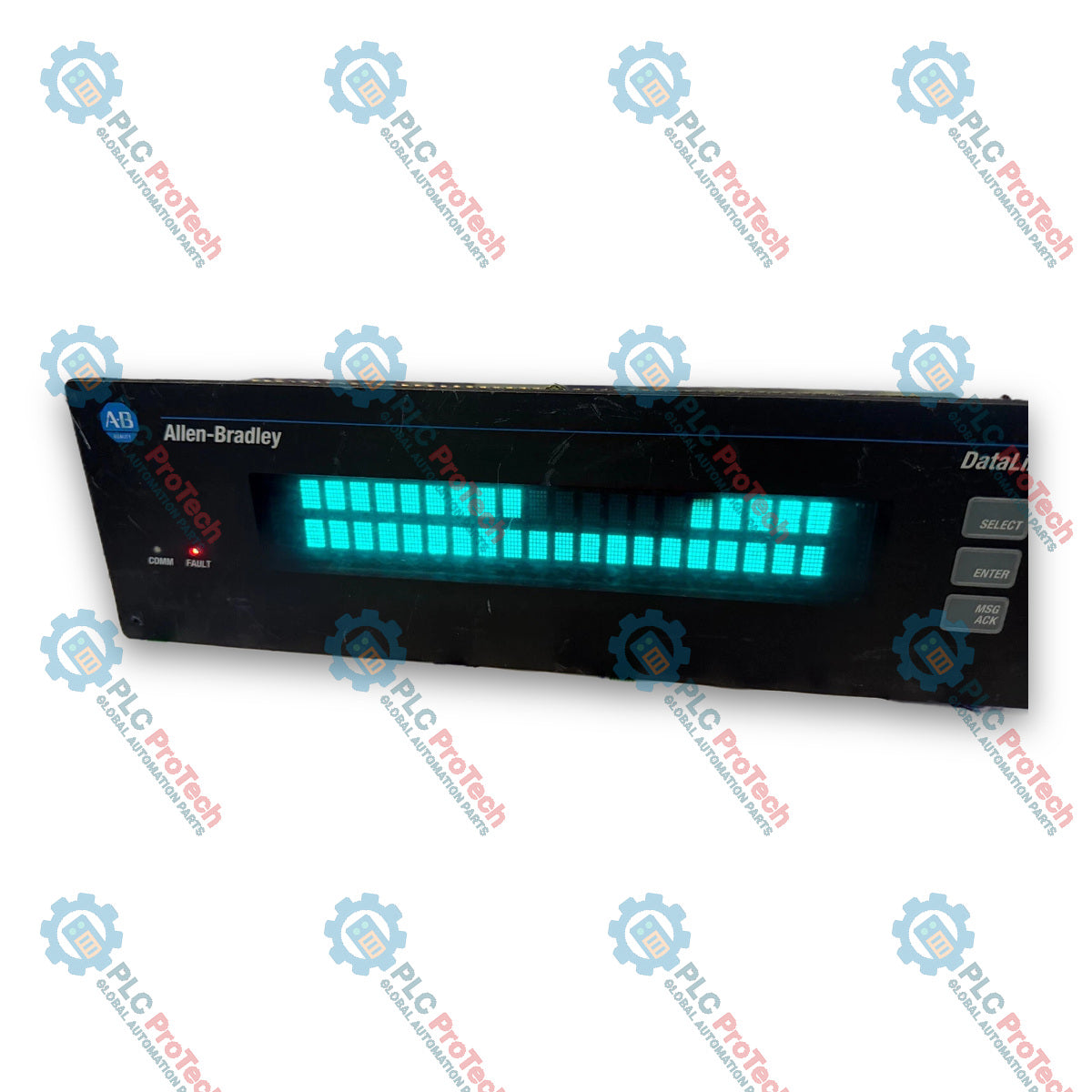
Equipped with a bright vacuum fluorescent display (VFD) filtered to a high-contrast blue/green color, the 2706-LV2R provides exceptional legibility across a 7.6-meter (25-foot) viewing distance. The display handles 20 characters per line using a $5 \times 7$ dot matrix structure. Designed for seamless system integration, the 2706-LV2R features built-in Allen-Bradley Remote I/O (RIO) link connectivity along with RS-232 and RS-485 serial communication interfaces, allowing direct PLC rack mapping via Discrete I/O or Block Transfers.

Housed in a rugged enclosure engineered for panel mounting, the unit meets NEMA Type 12, 13, and 4X (indoor) ratings when properly installed with its front bezel seal. The 2706-LV2R includes a wide-range universal AC power supply (100–240V AC), a dedicated IBM PC-XT/AT compatible 8-pin DIN keyboard port for local entry, and an internal annunciation relay for driving external audible or visual alarms upon specific message triggers.

Features

  • High-Visibility Display Architecture: Features a 2-line, 20-character-per-line vacuum fluorescent display (VFD) with $5 \times 7$ dot matrix characters filtered to a blue/green color for readability up to 7.6 meters (25 feet).
  • Integrated Allen-Bradley Remote I/O Port: Connects directly to PLC Remote I/O links supporting $1/4$, $1/2$, $3/4$, or full rack sizes with Discrete I/O or Block Transfer data modes.
  • Dual Serial Communication Ports: Built-in RS-232 and RS-485 interfaces support baud rates from 300 to 19200 baud with flexible 7 or 8 data bit configurations.
  • Integrated Annunciation Relay: Includes a single Normally Open (N.O.) dry contact relay rated for 3A at 240V AC or 3A at 30V DC to drive local auxiliary alarms.
  • Universal AC Power Input: Operates on an internal 100–240V AC power supply (50/60 Hz, 60VA max) to simplify field wiring and global deployment.
  • External Keyboard Interface: Provides a standard 8-pin DIN port compatible with IBM PC-XT/AT keyboards for local configuration and message triggering.
  • Rear DIP Switch Configuration: Enables hardware setup for RIO rack addresses, baud rates, block transfers, serial protocols, and system diagnostics without opening the main enclosure.
  • Industrial Panel Mount Enclosure: NEMA Type 12, 13, and 4X (indoor) environmental rating when mounted in a compliant enclosure.

Applications

  • PLC Alarm & Diagnostic Display: Serves as a centralized operator messaging terminal displaying fault codes, process warnings, and system status directly from Allen-Bradley PLC processors over Remote I/O.
  • Machine Status Monitoring: Provides real-time production metrics, batch counts, and cycle times on standalone OEM machinery and automated assembly lines.
  • Process Annunciation: Triggers auxiliary horns, stack lights, or beacons via its internal dry contact relay when critical alarm conditions occur.

Technical Specifications

Parameter Specification
Manufacturer Allen-Bradley / Rockwell Automation
Product Family DataLiner DL40 Plus Message Display
Catalog Number 2706-LV2R
Display Lines 2 Lines
Characters per Line 20 Characters
Character Height 11.3 mm (0.44 in)
Character Display Type Vacuum Fluorescent, $5 \times 7$ Dot Matrix (Blue/Green Filtered)
Character Sets Standard & Extended ASCII, Cyrillic (Russian), ISO 8859-1 International
Approximate Viewing Distance 7.6 m (25 ft)
Operating Voltage 100–240V AC, 50/60 Hz
Input Current 0.60–0.25 A
Power Consumption 60 VA
Internal Fuse Sealed internal (non-user replaceable)
Annunciation Relay Output Single N.O. Contact; 3 A at 240V AC (Resistive), 3 A at 30V DC (Resistive)
Remote I/O Interface Allen-Bradley Remote I/O Link
Remote I/O Baud Rates 57.6K, 115.2K, 230.4K baud
Remote I/O Rack Sizes 1/4, 1/2, 3/4, or 1 Rack (Any starting module)
Remote I/O Data Modes Discrete I/O or Block Transfers
Serial Interfaces RS-232 (EIA/TIA-232-E), RS-485 (EIA-485)
Serial Baud Rates 300, 1200, 2400, 4800, 9600, 19200 baud
Serial Data Format 7 or 8 Data Bits; Odd, Even, or No Parity
Keyboard Interface 8-pin DIN (Large Style), IBM PC-XT / AT Compatible
Auxiliary Output Power +12V DC, 200 mA max output supply
Operating Temperature 0 to 60 degC (+32 to +140 degF)
Storage Temperature -40 to 85 degC (-40 to +185 degF)
Relative Humidity 5% to 95% (non-condensing)
Operating Shock 15G pulse
Non-Operating Shock 30G pulse
Operating Vibration 1.0G sinusoidal
Non-Operating Vibration 2.5G sinusoidal
Environmental Protection Rating UL listed for NEMA Type 12, 13, 4X (indoor use only) when panel-mounted
Approximate Dimensions (W x H x D) 365.0 x 111.3 x 81.0 mm (14.357 x 4.38 x 3.19 in)
Approximate Cutout Dimensions (W x H) 345.9 x 88.9 mm (13.62 x 3.50 in)
Approximate Weight 1.6 kg (3.6 lbs)

Connections / Interfaces

Port / Terminal Interface Type Function
L1, L2/N, GND Screw Terminals Main 100–240V AC power input and protective earth ground
RELAY Screw Terminals (2-pin) Single N.O. annunciation relay contact output (250V AC / 30V DC, 3A max)
12VDC, GND Screw Terminals +12V DC, 200 mA auxiliary power output
RIO Port 3-pin Terminal (1, Shield, 2) Allen-Bradley Remote I/O network connection
RS-232 Sub-D Connector RS-232 serial communication interface
RS-485 Screw Terminals RS-485 serial communication interface
KEYBOARD 8-pin DIN Connection for IBM PC-XT/AT compatible PC keyboard

Installation Guidelines

  1. Safety Verification: Ensure all incoming power is locked out and tagged off before making electrical or physical installations. Confirm the installation location meets Class I, Division 2 / Non-hazardous environmental requirements as applicable.
  2. Panel Cutout Preparation: Prepare a panel cutout measuring 345.9 mm (13.62 in) wide by 88.9 mm (3.50 in) high. Drill six 6.4 mm (0.25 in) diameter mounting holes according to official template spacing.
  3. Physical Mounting: Position the 2706-LV2R display unit into the cutout. Install the six provided mounting nuts from the rear. Alternately tighten all nuts in a cross-pattern to a torque of 1.13 Nm (10 in-lbs) to ensure a NEMA 4X/12/13 seal.
  4. Wiring Separation: Route incoming AC power lines along a separate path from Remote I/O and serial communication cables to prevent electromagnetic interference (EMI). Never run signal and power lines within the same conduit.
  5. Power Connection: Connect 100–240V AC wiring to terminals L1, L2/N, and safety ground. Ensure protective earth grounding is firmly secured.
  6. Network & Alarm Connection: Wire the Allen-Bradley Remote I/O cable to terminals 1, Shield, and 2. If using local annunciation, wire the external alarm circuit across the RELAY output terminals.

Configuration Guidelines

  1. Power-Down Switch Adjustment: Set hardware DIP switch banks SW-1, SW-2, and SW-3 located on the rear of the display prior to applying power. DIP switch changes (except Select Enable) are scanned exclusively during power-up.
  2. Rack Address Configuration (SW-1): Configure switch bank SW-1 to assign the target Allen-Bradley Remote I/O rack address corresponding to the PLC I/O configuration.
  3. Operating Parameters (SW-2): Set switch bank SW-2 to define RIO Baud Rate (57.6K, 115.2K, 230.4K), Last Chassis status, Block Transfer enabling, Keyboard type, and PLC Communication Error message handling.
  4. Serial Address Setup (SW-3): Adjust switch bank SW-3 to configure the serial network address for triggers coming over RS-485 or external keyboard inputs.
  5. Select Enable Adjustment: If modifying the Select Enable function (SW2-9), this parameter can be adjusted while power is ON and takes effect immediately.
  6. System Power-Up: Apply AC power and observe the startup diagnostic sequence to verify that communication rates, rack addresses, and firmware revisions load without errors.

Compliance and Certifications

  • UL Listing: UL Listed for UL-508 Industrial Control Equipment.
  • Hazardous Locations: UL Listed for Class I, Division 2, Groups A, B, C, and D Hazardous Locations.
  • CSA Certification: CSA 22.2 No. 213 for Canadian Hazardous Location Safety Standards.
  • CE Mark: Compliant with European Union EMC Directive (89/336/EEC), EN 50082-2 (Industrial Immunity), EN 50081-2 (Industrial Emission), and IEC 1131-2 Programmable Controllers standard.

FAQ

What is the primary function of the Allen-Bradley 2706-LV2R DataLiner display?

The Allen-Bradley 2706-LV2R DataLiner DL40 Plus is a 2-line alphanumeric message display designed to provide real-time diagnostic messages, alarm alerts, and operational data directly from industrial controllers over Allen-Bradley Remote I/O or serial networks.

What communication interfaces are supported on the Allen-Bradley 2706-LV2R?

The Allen-Bradley 2706-LV2R features a built-in Allen-Bradley Remote I/O (RIO) port, an RS-232 serial port, an RS-485 serial interface, and an 8-pin DIN keyboard port for local message entry and configuration.

Do DIP switch changes take effect immediately on the Allen-Bradley 2706-LV2R?

Most DIP switch settings on the Allen-Bradley 2706-LV2R are scanned only during the power-up sequence and require a power cycle to take effect. The only exception is the Select Enable switch (SW2-9), which takes effect immediately while powered.

What are the display specs and character capacity for the 2706-LV2R?

The Allen-Bradley 2706-LV2R incorporates a vacuum fluorescent display (VFD) rendering 2 lines of 20 characters each. The 11.3 mm high characters use a 5x7 dot matrix with a blue/green filter, providing visibility up to 7.6 meters (25 feet).

What power source is required to operate the Allen-Bradley 2706-LV2R?

The Allen-Bradley 2706-LV2R requires a line power input of 100 to 240V AC at 50/60 Hz, consuming up to 60VA. It connects via internal terminal blocks for L1, L2/N, and protective ground.

View all FAQs →

Product Documentation

Technical Datasheet (PDF) Complete specifications and technical drawings.

Technical Datasheet

Allen-Bradley 2706-LV2R DataLiner DL40 Plus Message Display Ver 1.01 Ser A Rev C

Quantity
Shipping & Returns

Global Express Shipping

  • Standard Delivery: 4–6 business days via DHL, FedEx, and UPS.
  • Express Dispatch: Same-day dispatch for in-stock orders placed before 2:00 PM (GMT+8).
  • Worldwide Coverage: Serving over 150 countries.

Returns & Warranty

  • 30-Day Guarantee: Returns accepted for in-stock products in original, factory-sealed packaging.
  • 12-Month Warranty: Every industrial component is backed by our technical warranty.
Reviews
1 of 3
Only 14 item(s) left in stock
Quantity
View full details
Loading product navigation…

Global Express Shipping

  • Standard Delivery: 4-6 Business Days via DHL, FedEx, and UPS.
  • Express Dispatch: Same-day dispatch for in-stock orders placed before 2:00 PM (GMT+8).
  • Worldwide Coverage: Serving over 150 countries, including rapid delivery to Saudi Arabia and UAE.

Returns & Warranty

  • 30-Day Guarantee: Returns accepted for in-stock products in original, factory-sealed packaging.
  • 12-Month Warranty: Every industrial component is backed by our professional technical warranty.

Orders are processed and delivered Monday-Friday (excluding public holidays).


For full eligibility, restocking fees, and international return details, please view our official Refund & Return Policy .

TECHNICAL SPECIFICATIONS

Country of origin
United States

Technical knowledge

Derivative Action in PID Control Without Noise Problems

Learn what derivative action contributes to a PID loop, why it can amplify measurement noise and setpoint changes, and how filtering, sampling, and staged tests make D tuning safer.

Designing Industrial Networks That Stay Troubleshootable

A practical guide to segmenting, documenting, and testing industrial Ethernet networks so plant teams can isolate faults quickly, control change, and expand without creating fragile dependencies.

Commissioning IO-Link From Master Ports to IODD Data

Commission IO-Link systematically from master addressing and port modes through IODD selection, PLC byte mapping, parameter backups, device validation, and failure-injection tests.

PowerFlex Dynamic Braking Resistor Design and Testing

A practical PowerFlex braking guide covering regenerative energy, resistor resistance and duty cycle, thermal protection, model-specific parameters, and measured commissioning tests.

Engineering Industrial Joystick Controls for Safe Motion

An industrial joystick is only the first element in a safe motion command chain. This guide covers sensing choices, wiring, signal validation, PLC logic, restart behavior, and commissioning for...

Seeing PID Behavior Before Tuning the Loop

PID tuning becomes safer when engineers can see how proportional, integral, and derivative actions reshape error, output, and response over time. This guide turns live trends into a disciplined...