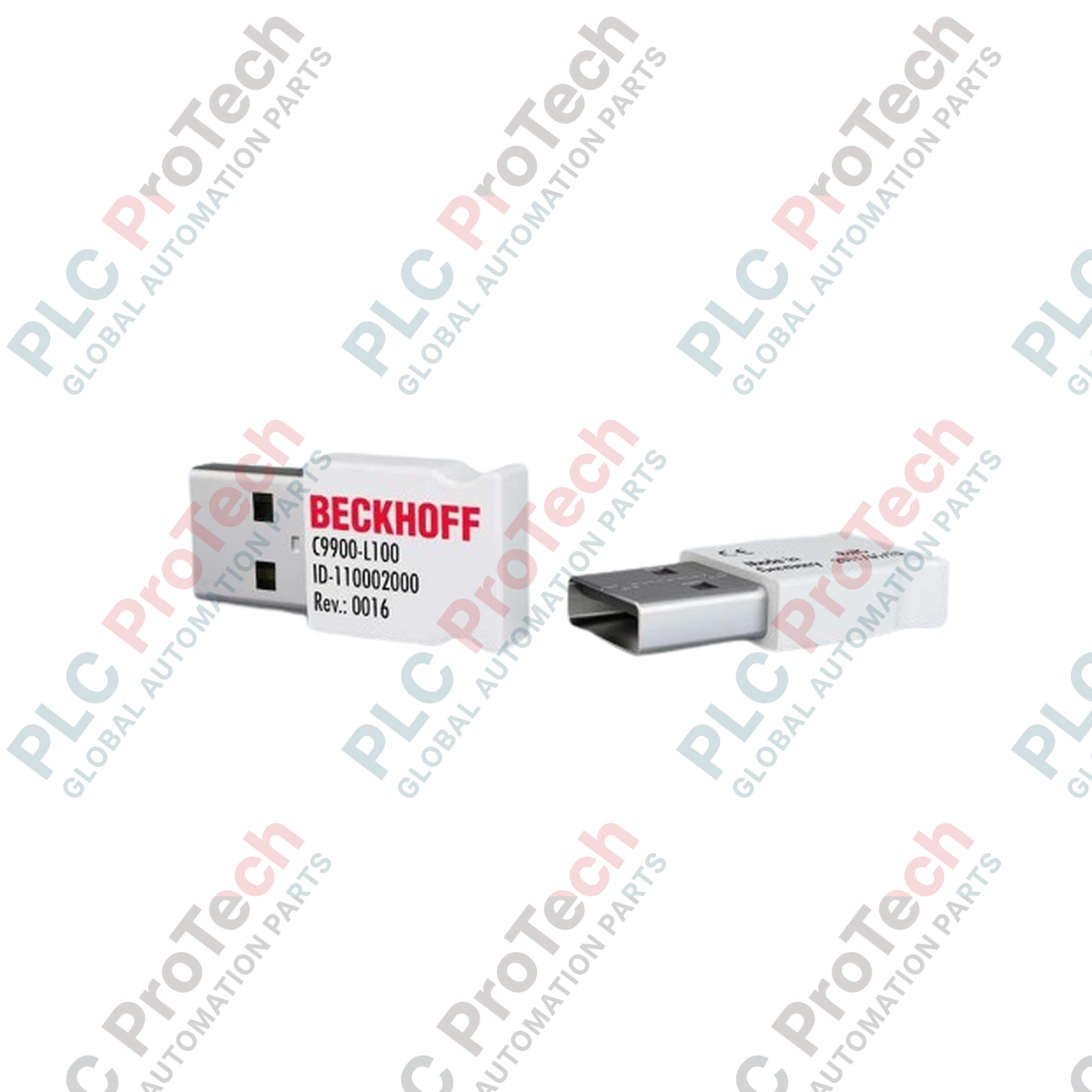
Product Overview
The C9900-L100-0033 is a dedicated hardware license key USB stick designed for the secure storage and management of TwinCAT 3.1 software licenses. This compact, industrial-grade USB device acts as a "dongle" that locks specific TwinCAT 3 licenses to the hardware, ensuring that software activation is bound to the physical controller rather than the operating system or machine configuration. By utilizing this license key, engineers and system integrators can easily transfer, manage, and back up their software license inventory, which is essential for modular machine designs, field replacements, and long-term maintenance of automated systems.
Technical Configuration
Designed for use in industrial environments, the C9900-L100-0033 connects via a standard USB 2.0 interface, drawing its power directly from the host PC or industrial controller. The stick is built to withstand rigorous operating conditions, including temperature fluctuations ranging from -25 deg C to 60 deg C. Its robust design, coupled with an IP20 protection rating, ensures reliable performance within control cabinets. The device is fully compatible with the TwinCAT 3 license management system, allowing for seamless integration into existing Beckhoff automation architectures without the need for additional software drivers.
Technical Specifications
| Feature |
Specification |
| Model |
C9900-L100-0033 |
| Brand |
Beckhoff |
| Function |
TwinCAT 3.1 License Key |
| Interface |
USB 2.0 |
| Protection Class |
IP20 |
| Weight |
10 g |
| Operating Temp |
-25 deg C to 60 deg C |
| Approvals |
CE |
FAQs
Is this USB stick reusable for different TwinCAT 3 projects?
Yes. The C9900-L100-0033 stores the license data. You can manage multiple licenses on this key using the TwinCAT 3 License Manager, making it a portable solution for your automation software assets.
What happens if the USB stick is lost or damaged?
If a license key is lost or physically destroyed, the licenses stored on it are generally irrecoverable unless previously backed up or registered through the Beckhoff license portal. We recommend keeping the license key in a secure location within the control cabinet.
Do I need special drivers to use this license key?
No. The device is recognized by the TwinCAT 3 License Manager automatically upon insertion into a USB port on a system running TwinCAT 3.1 or newer.
Can this key be used with TwinCAT 2?
No, this specific hardware key is designed exclusively for the TwinCAT 3 license management infrastructure.
Installation Guidelines and Best Practices
-
Secure Installation: If the industrial PC is located in a high-traffic or public-facing area, consider using a USB port lock or an internal USB header adapter to prevent accidental removal or theft of the license key.
-
Backups: Always export a backup of your license data from the TwinCAT 3 License Manager to a secure external drive or cloud storage immediately after activation to facilitate rapid recovery in the event of hardware failure.
-
Operating Temperature: Ensure the USB port remains within the specified temperature range. While the key is robust, placing it directly next to high-heat components (like CPU heat sinks or power supplies) can lead to premature failure of the USB memory controller.