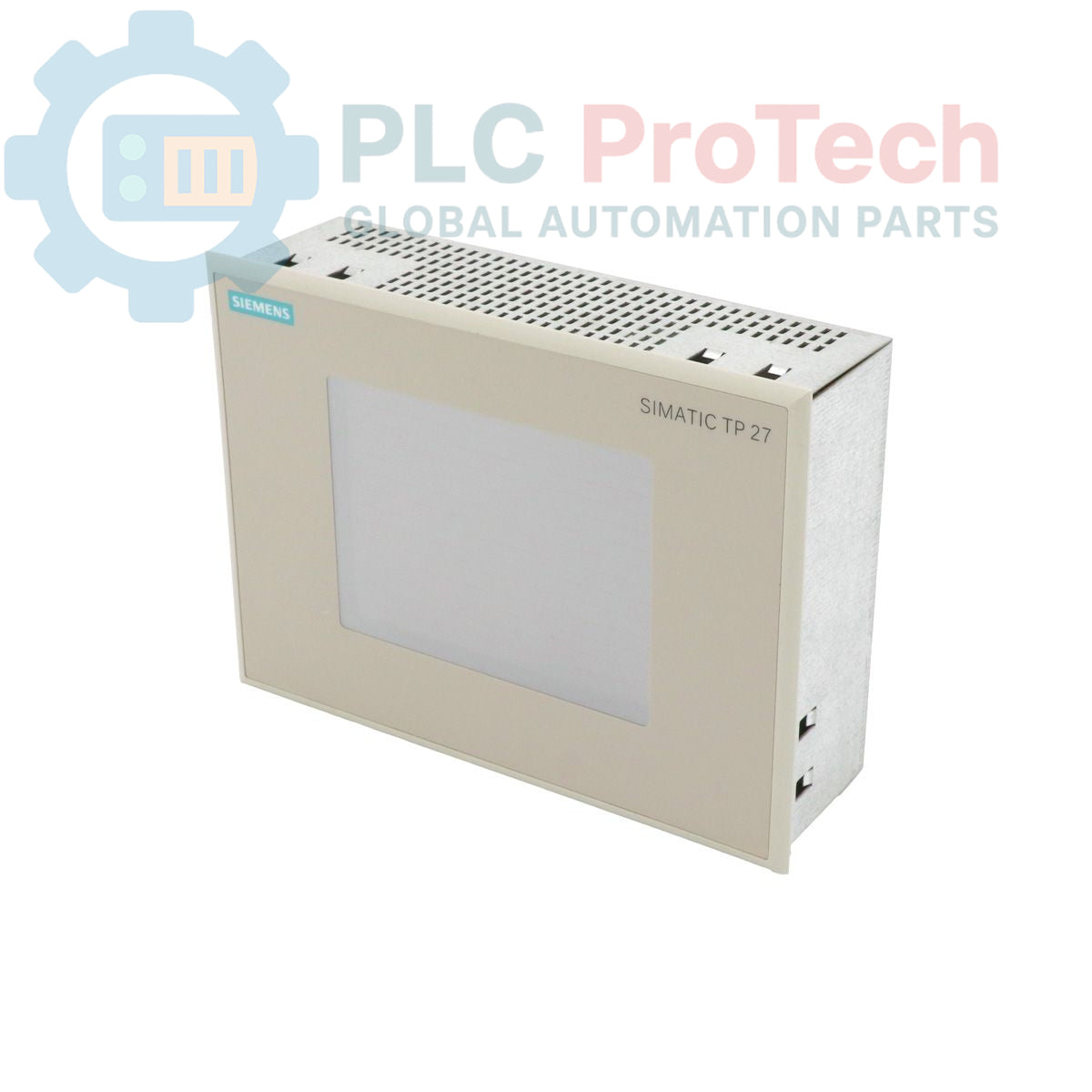
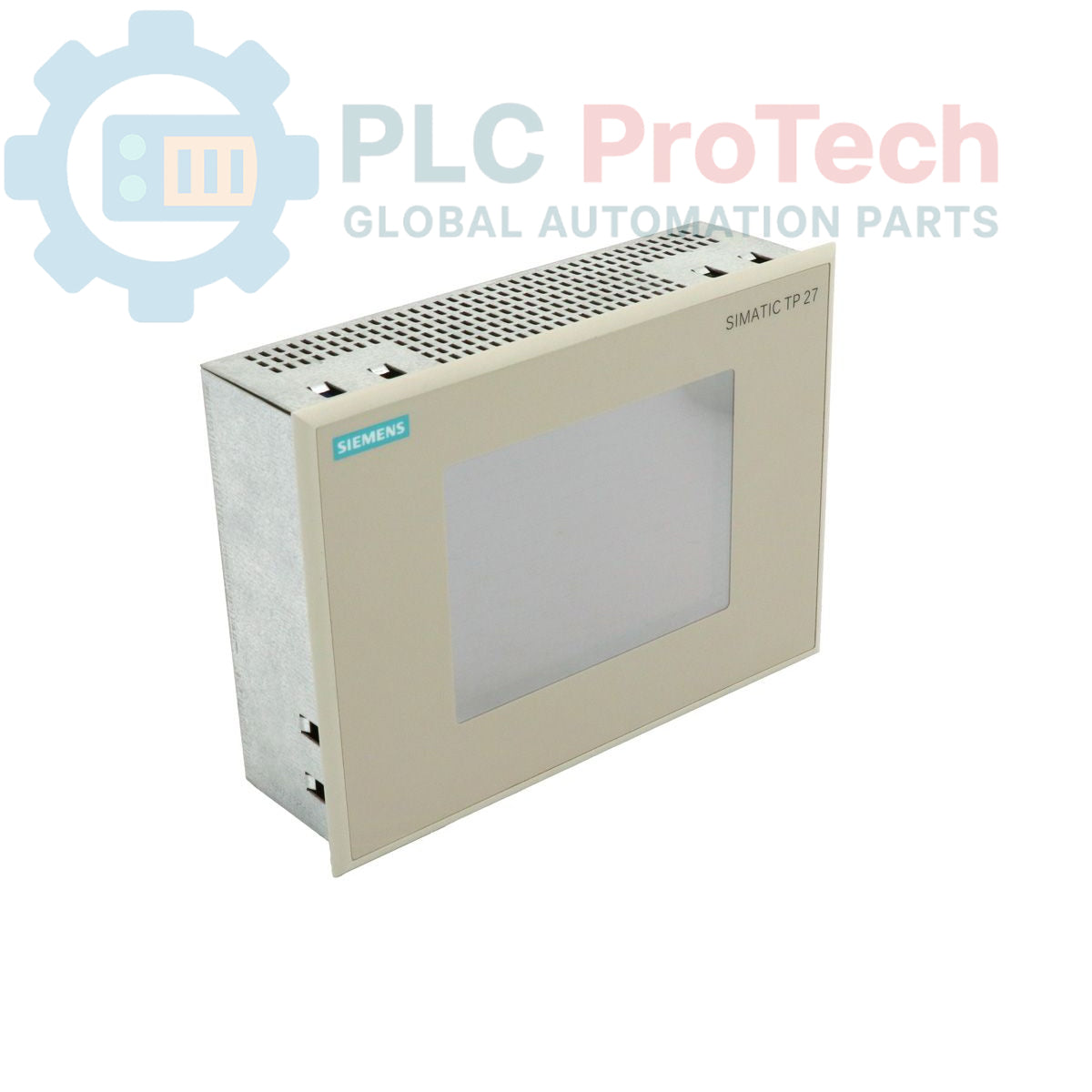
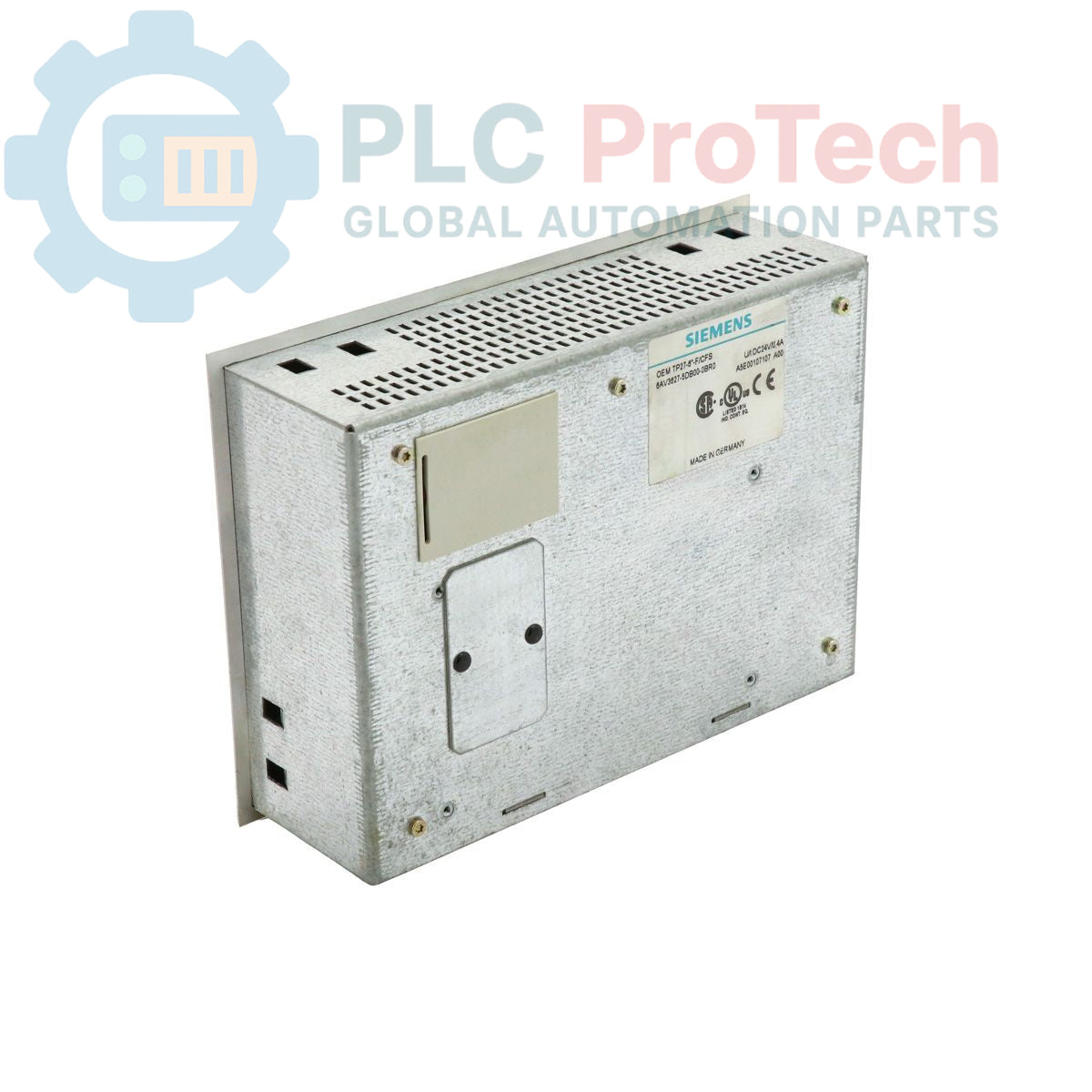
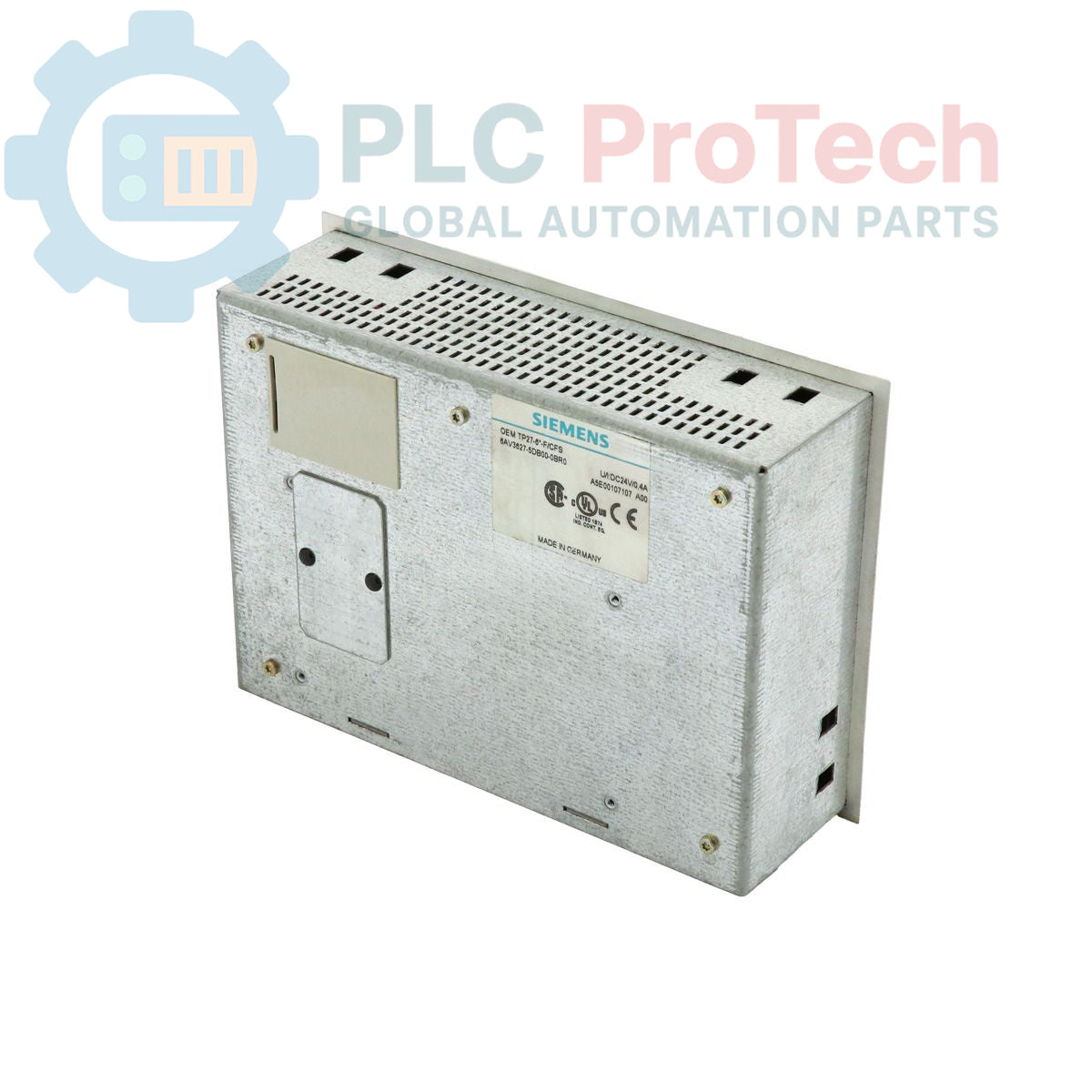
Description
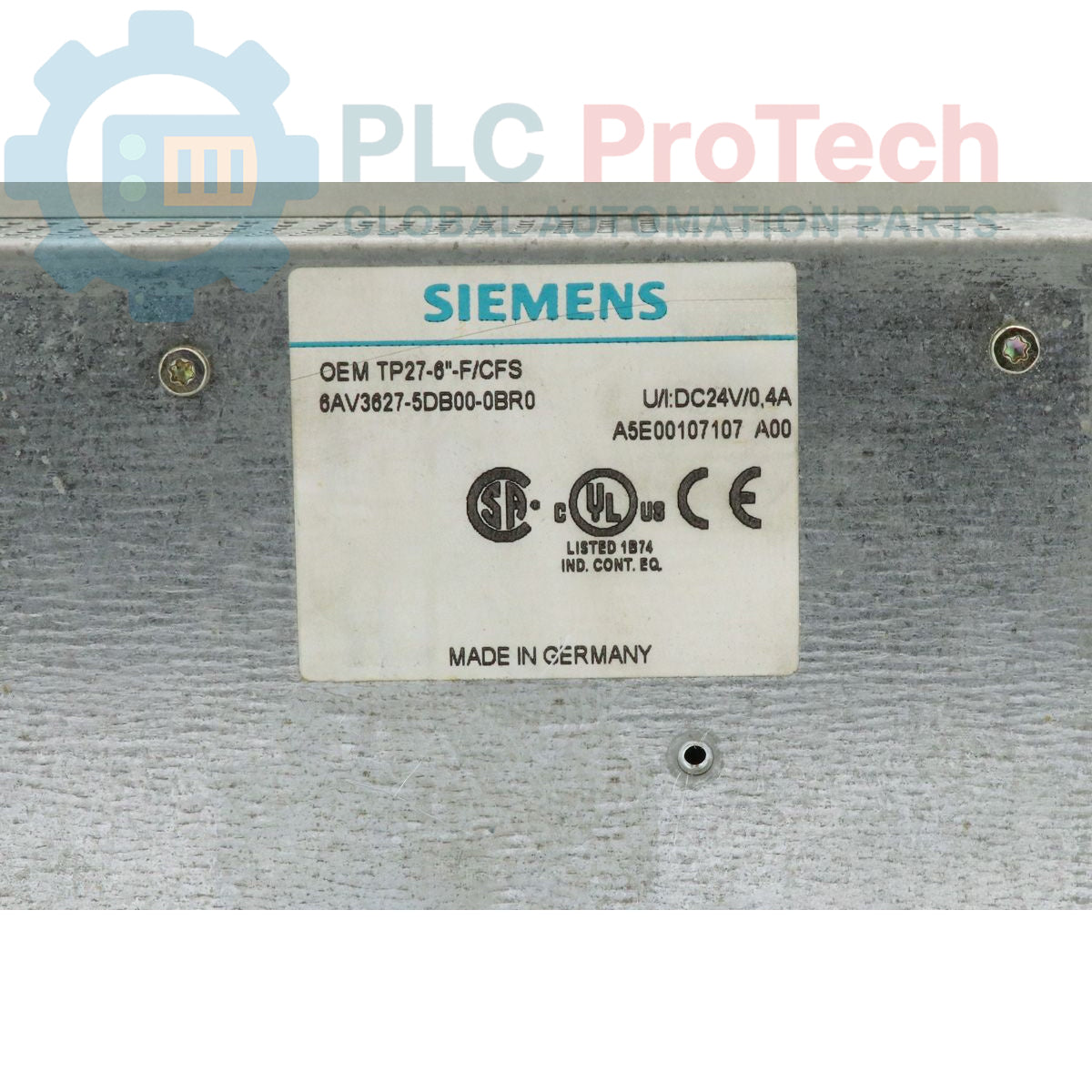
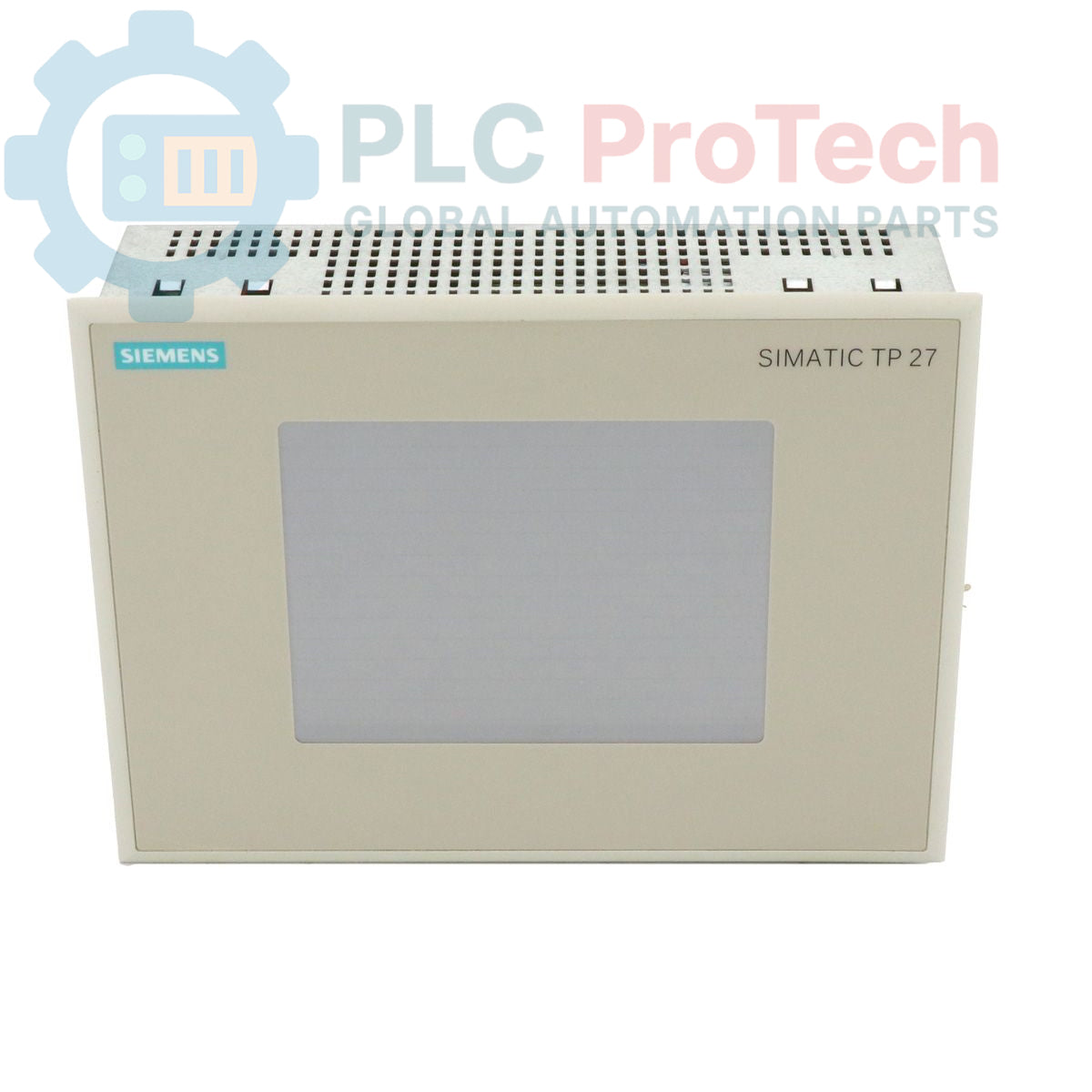
The Siemens 6AV3627-5DB00-0BR0 is a SIMATIC HMI TP37 Series Touch Panel, identified as a customer-specific design version B of the TP27-6 Color touch panel (6AV3627-1QK00-2AX0). This unit is delivered with a standard front, providing human-machine interface capabilities for industrial applications. It is part of the SIMATIC HMI range, designed for process visualization and operator control in automation systems.
Features
- Siemens SIMATIC HMI TP37 Series Touch Panel
- Customer-specific design version B
- Based on the TP27-6 Color touch panel (6AV3627-1QK00-2AX0)
- Delivered with a standard front
- Color display for enhanced visualization
Applications
The Siemens 6AV3627-5DB00-0BR0 is suitable for various industrial applications requiring operator interaction and process visualization, including:
- Machine operation and control
- Process monitoring and data display
- System diagnostics and alarm management
- Data input and parameter adjustment in automated environments
Technical Specifications
| Brand |
Siemens |
| Manufacturer |
Siemens |
| Range |
SIMATIC HMI |
| Subrange |
TP37 series |
| Type of Product |
Touch Panel |
| Product Phase |
Obsolete |
| Package Dimensions (Calculated) |
59.00 x 39.00 x 23.00 cm |
| Shipping Weight |
1.80 kg |
| Commodity Code |
85371091 |
| Export Control Regulations (ECCN) |
N |
Installation Guidelines
-
De-energize System: Ensure all power to the control cabinet or machine is disconnected before commencing installation.
-
Panel Mounting: Prepare the necessary cutout in the control panel according to the dimensions specified for the TP37 series. Secure the touch panel using appropriate mounting hardware to ensure a stable and sealed fit.
-
Power Connection: Connect the power supply cables to the designated terminals, observing correct polarity. Verify the voltage supply matches the panel's requirements.
-
Communication Wiring: Connect communication cables (e.g., for PLC connection) to the appropriate interfaces. Ensure proper shielding and grounding practices are followed to minimize interference.
-
Grounding: Establish a robust ground connection for the panel chassis to the control cabinet's protective earth.
-
Cable Routing: Route all cables to prevent strain, abrasion, and interference with other components. Use cable ties and conduits where necessary.
-
System Re-energization: After all connections are verified, re-energize the system and perform functional tests to confirm proper operation of the HMI.