Description
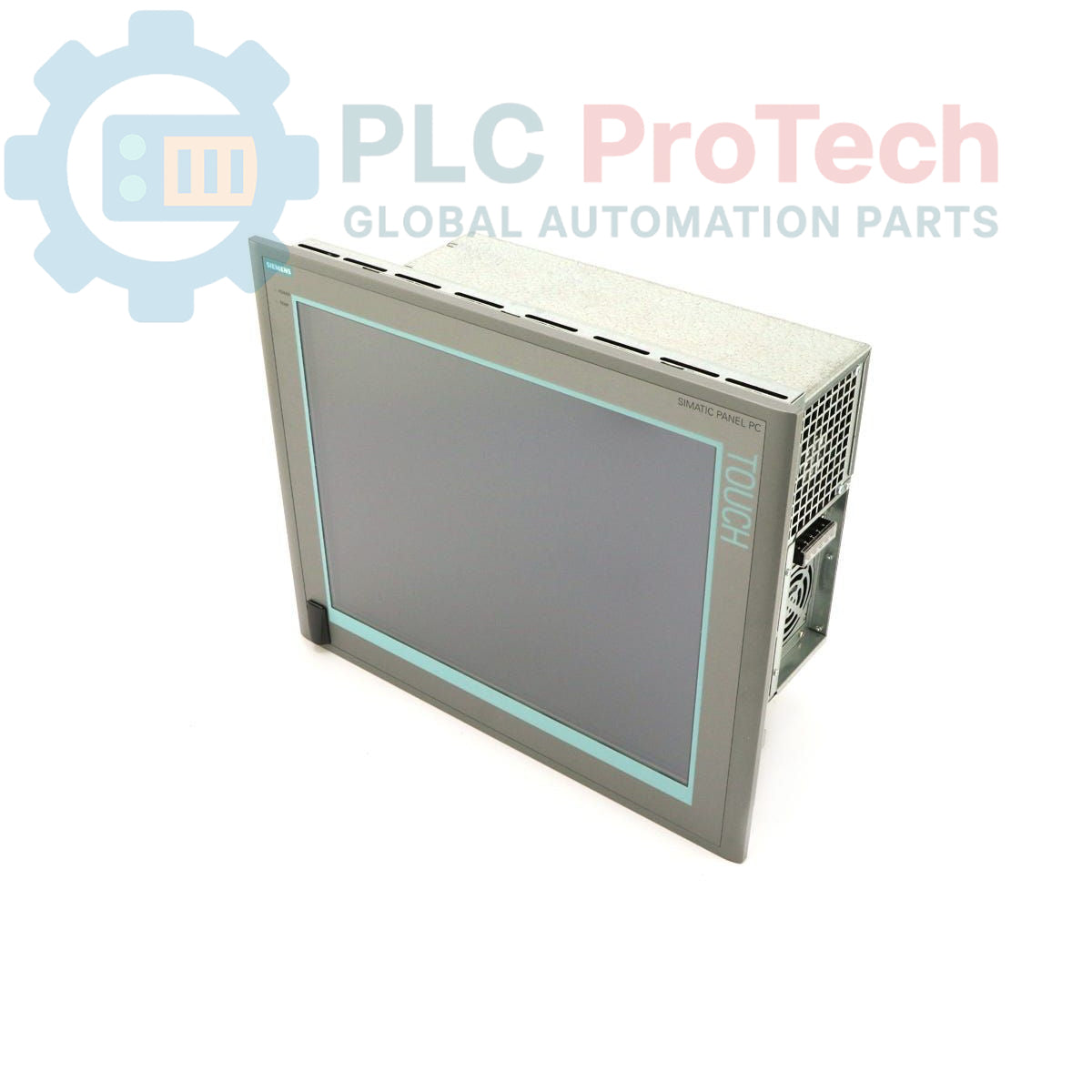
This is a Siemens 6AV7812-0BA00-2AB0 SIMATIC Panel PC 877, an industrial-grade human-machine interface (HMI) designed for demanding automation environments. It features a 15-inch touch display with a 1024x768 resolution, powered by an Intel Celeron 2.0 GHz processor. The unit is equipped with 256 MB of DDR266 SDRAM, a 40 GB EIDE hard disk drive, and a versatile CD-R/RW/DVD combo drive for data handling. A convenient front-side USB interface allows for easy connection of peripherals. This model comes pre-installed with Windows 2000 Professional Multi-Language User Interface (MUI), supporting a wide range of languages for global deployment.
Features
- 15-inch color touch display with 1024x768 pixel resolution.
- Integrated Intel Celeron 2.0 GHz processor with a 400 MHz Front Side Bus (FSB).
- Front-accessible USB interface for convenient peripheral connection.
- Includes a 40 GB EIDE hard disk drive and a CD-R/RW/DVD combo drive.
- Pre-installed with Windows 2000 Professional Multi-Language User Interface (MUI).
- Wide-range AC power supply (110-230V AC) suitable for various industrial grids.
Applications
- Machine control and process visualization.
- Supervisory Control and Data Acquisition (SCADA) client stations.
- Data logging and reporting in manufacturing facilities.
- Operator panels in factory automation and assembly lines.
Technical Specifications
| Specification |
Value |
| Manufacturer |
Siemens |
| Product Series |
SIMATIC Panel PC 877 |
| Display |
15-inch Touch Screen |
| Resolution |
1024 x 768 pixels |
| Processor |
Intel Celeron 2.0 GHz |
| Front Side Bus (FSB) |
400 MHz |
| Cache |
128KB SLC |
| Memory |
256 MB DDR266 SDRAM (1x256MB) |
| Storage (HDD) |
40 GB EIDE 3.5" |
| Optical Drive |
CD-R/RW/DVD (Combo) |
| Interfaces |
Front Side USB |
| Power Supply |
110-230V AC (Includes Europe power cable) |
| Operating System |
Windows 2000 Professional MUI (EN, GE, FR, IT, SP, JP, CHN, KOR) |
| Product Lifecycle Phase |
Obsolete |
| Shipping Weight |
17.00 kg |
| Package Dimensions (Calculated) |
60.0 x 56.5 x 30.0 cm |
| Country of Origin |
Germany (Estimate) |
Installation Guidelines
CRITICAL WARNING: Electrical Hazard. Installation must be performed by qualified personnel only. Failure to follow safety procedures can result in equipment damage, serious injury, or death. Always disconnect and lock out all power sources before installation or maintenance.
-
1
De-energize the control cabinet and all related equipment. Apply appropriate Lockout/Tagout (LOTO) procedures to prevent accidental re-energization.
-
2
Verify that the available supply voltage is within the unit's specified range of 110-230V AC. Use a calibrated multimeter for verification.
-
3
Mount the Panel PC into the designated panel cutout. Ensure all mounting clamps are tightened evenly to create a secure, uniform seal against the enclosure surface.
-
4
Connect the included European power cable to the unit's power inlet and to a properly grounded AC power source. Ensure the connection is secure.
-
5
Connect all required communication and peripheral cables (e.g., Ethernet, USB, serial) to their respective ports. Ensure proper cable strain relief.
-
6
After verifying all connections are correct and secure, remove LOTO devices and restore power to the cabinet to commission the Panel PC.