


AKS 33 vs AKS 3000: Checks Before Replacing a Pressure Transmitter
A field checklist for distinguishing Danfoss 060G2105, 060G1323 and 060G2109 by pressure range, fitting, loop signal and controller scaling.
Manufacturer: Siemens
Product No.: 6ES7151-7AA21-0AB0
Country of origin:Germany
Product Type: PLC Interface Modules
Barcode: 85371091
Payment: T/T, Western Union
Weight: 200g
Dimensions: 6.0 x 12.0 x 7.5 cm
Shipping port: Xiamen
Warranty: 12 months
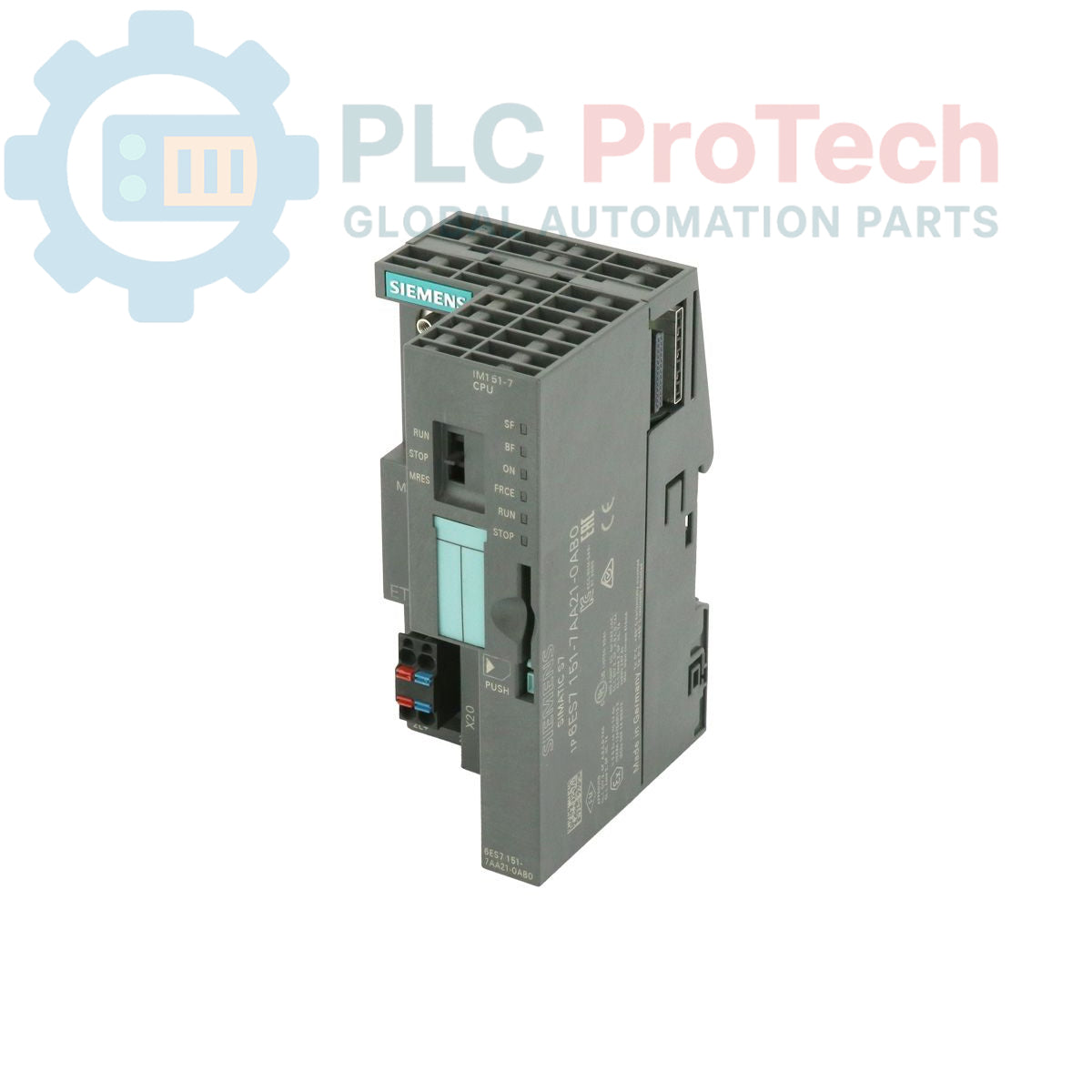
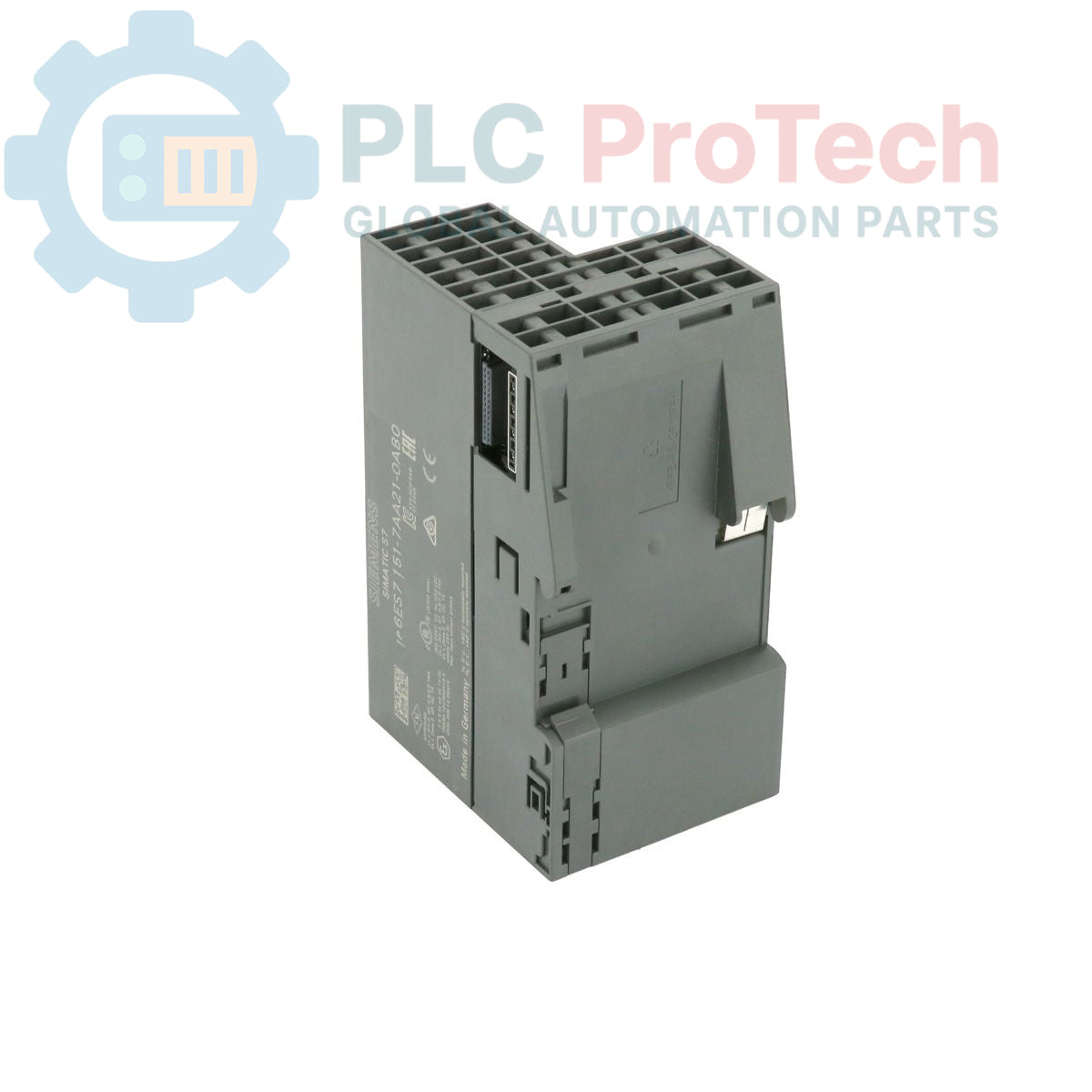
The Siemens 6ES7151-7AA21-0AB0 is an IM151-7 CPU interface module designed for the SIMATIC ET 200S distributed I/O system. This module integrates control functionality directly into the I/O station, featuring 128 KB of work memory for program execution and data processing. It operates as a PROFIBUS DP slave on the network, connecting via an integrated 9-pole D-sub socket. The unit requires a separate SIMATIC Micro Memory Card (MMC) for operation and is designed to function without a backup battery, simplifying maintenance.
| Manufacturer | Siemens |
| Part Number | 6ES7151-7AA21-0AB0 |
| Product Family | SIMATIC ET 200S |
| Module Type | IM151-7 CPU Interface Module |
| Work Memory | 128 KB |
| Communication Protocol | PROFIBUS DP (Slave) |
| Physical Interface | 9-pole D-sub socket |
| Memory Card Requirement | SIMATIC MMC (not included) |
| Power Source | Battery-free operation |
| Product Lifecycle Status | Phase-Out |
| Shipping Weight | 0.20 kg |
| Package Dimensions (W x H x D) | 6.00 x 11.95 x 7.50 cm |
| Harmonized Tariff Code | 85371091 |
| ECCN | EAR99 |
| Country of Origin | Germany (Estimate) |


Global Express Shipping
Returns & Warranty






Global Express Shipping
Returns & Warranty
Orders are processed and delivered Monday-Friday (excluding public holidays).
For full eligibility, restocking fees, and international return details, please view our official Refund & Return Policy .
| Country of origin |
Germany
|

A field checklist for distinguishing Danfoss 060G2105, 060G1323 and 060G2109 by pressure range, fitting, loop signal and controller scaling.

A field checklist for separating 24 VDC input, carrier bus, output derating and alarm-contact faults before replacing an Emerson SE5009.

A controlled commissioning method for using the 140XSM00200 simulator to verify Modicon Quantum input mapping and interlocks before reconnecting field wiring.

A commissioning checklist for the ProSoft PLX32-EIP-MBTCP covering subnet separation, register contracts, EtherNet/IP timing, failure tests and replacement records.

A field checklist for IC693MDL916 relay commands, terminal blocks, load current, switching rate and contact-side measurements.

A field checklist for KL1512 signal thresholds, counter direction, process data and the KL1512-to-KS1512 wiring difference.