Siemens

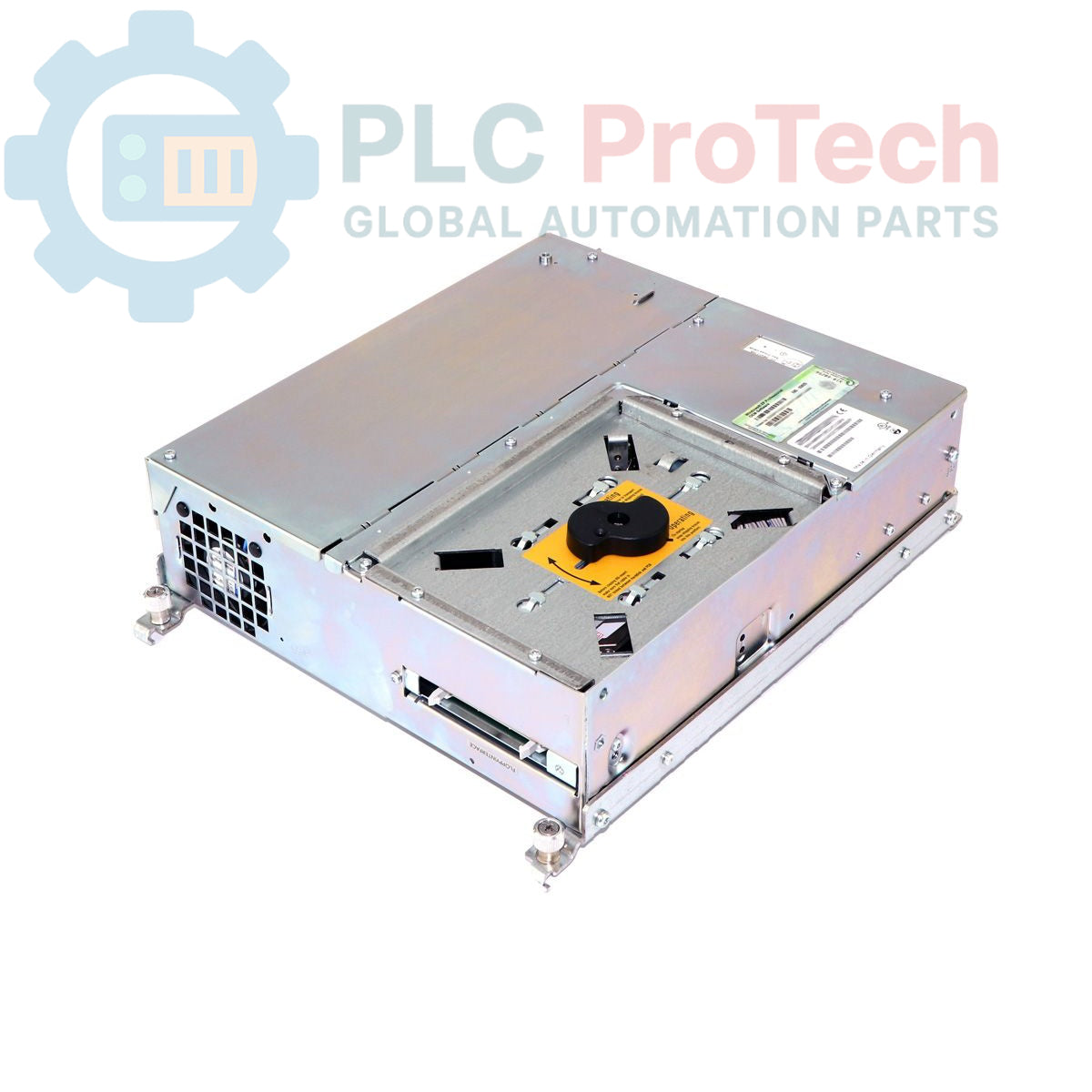
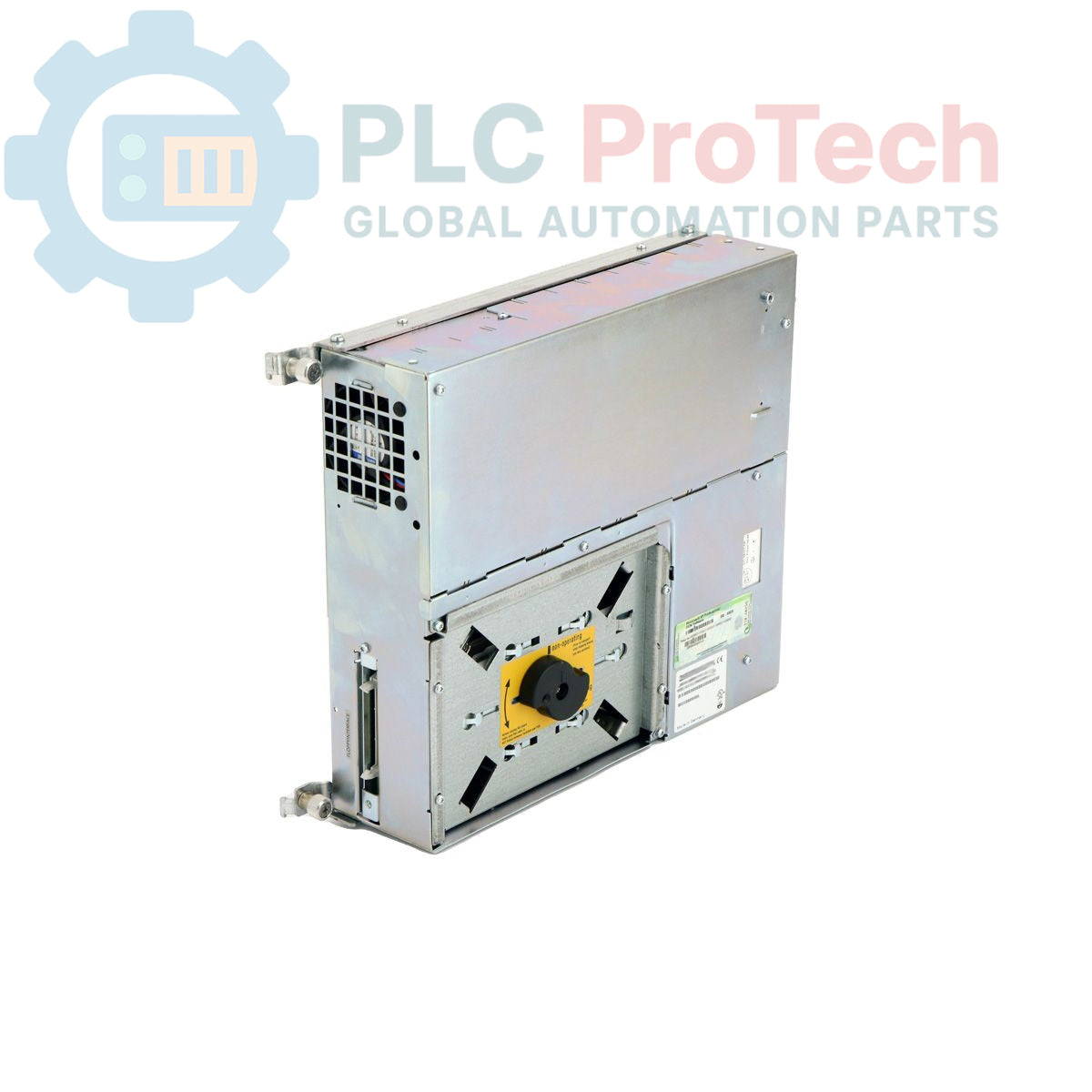
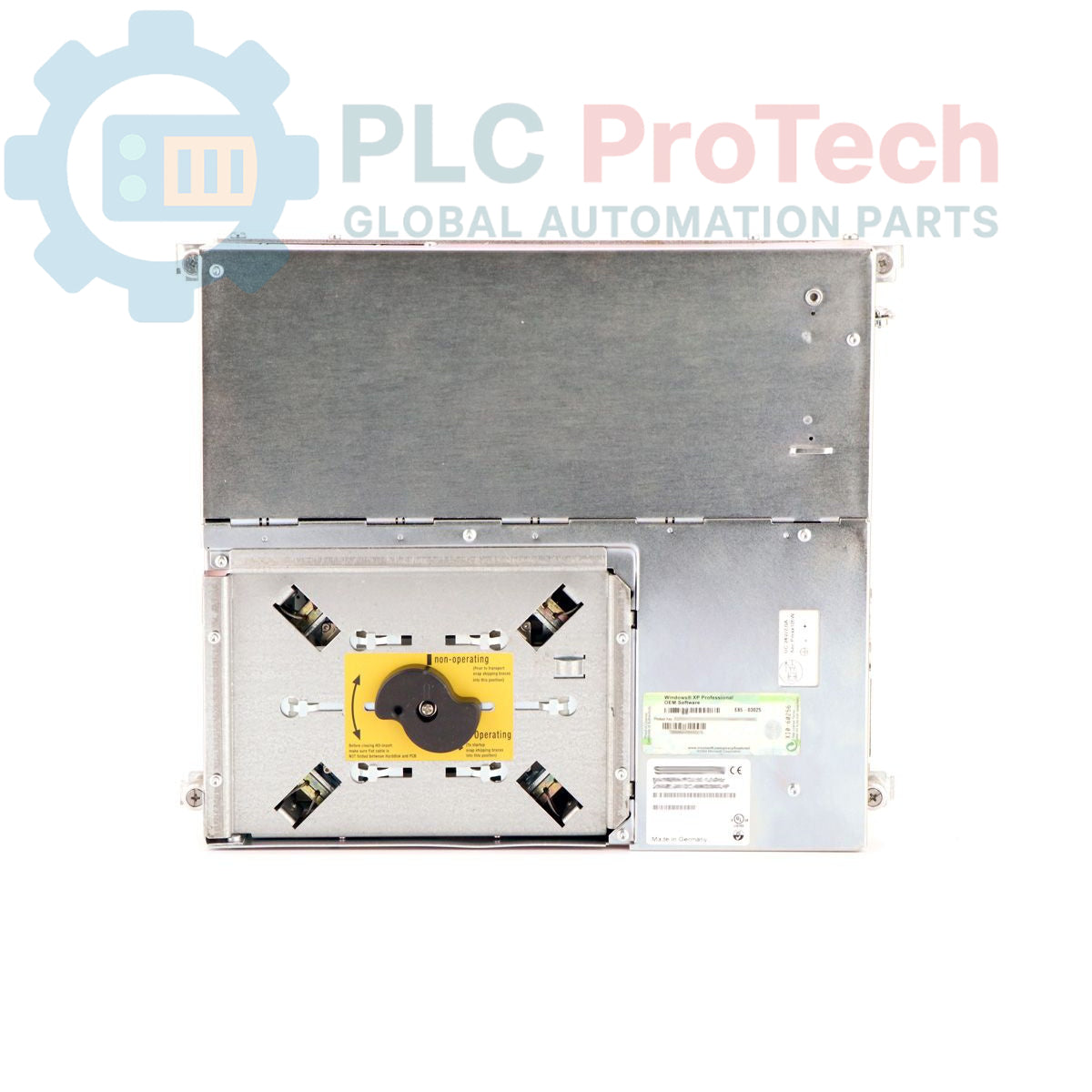
Siemens 6ES7647-5AG04-3AX0 SIMATIC BOX PC 620 Industrial PC

SKU 6ES7647-5AG04-3AX0

In stock
  • 12-month warranty
  • Free returns within 30 days
  • Manufacturer: Siemens

  • Product No.: 6ES7647-5AG04-3AX0

  • Country of origin:Germany

  • Product Type: Industrial PC

  • Barcode: 85371091

  • Payment: T/T, Western Union

  • Weight: 7050g

  • Dimensions: 45.0 x 47.5 x 27.0 cm

  • Shipping port: Xiamen

  • Warranty: 12 months

Description

The Siemens 6ES7647-5AG04-3AX0 is a SIMATIC BOX PC 620 designed for industrial control and visualization applications. This unit is equipped with a Celeron 566 MHz processor, 64 MB of SDRAM-133, and a 40 GB EIDE hard drive. Connectivity is provided through onboard 10/100 Mbit/s Ethernet, a PROFIBUS/MPI interface operating at 12 Mbit/s, two USB ports, and a TTY port. The system includes integrated AGP graphics and features for industrial reliability such as a watchdog timer and temperature monitoring. It is powered by a 110/230V AC industrial power supply and comes pre-installed with MS-DOS 6.22.

Features

  • Processor: Celeron 566 MHz with 128 KB SLC
  • Memory: 64 MB SDRAM-133 RAM
  • Storage: 40 GB EIDE Hard Disk Drive (HDD)
  • Graphics: Onboard AGP with configurable 8/16/32 MB memory
  • Fieldbus Interface: PROFIBUS/MPI at 12 Mbit/s
  • Network: 10/100 Mbit/s Ethernet (RJ45)
  • Expansion Slots: 1x PCI, 1x ISA/PCI, 1x PC Card (PCMCIA Type 3)
  • System Monitoring: Integrated watchdog timer and temperature monitoring
  • Power Supply: 110/230V AC industrial power pack with NAMUR

Applications

  • Human-Machine Interface (HMI) systems
  • Supervisory Control and Data Acquisition (SCADA) nodes
  • Industrial data logging and archiving
  • Machine-level control and automation tasks
  • Process visualization and monitoring

Technical Specifications

Specification Value
Manufacturer Siemens
Product Series SIMATIC BOX PC 620
Processor Celeron 566 MHz
Processor Cache 128 KB SLC
Memory (RAM) 64 MB SDRAM-133
Storage 40 GB HDD EIDE
Graphics Onboard AGP, 8/16/32 MB configurable
Ethernet Port 1x 10/100 Mbit/s (RJ45)
Fieldbus Port PROFIBUS/MPI, 12 Mbit/s
Serial Port TTY
USB Ports 2
Expansion Slots 1x PCI, 1x ISA/PCI
Card Slot PC Card (PCMCIA Type 3)
Power Supply 110/230V AC, 85 A Industry Power Pack with NAMUR
Pre-installed OS MS-DOS 6.22 (English)
Included Accessories FDD Adapter, UK Power Cable
Product Lifecycle Status Obsolete
Shipping Weight 7.05 kg
Package Dimensions (Calculated) 45.0 x 47.5 x 27.0 cm
Country of Origin Germany (Estimated)

Installation Guidelines

CRITICAL WARNING: Electrical Hazard. Disconnect and lock out all power sources before installation or maintenance. Work must be performed by qualified personnel only. Failure to comply can result in severe injury or death.
  1. 1
    Site Preparation: Ensure the mounting location provides adequate clearance for ventilation on all sides of the PC chassis. The environment must be within the specified operating temperature range and free from excessive vibration or contaminants.
  2. 2
    Chassis Mounting: Securely fasten the Box PC to the panel or mounting surface using all provided mounting points. Verify the unit is level and stable.
  3. 3
    Grounding: Connect the chassis protective earth (PE) terminal to the main panel ground using a low-impedance conductor. A reliable ground connection is essential for safety and noise immunity.
  4. 4
    Power Connection: With the main power off, connect the provided AC power cable to the unit's power inlet and to a properly rated and protected AC power source. Ensure the source voltage matches the 110/230V AC rating.
  5. 5
    I/O Connections: Connect PROFIBUS/MPI, Ethernet, USB, and any other required peripheral cables. Ensure all connectors are fully seated and secured. Use shielded cables for all data communication lines.
  6. 6
    Final Checks and Power-Up: Close the control panel door. Restore power to the circuit and switch on the PC. Verify that the system boots into the MS-DOS operating system and that all status indicators are normal.
Quantity
Shipping & Returns

Global Express Shipping

  • Standard Delivery: 4–6 business days via DHL, FedEx, and UPS.
  • Express Dispatch: Same-day dispatch for in-stock orders placed before 2:00 PM (GMT+8).
  • Worldwide Coverage: Serving over 150 countries.

Returns & Warranty

  • 30-Day Guarantee: Returns accepted for in-stock products in original, factory-sealed packaging.
  • 12-Month Warranty: Every industrial component is backed by our technical warranty.
Reviews
1 of 10
Only 5 item(s) left in stock
Quantity
View full details

Global Express Shipping

  • Standard Delivery: 4-6 Business Days via DHL, FedEx, and UPS.
  • Express Dispatch: Same-day dispatch for in-stock orders placed before 2:00 PM (GMT+8).
  • Worldwide Coverage: Serving over 150 countries, including rapid delivery to Saudi Arabia and UAE.

Returns & Warranty

  • 30-Day Guarantee: Returns accepted for in-stock products in original, factory-sealed packaging.
  • 12-Month Warranty: Every industrial component is backed by our professional technical warranty.

Orders are processed and delivered Monday-Friday (excluding public holidays).


For full eligibility, restocking fees, and international return details, please view our official Refund & Return Policy .

TECHNICAL SPECIFICATIONS

Country of origin
Germany

Technical knowledge

Commissioning PLX32-EIP-MBTCP: Subnets, Registers, and RPI

A commissioning checklist for the ProSoft PLX32-EIP-MBTCP covering subnet separation, register contracts, EtherNet/IP timing, failure tests and replacement records.

Diagnosing IC693MDL916 Relay Outputs Before Module Replacement

A field checklist for IC693MDL916 relay commands, terminal blocks, load current, switching rate and contact-side measurements.

Troubleshooting Beckhoff KL1512 Counter Inputs and Mapping

A field checklist for KL1512 signal thresholds, counter direction, process data and the KL1512-to-KS1512 wiring difference.

Troubleshooting Beckhoff EPP2008-0001 Output Faults

A field checklist for EPP2008-0001 current limits, supply voltage, channel LEDs, connector coding and load-related output faults.

Moving TwinCAT 3 Licenses with C9900-L100: Build and Device Checks

Before moving a TwinCAT 3 license with a Beckhoff C9900-L100, verify the TwinCAT build, XML device description, exact order code and cabinet limits.

Replacing a Beckhoff EL4032: Wiring and Output Checks

A field checklist for replacing a Beckhoff EL4032, covering the ±10 V load, terminal map, power contacts, EtherCAT state, and watchdog behavior.