Description
The Siemens
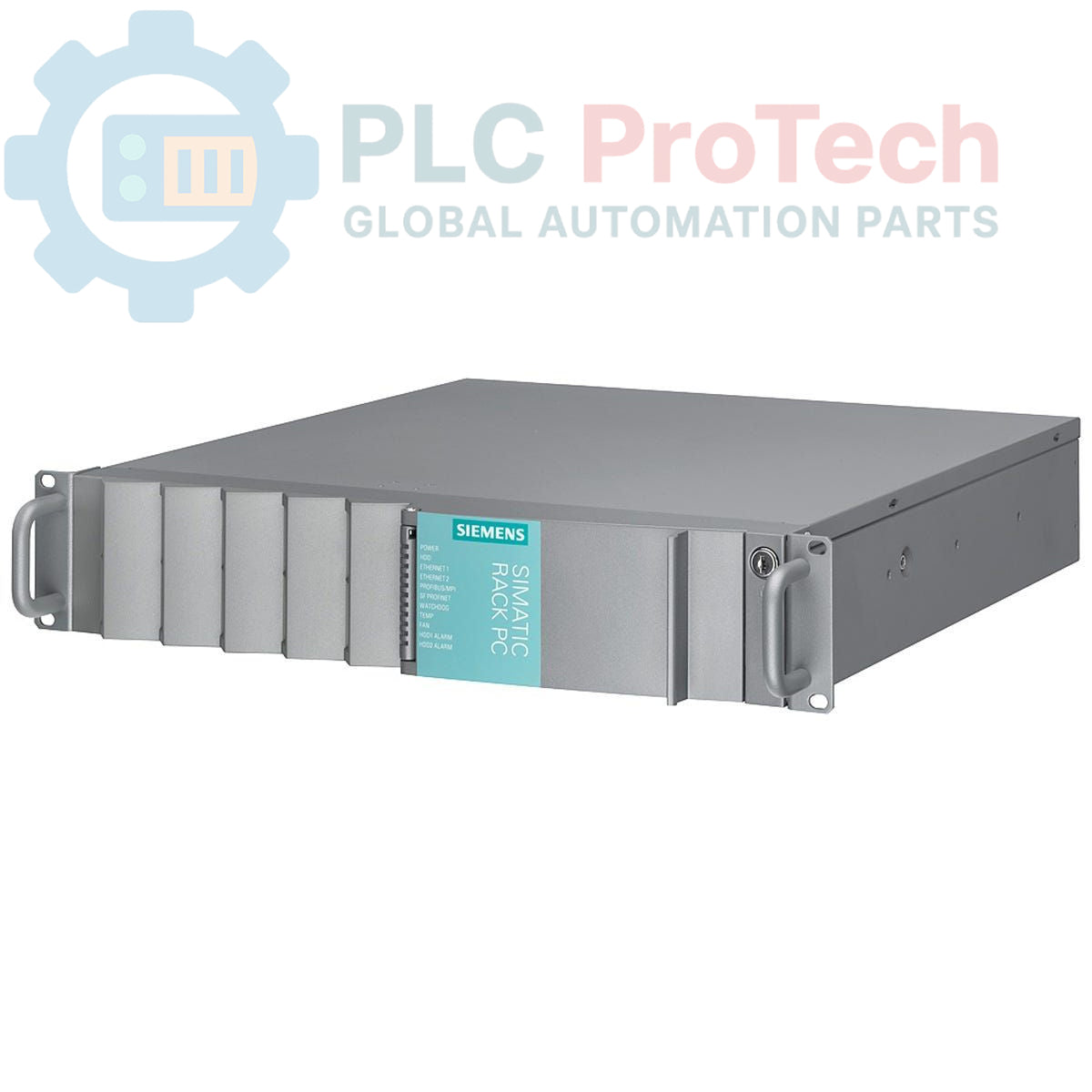
6ES7660-1BD38-1DA2 is a SIMATIC PCS 7 Industrial Workstation, specifically an
IPC647C model. This rack-mounted industrial PC is configured as an ES/OS Single Station, featuring an
Intel Core i7-610E processor (2C/4T, 2.53 GHz, 4MB Cache, with Turbo Boost, VT-x, VT-d, and EM64-T support). For data storage, it includes a
RAID1 configuration with two 500 GB SATA hard disk drives, supporting a removable disk with hot-swap capability, mounted on the front side. The workstation is equipped with
8 GB DDR3 SDRAM, arranged as two 4 GB DIMM modules.
Features
- Intel Core i7-610E processor (2C/4T, 2.53 GHz, 4MB Cache, TB, VT-x, VT-d, EM64-T)
- RAID1 storage configuration with 2 x 500 GB SATA HDDs
- Removable disk with hot-swap functionality, frontside mounted
- 8 GB DDR3 SDRAM (2 x 4 GB)
- Designed for SIMATIC PCS 7 ES/OS Single Station applications
Applications
- SIMATIC PCS 7 Engineering Station (ES)
- SIMATIC PCS 7 Operator Station (OS)
- Industrial process control systems
- Data acquisition and processing in industrial environments
- Human-Machine Interface (HMI) applications requiring robust computing
Technical Specifications
| Manufacturer |
Siemens |
| Range |
Simatic Rack PC |
| Subrange |
IPC |
| Type of Product |
Industrial Workstation (Racks) |
| PLM Product Phase |
Phase-Out |
| Processor |
Intel Core i7-610E (2C/4T, 2.53 GHz, 4MB Cache, TB, VT-x, VT-d, EM64-T) |
| Storage |
RAID1 (2 x 500 GB HDD SATA), Removable Disk, Hot Swap |
| Memory |
8 GB DDR3 SDRAM (2 x 4 GB), DIMM |
| Package Dimensions (Calculated) |
64.00 x 64.00 x 42.00 cm |
| Shipping Weight |
15.00 kg |
| Commodity Code |
85371091 |
| Export Control Regulations (ECCN) |
N |
Installation Guidelines
-
De-energize System: Ensure all power to the rack and associated equipment is disconnected before installation.
-
Mounting: Securely install the workstation into a standard industrial rack. Ensure all mounting screws are tightened to prevent vibration and movement. The unit is designed for frontside mounting.
-
Power Connection: Connect the power supply cable(s) to the designated power input terminals. Verify correct voltage and polarity according to system requirements.
-
Peripheral Connections: Connect necessary peripherals such as monitors, keyboards, mice, and network cables to the appropriate ports.
-
Grounding: Establish a proper protective earth (PE) connection to the workstation chassis to ensure electrical safety and minimize electromagnetic interference.
-
Cooling: Ensure adequate airflow around the workstation for proper cooling. Do not obstruct ventilation openings.
-
System Startup: After all connections are verified, re-energize the system and follow the manufacturer's startup procedure for the SIMATIC PCS 7 workstation.