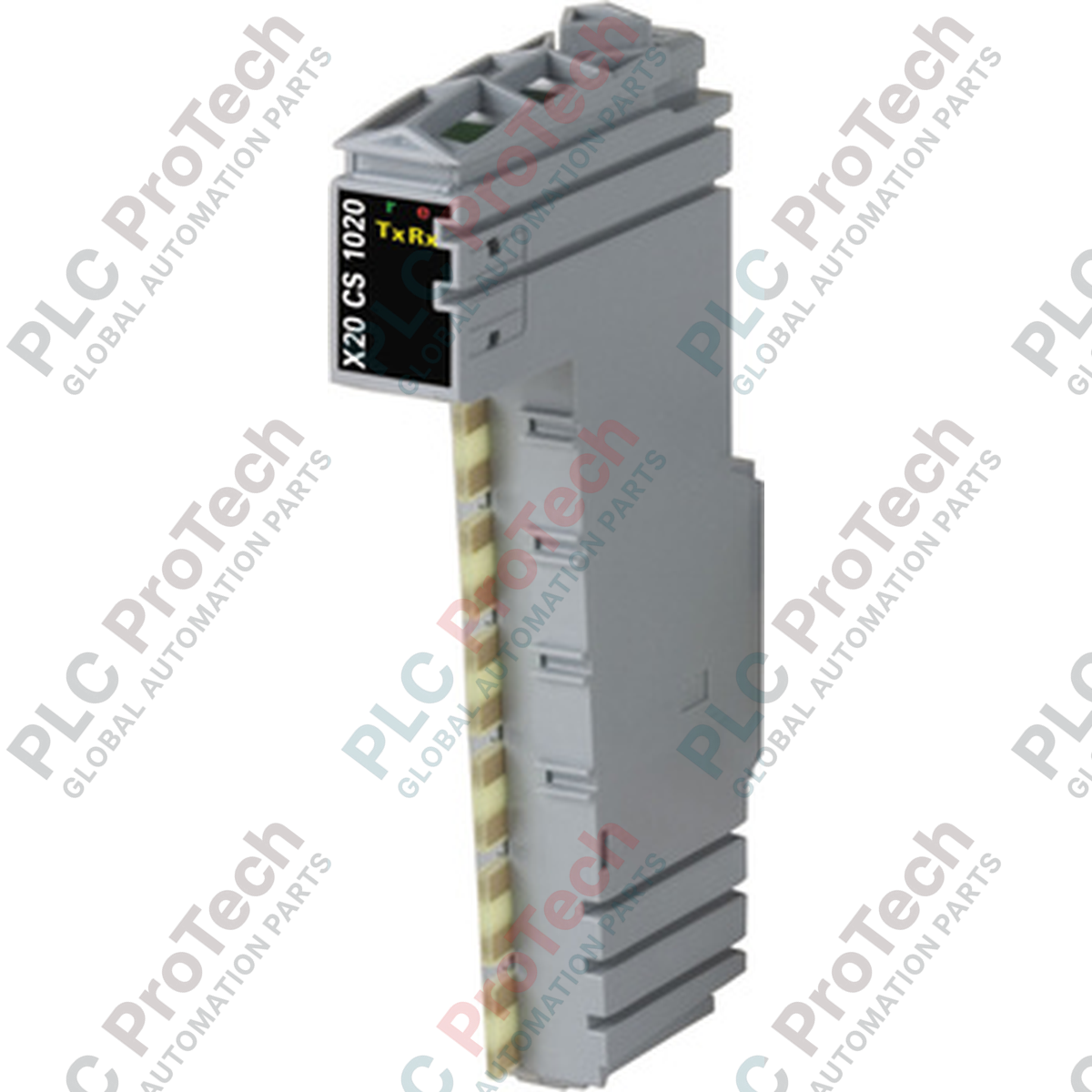
Product Overview
The X20CS1020 (X20CS1020) is a high-performance serial communication module designed to integrate complex peripheral devices into the B&R X20 System environment. Equipped with a standard RS232 interface, this module facilitates seamless bidirectional data exchange between the X20 PLC and external hardware such as barcode scanners, printers, weighing scales, and remote diagnostic terminals. In large-scale industrial automation architectures, the X20CS1020 acts as a critical bridge, providing a reliable asynchronous serial link that allows for the remote connection of intelligent third-party devices while maintaining the high-speed processing integrity of the backplane bus.
Technical Configuration
The X20CS1020 architecture is optimized for versatility and signal stability in electrically noisy industrial environments. It supports standard RS232 signal levels and is fully integrated into the B&R Automation Studio software environment, enabling straightforward configuration of baud rates, parity, and stop bits. The module occupies a single slot on the X20 backplane and features a compact design that does not compromise on performance. For complex data handling, the X20CS1020 utilizes internal buffer management to ensure that high-speed serial streams do not cause data loss during peak CPU scan cycles, making it suitable for mission-critical telemetry and localized machine-to-machine (M2M) communication.
Technical Specifications
| Parameter |
Specification |
| Model |
X20CS1020 |
| Brand |
B&R Industrial Automation |
| Series |
X20 System |
| Interface Type |
RS232 (Asynchronous Serial) |
| Bus Connection |
X20 Backplane Bus |
| I/O Configuration |
1x RS232 Interface |
| Diagnostic LED |
Integrated Status Indicators |
| Operating Temp |
0 to 55 Celsius |
| Mounting |
X20 Terminal Block/Bus Module |
| Product Weight |
0.15 kg (Base Unit) |
| Shipping Weight |
2.1 kg |
Technical FAQs
How do I configure the baud rate for the X20CS1020 in Automation Studio?
The communication parameters, including baud rate (up to 115.2 kbps), data bits, and parity, are set within the hardware configuration of the X20CS1020 module in Automation Studio. These settings are automatically downloaded to the module upon PLC startup.
Can this module be used for point-to-point remote connections?
Yes. The X20CS1020 is specifically designed for RS232 point-to-point communication. For longer distances or multi-drop requirements, an RS422/RS485 module (such as the X20CS1030) would be more appropriate, as RS232 is typically limited to cable lengths of 15 meters or less.
Does the module support hardware handshaking (RTS/CTS)?
The X20CS1020 supports standard RS232 signals. Depending on the terminal block used, it can facilitate hardware flow control (RTS/CTS) to prevent buffer overflows when communicating with slower peripheral devices like industrial printers or legacy modems.
Engineering & Installation Guide
-
Cable Length and Shielding: To ensure data integrity at high baud rates, always use high-quality shielded serial cables. The RS232 standard is susceptible to electromagnetic interference; therefore, avoid routing the communication cable parallel to high-power VFD output lines or 460 VAC motor leads. Ground the cable shield at the X20 terminal block to minimize noise.
-
Module Insertion and Bus Integrity: When installing the X20CS1020 onto the X20 bus, ensure the bus module and terminal block are correctly aligned. The module supports "hot plugging" within the constraints of the X20 system, but it is best practice to verify bus power status before insertion to prevent accidental communication timeouts on adjacent modules.
-
Terminal Block Selection: The X20CS1020 requires a compatible X20 terminal block. Ensure that the selected terminal block matches the required pinout for your RS232 device (typically TxD, RxD, and GND). If using hardware handshaking, ensure the terminal block provides the necessary auxiliary terminals for RTS/CTS signals.