Description
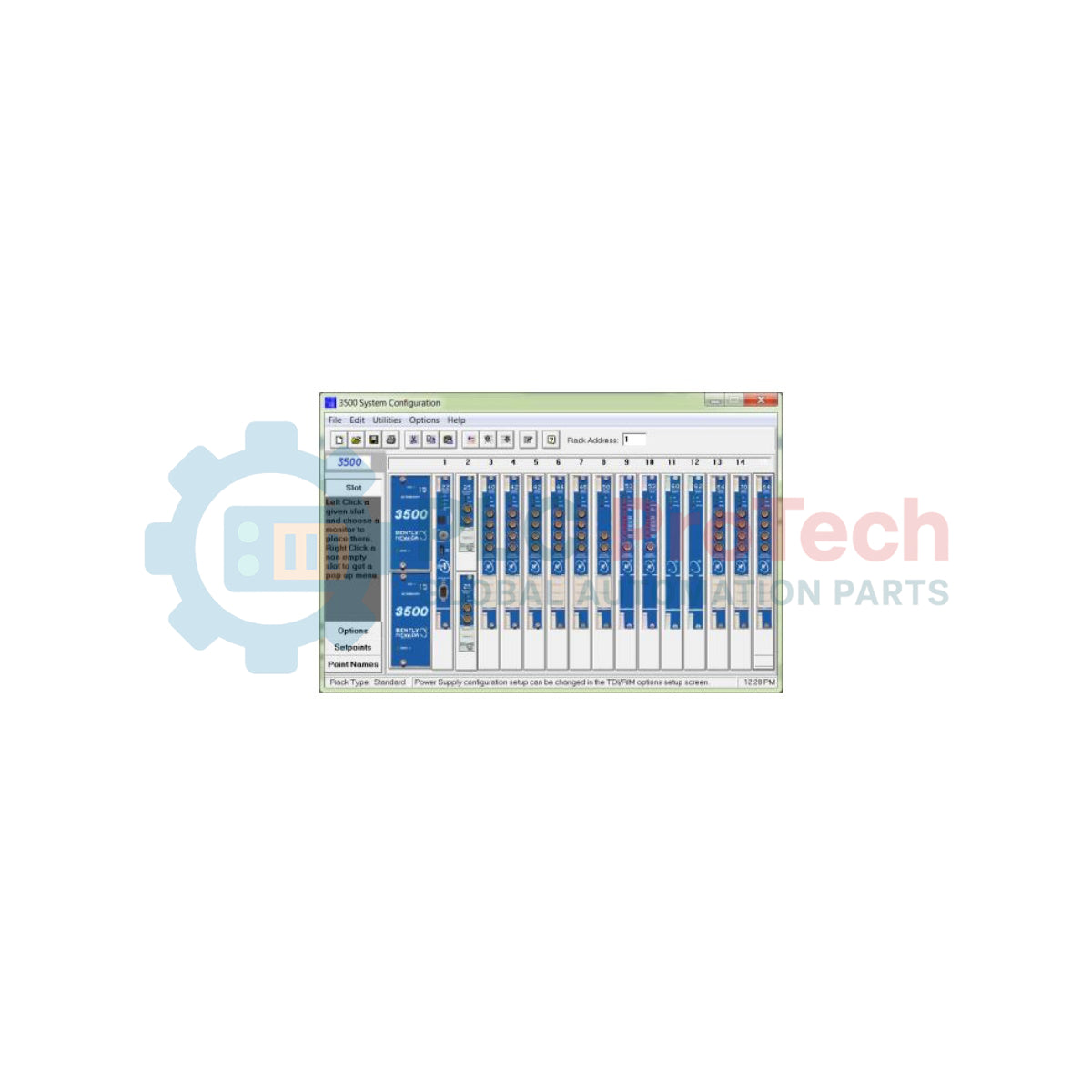
Designed to manage the operational parameters of the 3500 Machinery Protection System, this engineering utility enables systematic setup, calibration, and diagnostic reporting. The Bently Nevada 3500/01-01 package provides the comprehensive programming framework and reference documentation required to interface directly with rack interface modules, ensuring precise configuration of monitor options, alarm setpoints, and voting logic.
Operating as a central configuration hub, this software allows engineers to define channel characteristics, configure full scale ranges, establish alert and danger thresholds, and map logical relay outputs. The package includes the physical software media and the official reference manuals, enabling plant technicians to maintain strict compliance with industrial machinery protection standards.
Features
-
Comprehensive Rack Setup: Configures slot assignments, transducer inputs, and logical voting configurations across the entire 3500 rack.
-
Setpoint Management: Facilitates exact adjustment of Alert and Danger alarm limits with configurable time delays and hysteresis.
-
Hardware Verification: Direct integration diagnostics verify that installed physical modules match software configuration definitions.
-
Security Levels: Supports multi-level password protection to prevent unauthorized modification of critical machinery protection setpoints.
-
Detailed Event Logging: Enables extraction and analysis of system event lists and alarm histories directly from the Rack Interface Module.
Applications
-
Rotating Machinery Diagnostics: Critical configuration of vibration, thrust, and temperature monitors on large turbines, compressors, and generators.
-
Heavy Industrial Automation: Deployments within power generation facilities, petrochemical plants, and oil and gas refineries.
-
Predictive Maintenance Integration: Aligning local machinery trip logic with plant-wide DCS/SCADA architectures.
Technical Specifications Table
| Parameter |
Specification Value |
| Manufacturer |
Bently Nevada |
| Product Code |
3500/01-01 |
| System Compatibility |
Bently Nevada 3500 Machinery Protection System |
| Package Contents |
Configuration Software Media & Configuration Manual Set |
| Interface Requirements |
3500/20 Rack Interface Module (RIM) or 3500/22M Transient Data Interface (TDI) |
| Country of Origin |
United States (U.S.A.) |
| Shipping Weight (Calculated) |
8.0 kg (17.6 lbs) |
Empirical Engineering Insights
Alternative Models & Compatibility
The 3500/01-01 software serves as the standard programming baseline for legacy and modern 3500 installations. When migrating configuration files from older versions (such as DOS-based or early Windows releases), engineers must verify database file format mapping. Files saved under older software revisions must be systematically imported to prevent configuration corruption on newer Rack Interface Modules (RIM/TDI).
Application Pitfalls & Engineering Notes
A common issue in active industrial facilities involves parameter mismatches between the configuration file and the physical module firmware. If a module's firmware is newer than the software's definition file database, certain advanced options (such as specific transducer types or filter frequencies) may fail to compile or deploy, locking out configuration updates until the software is updated or module firmware is correctly matched.
Commissioning & Wiring Tips
When connecting an engineering workstation to the 3500 rack, ensure a dedicated, low-noise serial or Ethernet connection is established via the front or rear panels of the 3500/20 or 3500/22M interface module. Avoid active industrial networks with heavy broadcast traffic when executing configuration writes to prevent data packet collisions that can trigger timeout faults mid-upload.
Installation Guidelines
CRITICAL WARNING: Writing a new configuration to an active, online 3500 rack will temporarily inhibit protection monitoring and can cause alarm relays to change state. To prevent accidental plant shutdowns or safety interlock trips, always bypass or disable associated voting relays and verify the monitored machinery is in a stable, non-critical state before executing a configuration download.
1
Perform a full configuration backup (upload) of the existing rack settings to an external archive prior to editing any parameters.
2
Connect the engineering PC to the rack utility interface using an authorized communication cable (serial or Ethernet direct crossover).
3
Establish the connection, verify password access, run a self-test diagnostic on the rack, and proceed to download the new parameter file.