Description
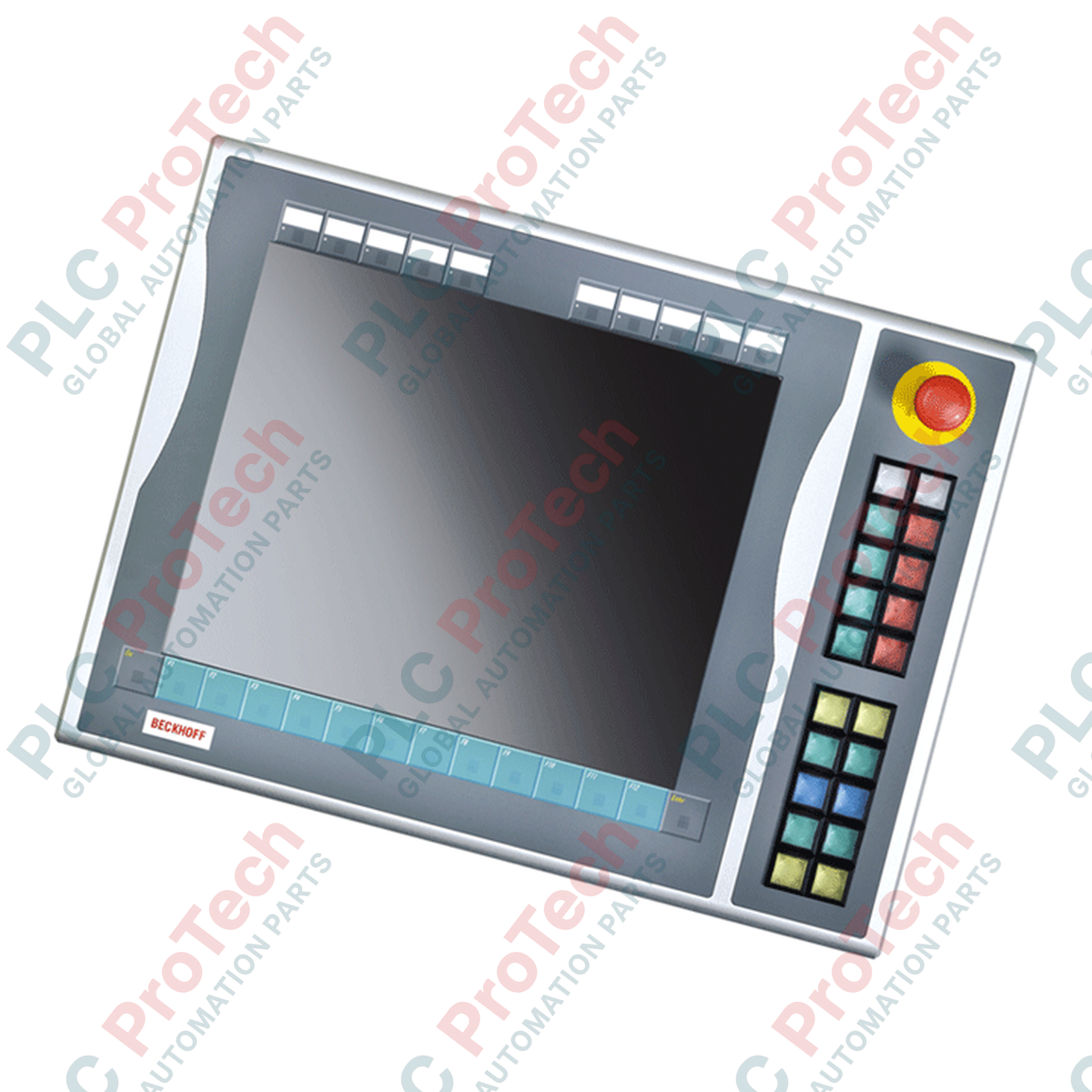
Designed for direct physical integration with 19-inch industrial control panels, the BECKHOFF C9900-E535 push-button extension module expands local operator control capabilities on CP6x13-00xx and CP7x13-00xx systems. This right-side mounted extension provides direct, tactile machine-level control without requiring separate enclosure cutouts.
The C9900-E535 features 20 illuminated push-buttons and a dedicated emergency stop switch. To ensure robust reliability, the device utilizes a dual-interface transmission design: control signals and lamp states are carried over a USB connection, while a secondary physical terminal strip allows for direct, hardwired integration into safety PLC circuits and safety relays.
Features
- Specifically engineered for right-side mounting on BECKHOFF CP6x13-00xx and CP7x13-00xx 19-inch Control Panels and Panel PCs.
- Equipped with 20 high-tactile square push-buttons (30 x 30 mm, Siemens Signum series) featuring integrated signal lamps.
- Includes 1 heavy-duty, directly wireable Siemens Signum emergency stop button for safety-critical operations.
- Exchangeable label inserts allow customized engraving or marking for each push-button cap.
- Hybrid communication interface transmits the primary normally-open (NO) contact and signal lamp control over USB, while offering a secondary NO contact directly on a terminal row for hardware-level wiring.
Applications
- Heavy machine-tool control stations
- Automotive assembly lines
- Process control operator desks
- Material handling systems requiring local manual override capabilities
Technical Specifications
Manufacturer
| BECKHOFF |
Part Number / Model
| C9900-E535 |
Compatible Control Panels
| CP6x13-00xx, CP7x13-00xx (19-inch display models with function keys) |
Mounting Position
| Right side |
Operator Keys
| 20 push-buttons with signal lamps (Siemens Signum, 30 x 30 mm) |
Emergency Stop
| 1 emergency stop button (Siemens Signum), directly wireable |
Primary Communication
| USB (carries first normally-open contact and signal lamp states) |
Auxiliary Connection
| Terminal strip (carries second normally-open contact for hardwiring) |
Approximate Shipping Weight
| 5 kg |
Connections and Interfaces
| Interface Type |
Connection Point |
Functional Assignment |
| USB Port |
Internal USB Cable |
Transmission of push-button contact 1 states and control of all indicator lamps. |
| Terminal Row |
Screw / Tension Clamp Terminals |
Direct physical connection for push-button contact 2 (normally-open) for external hardwired systems. |
| E-Stop Terminals |
Dedicated Terminal Block |
Independent safety circuit wiring for the Siemens Signum emergency stop switch. |
Installation Guidelines
-
Mounting: Attach securely to the right-hand profile of the compatible 19-inch BECKHOFF Control Panel using the mounting hardware specified in the system design manual.
-
Wiring: Route the USB cable alongside internal system cabling, ensuring proper strain relief and minimal tension on the connector.
-
Safety Hardwiring: The emergency stop button must be wired to a safety monitoring relay or safe input card using appropriate wire cross-sections in accordance with local safety standards.
-
Grounding: Ensure the mounting bracket makes clean metal-to-metal contact with the panel housing to maintain proper electromagnetic compatibility (EMC) shielding.