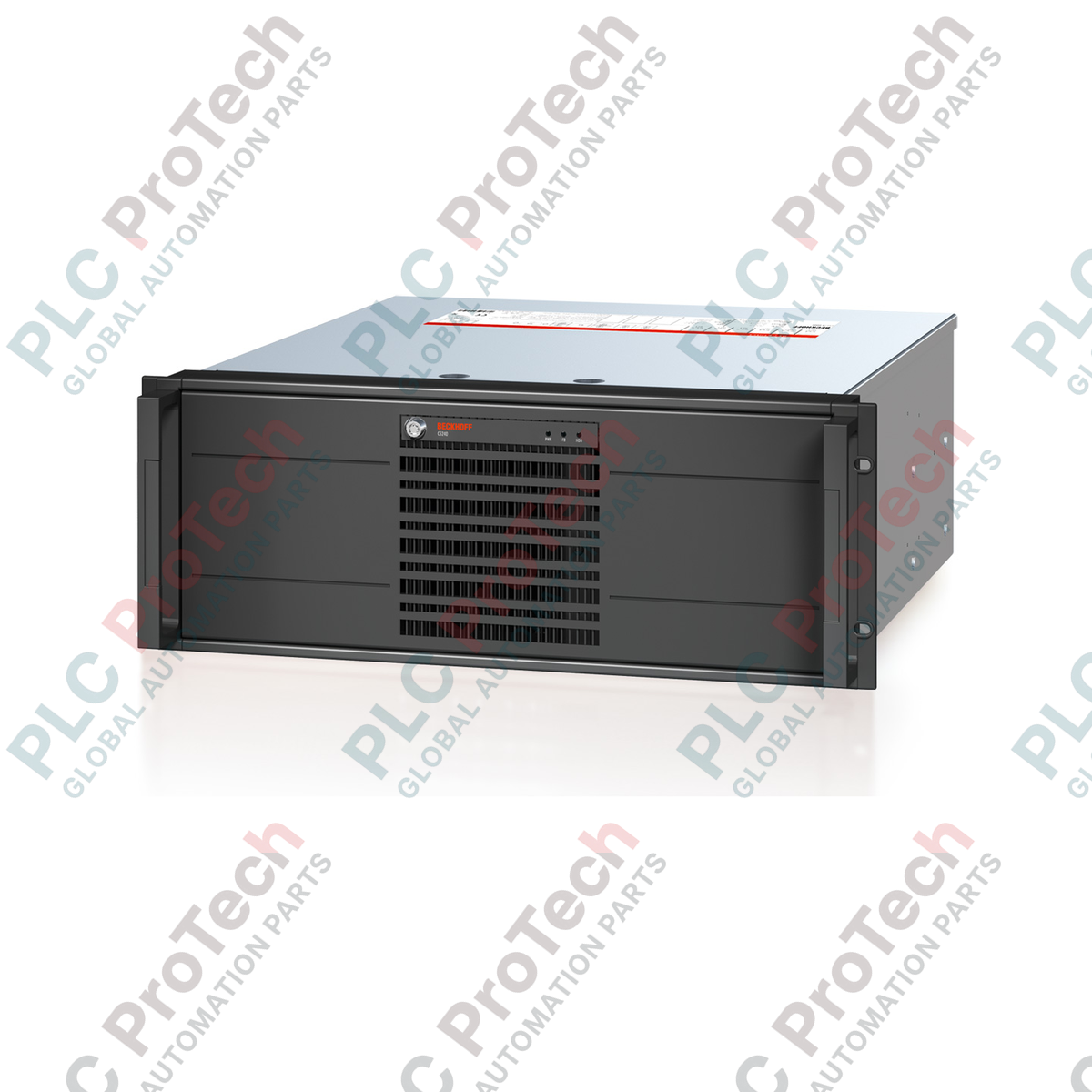
Description
Engineered as a high-reliability solid-state storage upgrade, the BECKHOFF C9900-H589 replaces standard rotating 3.5-inch hard drives in 19-inch slide-in Industrial PCs. This drive option utilizes an 80 GB CFast card equipped with 3D flash memory technology, providing robust performance and high endurance for industrial automation tasks.
The integrated flash media is built for extended temperature environments, making the storage assembly optimal for control cabinets where thermal profiles vary dynamically. By eliminating moving parts, this storage option significantly increases the host PC's resilience to continuous mechanical vibration and shock, ensuring long-term system stability in critical DCS, PLC, and visualization applications.
Features
- 80 GB storage capacity using high-endurance 3D flash.
- Designed as a direct physical replacement for 3.5-inch hard disk drives.
- Extended operating temperature range optimized for industrial environments.
- Solid-state design significantly reduces data corruption risks from shock and vibration.
- Fully compatible with Beckhoff 19-inch slide-in industrial rackmount PCs.
Applications
- Power generation and distribution control panels.
- Heavy industrial automation rack setups.
- Oil and gas processing plant visualization systems.
- Marine and harsh environmental monitoring setups.
Technical Specifications
| Manufacturer |
BECKHOFF |
| Part Number / Model |
C9900-H589 |
| Storage Capacity |
80 GB |
| Memory Media |
CFast card (3D flash) |
| Form Factor |
3.5-inch drive bay adapter format |
| Temperature Specification |
Extended temperature range |
| Shipping Weight |
3 kg |
Installation Guidelines
To safely install or replace the storage unit in your Beckhoff IPC, follow these engineering practices:
- De-energize the entire Industrial PC system and disconnect all main power lines before opening the chassis.
- Employ appropriate Electrostatic Discharge (ESD) protection measures, including a grounded wrist strap and anti-static mat, to prevent static damage to internal circuits.
- Slide the existing 3.5-inch hard disk assembly out of its mount and carefully unplug the interface and power cabling.
- Position the C9900-H589 module into the designated bay, ensuring the retention screws are tightened to standard torque parameters to prevent vibration displacement.
- Reconnect the data and power interfaces securely before sealing the chassis and powering up the industrial controller.