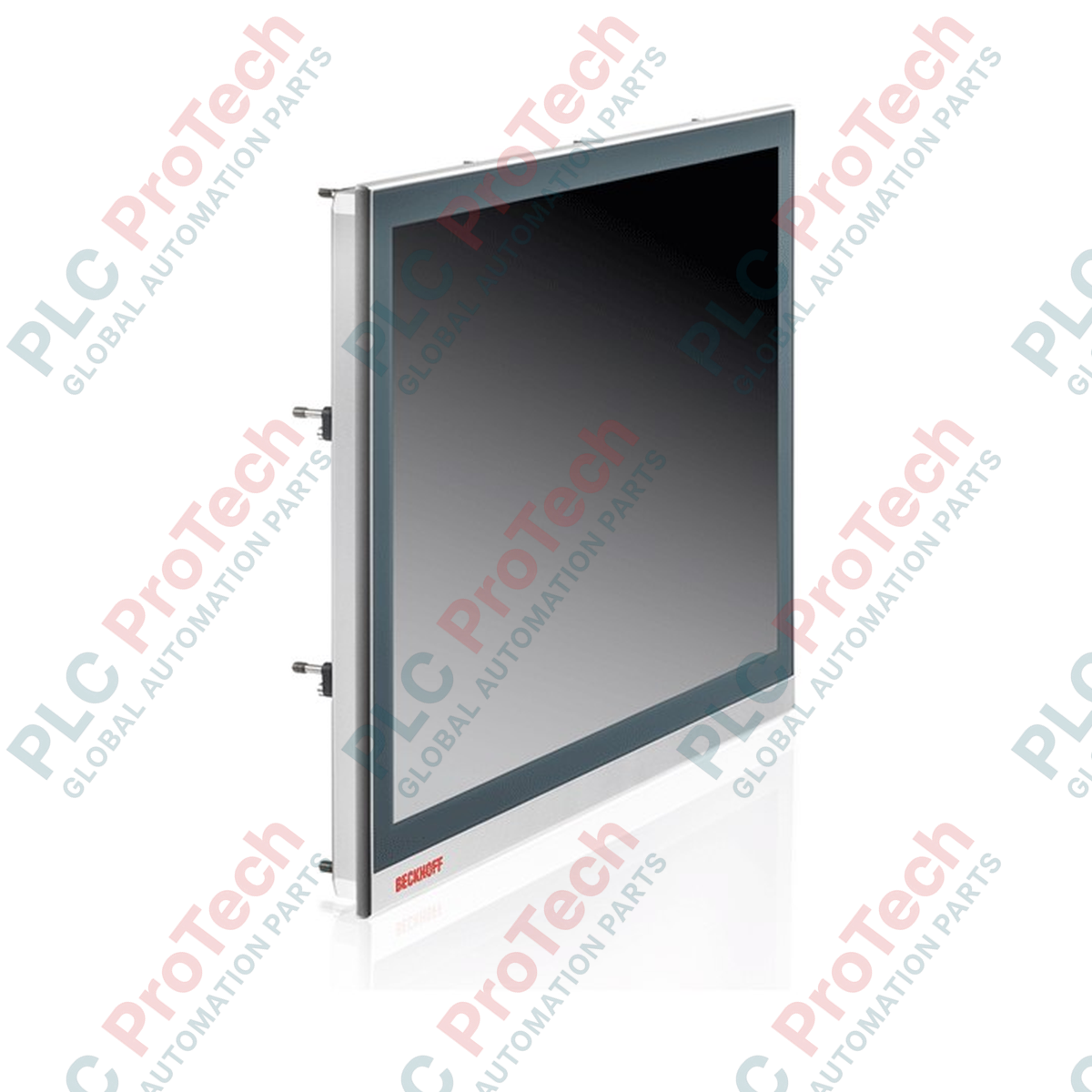
Designed for direct integration into control cabinets and consoles, the Beckhoff CP2913-0000 serves as a high-performance human-machine interface featuring advanced multi-touch capabilities and integrated DVI/USB Extended technology. This unit combines a robust industrial design with a high-resolution 19-inch display, enabling precise operator control in demanding manufacturing environments.
Key Features
- Projected capacitive (PCAP) multi-finger touch screen technology for intuitive, multi-touch operation.
- Integrated DVI-E and USB-E 2.0 connection technology, enabling remote operation up to 50 meters from the industrial PC.
- Robust front panel construction featuring an aluminum housing with a scratch-resistant glass front.
- High-resolution 19-inch display providing clear visualization of complex industrial processes.
- Pull-out clamping levers for fast, secure installation without loose mounting hardware.
Industrial Applications
- Automotive assembly lines requiring centralized operator control and visualization.
- Machine tool control panels where high-resolution graphics and multi-touch operation are critical.
- Packaging and food processing plants utilizing remote industrial PC architectures.
- Process automation systems requiring IP65-rated front panel protection against dust and moisture.
Technical Specifications
| Parameter |
Specification Value |
| Manufacturer |
Beckhoff Automation |
| Model / Article Number |
CP2913-0000 |
| Display Size |
19-inch |
| Resolution |
1280 x 1024 pixels |
| Touch Screen Type |
Multi-finger touch screen (Projected Capacitive) |
| Connection Interfaces |
DVI-E (RJ45 for USB-E 2.0), USB 3.0 Input (up to 5 m), DVI Input, 2x USB 2.0 (rear) |
| Transmission Distance |
Up to 50 meters via DVI-E and USB-E 2.0 |
| Power Supply |
24 V DC |
| Protection Rating |
Front side IP65, Rear side IP20 |
| Operating Temperature |
0 to 55 degC |
| Housing Material |
Aluminum housing with glass front |
| Shipping Weight (Calculated) |
5.0 kg |
Connections and Interfaces
| Interface / Port |
Function / Circuit Assignment |
| DVI-E Input |
Receives digital video signals from the PC via standard DVI output |
| RJ45 (USB-E 2.0) |
Transmits USB 2.0 signals up to 480 Mbit/s over distances up to 50 m |
| USB 3.0 Input |
Direct connection to standard PC USB port (limited to 5 m distance) |
| 2x USB 2.0 (Rear) |
Downstream ports for external peripherals (keyboard, mouse, flash drives) |
| Power Terminal |
24 V DC power input connection |
Alternative Models & Compatibility
The CP2913-0000 utilizes DVI-E and USB-E 2.0 for signal extension. When replacing older CP29xx models, verify whether your existing installation uses CP-Link 4 (which combines video, USB, and power into a single CAT6A cable). The CP2913-0000 requires separate power routing (24 V DC) and is not directly compatible with CP-Link 4 transmitter modules such as the CU8803. Ensure a compatible DVI/USB transmitter unit (e.g., CU8801) is installed on the PC side.
Application Pitfalls & Engineering Notes
When operating the panel at the maximum 50-meter distance, USB bandwidth is strictly limited to USB 2.0 speeds (480 Mbit/s). High-bandwidth devices, such as external USB 3.0 vision cameras, should not be connected to the rear USB ports of the panel over this extended link. Additionally, ensure the cabinet cutout provides adequate clearance for the pull-out clamping levers to engage fully without binding against internal components.
Commissioning & Wiring Tips
For the USB-E 2.0 connection, always use high-quality, shielded CAT7 STP (Shielded Twisted Pair) cabling. Unshielded cables are highly susceptible to electromagnetic interference (EMI) from nearby variable frequency drives (VFDs) and high-voltage motor lines, which can cause intermittent touch screen disconnects. Ensure the panel's functional earth terminal is connected to the central cabinet ground with a low-impedance conductor.
Installation Guidelines
CRITICAL WARNING
Before beginning installation, ensure the main power supply to the control cabinet is completely de-energized. Verify that no residual voltage remains on the 24 V DC supply lines. Failure to isolate power prior to connecting the DVI-E or USB-E interfaces can result in permanent damage to the internal transceiver electronics.
1
Prepare the cabinet cutout according to the official Beckhoff installation dimensions for 19-inch panels, ensuring clean edges free of burrs.
2
Insert the CP2913-0000 into the cutout from the front, ensuring the pre-installed sealing gasket sits flush against the cabinet surface to maintain the IP65 rating.
3
From the rear, engage the pull-out clamping levers. Tighten the clamping screws evenly to the specified torque to secure the panel in place.
4
Connect the functional ground, plug in the DVI-E and USB-E RJ45 cables, connect the 24 V DC power terminal, and then energize the system.