Description
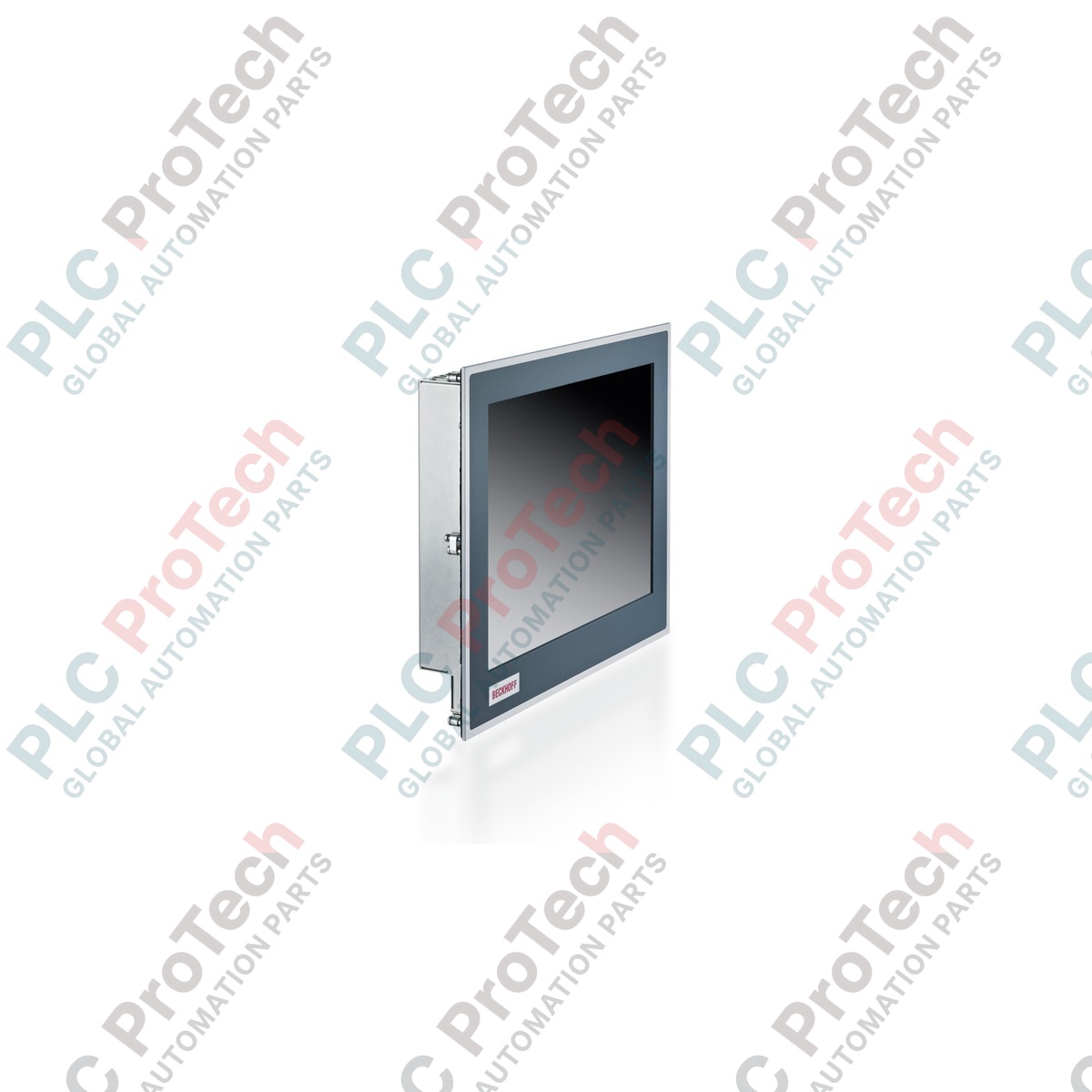
The BECKHOFF CP6713-0000-0060 is an industrial-grade, Economy built-in Panel PC engineered for control cabinet installation. It serves as a highly reliable machine-level operator interface and controller, combining a rugged front panel with a compact 3½-inch motherboard design. Powered by high-efficiency Intel Atom processor technology, this Panel PC offers a robust platform for modern industrial visualization, data collection, and TwinCAT-based execution.
Designed to withstand demanding industrial environments, the CP6713-0000-0060 features a rugged housing with a front-side IP65 ingress protection rating. It is optimized for tool-less installation utilizing integrated, pull-out clamping levers that mount securely into control cabinets and operator desks, eliminating loose mounting hardware and minimizing installation time.
This unit is equipped with onboard interfaces suited for standard industrial communication, including dual Gigabit Ethernet ports for network segregation and high-speed OT/IT connectivity, several USB interfaces, and a solid-state CFast storage slot. These technical attributes make it highly suitable as a durable controller and HMI system in processing, assembly, and general factory automation.
Features
- Robust 3½-inch industrial motherboard architecture.
- Powered by high-efficiency Intel Atom x5-E39xx processor technology.
- Supports up to 8 GB DDR4 RAM ex factory.
- Dual 100/1000BASE-T onboard Gigabit Ethernet ports for network segmentation.
- High-reliability, vibration-resistant solid-state storage via a CFast card slot.
- Equipped with USB 3.0, USB 2.0, and DVI-D interfaces.
- IP65-rated aluminum front panel protection and IP20-rated rear sheet-steel cover.
- Tool-less panel mounting via integrated, pull-out clamping levers.
Applications
- Machine-level visualization, operator control, and monitoring (HMI).
- Compact PC-based control tasks running TwinCAT real-time automation software.
- Industrial data acquisition, diagnostic systems, and IoT gateways.
- Control panel and cabinet integration in production plants, material handling, and assembly lines.
Technical Specifications
General & Mechanical
| Parameter |
Specification |
| Manufacturer |
BECKHOFF |
| Model |
CP6713-0000-0060 |
| Device Type |
Economy built-in Panel PC |
| Housing Material |
Aluminum front with sheet-steel rear cover |
| Protection Rating (Front) |
IP65 |
| Protection Rating (Rear) |
IP20 |
| Mounting Method |
Integrated pull-out clamping levers |
Processor & Motherboard
| Parameter |
Specification |
| Motherboard Form Factor |
3½-inch motherboard for Intel Atom |
| Processor Options |
Intel Atom x5-E3930 (1.3 GHz, 2 cores) or x5-E3940 (1.6 GHz, 4 cores) |
| Memory Configuration |
4 GB DDR4 RAM (up to 8 GB ex factory) |
Storage & I/O Interfaces
| Parameter |
Specification |
| Storage Interfaces |
1 x CFast slot |
| Ethernet Interfaces |
2 x 100/1000BASE-T onboard ports |
| USB Interfaces |
2 x USB 3.0, 2 x USB 2.0 |
| Video Output |
1 x DVI interface |
Electrical & Environmental
| Parameter |
Specification |
| Power Supply |
24 V DC (with UPS support capability) |
| Operating Temperature Range |
0 to 55 degC |
Installation Guidelines
-
Verification: Ensure the power rating of the cabinet matches the 24 V DC supply requirement of the Panel PC.
-
De-energize: Disconnect all electrical power from the cabinet or area where the installation is taking place.
-
Panel Cutout: Prepare the cabinet cutout according to the official mounting dimensions of the CP6713. Ensure the cutout edges are clean and burr-free to preserve the IP65 front-seal integrity.
-
Insertion: Push the Panel PC into the cutout from the front side.
-
Securing: Extend and lock the integrated pull-out clamping levers on the rear of the device until the front seal is compressed firmly against the cabinet door or panel surface.
-
Wiring: Connect the 24 V DC power supply to the terminal block, ensuring correct polarity. Establish your network (Ethernet), display (DVI), and USB device connections.
-
Grounding: Ensure the device housing is properly connected to the common equipment ground.
-
Power-on: Verify all electrical and signaling connections, and apply power to the system to begin initialization.
Replacement Recommendations
When replacing a BECKHOFF CP6713-0000-0060, always safe-stop any running processes and back up the non-volatile CFast card storage. Power off the system entirely before removing the CFast card or disconnecting any communication and electrical lines. Retain and document the IP address settings, network configurations, and TwinCAT software licenses to apply them to the replacement unit.