Description
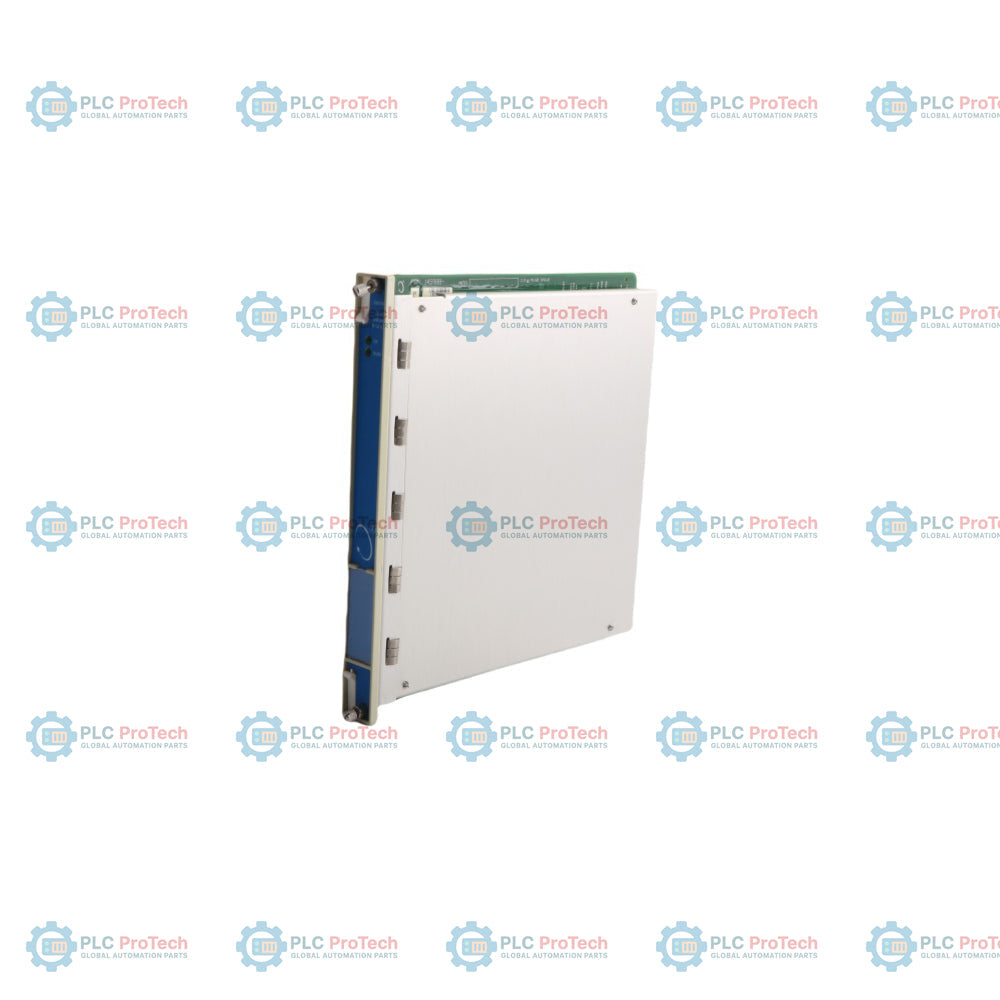
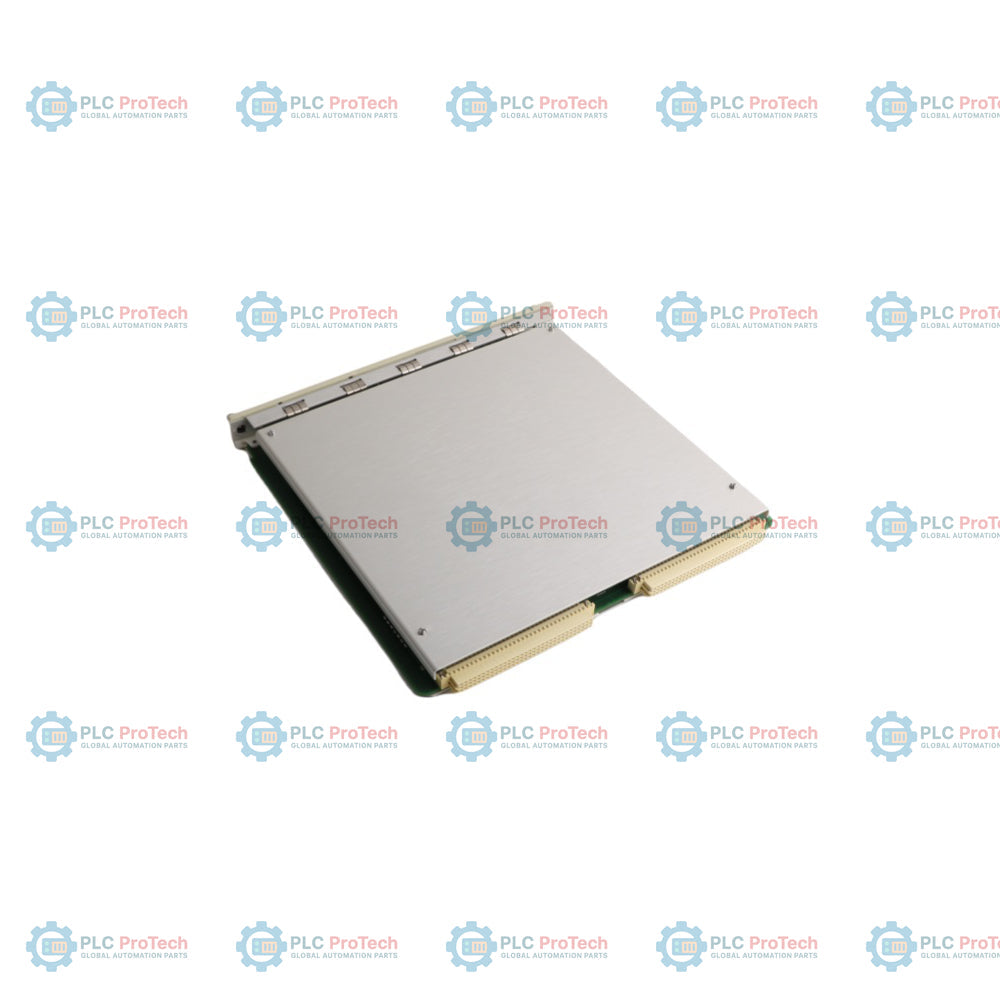
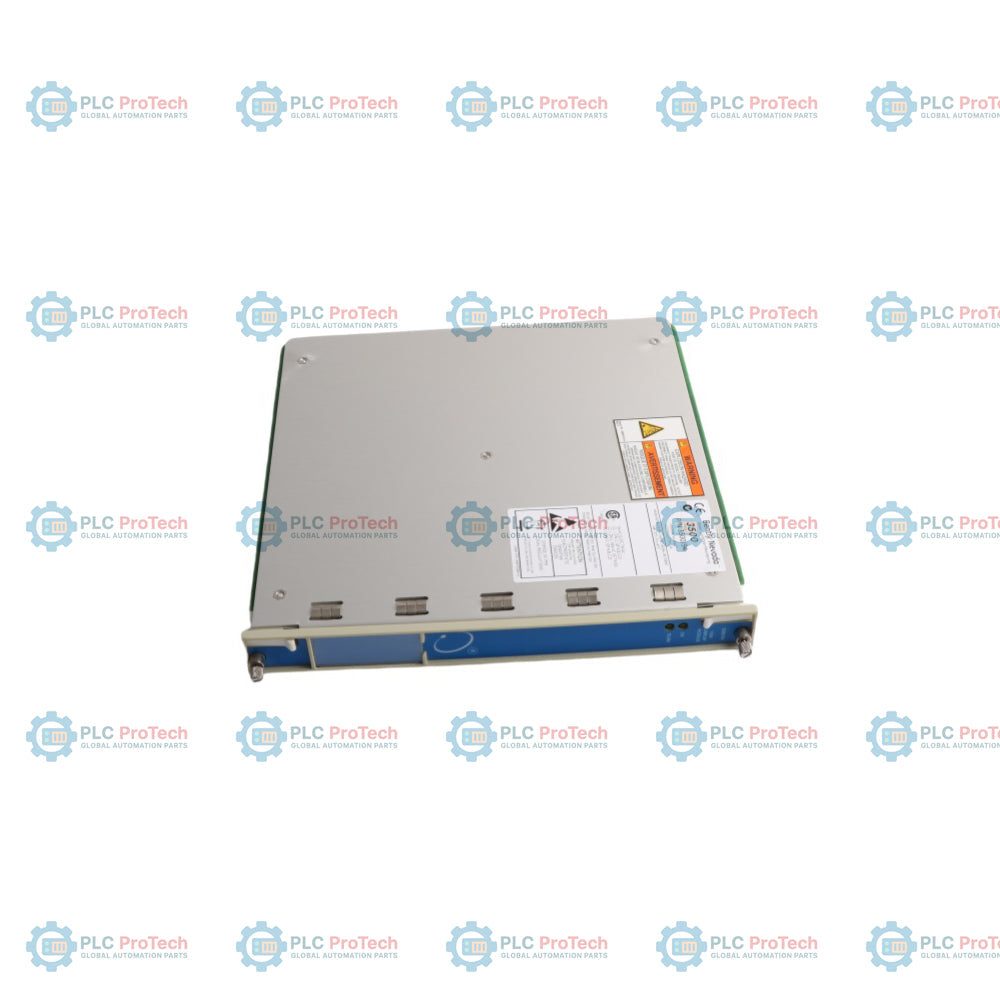
The Bently Nevada 3500/94 145988-01 is a high-performance VGA Display Module belonging to the 3500 Series Machinery Protection System. This module is designed to collect, process, and display critical data directly from the system rack, serving as a centralized human-machine interface for plant operators and maintenance engineers.
The 3500/94 (also designated as 3500/94M) displays comprehensive machinery protection metrics, including system event lists, alarm event lists, individual module and channel measurements, and real-time OK or alarm statuses. Utilizing the 3500 Rack Configuration Software, users can establish up to nine custom display screens organized by machine train groups or custom layout requirements. By default, pre-configured layouts present 1X-filtered vibration measurements in bar graphs alongside proximity transducer gap values. The system supports direct interfaces to 10-inch or 15-inch industrial touch screen displays, multi-rack monitoring via an optional Display Router Box, and extended fiber optic remote connectivity via KVM extenders for secure, long-distance data access across large industrial environments.
Features
- Displays full system event lists, alarm event lists, and comprehensive channel data.
- Supports up to nine custom display configurations per module via rack software.
- Continuous monitoring and visual indications of alarm and OK status.
- Multi-rack capabilities allowing up to four 3500 racks on a single display using a router box.
- Front-panel status LEDs indicating system communications and module operation.
- Front-port integration providing 24 Vdc power out, VGA signal out, and touch command routing.
- Compatibility with hazardous-area certified industrial touch screen hardware.
Applications
- Centralized multi-rack machinery vibration display
- Large steam and gas turbine train status tracking
- High-speed compressor and pump monitoring stations
- Remote operator panels via long-distance KVM extension
- Petrochemical and power generation plant localized monitoring
Technical Specifications
| Category |
Parameter |
Specification |
| Manufacturer |
Brand |
Bently Nevada |
| Model & Main Part Number |
Part Number |
145988-01 (3500/94 / 3500/94M) |
| Power Requirements |
Power Consumption |
4.6 W max. |
| Inputs |
High-Speed Network |
Monitor status, data and values |
|
RS232 Port (I/O) |
Touch controller data |
| Outputs |
OK LED |
Indicates proper operation of the module |
|
TX/RX LED |
Indicates communications between other system modules |
|
VGA Port (I/O) |
Analog red, green, blue and sync signals to the display |
|
Front Port |
24 Vdc Power out, VGA signal out, Touch commands in |
| Environmental Limits |
Operating Temperature |
-20 Celsius to 65 Celsius (-22 Fahrenheit to 149 Fahrenheit) |
|
Storage Temperature |
-40 Celsius to 85 Celsius (-40 Fahrenheit to 185 Fahrenheit) |
|
Humidity |
95%, non-condensing |
| Physical Characteristics |
Dimensions (H x W x D) |
241.3 mm x 24.4 mm x 241.8 mm (9.5 in x 0.96 in x 9.52 in) |
|
Weight |
0.73 kg (1.6 lb.) |
Connections/Interfaces
| Connector/Port |
Function |
| Front Port |
Provides 24 Vdc power output, outputs standard VGA video signal, and receives incoming touchscreen command inputs |
| VGA Port (I/O Module) |
Outputs analog red, green, blue, and synchronization signals directly to the industrial monitor |
| RS232 Port (I/O Module) |
For handling incoming and outgoing touch controller communication and response data |
Installation Guidelines
-
Standard Distance Limits: Standard VGA cables allow the display monitor to be mounted at a maximum distance of 6 m (20 ft) from the 3500 rack or the Display Router Box. Exceeding this limit degrades image quality.
-
Long-Distance Remote Options: For remote installations from 10 m to 10 km (33 ft to 6.2 miles), implement a Single-mode Fiber Optic (SM FO) Keyboard Video Monitor (KVM) Extender.
-
Electrical Noise Mitigation: Avoid routing VGA signal lines through highly noisy electronic environments to ensure image resolution and synchronization remain stable.
-
Display Power Supply: Both 10-inch and 15-inch touch screen displays require independent external power supplies; they cannot be powered solely through the interface port.
-
Hazardous Area Isolation: When utilizing the Single-mode Fiber Optic KVM receiver and transmitter, both units must be mounted in a designated safe area or placed inside an engineered, approved explosion-proof enclosure.
Compliance and Certifications
-
FCC Compliance: Complies with part 15 of the FCC Rules (Operation subject to no harmful interference and acceptance of any interference received).
-
EMC Directives: Directive 2014/30/EU; Standards EN 61000-6-2, EN 61000-6-4.
-
Electrical Safety: Directive 2014/35/EU; Standards CSA C22.2 61010-1, UL EN 61010-1.
-
RoHS: Directive 2011/65/EU.
-
Module Hazardous Area Approvals (Option 01 - North America): Canada: Ex nC [L] IIC T4 Gc (CSA60079-0, -11, -15), Class I, Division 2, Groups A, B, C, D (CSA213). USA: Class I, Zone 2: AEx nC IIC T4 Gc (UL60079-0, -11, -15), Class I, Division 2, Groups A, B, C, D (ISA 12.12.01). Temperature rating T4 @ -20 Celsius <= Ta <= +65 Celsius per control drawing 149243.
-
Module Hazardous Area Approvals (Option 02 - ATEX/IECEx): II 3 G, Ex nA nC ic IIC T4 Gc, T4 @ -20 Celsius <= Ta <= +65 Celsius per control drawing 149243.
-
Advantech 10" Display (AN-D3510) Approvals: North America Option 01: Ex ic nA IIC T4 (CSA C22.2 60079-0, -11, -15), Class I, Div 2, Groups A, B, C, D T4 (CSA C22.2 213); USA Class I, Div 2, Groups A, B, C, D T4 (ISA 12.12.01), Class I, Zone 2, AEx ic nA IIC T4 (UL60079-0, -11, -15). ATEX/IECEx Option 02: II 3G Ex ic nA IIC T4 Gc, IP54.
-
Advantech 15" Display (FPM-8151) Note: Not certified to meet ATEX/IECEx standards.
FAQ
What information can be displayed using this module?
It displays system event lists, alarm event lists, module and channel operational data, and overall system OK or alarm status.
How many custom display screens can be configured on the unit?
Up to nine custom screens can be configured using the core rack configuration software.
What are the default pre-configured layouts on the screens?
The first default screen shows a bar graph of 1X-filtered vibration measurements, and the second shows proximity transducer gap values.
Can data from multiple monitor racks be aggregated onto one display?
Yes, an optional Display Router Box allows up to four separate racks to share a single display monitor.
What is the max direct cabling distance between a rack and the display router box?
The maximum recommended cabling length is 6 meters or 20 feet due to constraints in the VGA signal standard.
How can the display monitor be moved further than 6 meters away from the rack?
A single-mode fiber optic Keyboard Video Monitor extender must be deployed to route signals over longer distances.
What is the maximum achievable distance using fiber optic extenders?
Data can be extended up to 10 kilometers or 6.2 miles without causing any loss in visual display quality.
Are the KVM extenders certified for immediate placement in hazardous environments?
No, both the fiber optic transmitter and receiver modules must be situated in safe zones or housed in approved protective enclosures.
What sizes of industrial touch screen displays are officially supported?
The system supports 10-inch and 15-inch industrial touch screen display formats.
Are both the 10-inch and 15-inch display options safe for ATEX zones?
Only the 10-inch display carries ATEX and IECEx certification, whereas the 15-inch display option does not meet these standards.
What do the front panel LEDs show during normal operation?
The OK LED indicates the main display module is operating correctly, while the TX/RX LED indicates standard intra-rack communication.
What is the total internal power consumption of the main module card?
The module draws a maximum power allocation of 4.6 watts.