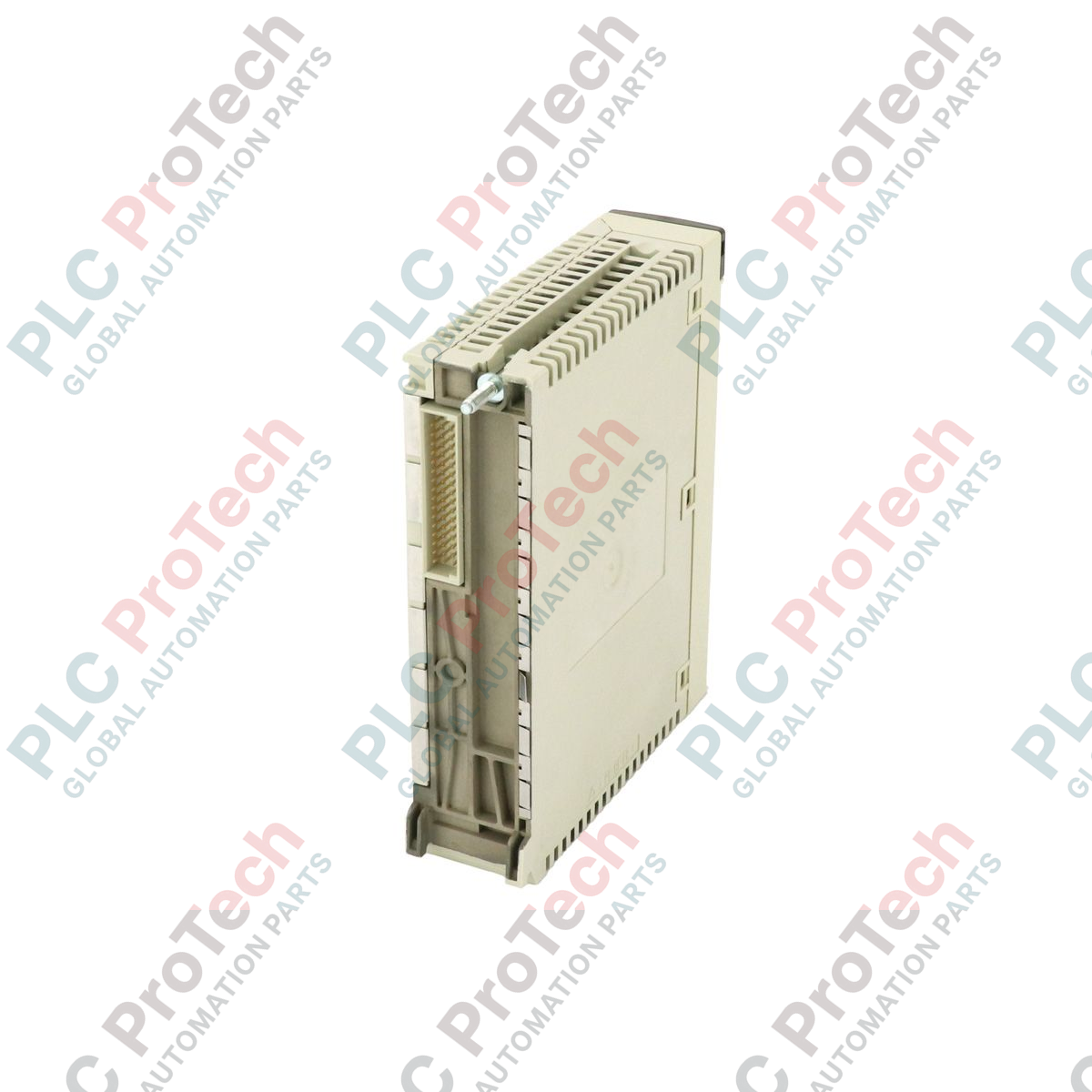
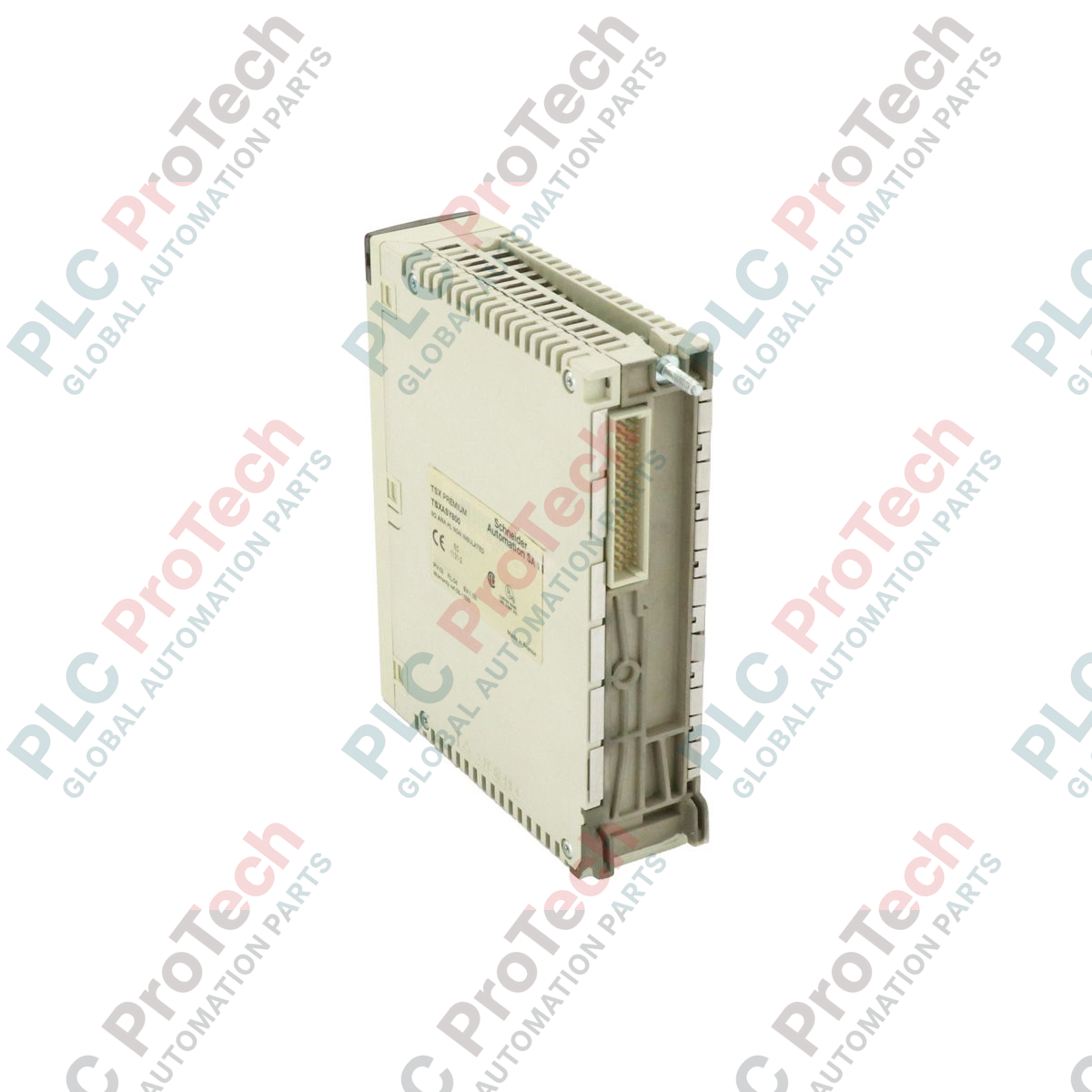
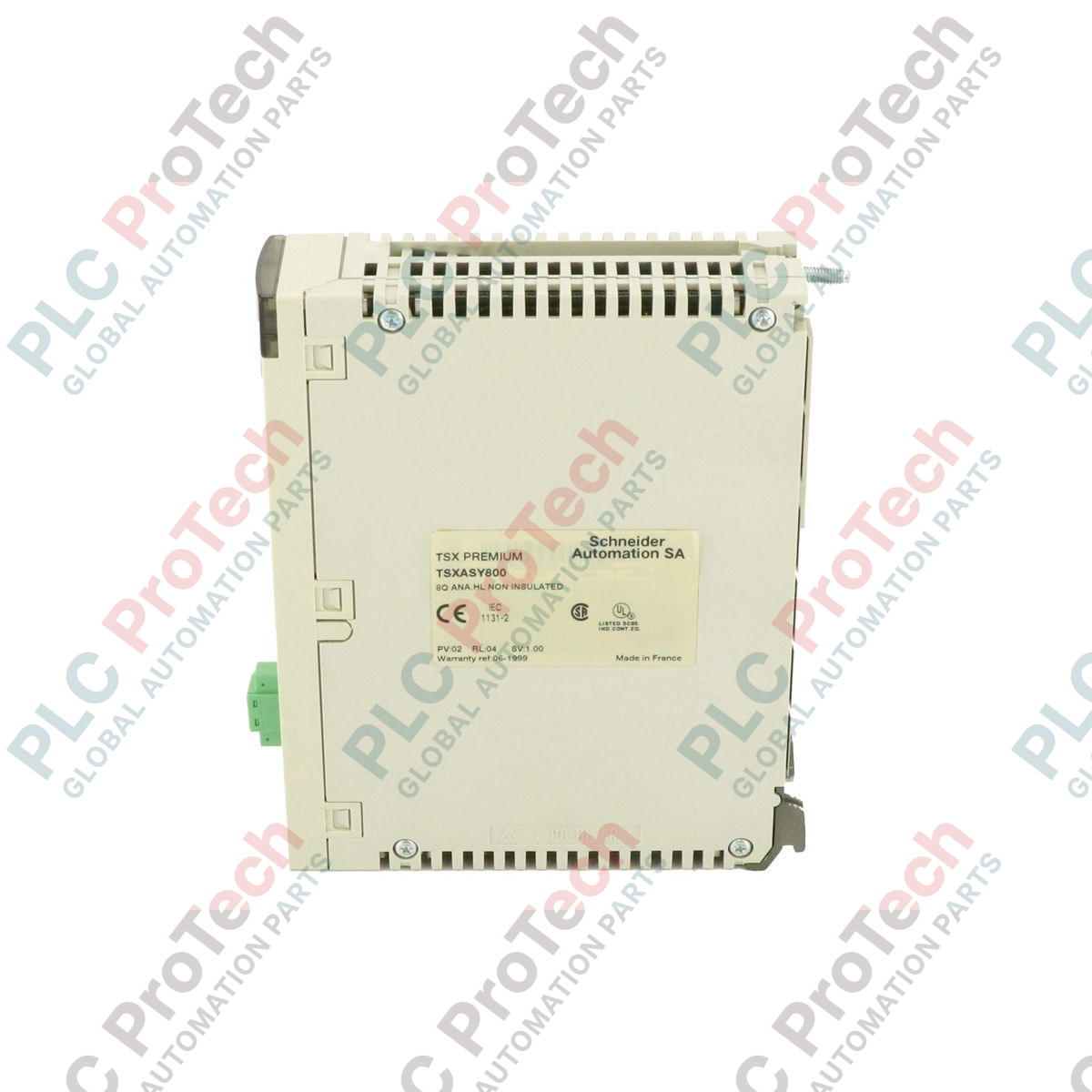
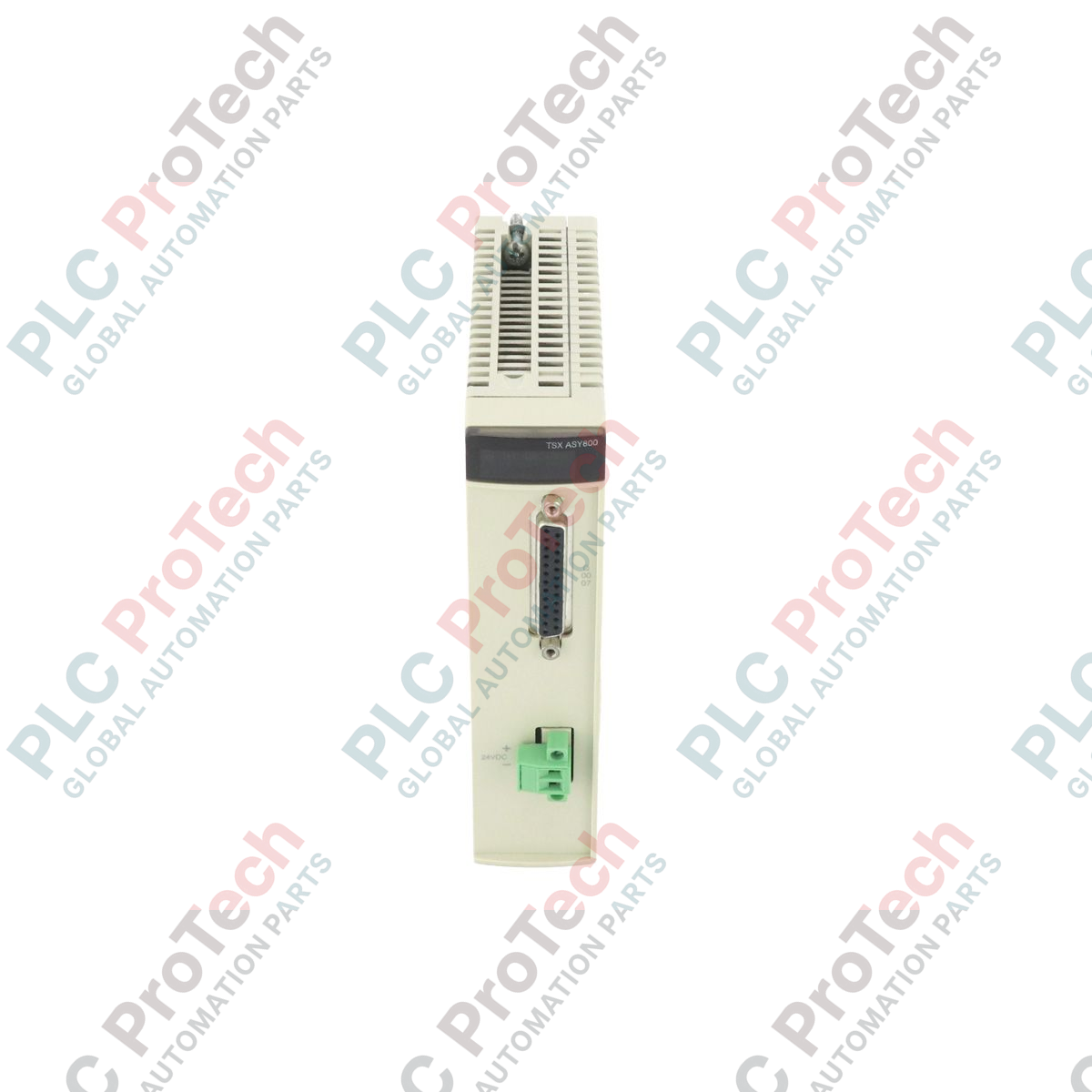
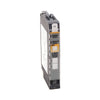
Providing high-density analog signal generation for precise process control, the Schneider Electric TSXASY800 integrates directly into Modicon Premium backplane architectures. This premium analog output module delivers eight individually configurable channels, allowing industrial operators to interface seamlessly with variable speed drives, control valves, actuators, and external instrumentation. Engineered for high-reliability environments, the module ensures stable signal conversion and robust isolation between channels and the internal bus.
Key Features
-
Eight Independent Channels: Individually configurable outputs maximize slot density and system flexibility.
-
Multirange Compatibility: Supports standard industrial voltage and current signal ranges on a per-channel basis.
-
Modicon Premium Integration: Direct bus connection with hot-swapping capabilities supported by compatible rack configurations.
-
High-Resolution Conversion: Ensures precise control loop execution with minimal signal drift over temperature variations.
-
LED Diagnostics: Front-panel status indicators provide rapid visual feedback on module health and channel faults.
Applications
-
Modulating Actuator Control: Positioning of dampers, control valves, and guide vanes in heavy industrial processes.
-
Speed Reference Distribution: Sending precise analog speed setpoints to variable frequency drives (VFDs).
-
Process Retransmission: Routing internal controller variables to analog chart recorders, panel meters, or legacy SCADA interfaces.
-
Water and Wastewater Treatment: Controlling chemical dosing pumps and flow-regulating valves.
Technical Specifications
| Manufacturer |
Schneider Electric |
| Model / SKU |
TSXASY800 |
| Product Series |
Modicon Premium |
| Module Type |
Analog Output Module |
| Number of Outputs |
8 |
| Output Range Types |
Multirange (Voltage and Current) |
| Product Phase |
Phase-Out (Legacy Support Available) |
| Commodity Code |
85389091 |
| Shipping Weight (Calculated) |
0.50 kg |
| Package Dimensions (Calculated) |
15.20 x 12.70 x 5.10 cm |
Empirical Engineering Insights
Alternative Models & Compatibility
The TSXASY800 is native to the Modicon Premium platform and requires PL7 Pro or EcoStruxure Control Expert (formerly Unity Pro) for hardware catalog configuration. When migrating legacy systems to Modicon M580 architectures, this module cannot be directly inserted into Ethernet RIO (eX80) drops without a dedicated Premium-to-M580 upgrade adapter or complete I/O replacement.
Application Pitfalls & Engineering Notes
Ensure that the external 24VDC loop power supply is highly regulated and free of high-frequency noise. Common-mode voltage limits must be strictly observed; if the potential difference between channel grounds exceeds the module's isolation rating, cross-channel interference or hardware damage may occur. Always use external isolation barriers when routing signals to field devices with independent, ungrounded power systems.
Commissioning & Wiring Tips
Always use shielded twisted-pair (STP) cabling for all analog output connections. Ground the cable shields at the rack side only to prevent ground loops. When configuring the module in software, verify that unused channels are explicitly disabled or shorted to prevent floating channel errors and diagnostic LED faults.
Installation Guidelines
CRITICAL WARNING: HAZARD OF ELECTRIC SHOCK OR ARC FLASH
Disconnect all power sources supplying the PLC rack and external loop power before attempting to install, remove, or wire the TSXASY800 module. Verify that no residual voltage is present on the field wiring terminals. Failure to follow these safety protocols can result in severe equipment damage, personal injury, or death.
1
Ensure the rack power supply is switched off. Align the module with the target slot on the Modicon Premium backplane.
2
Gently slide the module into the slot guides until the rear connectors are fully seated in the backplane. Secure the module locking mechanism.
3
Connect the pre-wired terminal block to the front of the module, ensuring the locking screws or latches are fully engaged to prevent intermittent connections.
4
Apply power to the rack, download the hardware configuration from your programming environment, and verify that the module's RUN LED illuminates green.