Description
The Siemens
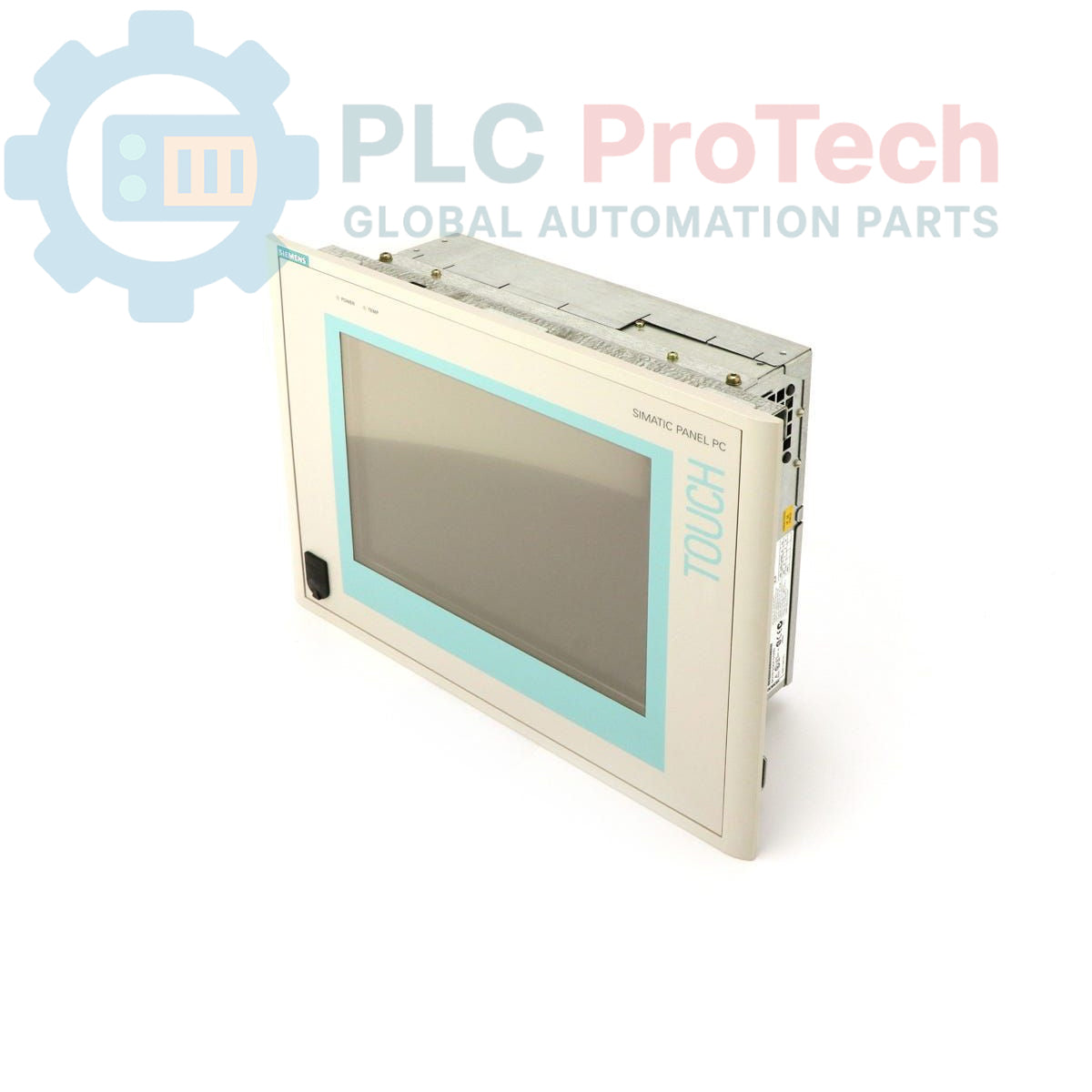
6AV7612-0AF32-0AJ0 is a SIMATIC Panel PC 670, designed for industrial visualization and control applications. This unit features a
12-inch TFT touch display, a standard configuration including a
40 GB hard drive, a CD-ROM drive, and
256 MB of RAM. It is powered by a
Pentium III 500 MHz CPU and operates on a
24 V DC supply. The panel PC comes pre-installed with
Windows NT 4.0 English, making it suitable for integration into existing industrial automation systems requiring this specific operating environment.
Features
- 12-inch TFT Touch Display
- Pentium III 500 MHz CPU
- 256 MB RAM
- 40 GB Hard Drive
- Integrated CD-ROM Drive
- 24 V DC Power Supply
- Pre-installed Windows NT 4.0 English Operating System
Applications
The SIMATIC Panel PC 670 is typically deployed in various industrial environments for tasks such as:
- Human Machine Interface (HMI) for process control and monitoring
- Data acquisition and visualization in manufacturing plants
- Machine operation and control panels
- Supervisory control and data acquisition (SCADA) systems
- Embedded control applications requiring a robust PC platform
Technical Specifications
| Parameter |
Value |
| Brand |
Siemens |
| Manufacturer |
Siemens |
| Range |
Simatic Panel PC |
| Subrange |
PC670 |
| Type of Product |
Panel PC |
| Display Type |
TFT Touch Display |
| Display Size |
12 inches |
| CPU |
Pentium III 500 MHz |
| RAM |
256 MB |
| Hard Drive |
40 GB |
| Optical Drive |
CD-ROM |
| Power Supply |
24 V DC |
| Operating System |
Windows NT 4.0 English |
| Product Phase |
Obsolete |
| Shipping Weight |
4.00 kg |
| Commodity Code |
85371091 |
| Export Control Regulations (ECCN) |
N |
Installation Guidelines
-
Safety First: Ensure all power to the installation area is de-energized and locked out before beginning any work.
-
Mounting: Mount the Panel PC securely into a prepared panel cutout. Ensure proper ventilation clearances are maintained around the unit to prevent overheating.
-
Power Connection: Connect the 24 V DC power supply to the designated terminals, observing correct polarity. Verify the power source meets the specified voltage and current requirements.
-
Grounding: Establish a robust protective earth (PE) connection to the chassis of the Panel PC to ensure electrical safety and minimize electromagnetic interference.
-
Peripheral Connections: Connect any necessary peripherals such as keyboards, mice, or external storage devices to the appropriate ports.
-
Network/Communication: If network connectivity is required, connect the Ethernet cable to the network interface.
-
Power Up: After all connections are secure and verified, restore power to the system. Observe the boot sequence and verify proper operation of the display and touch functionality.