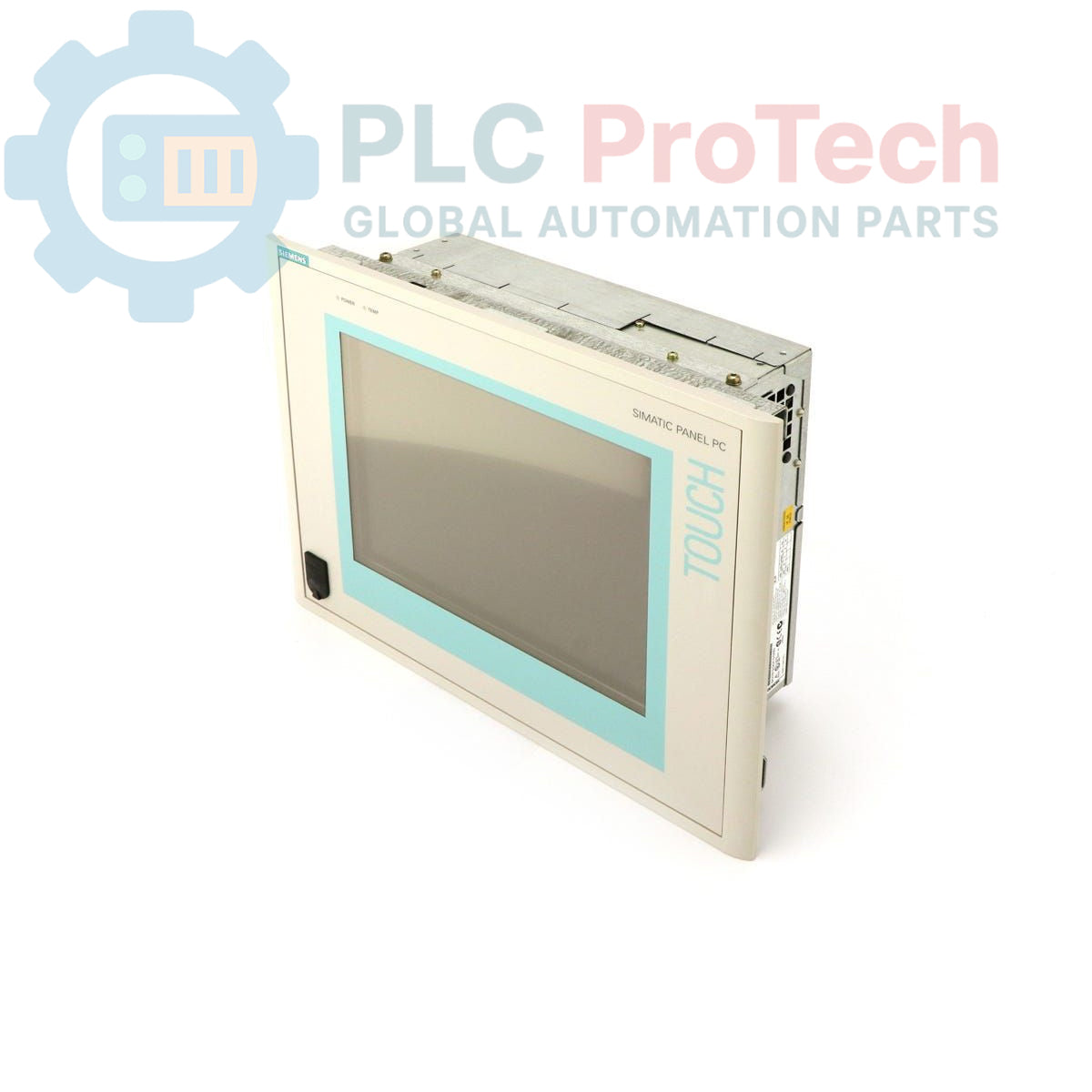
Description
The Siemens
6AV7613-0AA30-0AG0 is a SIMATIC Panel PC 670, designed for industrial applications requiring a robust human-machine interface and computing platform. This unit features a
12-inch TFT display, a standard configuration with a
20 GB hard drive, and
256 MB of RAM. It is powered by a
Celeron 300 MHz CPU and operates on a
24 V DC power supply. The panel PC comes pre-installed with
Windows 2000 Multi-Language, supporting English, German, French, Italian, and Spanish.
Features
- 12-inch TFT Display
- Celeron 300 MHz CPU
- 256 MB RAM
- 20 GB Hard Drive
- 24 V DC Power Supply
- Windows 2000 Multi-Language Operating System (EN, GER, FR, IT, SP)
Applications
The SIMATIC Panel PC 670 is suitable for a wide range of industrial automation applications, including:
- Machine operation and control
- Process visualization and monitoring
- Data acquisition and logging
- Factory automation systems
- Building management systems
Technical Specifications
| Parameter |
Value |
| Brand |
Siemens |
| Manufacturer |
Siemens |
| Range |
SIMATIC Panel PC |
| Subrange |
PC670 |
| Product Type |
PC panels |
| Display Type |
12" TFT |
| Hard Drive Capacity |
20 GB |
| RAM |
256 MB |
| CPU |
Celeron 300 MHz |
| Power Supply |
24 V DC |
| Operating System |
Windows 2000 Multi-Language (EN, GER, FR, IT, SP) |
| Product Phase |
Obsolete |
| Shipping Weight |
4.00 kg |
| Commodity Code |
85371091 |
| Export Control Regulations (ECCN) |
N |
Installation Guidelines
-
Power De-energization: Before commencing any installation work, ensure that all power to the installation area is completely de-energized and secured against accidental re-energization.
-
Mounting: Mount the panel PC securely into a control cabinet or panel cutout, ensuring proper ventilation clearances are maintained around the unit to prevent overheating.
-
Power Connection: Connect the 24 V DC power supply to the designated terminals, observing correct polarity. Use appropriate wire gauges and ensure connections are tight.
-
Grounding: Establish a reliable protective earth (PE) connection to the panel PC chassis to ensure electrical safety and minimize electromagnetic interference.
-
Peripheral Connections: Connect any required peripherals such as keyboard, mouse, or network cables to the appropriate interfaces on the unit.
-
Environmental Considerations: Ensure the operating environment meets the specified temperature, humidity, and vibration requirements for industrial panel PCs to ensure long-term reliability.
-
Initial Power-Up: After all connections are verified, re-energize the power supply and observe the system startup.