Description
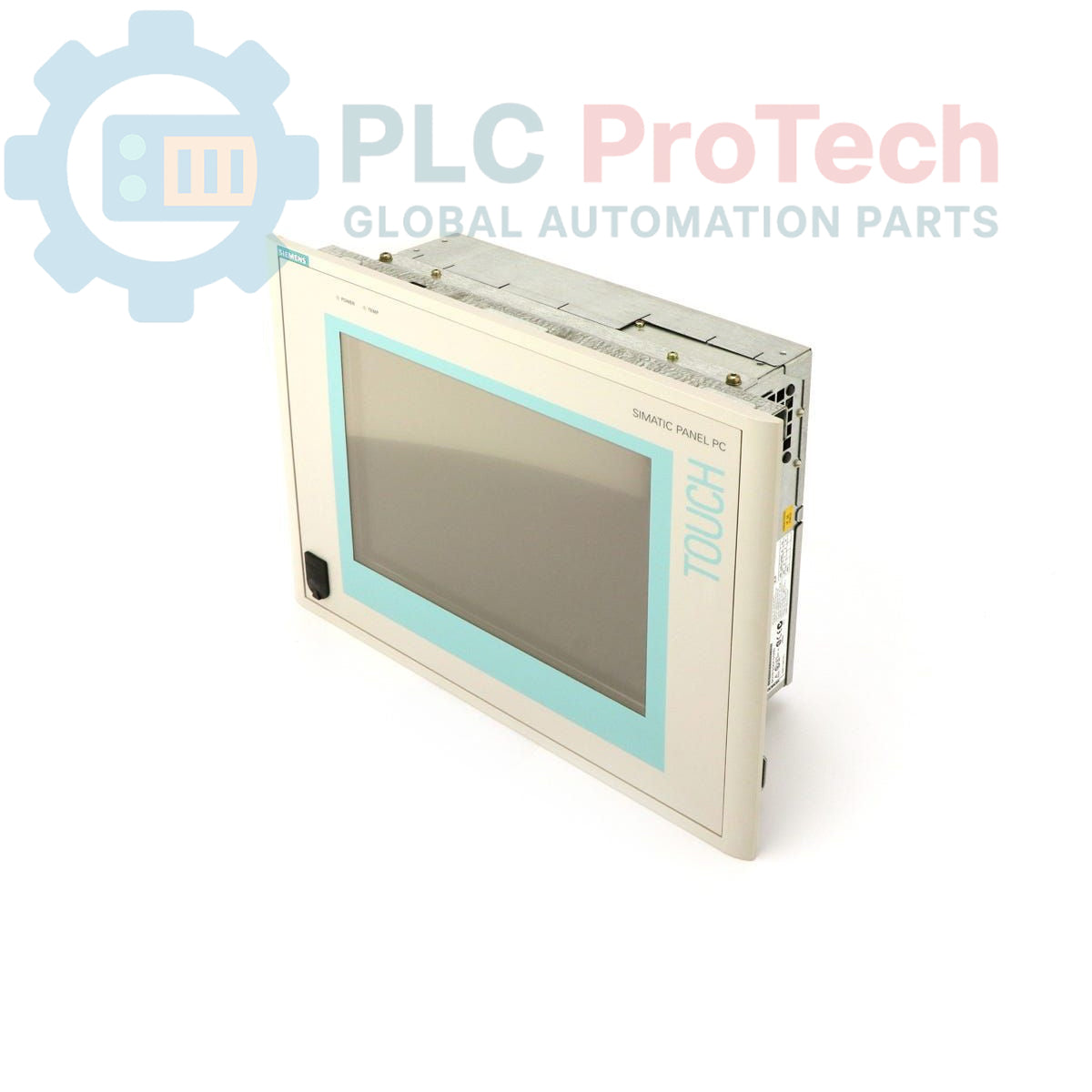
The Siemens 6AV7613-0AB12-0AJ0 is a SIMATIC Panel PC 670 designed for industrial human-machine interface (HMI) and control applications. This unit features a 12-inch TFT display and is powered by a Pentium III 500 MHz CPU. It is configured with 64 MByte of RAM, a 20 GB hard drive, and an integrated CD-ROM drive. The system operates on a 24 V DC power supply and comes pre-installed with the Windows NT 4.0 English operating system. As an obsolete product, it serves as a direct replacement for maintaining existing automation systems built around the PC670 platform.
Features
-
12-inch TFT color display for clear process visualization.
-
Integrated Pentium III 500 MHz processor.
-
Includes 20 GB hard drive and a CD-ROM drive.
-
Operates on a standard 24 V DC industrial power supply.
-
Pre-loaded with Windows NT 4.0 (English) operating system.
Applications
-
Legacy system maintenance and spare parts replacement.
-
Machine-level operator control and monitoring.
-
Data acquisition and logging in industrial environments.
-
Process visualization for small to medium-sized applications.
Technical Specifications
| Parameter |
Value |
| Product Type |
Panel PC |
| Series |
SIMATIC Panel PC 670 |
| Display |
12 inch TFT |
| Processor (CPU) |
Pentium III, 500 MHz |
| Memory (RAM) |
64 MByte |
| Storage |
20 GB Hard Drive (HD) |
| Optical Drive |
CD-ROM |
| Power Supply |
24 V DC |
| Operating System |
Windows NT 4.0 English |
| Product Lifecycle Status |
Obsolete |
| Shipping Weight |
12.00 kg |
| Commodity Code |
85371091 |
| ECCN |
N |
| Manufacturer |
Siemens |
| Country of Origin |
Germany (Estimate) |
| Package Dimensions (Calculated) |
35.0 cm x 25.0 cm x 25.0 cm |
Installation Guidelines
CRITICAL WARNING: Risk of Electric Shock
Installation must be performed by qualified personnel only. Disconnect and lock out all power sources before accessing terminals or performing any installation or maintenance tasks. Failure to de-energize equipment can result in severe injury or death.
-
1
Prepare Mounting Location: Ensure the panel cutout dimensions are correct and the mounting surface is clean, flat, and can support the unit's weight (12.00 kg). Verify adequate clearance for ventilation and cable routing.
-
2
Mount the Unit: Insert the Panel PC into the cutout from the front. Secure it from the rear using the provided mounting clamps, tightening them evenly to ensure a proper seal and prevent bezel distortion.
-
3
Connect Functional Earth: Connect the dedicated functional earth (FE) terminal on the chassis to the cabinet's equipotential bonding system using a low-impedance conductor. This is critical for noise immunity.
-
4
Wire Power Supply: Connect a stable, correctly fused 24 V DC power source to the power supply terminals. Verify correct polarity (+/-) before energizing. Use appropriately sized conductors for the load and distance.
-
5
Connect Peripherals: Connect any required communication cables (e.g., Ethernet, serial) and I/O devices. Ensure all connectors are fully seated and secured. Power on the unit and verify correct boot-up and operation.