Description
The
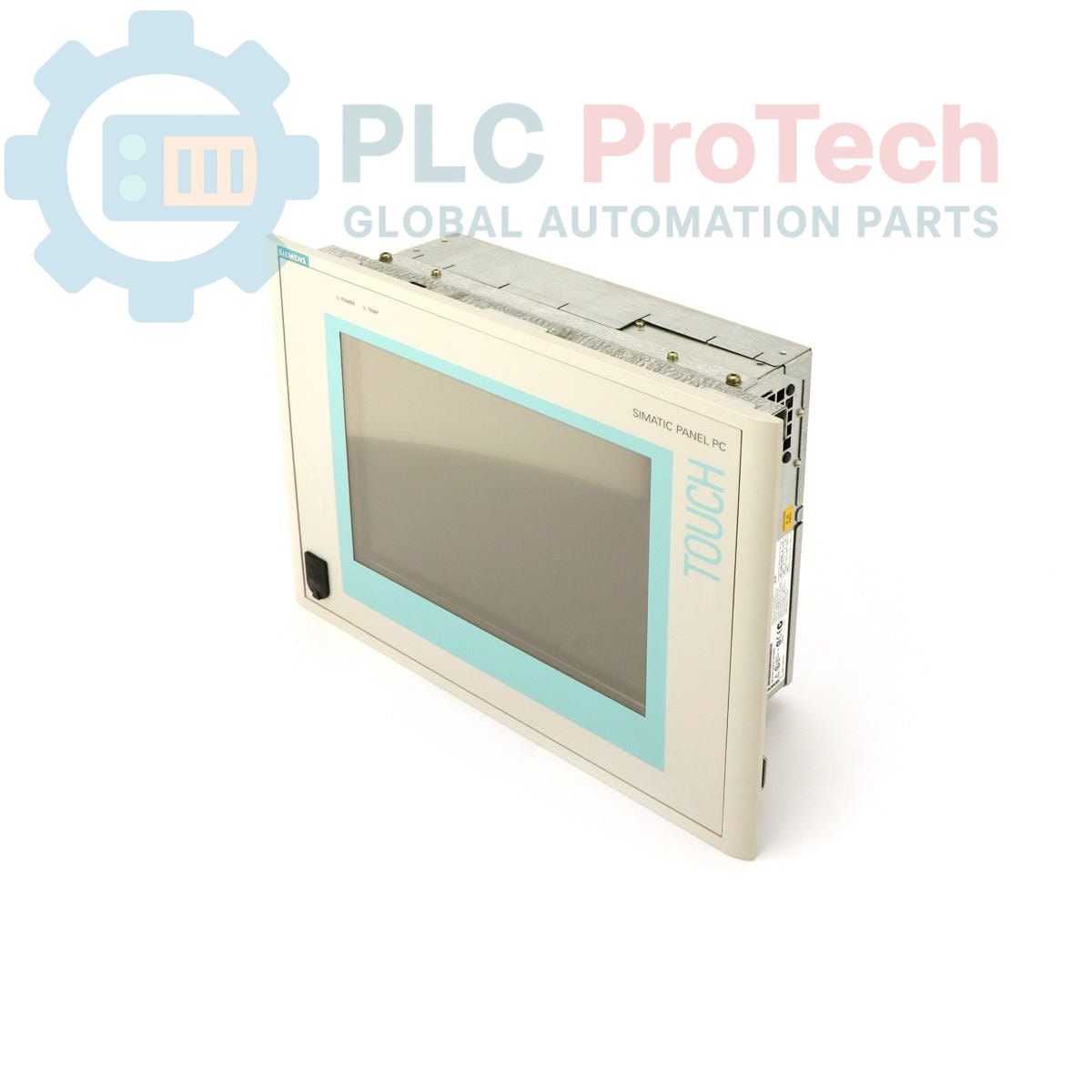
Siemens 6AV7613-0AB30-0BH0 is a
SIMATIC Panel PC 670, an industrial panel personal computer designed for human-machine interface (HMI) and control applications. This specific configuration features a
12-inch TFT display, a
Celeron 300 MHz CPU,
256 MB of RAM, and a
20 GB hard drive along with a
CD-ROM drive. It comes pre-installed with
Windows NT 4.0 German and includes a
115-230 V U.S. mains cable for power connection. The
SIMATIC Panel PC 670 series provides a robust computing platform suitable for various industrial environments.
Features
- 12-inch TFT Display
- Celeron 300 MHz Processor
- 256 MB RAM
- 20 GB Hard Drive
- Integrated CD-ROM Drive
- Pre-installed Windows NT 4.0 (German version)
- 115-230 V AC Power Input
- Includes U.S. Mains Cable
Applications
The
SIMATIC Panel PC 670 is typically deployed in industrial settings requiring a compact and integrated HMI solution. Common applications include:
- Machine operation and visualization
- Process control and monitoring
- Data acquisition and logging
- Production line management
- Building automation systems
Technical Specifications
| Brand |
Siemens |
| Manufacturer |
Siemens |
| Range |
Simatic Panel PC |
| Subrange |
PC670 |
| Type of Product |
Panel PC |
| Product Phase |
Obsolete |
| Display Type |
12" TFT Display |
| Processor |
Celeron 300 MHz |
| RAM |
256 MB |
| Storage |
20 GB HD + CD-ROM |
| Operating System |
Windows NT 4.0 German |
| Power Supply |
115-230 V AC |
| Mains Cable |
U.S. Mains Cable |
| Shipping Weight |
4.00 kg |
| Commodity Code |
85371091 |
| Export Control Regulations (ECCN) |
N |
| Country of Origin |
Unknown |
| Package Dimensions (Calculated) |
Unknown |
Installation Guidelines
-
De-energize System: Ensure all power to the installation area and associated equipment is disconnected and locked out before beginning installation.
-
Mounting: Mount the Panel PC securely into a prepared panel cutout, ensuring proper sealing to maintain environmental protection.
-
Power Connection: Connect the provided U.S. mains cable to a 115-230 V AC power source. Verify correct voltage and grounding before applying power.
-
Peripheral Connections: Connect any necessary peripherals (e.g., keyboard, mouse, network cables) to the appropriate ports.
-
Environmental Considerations: Ensure the installation environment meets the operational temperature and humidity requirements for industrial electronics to prevent premature failure.
-
System Startup: After all connections are secure, re-energize the system and power on the Panel PC. Verify proper boot-up and functionality of the operating system and applications.