Description
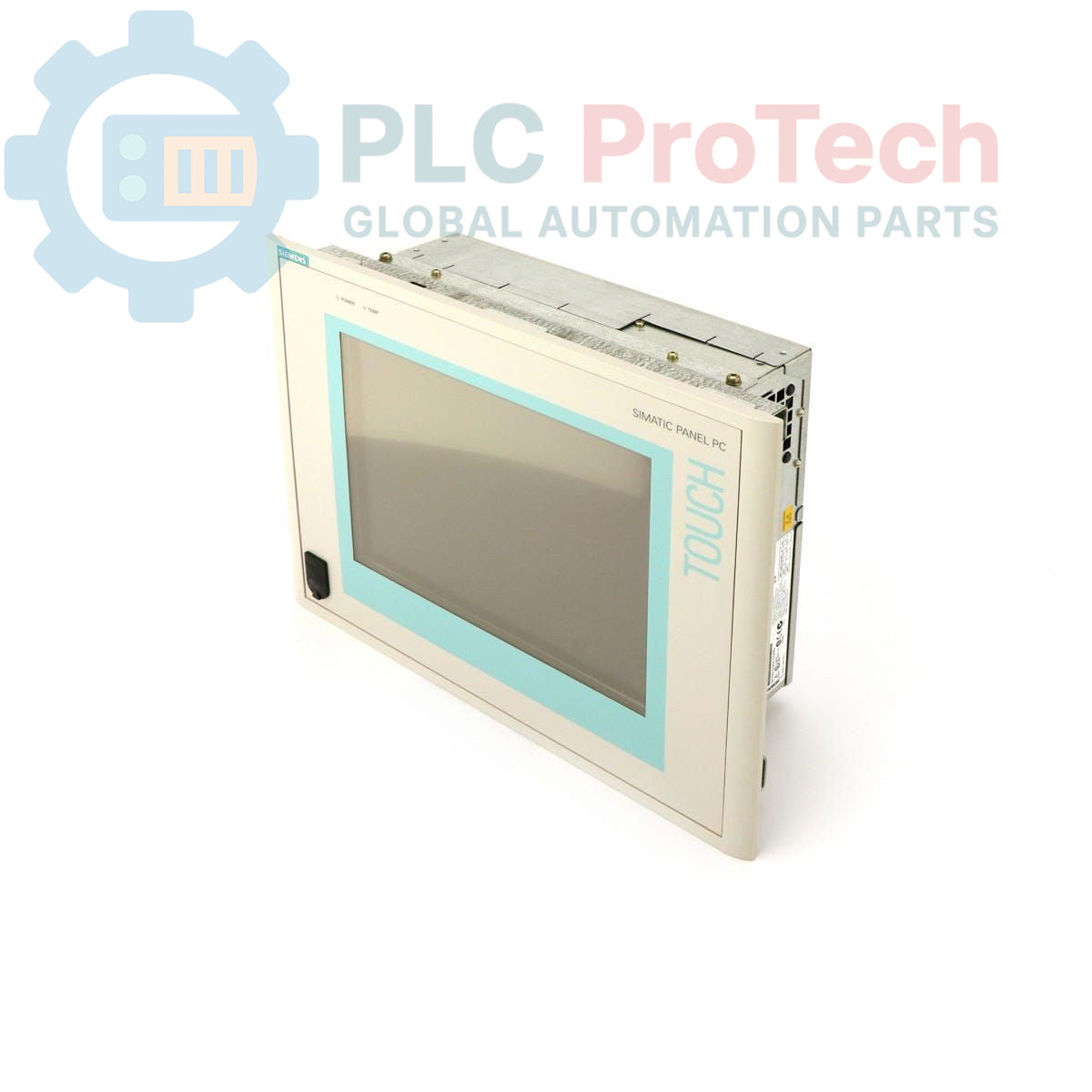
The Siemens 6AV7613-0AF12-0BG0 is a SIMATIC Panel PC 670, an integrated human-machine interface (HMI) solution for industrial automation environments. This unit features a 12-inch TFT display and is powered by a Pentium III 500 MHz CPU. It is configured with 64 MB of RAM, a 40 GB hard drive, and an integrated CD-ROM drive. The system comes pre-installed with the Windows 2000 multi-language operating system and is supplied with a U.S. mains cable for versatile power connectivity.
Features
- 12-inch TFT color display for process visualization.
- Integrated 40 GB hard drive for data storage.
- Built-in CD-ROM drive for software installation and data access.
- Powered by a Pentium III 500 MHz processor.
- Pre-installed with Windows 2000 operating system.
- Multi-language support including English, German, French, Italian, and Spanish.
- Compatible with 115-230V AC power sources.
Applications
- Machine-level operator control and monitoring.
- Process visualization and data acquisition (SCADA).
- Factory floor data logging and recipe management.
- Industrial control cabinet and console integration.
Technical Specifications
| Specification |
Value |
| Product Type |
Panel PC |
| Series |
SIMATIC Panel PC 670 |
| Display |
12 inch TFT |
| CPU |
Pentium III, 500 MHz |
| RAM |
64 MB |
| Storage |
40 GB Hard Drive (HD) |
| Optical Drive |
CD-ROM |
| Operating System |
Windows 2000 (Multi-language) |
| Supported Languages |
English, German, French, Italian, Spanish |
| Input Voltage |
115-230 V AC |
| Included Accessories |
U.S. Mains Cable |
| Product Lifecycle Status |
Obsolete |
| Shipping Weight |
4.00 kg |
| Commodity Code |
85371091 |
| ECCN |
N |
| Country of Origin |
Germany (Estimate) |
| Package Dimensions (Calculated) |
45 cm x 35 cm x 20 cm |
Installation Guidelines
CRITICAL WARNING: Always de-energize the control cabinet and follow all applicable Lockout/Tagout (LOTO) procedures before beginning installation or maintenance. Failure to disconnect power can result in electric shock, equipment damage, or serious injury.
-
1
Prepare the panel cutout according to the manufacturer's dimensional drawings. Ensure the mounting surface is clean, flat, and free of debris to guarantee a proper seal.
-
2
Insert the Panel PC into the cutout from the front of the enclosure. Secure it from the rear using the provided mounting clamps, tightening them evenly in a cross-pattern to the specified torque to ensure uniform gasket compression.
-
3
Connect the chassis to the cabinet's protective earth (PE) ground using a low-impedance conductor. A reliable ground connection is essential for operator safety and noise immunity.
-
4
Connect the AC power supply using the provided mains cable to a properly rated and protected power source. Ensure all data and communication cables are routed separately from high-voltage power lines to prevent interference.
-
5
After all connections are secure, remove LOTO devices and re-energize the cabinet. Power on the Panel PC and verify correct boot-up and system operation.