Description
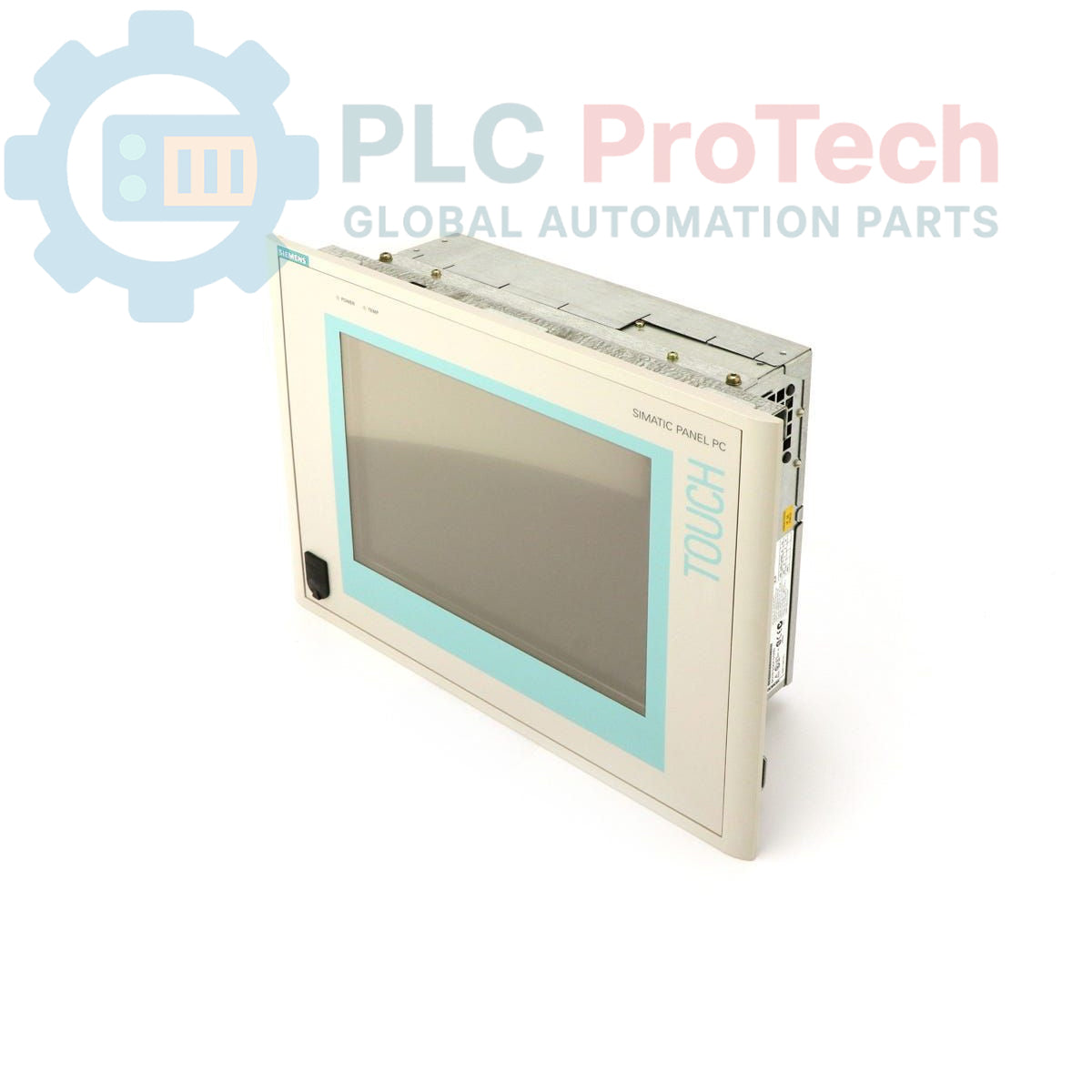
The Siemens 6AV7613-0AF20-0BG0 is a SIMATIC Panel PC 670 designed for industrial human-machine interface (HMI) and control applications. This unit features a 12-inch TFT display and is configured with an Intel Celeron 300 MHz processor, 128 MB of RAM, and a 40 GB hard drive. It includes an integrated CD-ROM drive and is pre-loaded with a multi-language version of the Windows 2000 operating system. This model is specified as an obsolete product, making it a critical spare part for maintaining legacy systems.
Features
- 12-inch TFT color display for process visualization.
- Intel Celeron 300 MHz processor.
- 128 MB of system RAM.
- 40 GB hard drive for application and data storage.
- Integrated CD-ROM drive for software installation and data transfer.
- Pre-installed Windows 2000 operating system with multi-language support.
- Designed for 115-230V AC power input.
Applications
- Machine-level operator control and monitoring.
- Process visualization and data acquisition (SCADA).
- Factory automation and plant floor control systems.
- Replacement HMI for legacy Siemens automation lines.
Technical Specifications
| General Information |
| Product Type |
Panel PC |
| Brand |
Siemens |
| Series |
SIMATIC Panel PC 670 |
| Part Number |
6AV7613-0AF20-0BG0 |
| Product Lifecycle Status |
Obsolete |
| System Configuration |
| Display |
12-inch TFT |
| Processor (CPU) |
Celeron 300 MHz |
| Memory (RAM) |
128 MB |
| Storage |
40 GB Hard Drive (HD) |
| Optical Drive |
CD-ROM |
| Software |
| Operating System |
Windows 2000 |
| Language Support |
Multi-language (English, German, French, Italian, Spanish) |
| Electrical |
| Input Voltage |
115-230 V AC |
| Included Cable |
U.S. Mains Cable |
| Logistics & Compliance |
| Shipping Weight |
12.00 kg |
| Package Dimensions (Calculated) |
35.0 x 25.0 x 25.0 cm |
| Commodity Code |
85371091 |
| ECCN |
N |
| Country of Origin |
Not specified |
Installation Guidelines
CRITICAL WARNING: Hazardous voltages are present. Installation must be performed by qualified personnel only. Failure to follow safety procedures can result in severe injury, death, or equipment damage. Always de-energize and lock out/tag out (LOTO) all power sources before installation or maintenance.
-
1
De-energize Equipment: Isolate, lock, and tag all power sources to the control cabinet or mounting location according to established LOTO procedures. Verify the absence of voltage before proceeding.
-
2
Prepare Mounting Location: Ensure the panel cutout dimensions are correct and the mounting surface is clean, flat, and can support the weight of the unit. Verify adequate clearance for ventilation and cable routing.
-
3
Mount the Panel PC: Securely install the unit into the panel cutout using all provided mounting clamps or hardware. Tighten fasteners evenly to ensure a proper seal and prevent mechanical stress on the chassis.
-
4
Connect Protective Earth: Connect a dedicated protective earth (PE) or grounding conductor to the designated terminal on the Panel PC chassis. This is critical for electrical safety.
-
5
Connect Power and I/O: Connect the 115-230V AC mains cable to the power input. Connect all necessary communication, peripheral, and I/O cables. Ensure all connectors are fully seated and secured.
-
6
Final Checks and Power-Up: Remove all tools and foreign objects from the work area. Close and secure the cabinet door. Remove LOTO devices and re-energize the main power supply. Verify the Panel PC boots correctly.