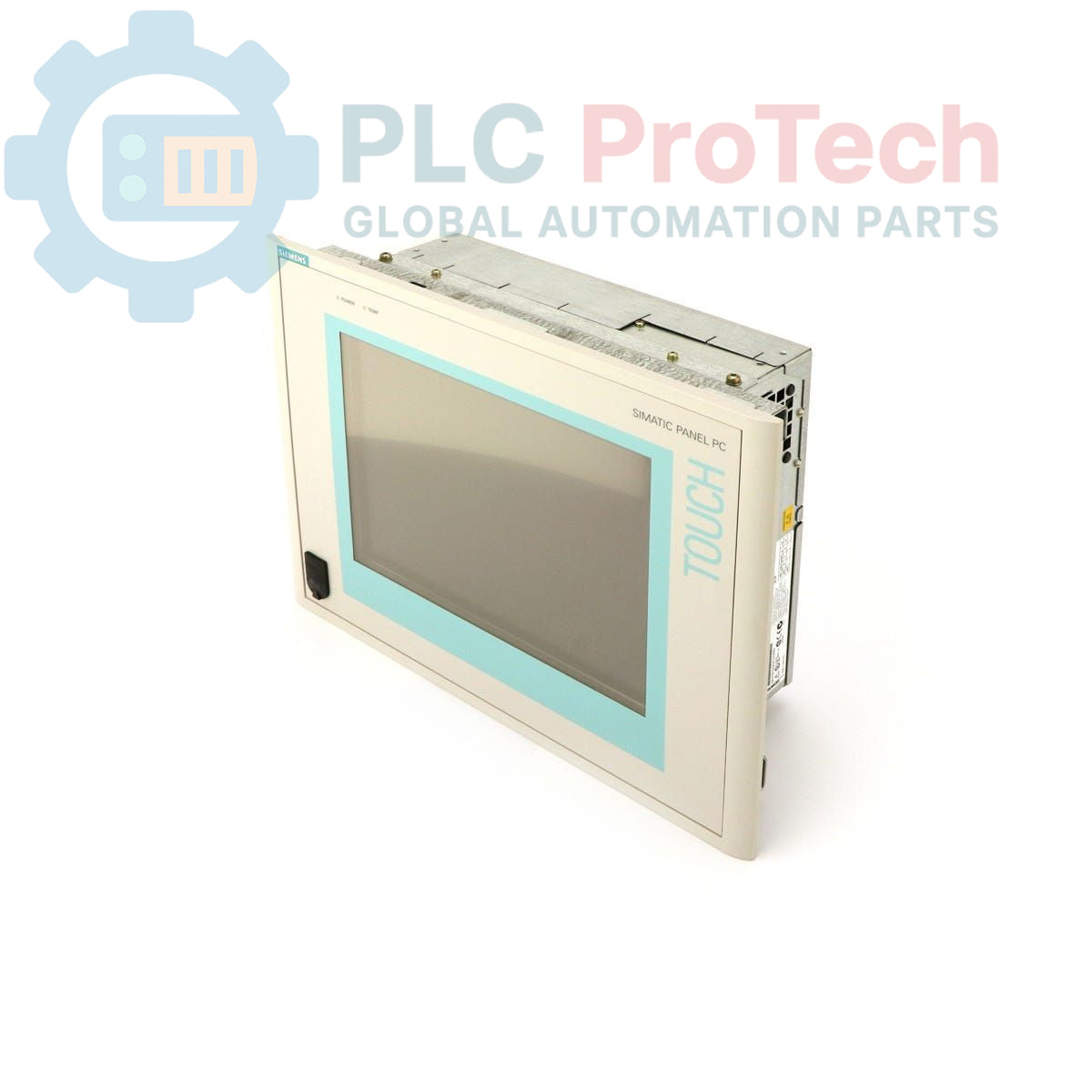
Description
The Siemens 6AV7614-0AA30-0CG0 is a SIMATIC Panel PC 670, an industrial panel personal computer designed for human-machine interface (HMI) and control applications. This unit features a 15-inch TFT touch display, providing an interactive interface for operators. It comes in a standard configuration equipped with a Celeron 300 MHz CPU, 256 MB of RAM, and a 20 GB hard drive. The panel PC is powered by a 115-230 V mains supply and operates with Windows 2000 Multi-Language, supporting English, German, French, Italian, and Spanish.
Features
- 15-inch TFT Touch Display
- Celeron 300 MHz Processor
- 256 MB RAM
- 20 GB Hard Drive
- Windows 2000 Multi-Language Operating System (EN, GER, FR, IT, SP)
- 115-230 V Mains Power Supply
Applications
The SIMATIC Panel PC 670 is suitable for various industrial automation applications, including:
- Machine operation and control
- Process visualization and monitoring
- Data acquisition and logging
- Factory automation HMI solutions
- Embedded control systems requiring a graphical interface
Technical Specifications
| Brand |
Siemens |
| Manufacturer |
Siemens |
| Range |
Simatic Panel PC |
| Subrange |
PC670 |
| Product Type |
PC panels |
| Product Phase |
Obsolete |
| Display Type |
15" TFT Touch Display |
| Processor |
Celeron 300 MHz |
| RAM |
256 MB |
| Hard Drive Capacity |
20 GB |
| Operating System |
Windows 2000 Multi-Language (EN, GER, FR, IT, SP) |
| Power Supply |
115-230 V |
| Shipping Weight |
4.00 kg |
| Commodity Code |
85371091 |
| Export Control Regulations (ECCN) |
N |
| Country of Origin |
Not specified |
| Package Dimensions (Calculated) |
40 cm x 35 cm x 15 cm |
Installation Guidelines
-
De-energize System: Before beginning any installation, ensure all power to the control cabinet or mounting area is completely disconnected and locked out.
-
Mounting: Install the Panel PC into a prepared panel cutout, ensuring a secure and flush fit. Use the provided mounting clamps or screws to fasten the unit firmly.
-
Power Connection: Connect the 115-230 V AC power supply to the designated power input terminals on the Panel PC. Verify correct voltage and polarity before applying power.
-
Grounding: Ensure proper grounding of the Panel PC chassis to the protective earth (PE) of the control cabinet to minimize electrical noise and ensure safety.
-
Peripheral Connections: Connect any necessary peripherals such as keyboards, mice, or network cables to the appropriate ports.
-
System Startup: After all connections are secure, re-energize the system. The Panel PC should boot into the Windows 2000 operating system.
-
Configuration: Configure the touch screen and any installed software as required for the specific application.