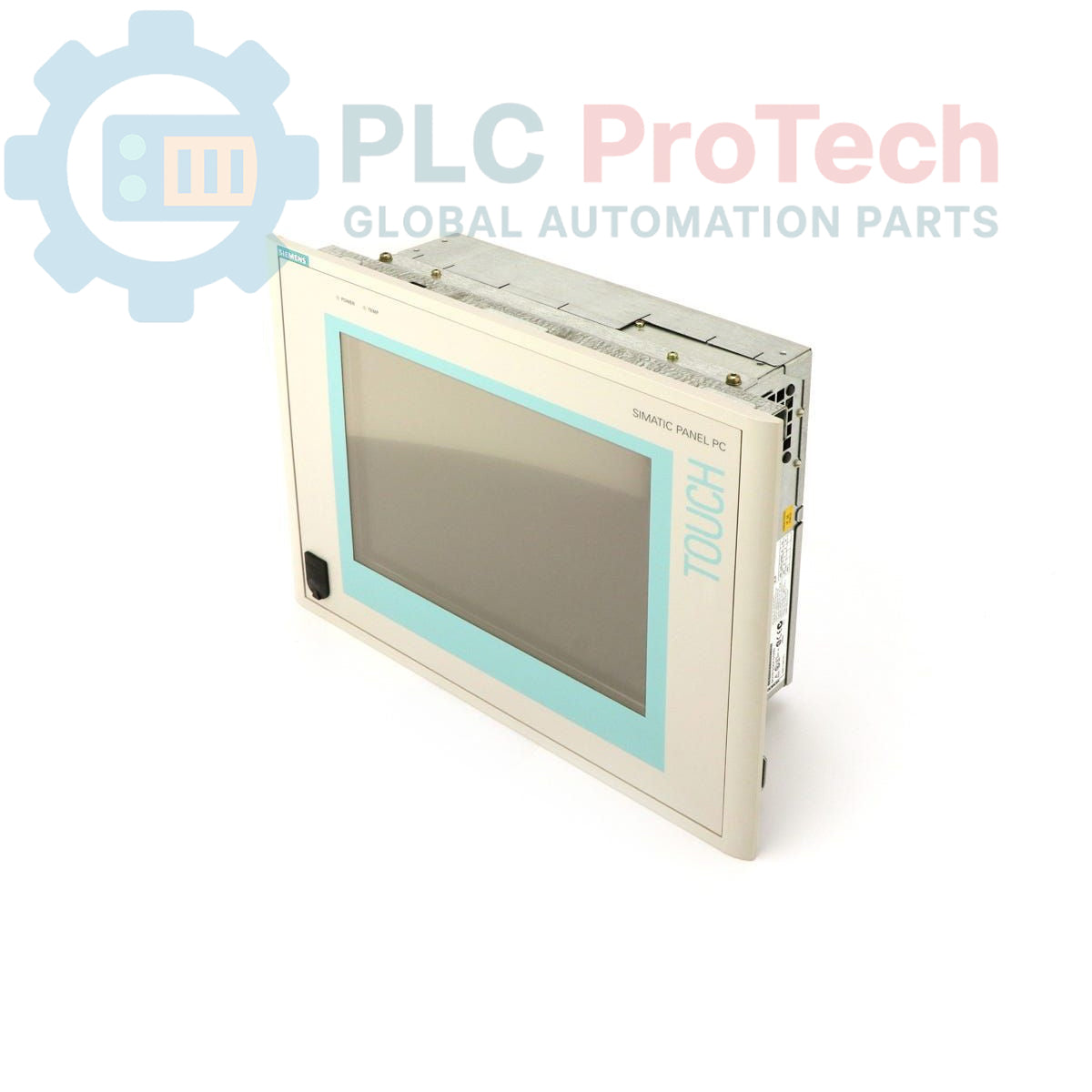
Description
The Siemens 6AV7615-0AF10-0CJ0 is a SIMATIC Panel PC 670, featuring a 15-inch TFT display. This industrial panel PC is configured with a 40 GB hard drive, a CD-ROM drive, and 64 MB of RAM. It is powered by a Celeron 300 MHz CPU and designed for operation with a 115-230 V power supply. The unit comes pre-installed with Windows NT 4.0 in English, making it suitable for various industrial visualization and control applications.
Features
- 15-inch TFT Display
- 40 GB Hard Drive (HD)
- Integrated CD-ROM Drive
- 64 MB RAM
- Celeron 300 MHz CPU
- 115-230 V Power Input
- Pre-installed Windows NT 4.0 (English)
Applications
The Siemens SIMATIC Panel PC 670 is typically deployed in industrial environments requiring human-machine interface (HMI) capabilities, process visualization, data acquisition, and control tasks. Its robust design makes it suitable for manufacturing plants, automation systems, and other settings where a dedicated industrial PC with an integrated display is necessary for operational monitoring and interaction.
Technical Specifications
| Manufacturer |
Siemens |
| Series |
SIMATIC Panel PC 670 |
| Model |
6AV7615-0AF10-0CJ0 |
| Product Type |
PC Panel |
| Display Type |
TFT |
| Display Size |
15 inches |
| Hard Drive Capacity |
40 GB |
| Optical Drive |
CD-ROM |
| RAM |
64 MB |
| CPU |
Celeron 300 MHz |
| Input Voltage |
115-230 V |
| Operating System |
Windows NT 4.0 (English) |
| Product Phase |
Obsolete |
| Shipping Weight |
4.00 kg |
| Commodity Code |
85371091 |
| Export Control Regulations (ECCN) |
N |
| Country of Origin |
Unknown |
| Package Dimensions (Calculated) |
Unknown |
Installation Guidelines
-
De-energize System: Ensure all power to the installation area and the Panel PC is disconnected before commencing any work.
-
Mounting: Securely mount the Panel PC into a suitable panel cutout or enclosure, ensuring adequate ventilation and clearance for connections.
-
Power Connection: Connect the 115-230 V power supply cable to the designated power input terminal, observing correct polarity and grounding.
-
Peripheral Connections: Connect any necessary peripherals such as keyboards, mice, or network cables to the appropriate ports.
-
Grounding: Ensure the Panel PC chassis is properly grounded to the industrial system's protective earth for safety and EMI reduction.
-
Power On: After verifying all connections, re-energize the system and power on the Panel PC.