Description
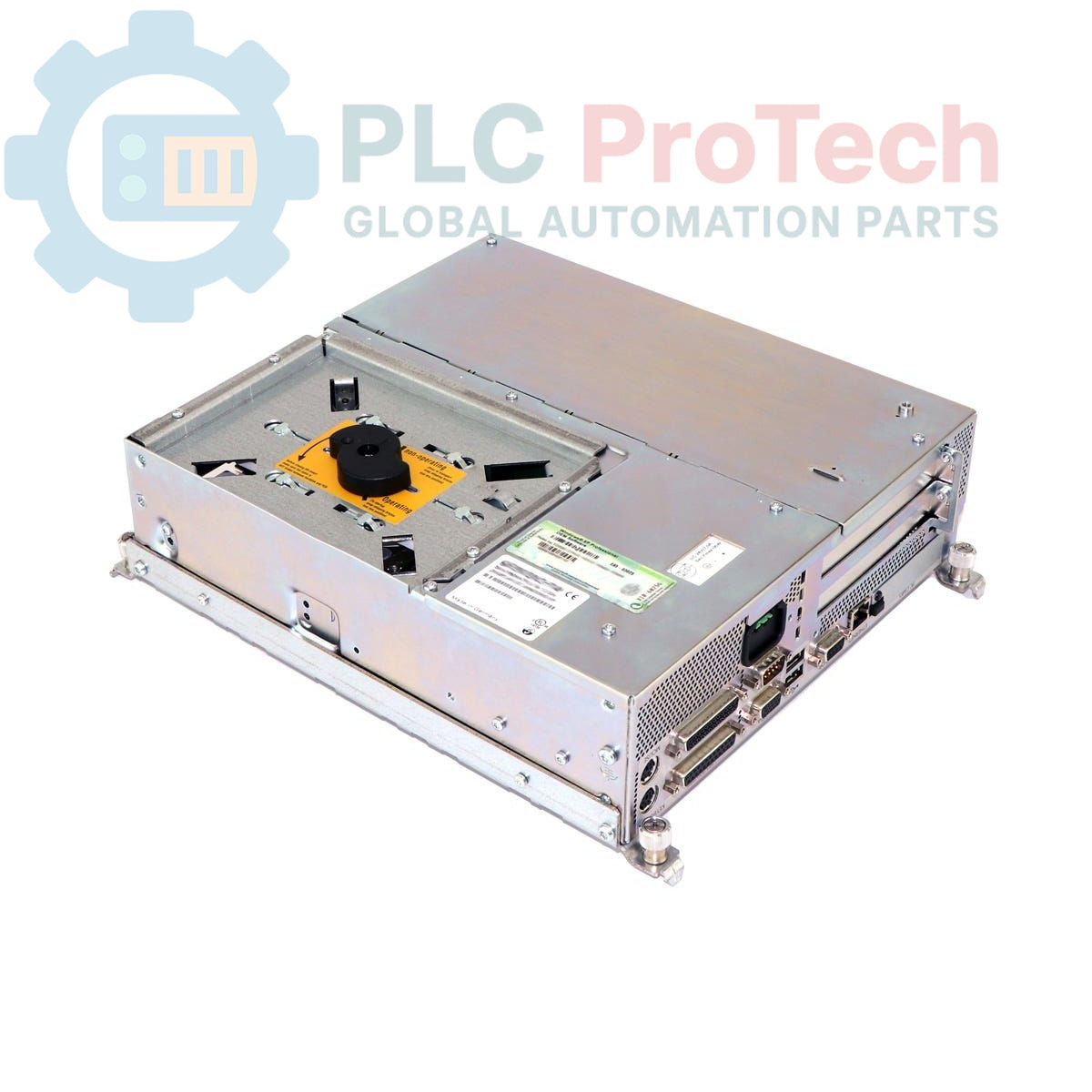
The Siemens 6AV7722-1BC10-0AD0 is a SIMATIC Panel PC 670 designed for industrial environments requiring robust process control and visualization. This panel PC features a 12.1-inch color TFT touchscreen display, providing clear and responsive operation for production settings. It is equipped with a Pentium III 1.26 GHz processor and 128 MB SDRAM-133 (1x128MB) memory, ensuring stable and efficient performance for industrial applications.
The device includes a 40 GB EIDE hard drive, a DVD-ROM drive, and operates on Windows 2000 Multi-Language, making it suitable for a wide range of factory automation tasks. The Siemens 6AV7722-1BC10-0AD0 supports both 115V and 230V power inputs and is supplied with a Euro mains cable. This panel PC is available in sustainable, refurbished condition and is well-suited for integration into existing production lines.
Features
- 12.1-inch Color TFT Touch Display
- Pentium III 1.26 GHz Processor
- 128 MB SDRAM-133 Memory (1x128MB)
- 40 GB EIDE Hard Drive
- DVD-ROM Drive
- Windows 2000 Multi-Language Operating System
- Wide Input Voltage Range: 115-230V
- Supplied with Euro Mains Cable
Applications
- Industrial process control and monitoring
- Human-Machine Interface (HMI) for machinery
- Factory automation and visualization tasks
- Integration into existing production lines
- Data acquisition and system diagnostics in industrial settings
Technical Specifications
| Manufacturer |
Siemens |
| Range |
SIMATIC Panel PC |
| Subrange |
PC670 |
| Product Type |
PC Panel |
| Display |
12.1" Color TFT, Touchscreen |
| Processor |
Pentium III 1.26 GHz |
| Memory |
128 MB SDRAM-133 (1x128MB) |
| Storage |
40 GB EIDE HDD |
| Optical Drive |
DVD-ROM |
| Operating System |
Windows 2000 Multi-Language |
| Power Supply |
115-230V |
| Mains Cable |
Euro |
| Product Phase |
Obsolete |
| Package Dimensions (Calculated) |
35.00 x 25.00 x 25.00 cm |
| Shipping Weight |
12.00 kg |
| Commodity Code |
85371091 |
| Export Control Regulations (ECCN) |
5D992 |
Installation Guidelines
-
De-energize System: Before beginning any installation or maintenance, ensure that all power to the system and the panel PC is disconnected and locked out according to safety procedures.
-
Mounting: Install the panel PC securely into its designated panel cutout. Ensure proper sealing to maintain the specified IP rating for industrial environments.
-
Power Connection: Connect the provided Euro mains cable to the panel PC's power input. Verify that the power supply (115V or 230V) matches the unit's requirements.
-
Grounding: Ensure the panel PC chassis is properly grounded to the control cabinet's protective earth for safety and to minimize electromagnetic interference.
-
Peripheral Connections: Connect any necessary industrial communication cables, USB devices, or other peripherals as required by the application.
-
Cable Routing: Route all cables to prevent strain, abrasion, and interference with other components. Use cable ties and conduits where appropriate.
-
System Power-Up: Once all connections are secure, re-energize the system and power on the panel PC. Verify proper boot-up and functionality of the touchscreen and operating system.