Description
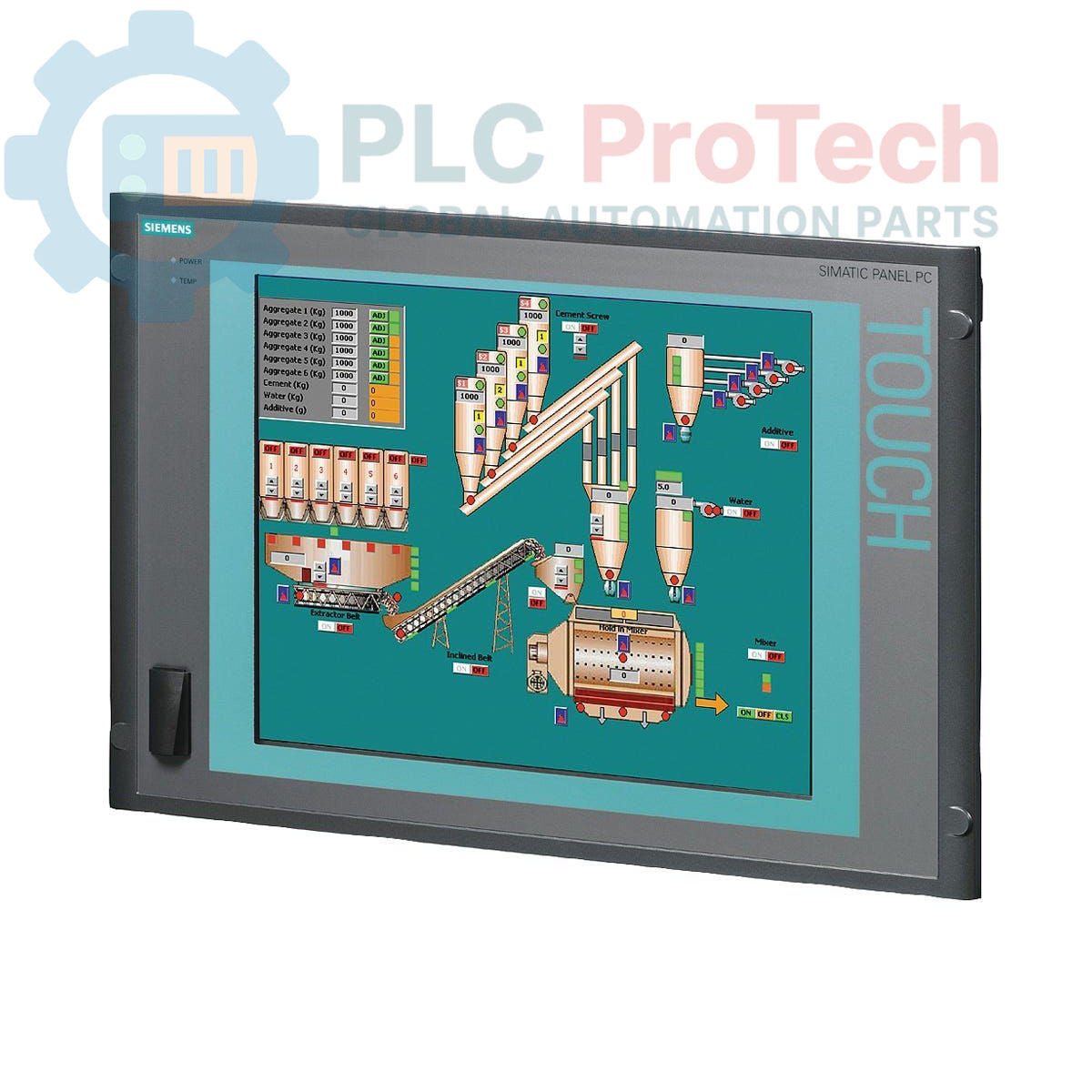
The Siemens 6AV7803-0BA20-1AC0 is a SIMATIC Panel PC 677 designed for machine-level visualization and control applications. This unit features a 15-inch keypad display with a 1024x768 resolution, providing a durable operator interface. It is powered by an Intel Celeron M 370 processor and comes equipped with 1 GB of DDR266 SDRAM and an 80 GB SATA hard drive. The system includes a front-side USB port for convenient data transfer and is pre-installed with the Windows XP Professional operating system. Please note, this model is designated with an Obsolete product lifecycle phase.
Features
-
■15-inch display with keypad input and 1024x768 pixel resolution.
-
■Intel Celeron M 370 processor operating at 1.5 GHz.
-
■Equipped with 1 GB of DDR266 SDRAM.
-
■Includes an 80 GB 3.5-inch SATA hard drive and a DVD-ROM drive.
-
■Convenient front-side USB interface.
-
■Pre-installed with Windows XP Professional Multi-language User Interface (MUI).
-
■Wide input voltage range of 110-230V AC.
Applications
-
■Human-Machine Interface (HMI) for industrial machinery.
-
■Process visualization and data logging in manufacturing plants.
-
■Control room operator stations.
-
■Replacement for legacy PC-based control systems.
Technical Specifications
| Specification |
Value |
| General |
|
| Manufacturer |
Siemens |
| Part Number |
6AV7803-0BA20-1AC0 |
| Series |
SIMATIC Panel PC 677 |
| Product Lifecycle Phase |
Obsolete |
| Display |
|
| Type |
Keypad Interface |
| Size |
15 inch |
| Resolution |
1024 x 768 pixels |
| Processing |
|
| CPU |
Intel Celeron M 370 |
| Clock Speed |
1.5 GHz |
| Front Side Bus (FSB) |
400 MHz |
| L2 Cache |
1 MB SLC |
| Memory & Storage |
|
| RAM |
1 GB DDR266 SDRAM (1 x 1 GB module) |
| Hard Drive |
80 GB SATA, 3.5 inch |
| Optical Drive |
DVD-ROM |
| Software |
|
| Operating System |
Windows XP Professional MUI (EN, GE, FR, IT, SP, JP, CHN, KOR) |
| Electrical |
|
| Input Voltage |
110 - 230V AC |
| Shipping Information |
|
| Shipping Weight |
17.00 kg |
| Package Dimensions |
67.0 x 83.0 x 11.5 cm |
| Country of Origin |
Germany (Estimate) |
| Commodity Code |
85371098 |
Installation Guidelines
CRITICAL WARNING: Hazardous voltages are present. All installation and maintenance activities must be performed by qualified personnel with all power sources locked out and tagged out (LOTO). Failure to de-energize equipment can result in severe injury or death.
-
1
Ensure the control cabinet is completely de-energized and verified to be at a zero-energy state before beginning work.
-
2
Verify that the panel cutout dimensions match the requirements for the PC 677 chassis. Ensure the mounting surface is clean, flat, and can support the unit's weight.
-
3
Insert the Panel PC into the cutout from the front. Secure it from the rear using the provided mounting clamps, tightening them evenly to the specified torque to ensure a proper seal.
-
4
Connect a dedicated protective earth (PE) conductor to the designated grounding terminal on the chassis. This connection is critical for safety and noise immunity.
-
5
Connect the 110-230V AC power supply cable to the unit's power input connector. Ensure the cable is properly secured.
-
6
Connect all required communication, network (Ethernet), and peripheral (USB, serial) cables. Ensure proper cable routing and strain relief.
-
7
After verifying all connections are correct and secure, close the cabinet door, remove the LOTO device, and re-energize the main power supply to commission the unit.