Description
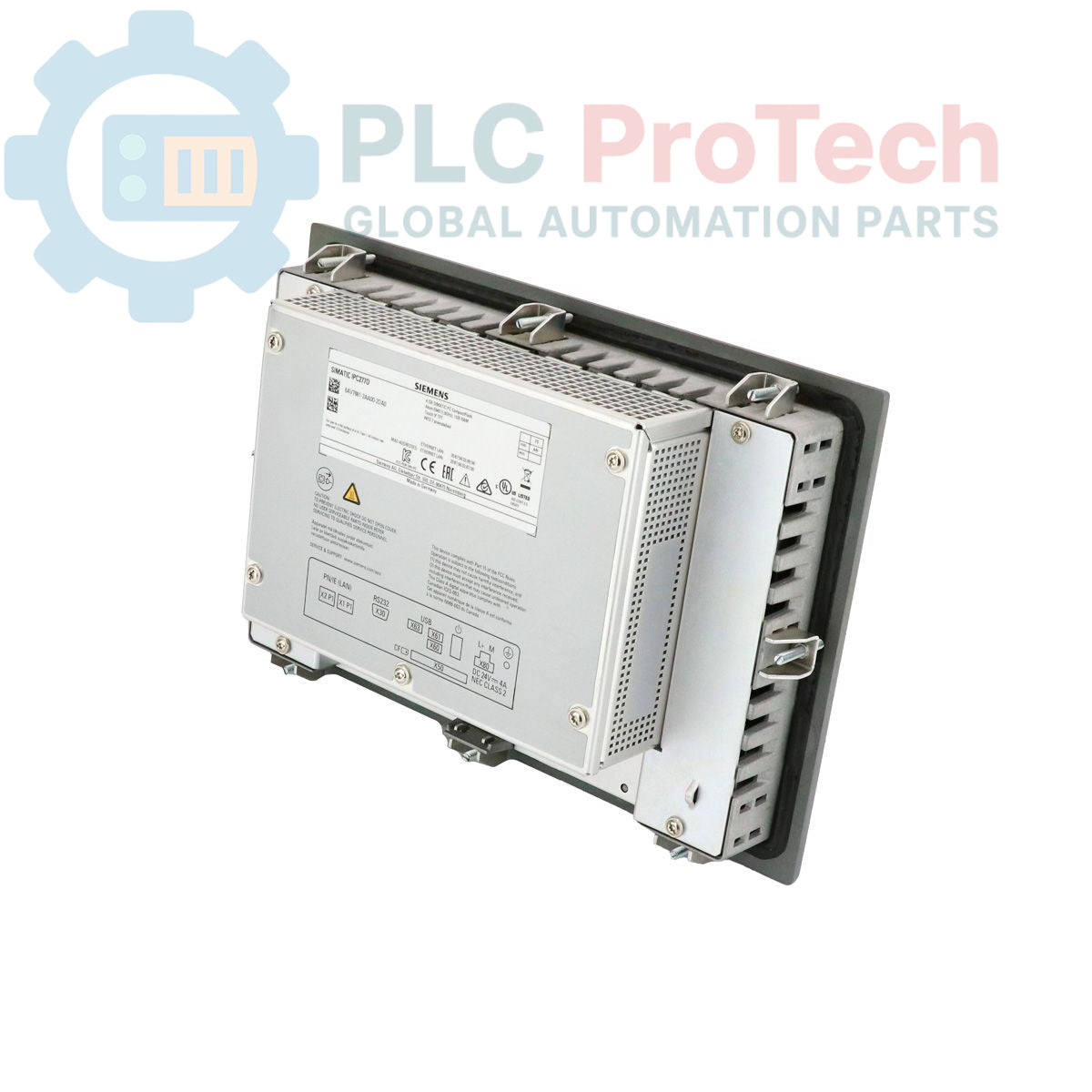
The Siemens 6AV7881-2AA00-2DA0 is a SIMATIC IPC277D Nanopanel PC designed for embedded machine control and visualization tasks. This compact unit features a 9-inch TFT touch display, an Intel Atom E640 1.0 GHz processor, and 1 GB of RAM. It is equipped with a comprehensive set of interfaces, including dual Gigabit Ethernet ports, high-current USB 2.0 ports, and a serial port, all powered by a 24 V DC supply. The system includes a 4 GB CompactFlash card pre-installed with the Windows Embedded Standard 7 SP1 operating system.
Features
- 9-inch TFT touch-sensitive display
- Intel Atom E640 processor (1.0 GHz)
- 1 GB of integrated RAM
- 4 GB SIMATIC PC CompactFlash storage
- Pre-installed Windows Embedded Standard 7 SP1 (WES 7 SP1)
- Dual 10/100/1000 Mbps Ethernet RJ45 ports
- Three high-current USB 2.0 ports
- One serial (COM1) interface
- Operates on a 24 V DC power supply
Applications
- Human-Machine Interface (HMI) for machinery
- Process visualization and control
- Data acquisition and logging
- Embedded control systems in manufacturing environments
Technical Specifications
| Specification |
Value |
| Model Number |
6AV7881-2AA00-2DA0 |
| Product Series |
SIMATIC IPC277D |
| Product Type |
Nanopanel PC |
| Display |
9-inch Touch TFT |
| Processor |
Intel Atom E640 (1.0 GHz) |
| Memory (RAM) |
1 GB |
| Storage |
4 GB SIMATIC PC CompactFlash |
| Operating System |
Windows Embedded Standard 7 SP1 |
| Power Supply |
24 V DC |
| Ethernet Ports |
2x 10/100/1000 Mbps (RJ45) |
| USB Ports |
3x USB 2.0 (High Current) |
| Serial Port |
1x COM1 |
| Expansion Slots |
1x CompactFlash Slot |
| Product Lifecycle Status |
Phase-Out |
| Shipping Weight |
2.30 kg |
| Shipping Dimensions |
40.50 x 22.00 x 26.40 cm |
| Commodity Code |
85371098 |
| ECCN |
5A992 |
| Country of Origin |
Germany (Estimate) |
| Manufacturer |
Siemens |
| Package Dimensions (Calculated) |
40.50 cm x 22.00 cm x 26.40 cm |
Installation Guidelines
CRITICAL WARNING: Disconnect all power sources before installation or maintenance. Failure to de-energize the system can result in severe electrical shock, equipment damage, or personal injury. Only qualified personnel should perform installation procedures.
-
1
Panel Preparation: Prepare the control cabinet panel cutout according to the device's mechanical specifications. Ensure the mounting surface is clean, flat, and free of debris to guarantee a proper seal.
-
2
Mounting: Insert the Panel PC into the cutout from the front. Secure it from the rear using the provided mounting clamps. Tighten the clamps evenly to the specified torque to ensure consistent pressure and maintain the IP rating.
-
3
Grounding: Connect the functional earth (FE) terminal on the device chassis to the control cabinet's central grounding point using a low-impedance conductor. A proper ground connection is essential for noise immunity and safety.
-
4
Power Connection: Connect the 24 V DC power supply to the designated power input terminals. Verify correct polarity (+/-) before applying power. Use appropriately sized conductors and ensure the power source is stable and within the specified voltage range.
-
5
Interface Wiring: Connect Ethernet, USB, and serial communication cables. Route all signal cables separately from high-voltage power lines to minimize electromagnetic interference. Use shielded cables for all data communication where specified.