Description
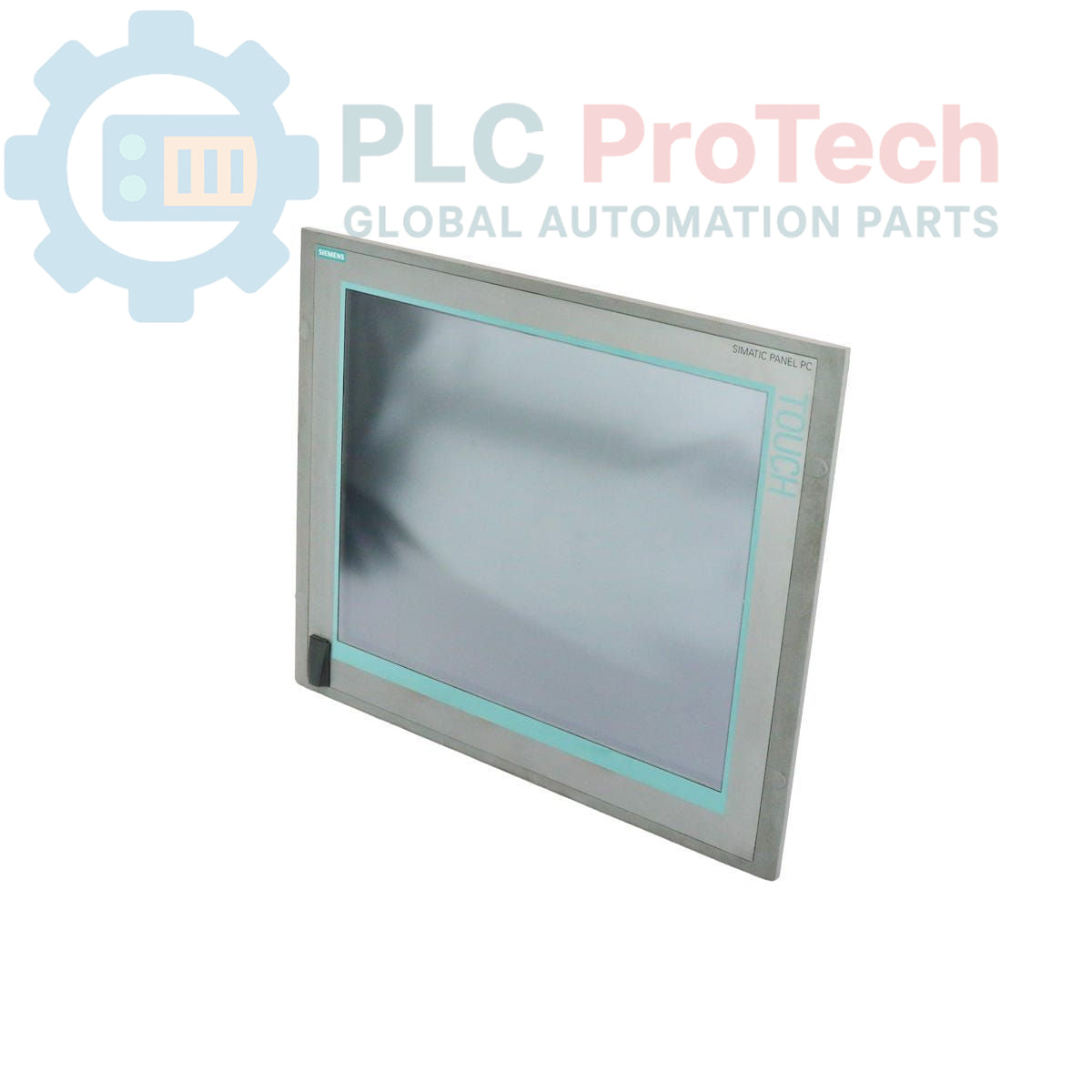
The Siemens 6AV7884-5AG20-6BA0 is a SIMATIC HMI IPC 477C series Panel PC designed for industrial human-machine interface applications. This unit is equipped with a 19-inch touch display with a native resolution of 1280 x 1024 pixels. Processing is handled by an Intel Core 2 Duo 1.2 GHz CPU, supported by 2 GB of DDR3 RAM. For storage, it includes a 50 GB high-endurance SATA solid-state drive (SSD). The system comes pre-installed with the Windows Embedded Standard 2009 operating system and provides robust connectivity through dual 1 Gbit PROFINET (IE) ports and a total of five USB interfaces.
Features
- 19-inch TFT touch display with 1280 x 1024 resolution
- Intel Core 2 Duo 1.2 GHz processor
- 2 GB of installed DDR3 RAM
- 50 GB high-endurance SATA solid-state drive
- Integrated PROFINET (IE) interface with two 1 Gbit ports
- Five USB ports (4 rear, 1 front) for peripheral connectivity
- Pre-installed Windows Embedded Standard 2009 operating system
- Standard front panel design for industrial environments
Applications
- Machine-level operator control and monitoring
- Process visualization and data acquisition
- Plant floor data logging and reporting
- Integration with Manufacturing Execution Systems (MES)
- Supervisory control in automated production lines
Technical Specifications
| Category |
Specification |
| Product Identification |
|
| Manufacturer |
Siemens |
| Model Number |
6AV7884-5AG20-6BA0 |
| Series |
SIMATIC HMI IPC 477C |
| Product Type |
Industrial Panel PC |
| Product Lifecycle |
Phase-Out |
| Hardware |
|
| Processor (CPU) |
Intel Core 2 Duo 1.2 GHz |
| Memory (RAM) |
2 GB DDR3 |
| Storage |
50 GB Solid-State Drive (SATA, high endurance) |
| Display |
|
| Type |
Touch Display |
| Size |
19 inch |
| Resolution |
1280 x 1024 pixels |
| Software |
|
| Operating System |
Windows Embedded Standard 2009 (pre-installed) |
| Connectivity |
|
| Ethernet |
2x 1 Gbit PROFINET (IE) |
| USB |
4x rear ports, 1x front port |
| Logistics |
|
| Package Dimensions |
64.00 x 64.00 x 42.00 cm |
| Shipping Weight |
15.00 kg |
| Commodity Code |
85371098 |
| ECCN |
N |
| Country of Origin (Estimated) |
Germany |
Installation Guidelines
CRITICAL WARNING: ELECTRICAL HAZARD
Installation must be performed by qualified personnel only. Disconnect and lock out all power sources before accessing the control panel. Failure to de-energize equipment can result in severe injury or death. Use appropriate personal protective equipment (PPE) and follow all site-specific safety procedures.
-
1
De-energize Panel: Before installation, ensure the control cabinet is completely de-energized, locked out, and tagged out (LOTO). Verify zero energy state with a calibrated multimeter.
-
2
Verify Cutout: Confirm that the panel cutout dimensions match the requirements for the IPC 477C 19-inch unit. Ensure the mounting surface is clean, flat, and free of debris.
-
3
Mount Unit: Insert the Panel PC into the cutout from the front. Secure it from the rear using the provided mounting clamps, tightening them evenly to the specified torque to ensure a proper seal.
-
4
Connect Grounding: Connect the protective earth (PE) terminal on the unit chassis to the main control panel ground bus using a low-impedance conductor. This is critical for safety and noise immunity.
-
5
Connect Cables: Connect the DC power supply, PROFINET network cables, and any required USB peripherals. Ensure all connectors are fully seated and secured. Maintain proper separation between power and signal wiring.
-
6
Power On and Test: After closing the panel and removing LOTO devices, re-apply power to the cabinet. Verify the Panel PC boots correctly and establishes network communication.