Description
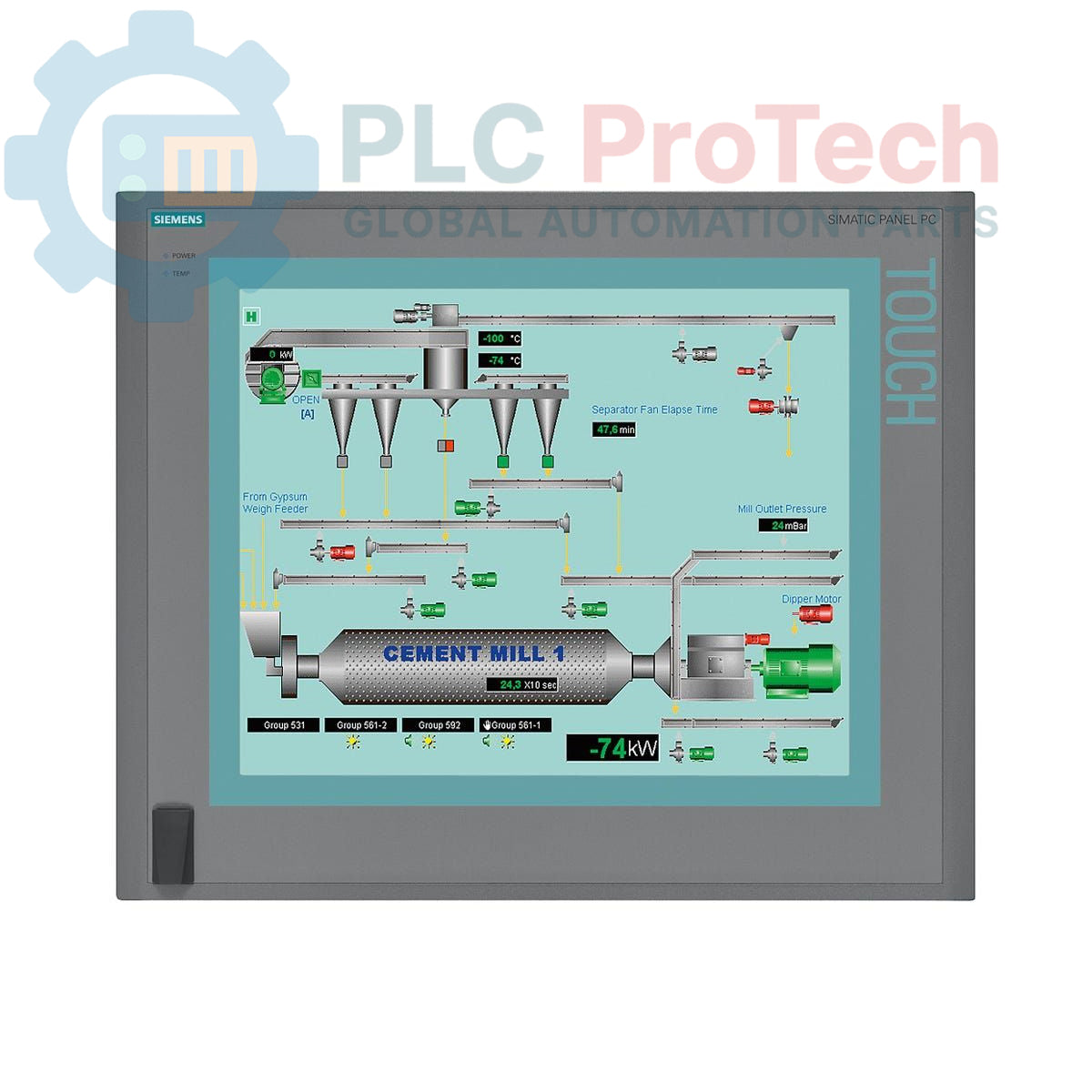
The Siemens 6AV7892-0BH00-0AB0 is a SIMATIC HMI IPC677C series industrial panel PC engineered for process control and monitoring in demanding production environments. This unit integrates a 15-inch touchscreen display with a 1024 x 768 resolution into a rugged enclosure. It is powered by an Intel Core i7-610E processor and equipped with extensive connectivity options, including dual Gigabit Ethernet, USB 2.0, and a PROFIBUS/MPI interface. System reliability is enhanced by an onboard RAID controller, watchdog timer, and integrated monitoring for temperature and fan status. The device is pre-installed with Windows XP Professional and includes a 110/230 V AC power supply.
Features
- 15-inch color touchscreen display with 1024 x 768 pixel resolution.
- Intel Core i7-610E processor (2.53 GHz, 2 Cores/4 Threads, 4 MB Cache).
- 1 GB DDR3 1066 DIMM system memory.
- 250 GB SATA Hard Disk Drive (HDD) with onboard RAID controller.
- Integrated PROFIBUS/MPI interface (CP 5611-A2 compatible).
- Dual 10/100/1000 Mbit/s Ethernet ports for network connectivity.
- Four rear USB 2.0 ports and one front-side USB port for easy access.
- Built-in system monitoring for watchdog, temperature, and fan operation.
- Two free PCI slots for hardware expansion.
- Pre-installed with Windows XP Professional SP3 (MUI).
Applications
- Human-Machine Interface (HMI) for machine and process control.
- Supervisory Control and Data Acquisition (SCADA) nodes.
- Production data logging and visualization stations.
- Industrial control rooms and operator panels.
- Manufacturing Execution System (MES) terminals.
Technical Specifications
| Category |
Specification |
| Display |
15-inch Touchscreen, 1024 x 768 resolution |
| Processor |
Intel Core i7-610E (2C/4T, 2.53 GHz, Turbo Boost, HT, VT, 4 MB Cache) |
| Memory |
1 GB DDR3 1066 DIMM |
| Buffered Memory |
2 MB Buffered SRAM |
| Storage |
250 GB HDD SATA |
| RAID Controller |
Onboard |
| Optical Drive |
Not included |
| Expansion Slots |
2x PCI (free) |
| Ethernet Ports |
2x 10/100/1000 Mbit/s |
| USB Ports |
4x USB 2.0 (rear), 1x Front-side USB |
| Serial Port |
1x COM1 |
| Fieldbus Interface |
PROFIBUS/MPI (CP 5611-A2 compatible) |
| Power Supply |
110/230 V AC with NAMUR compatibility |
| Operating System |
Windows XP Professional SP3 MUI (DE, EN, FR, ES, IT) |
| System Monitoring |
Watchdog, Temperature Monitoring, Fan Monitoring |
| Product Lifecycle Status |
Phase-Out |
| Manufacturer |
Siemens |
| Country of Origin |
Germany (Estimate) |
| Shipping Weight |
17.45 kg |
| Package Dimensions (Calculated) |
67.00 x 55.00 x 28.00 cm |
Installation Guidelines
CRITICAL WARNING: Hazardous voltages are present. Installation must be performed by qualified personnel only. Ensure the main power supply to the cabinet is de-energized and locked out (LOTO) before beginning work. Failure to comply can result in severe injury or death.
-
1
Verify the panel cutout dimensions against the device specifications. Ensure adequate clearance for ventilation and cable routing behind the unit.
-
2
Insert the Panel PC into the prepared cutout from the front of the enclosure. Secure the unit evenly from the rear using all provided mounting clamps, tightening to the specified torque to ensure a proper seal.
-
3
Connect a low-impedance protective earth (PE) conductor to the designated grounding terminal on the PC chassis. This is a mandatory safety connection.
-
4
Connect the 110/230 V AC power supply cable to the device input. Ensure the source voltage matches the power supply rating.
-
5
Connect Ethernet, PROFIBUS/MPI, USB, and any other required communication or peripheral cables. Ensure proper shielding and grounding for all data cables to minimize electrical noise interference.
-
6
After verifying all connections are secure and correct, remove the lockout/tagout device and re-energize the main cabinet power. Power on the Panel PC and confirm that the operating system boots correctly.