


Derivative Action in PID Control Without Noise Problems
Learn what derivative action contributes to a PID loop, why it can amplify measurement noise and setpoint changes, and how filtering, sampling, and staged tests make D tuning safer.
Manufacturer: Siemens
Product No.: 6AV7894-0AG32-1BB0
Country of origin:Germany
Product Type: Panel PC
Barcode: 84714100
Payment: T/T, Western Union
Weight: 17450g
Dimensions: 67.00 x 55.00 x 28.00 cm
Shipping port: Xiamen
Warranty: 12 months
| Brand | Siemens |
| Manufacturer | Siemens |
| Range | SIMATIC Panel PC |
| Subrange | IPC677C |
| Product Type | Panel PC |
| Model | 6AV7894-0AG32-1BB0 |
| Display Size | 19 inches |
| Display Resolution | 1280 x 1024 |
| Processor | Intel Core i7-610E (2 cores, 4 threads, 2.53 GHz, Turbo Boost, Hyper-Threading, Virtualization, 4 MB cache) |
| RAM | 4 GB DDR3 1066 DIMM |
| Storage | RAID1 (2 x 320 GB SATA, 2.5", mirrored) |
| Operating System | Windows XP Professional SP3 MUI (DE, EN, FR, ES, IT) |
| Ethernet Ports | 2x 10/100/1000 Mbit/s Gigabit Ethernet |
| USB Ports | 4x USB V2.0 (rear), 1x USB (front-side) |
| Serial Ports | 1x COM1 |
| Optical Drive | DVD+-R+-RW |
| Expansion Slots | 1x PCI, 1x PCIe (x16) |
| Power Supply | 24 V DC |
| Monitoring | Watchdog, Temperature, Fan Monitoring |
| RAID Controller | Onboard |
| Product Phase | Phase-Out |
| Package Dimensions (Calculated) | 67.00 x 55.00 x 28.00 cm |
| Shipping Weight | 17.45 kg |
| Commodity Code | 84714100 |
| Export Control Regulations (ECCN) | 5A992 |
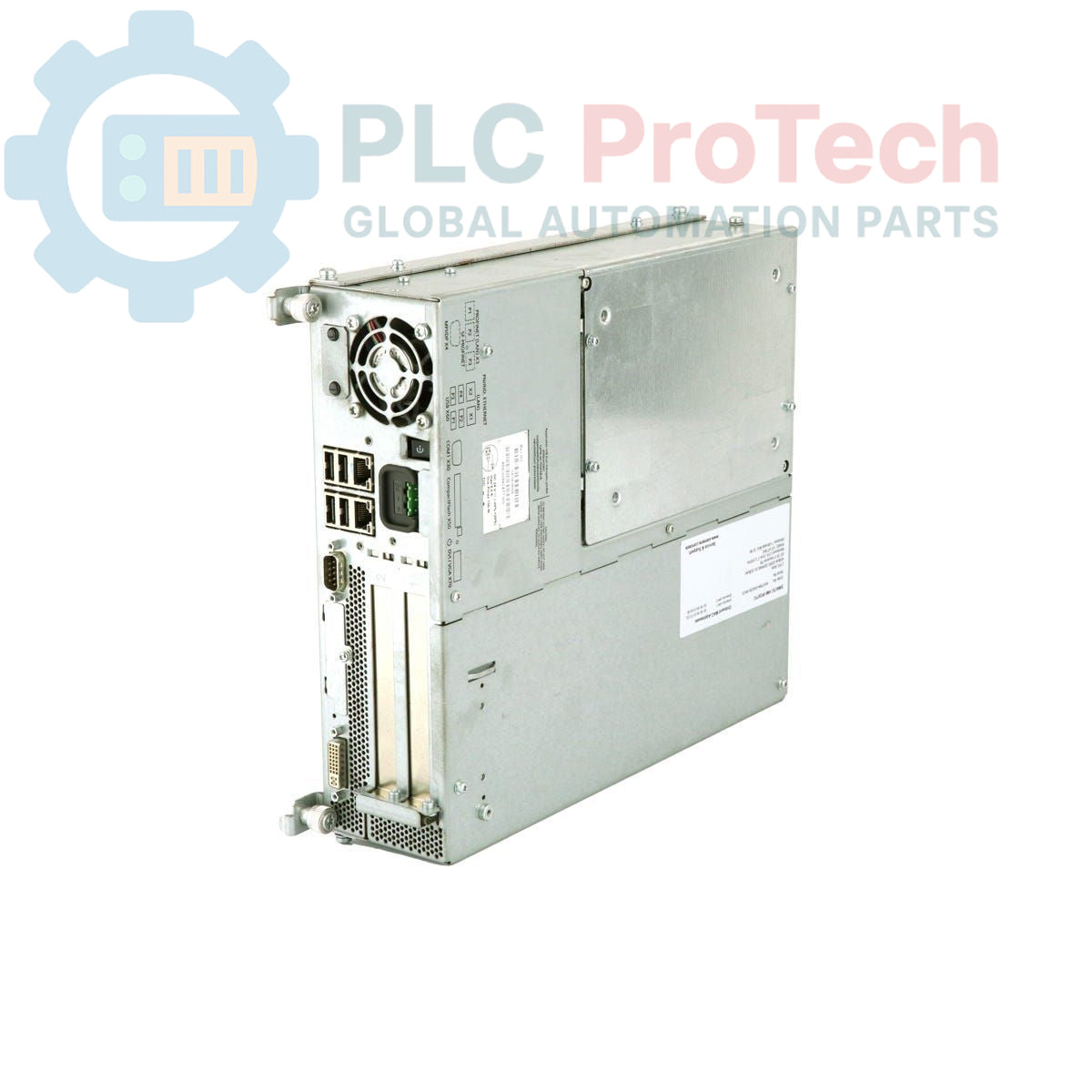
The Siemens 6AV7894-0AG32-1BB0 provides the following external interfaces:

Global Express Shipping
Returns & Warranty


Global Express Shipping
Returns & Warranty
Orders are processed and delivered Monday-Friday (excluding public holidays).
For full eligibility, restocking fees, and international return details, please view our official Refund & Return Policy .
| Country of origin |
Germany
|

Learn what derivative action contributes to a PID loop, why it can amplify measurement noise and setpoint changes, and how filtering, sampling, and staged tests make D tuning safer.

A practical guide to segmenting, documenting, and testing industrial Ethernet networks so plant teams can isolate faults quickly, control change, and expand without creating fragile dependencies.

Commission IO-Link systematically from master addressing and port modes through IODD selection, PLC byte mapping, parameter backups, device validation, and failure-injection tests.

A practical PowerFlex braking guide covering regenerative energy, resistor resistance and duty cycle, thermal protection, model-specific parameters, and measured commissioning tests.

An industrial joystick is only the first element in a safe motion command chain. This guide covers sensing choices, wiring, signal validation, PLC logic, restart behavior, and commissioning for...

PID tuning becomes safer when engineers can see how proportional, integral, and derivative actions reshape error, output, and response over time. This guide turns live trends into a disciplined...