Description
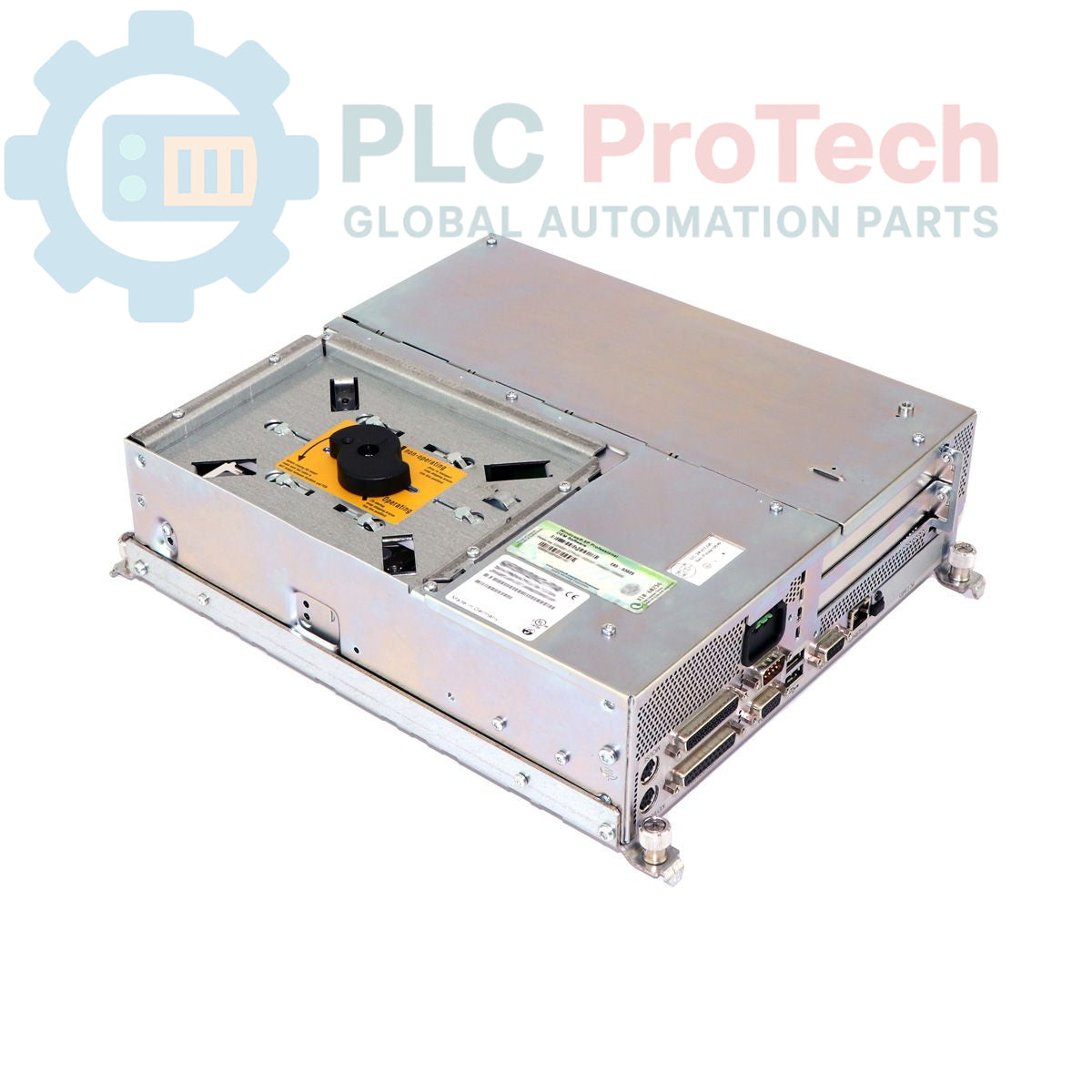
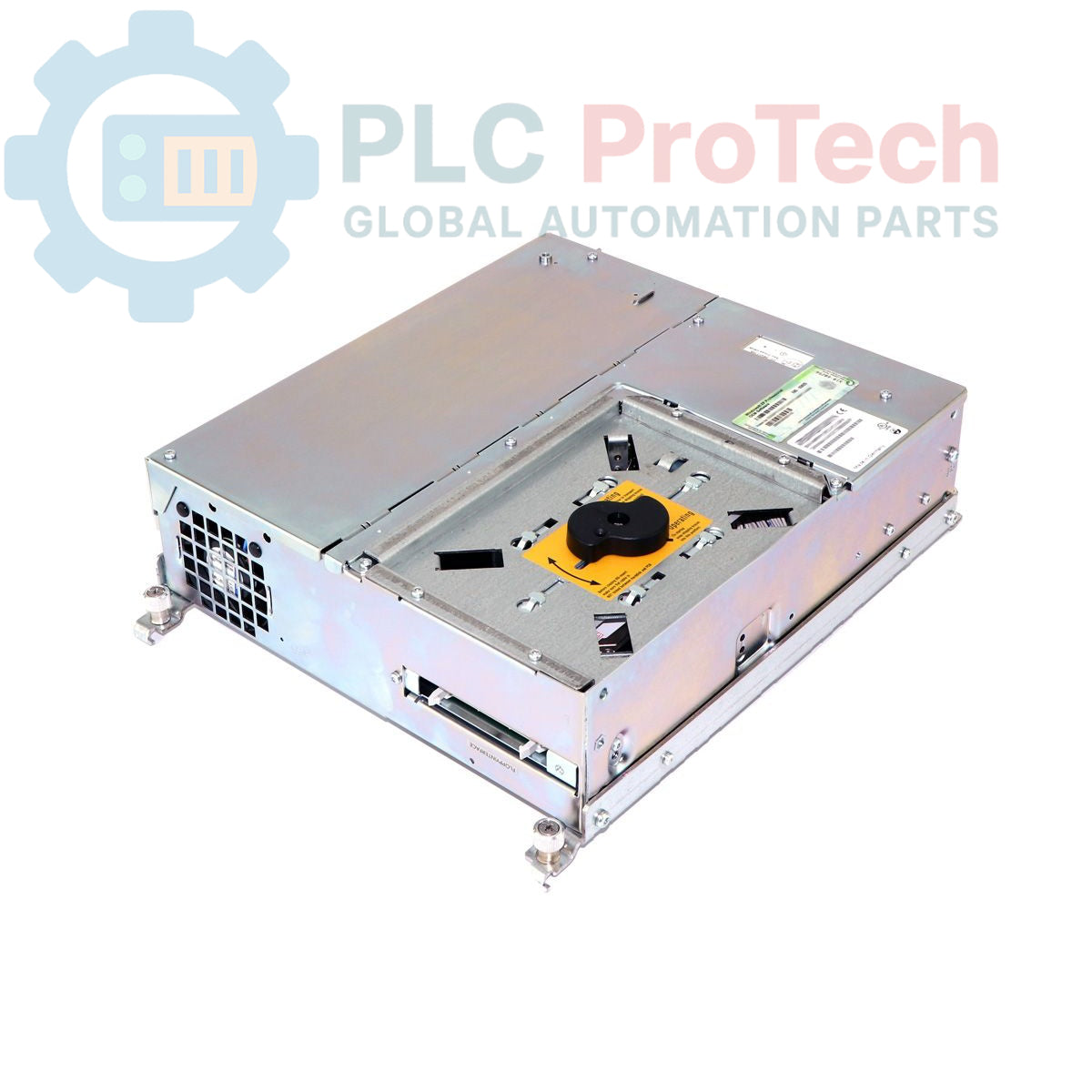
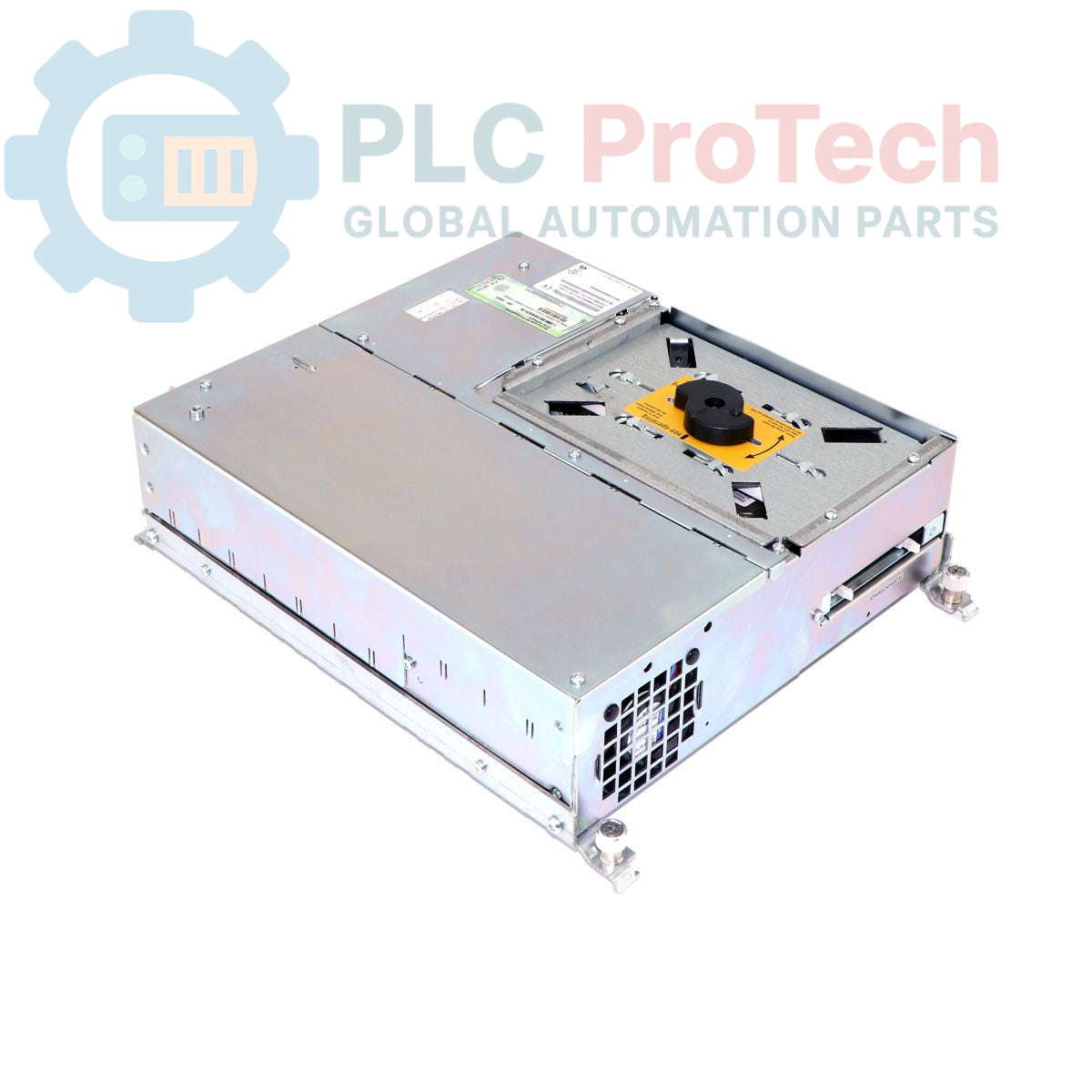
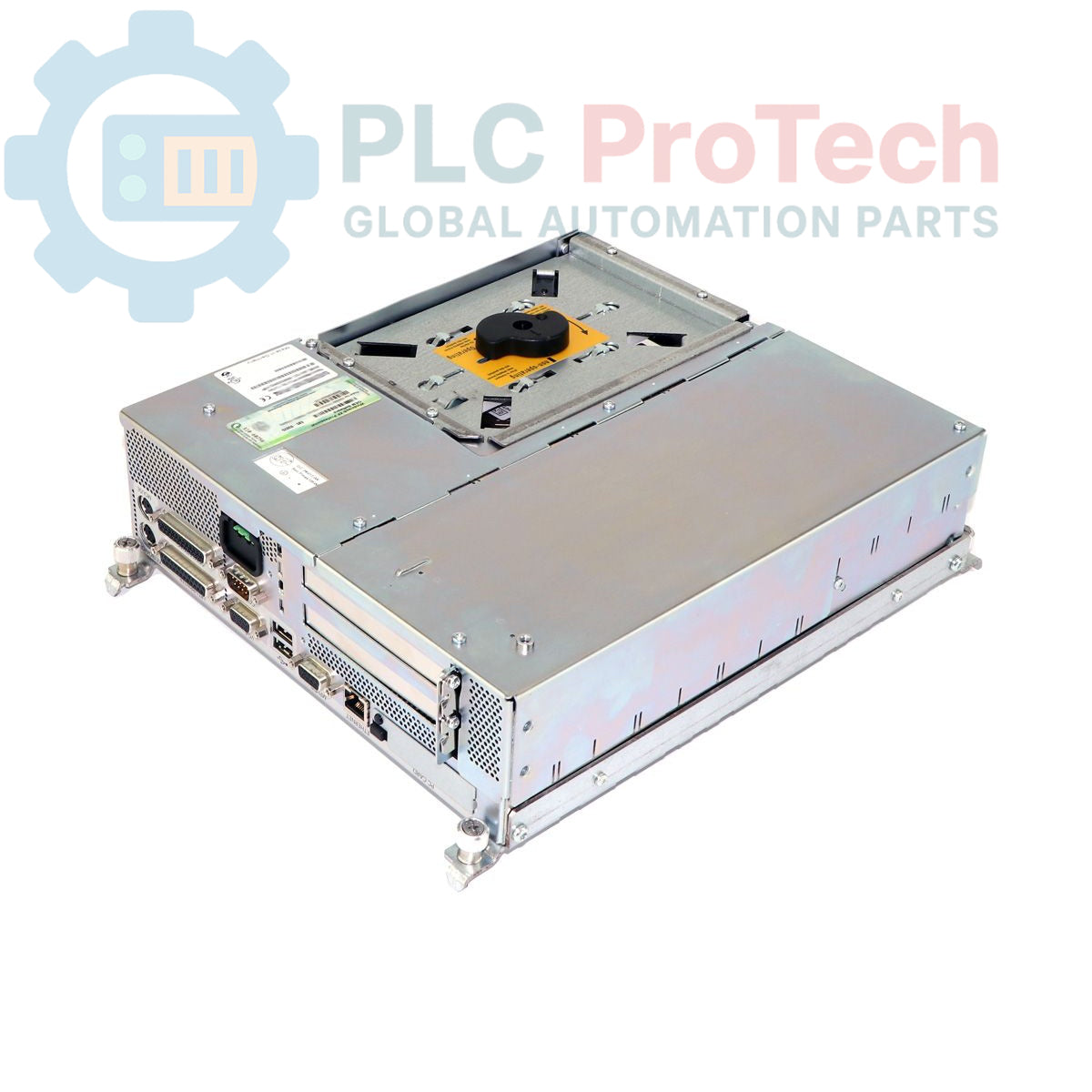
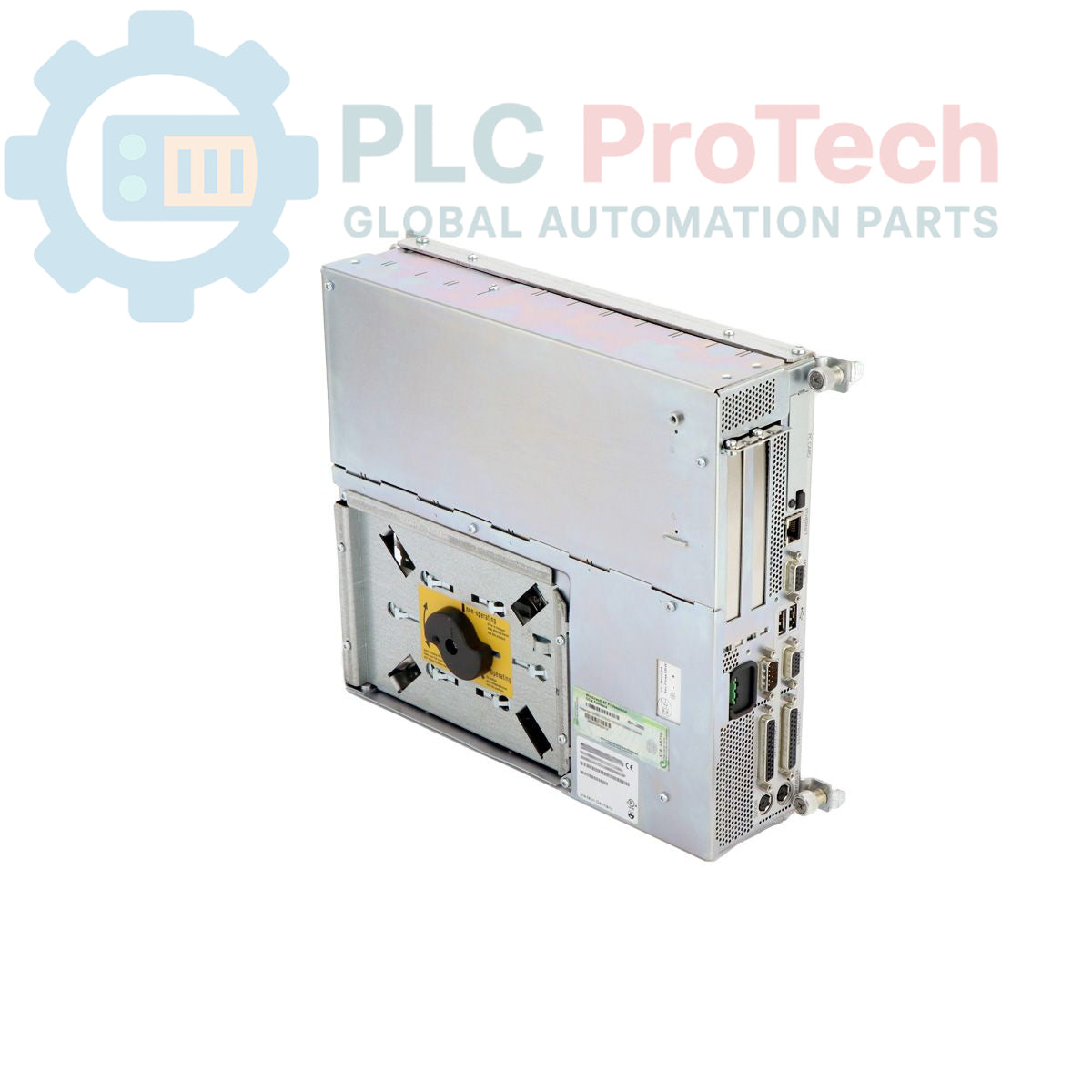
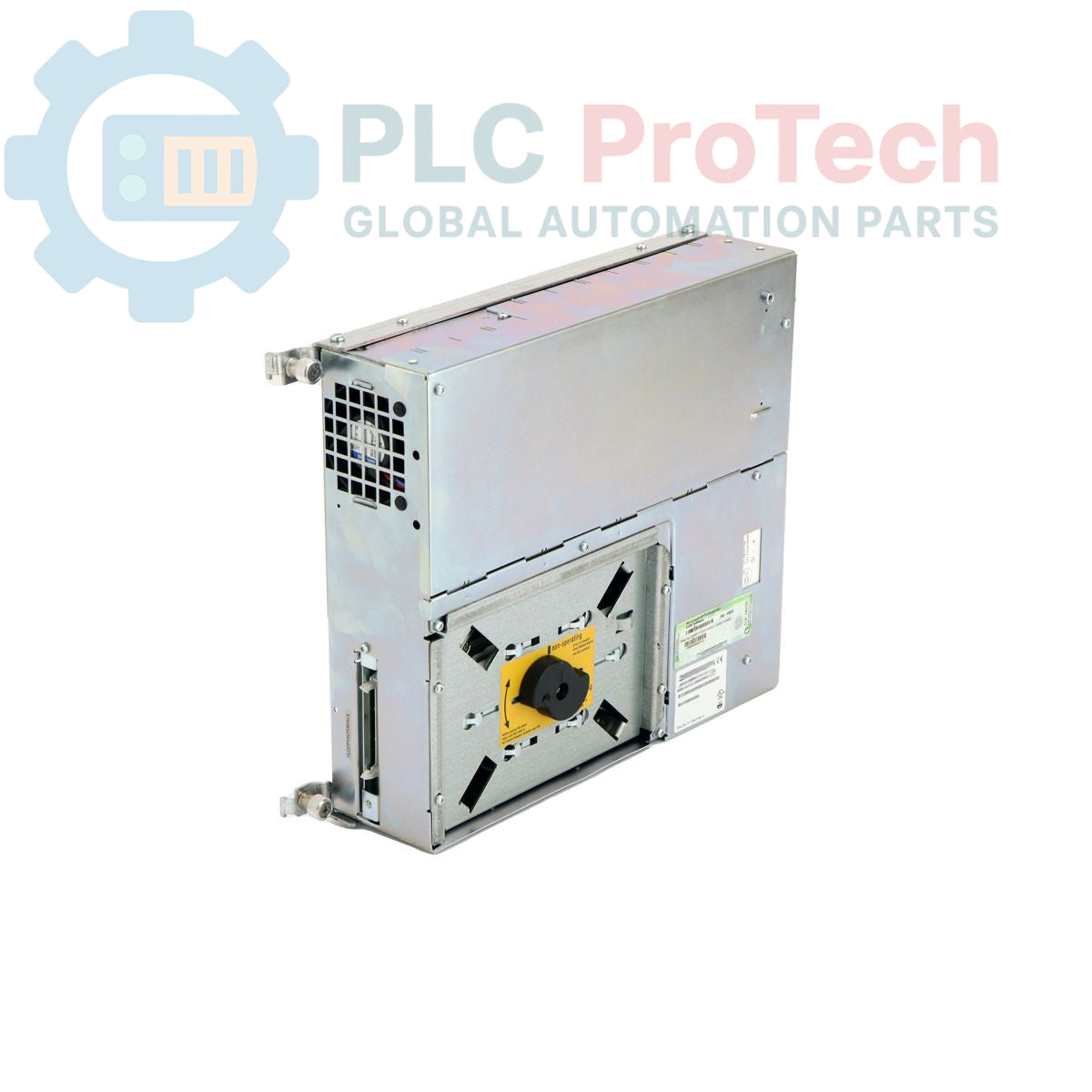
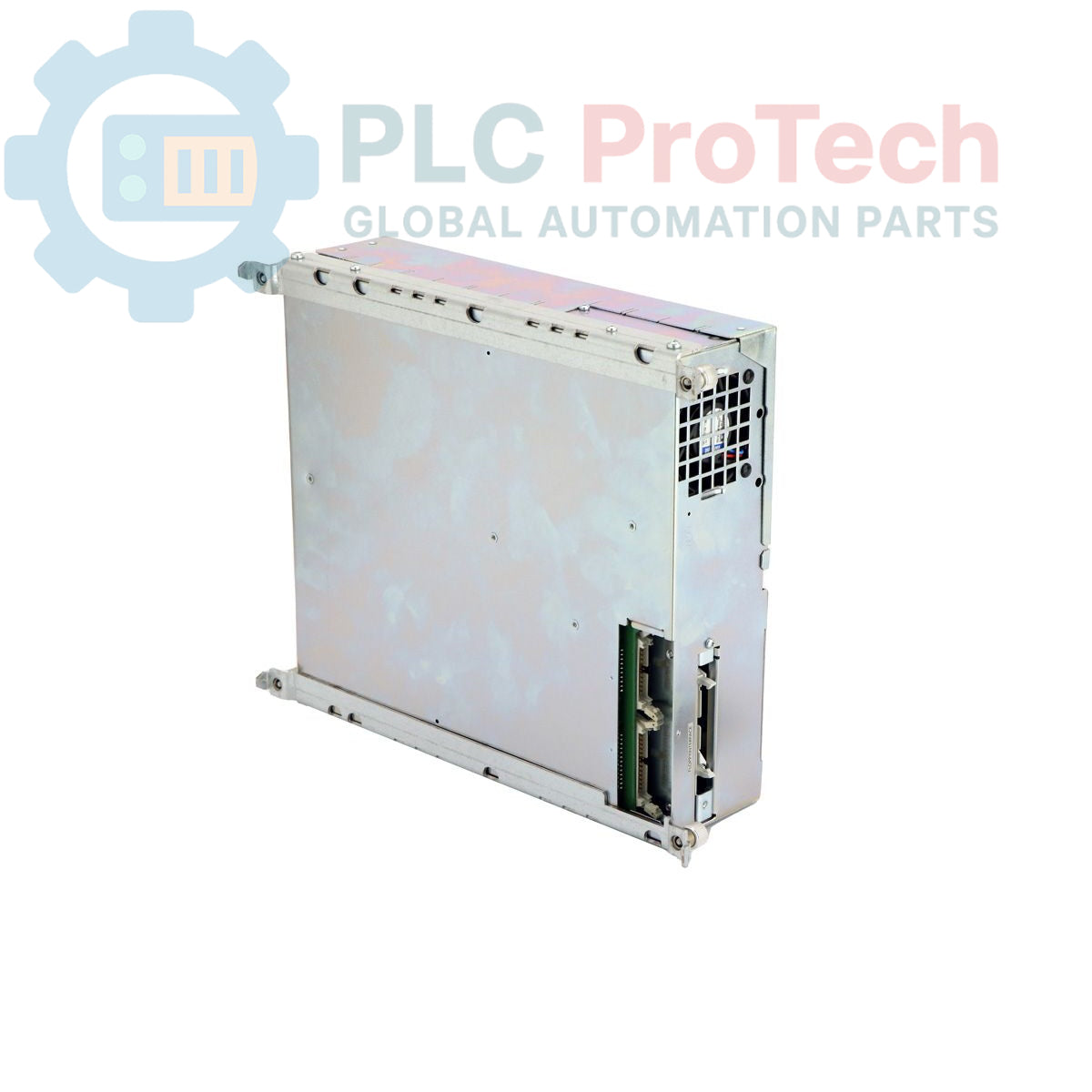
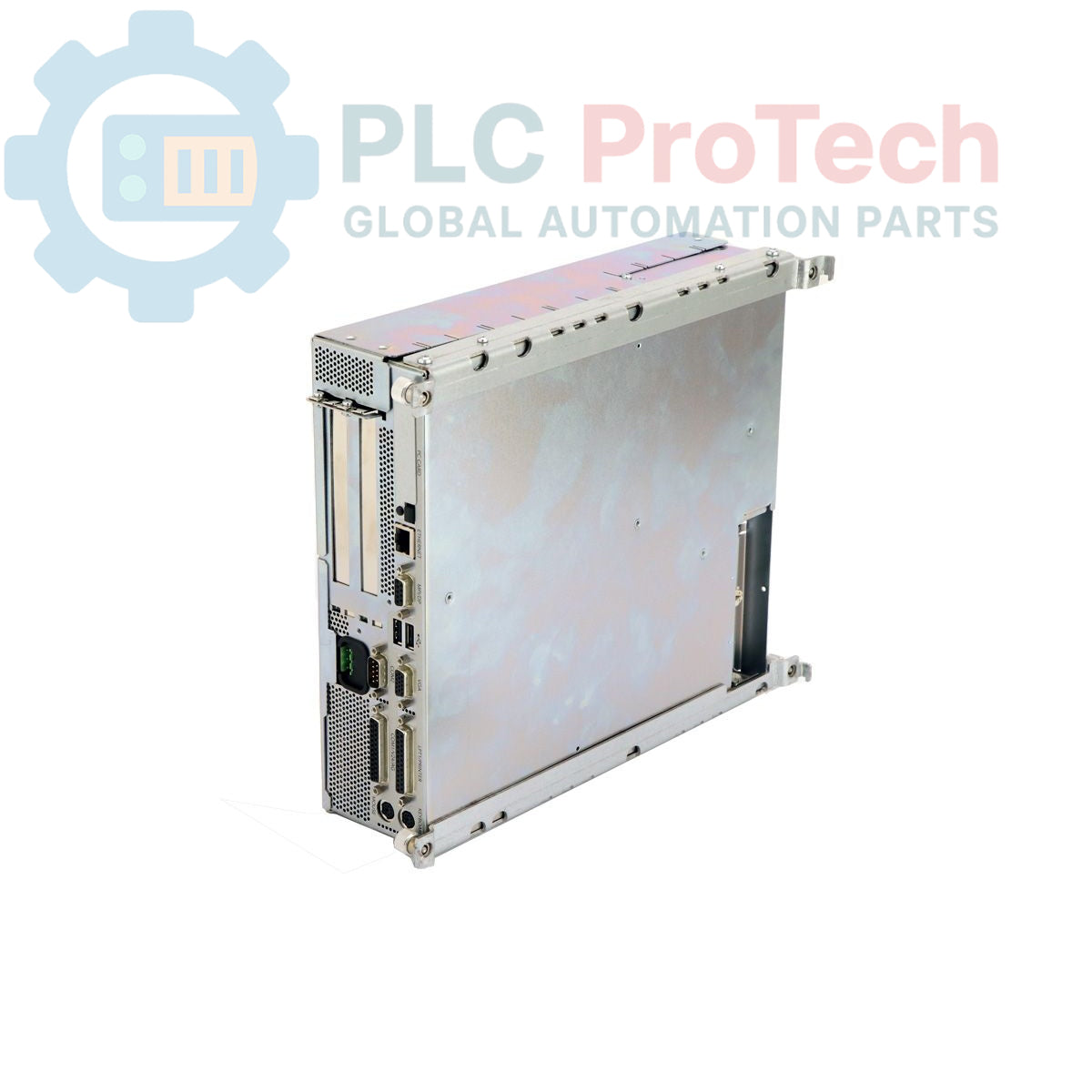
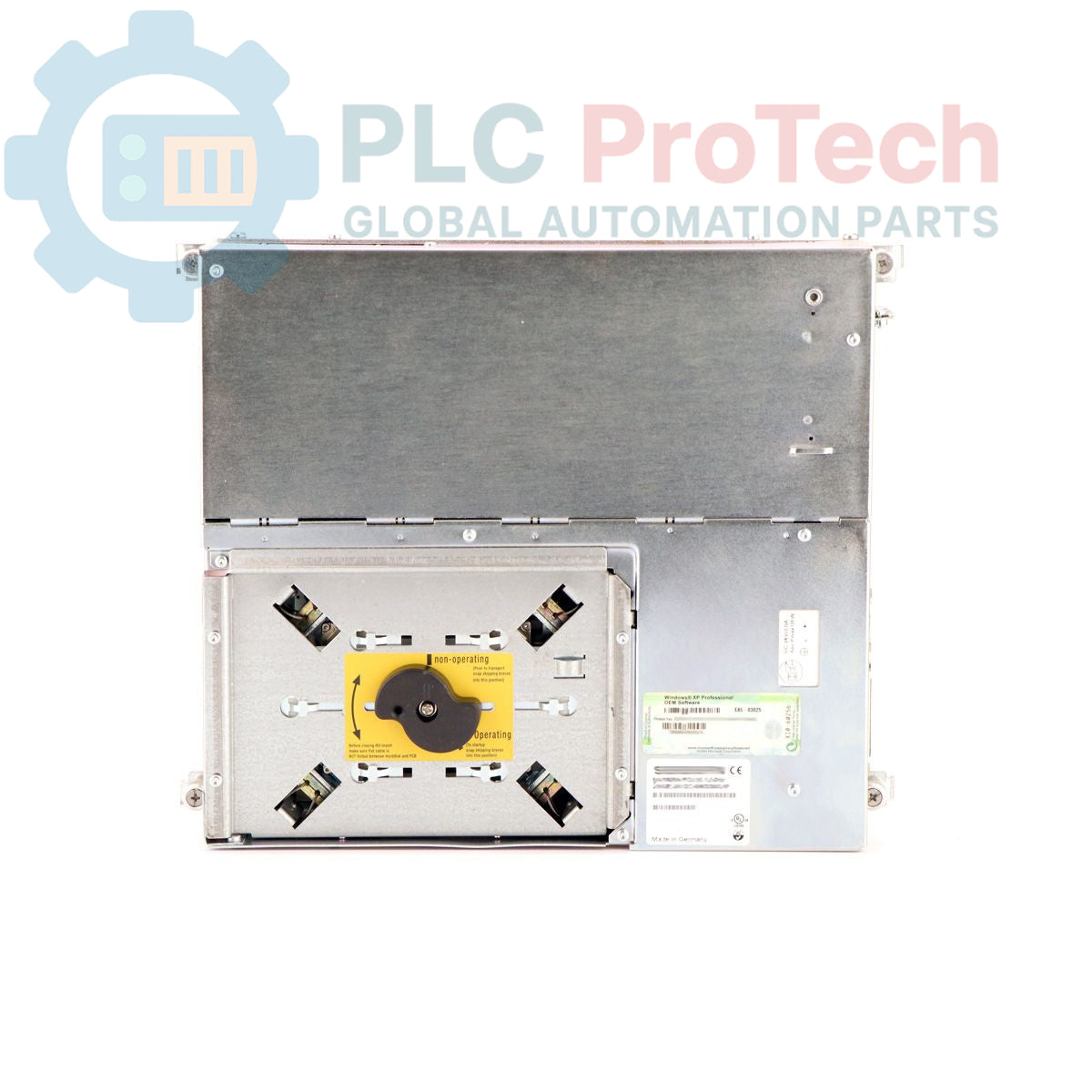
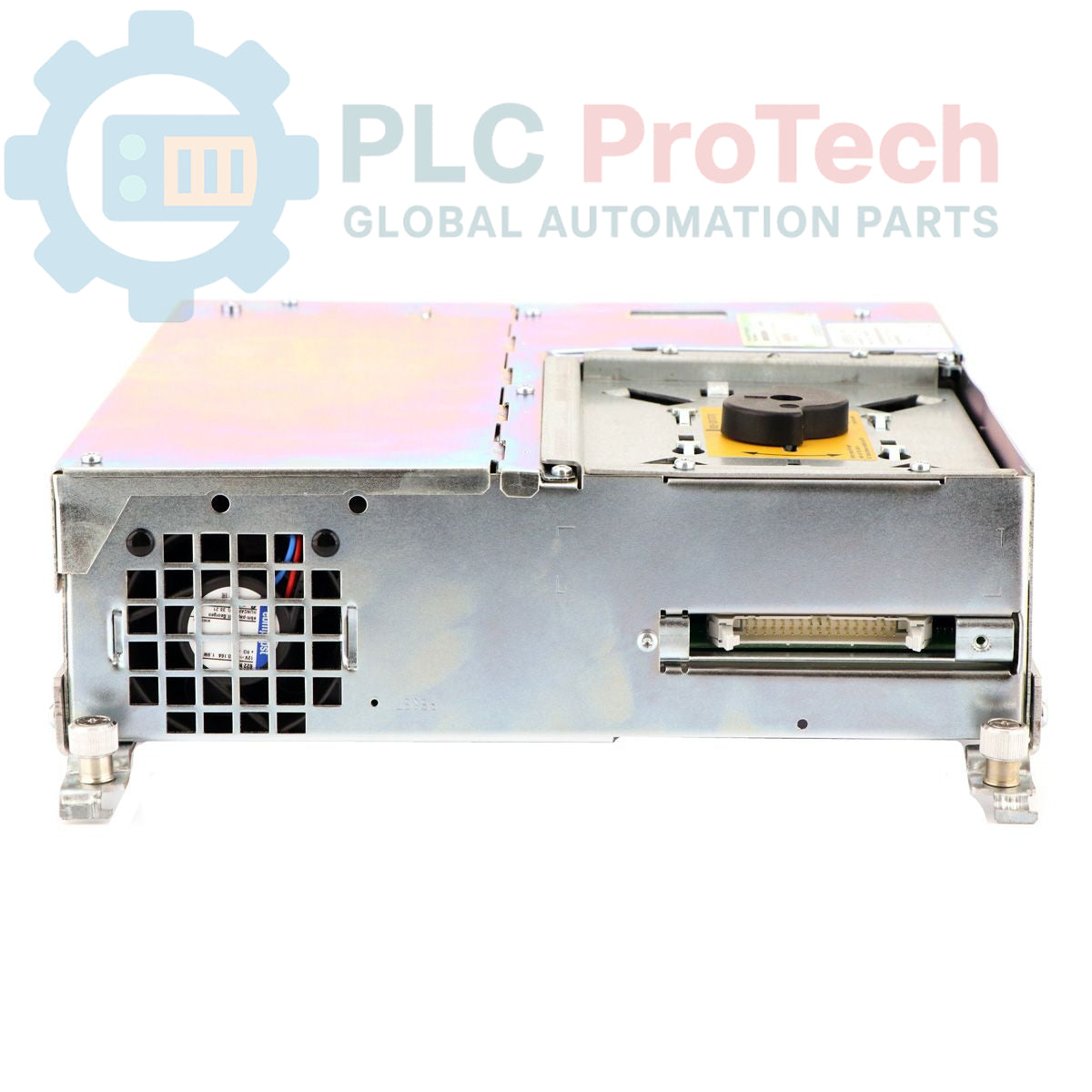
The Siemens 6ES7647-5EM20-0KX0 is an industrial computer from the SIMATIC BOX PC 620 series, designed for robust performance in demanding automation environments. This unit is configured with a Celeron 1.2 GHz processor, 256 MB of SDRAM, and dual 40 GB hard drives for data storage. It provides extensive connectivity options, including a 10/100 Mbit/s Ethernet port, a PROFIBUS/MPI interface, two USB ports, and both PCI and ISA expansion slots. Integrated system monitoring features such as a watchdog timer and temperature monitoring ensure operational reliability. The PC is pre-installed with Windows XP Professional and is powered by a 110/230V AC industrial power supply.
Features
- Equipped with an Intel Celeron 1.2 GHz processor.
- Onboard AGP graphics with configurable memory (8/16/32 MB).
- Integrated 10/100 Mbit/s Ethernet (RJ45) for network communication.
- Built-in PROFIBUS/MPI interface for field-level device integration.
- Features PC Card (PCMCIA Type 3) slot for legacy peripherals.
- Includes watchdog timer and temperature monitoring for system stability.
- Pre-installed with Windows XP Professional Multilanguage (SP2).
- Flexible expansion with one PCI and one shared ISA/PCI slot.
Applications
- Process control and visualization (HMI/SCADA).
- Data acquisition, logging, and archiving.
- Manufacturing Execution Systems (MES).
- Machine control and automation gateways.
- Industrial computing platforms for legacy systems.
Technical Specifications
| Specification |
Value |
| Processor |
Celeron 1.2 GHz |
| L2 Cache |
256 KB SLC |
| Memory (RAM) |
256 MB SDRAM-133 |
| Storage |
2 x 40 GB (2.5-inch) Hard Drive |
| Optical Drive |
DVD-ROM |
| Removable Media |
1.44 MB, 3.5-inch Floppy Drive |
| Graphics |
AGP Onboard, 8/16/32 MB (Configurable) |
| Ethernet Port |
1 x 10/100 Mbit/s RJ45 |
| Fieldbus Interface |
PROFIBUS/MPI, 12 Mbit/s |
| Serial Port |
TTY |
| USB Ports |
2 |
| Expansion Slots |
1 x PCI, 1 x ISA/PCI (shared) |
| PC Card Slot |
1 x PCMCIA Type 3 |
| System Monitoring |
Watchdog, Temperature Monitoring |
| Power Supply |
110/230V AC Industry Power Pack with NAMUR |
| Operating System |
Windows XP Professional Multilanguage (EN, GER, FR, IT, SP), SP2 |
| Product Lifecycle Status |
Obsolete |
| Shipping Weight |
7.05 kg |
| Package Dimensions (Calculated) |
45.0 x 47.5 x 27.0 cm |
| Manufacturer |
Siemens |
| Country of Origin (Estimate) |
Germany |
Installation Guidelines
CRITICAL WARNING: Installation must be performed by qualified personnel only. Failure to adhere to safety procedures can result in equipment damage, severe injury, or death. Always de-energize the control cabinet and follow Lockout/Tagout (LOTO) procedures before commencing work. Use appropriate Personal Protective Equipment (PPE) and electrostatic discharge (ESD) protection.
-
1
De-energize Equipment: Before installation, completely disconnect all power sources to the enclosure where the Box PC will be installed. Verify the absence of voltage using a calibrated multimeter.
-
2
Secure Mounting: Mount the Box PC chassis securely to a stable panel or surface within the control cabinet. Ensure adequate clearance for airflow and cable access. Verify the mounting can support the unit's weight (7.05 kg).
-
3
Connect Protective Earth (PE): Connect the chassis grounding terminal to the cabinet's main protective earth bus using a low-impedance conductor. This is a critical safety connection.
-
4
Connect Power and Peripherals: Connect the 110/230V AC power cable. Connect all required communication cables, such as Ethernet, PROFIBUS/MPI, and USB devices. Ensure all connectors are fully seated and secured.
-
5
System Power-Up: After verifying all connections, remove LOTO devices and re-energize the cabinet. Power on the Box PC and confirm that the operating system boots correctly and all peripherals are recognized.