Description
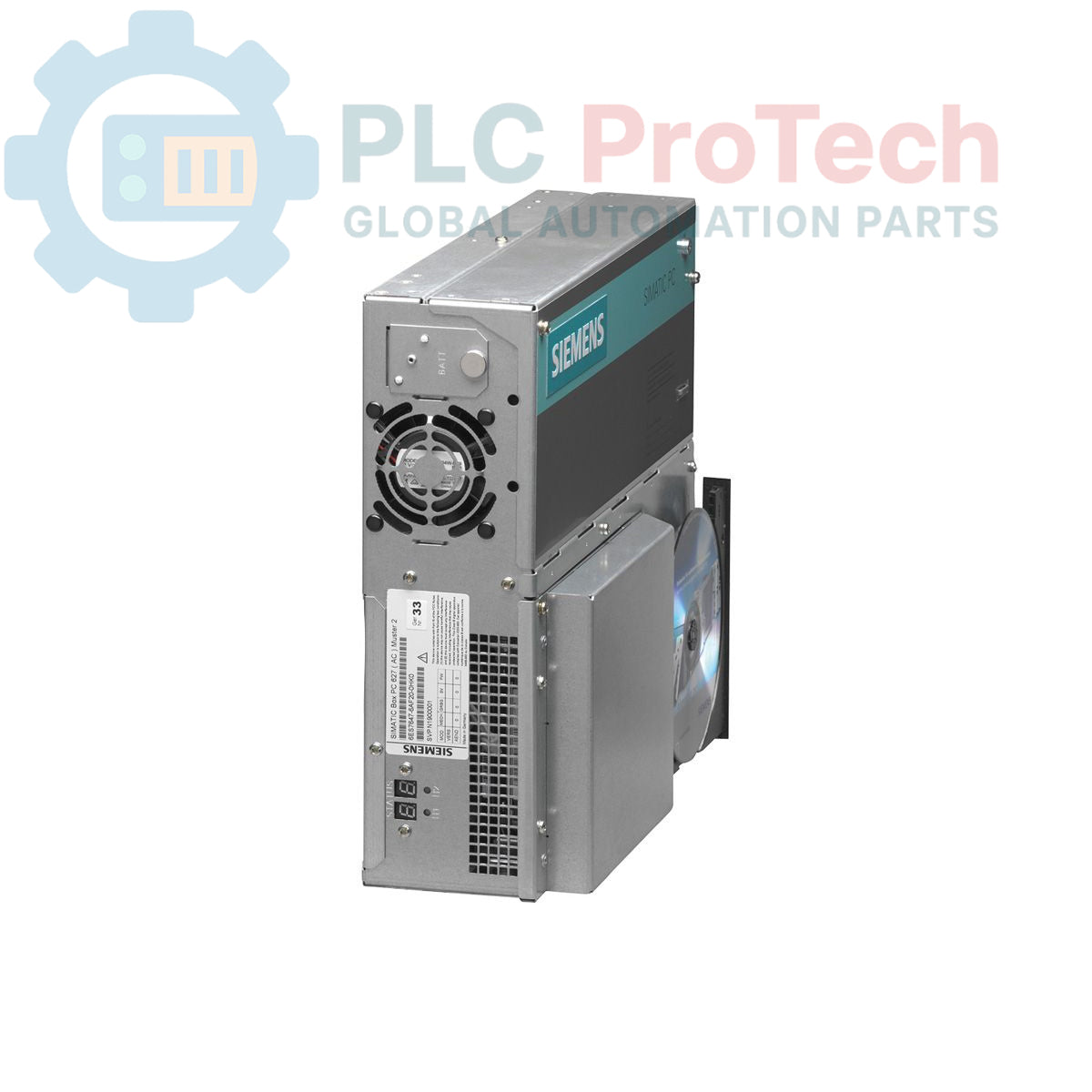
The Siemens 6ES7647-6AA30-0CK0 is a SIMATIC BOX PC 627 series industrial computer designed for robust performance in demanding automation environments. This unit features onboard AGP graphics with 8-128 MB of shared memory, an integrated RAID controller, and provides extensive connectivity through dual 10/100 Mbit/s Ethernet ports, four high-current USB 2.0 ports, and one serial (COM1) port. The system includes a slot for a CompactFlash drive and has built-in monitoring for watchdog, temperature, and fan status. For hardware expansion, two free PCI slots are available.
Features
- Onboard AGP graphics with 8-128 MB shared memory
- Dual 10/100 Mbit/s Ethernet RJ45 ports for network connectivity
- Four high-current USB 2.0 ports for peripheral devices
- One serial (COM1) interface for legacy device communication
- Integrated RAID controller for data redundancy
- Internal CompactFlash drive slot
- Built-in watchdog, temperature, and fan monitoring functions
- Two available PCI slots for system expansion
Applications
- Machine control and data acquisition systems
- Process visualization and HMI applications
- Industrial automation gateways
- Data logging and plant-floor computing
Technical Specifications
| Specification |
Value |
| Brand |
Siemens |
| Model |
6ES7647-6AA30-0CK0 |
| Series |
SIMATIC BOX PC 627 |
| Product Type |
Industrial PC |
| Product Lifecycle Status |
Obsolete |
| Graphics |
AGP Onboard, 8-128 MB Shared Memory |
| Ethernet Ports |
2 x 10/100 Mbit/s RJ45 |
| USB Ports |
4 x USB 2.0 (High Current) |
| Serial Port |
1 x COM1 |
| Storage Interface |
1 x CompactFlash Slot |
| RAID Support |
Onboard RAID Controller |
| Expansion Slots |
2 x PCI (Free) |
| System Monitoring |
Watchdog, Temperature, Fan |
| Shipping Weight |
7.05 kg |
| Package Dimensions (Source) |
92.00 x 21.00 x 14.00 cm |
| Commodity Code |
85371091 |
| ECCN |
N |
| Country of Origin |
Germany (Estimate) |
| Manufacturer |
Siemens |
| Package Dimensions (Calculated) |
92.0 x 21.0 x 14.0 cm |
Installation Guidelines
CRITICAL WARNING: Electrical Hazard. Installation must be performed by qualified personnel only. Failure to de-energize the system and follow Lockout/Tagout (LOTO) procedures before installation or maintenance can result in severe injury or death.
-
1
Ensure the target control cabinet or enclosure is de-energized and locked out. Verify the absence of voltage before proceeding.
-
2
Securely mount the Box PC within the enclosure, ensuring adequate clearance for ventilation and cable routing. The mounting orientation must allow for proper airflow to prevent overheating.
-
3
Connect a reliable chassis ground to the designated grounding point on the PC chassis. A low-impedance ground connection is essential for electrical safety and noise immunity.
-
4
Connect all required interface cables (Ethernet, USB, Serial) and any installed PCI expansion cards. Ensure all connectors are fully seated and secured.
-
5
Connect the main power supply cable. Verify the source voltage matches the requirements specified on the PC's nameplate.
-
6
After closing the enclosure, remove the lockout/tagout device and re-energize the system. Power on the PC and verify correct boot-up and system operation.