


Diagnosing DeltaV SE5009 Power Problems Before Replacement
A field checklist for separating 24 VDC input, carrier bus, output derating and alarm-contact faults before replacing an Emerson SE5009.
Manufacturer: Siemens
Product No.: 6ES7647-7AK20-0RA0
Country of origin:Germany
Product Type: PC Microbox
Barcode: 85371091
Payment: T/T, Western Union
Weight: 2600g
Dimensions: 40.50 x 22.00 x 26.40 cm
Shipping port: Xiamen
Warranty: 12 months
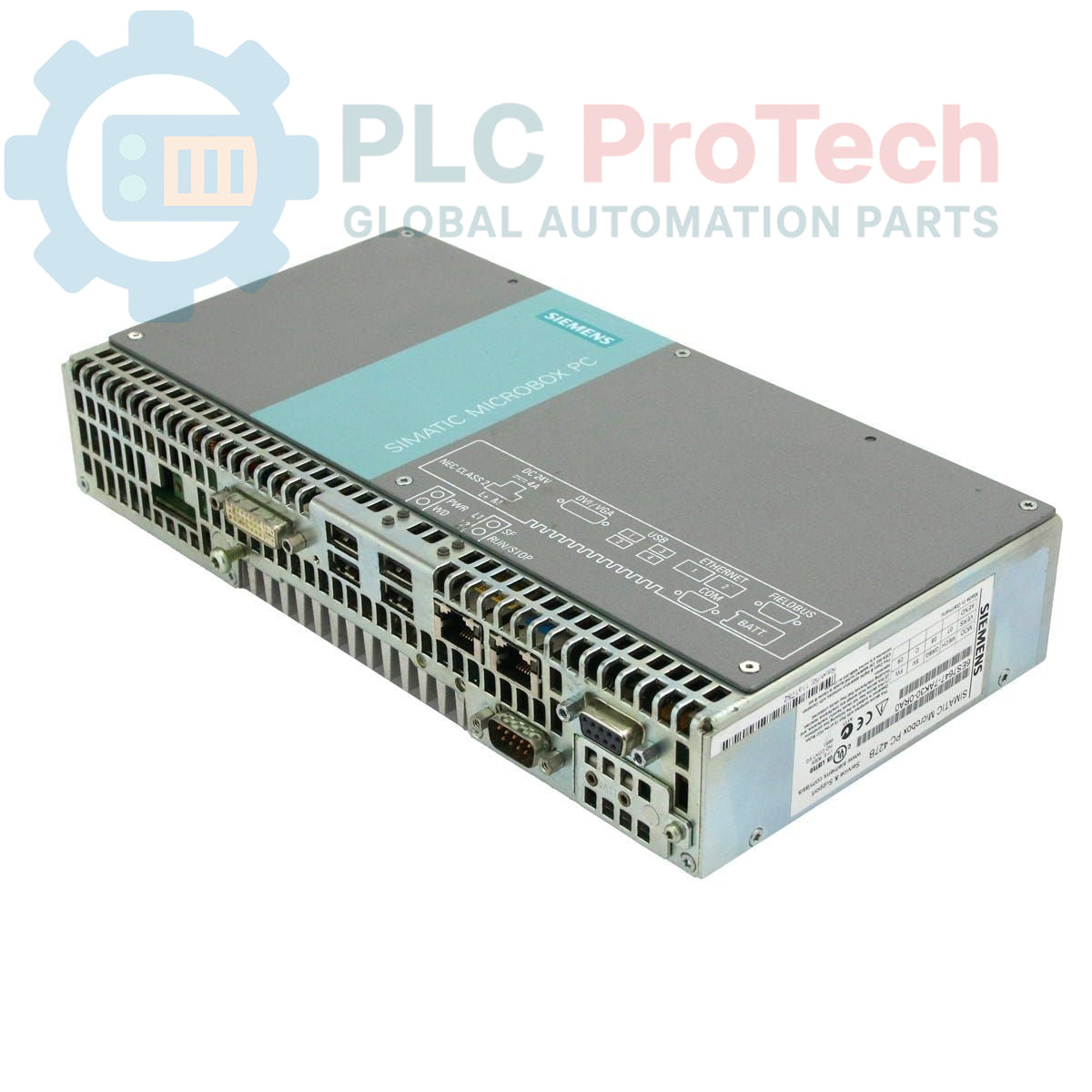
The Siemens 6ES7647-7AK20-0RA0 is a SIMATIC Microbox PC 427B, designed for industrial automation applications. This compact industrial PC features a Pentium M 1.4 GHz processor with a 400 MHz Front Side Bus (FSB) and 2 MB Second Level Cache (SLC). It is equipped with 512 MByte DDR2 533 SODIMM memory (1 x 512 MB) and includes a 4 GB Compact-Flash drive that is replaceable and accessible. The unit comes with Windows XP Embedded preinstalled and supports PROFIBUS DP 12 for industrial communication, making it suitable for various control and data processing tasks in demanding environments.
The SIMATIC Microbox PC 427B is typically deployed in industrial settings requiring a robust and compact computing platform. Common applications include:
| Parameter | Value |
|---|---|
| Brand | Siemens |
| Manufacturer | Siemens |
| Range | SIMATIC Box PC |
| Subrange | PC427B |
| Product Type | PC Microbox |
| Processor | Pentium M 1.4 GHz, 400 MHz FSB, 2 MB SLC |
| Memory Extension | 512 MByte DDR2 533 SODIMM (1 x 512 MB) |
| Hardware Extension | Without HW Extension |
| Drives | 4 GB Compact-Flash (replaceable, accessible) |
| Operating System | Windows XP Embedded (preinstalled) |
| Communication | PROFIBUS DP 12 |
| PLM Product Phase | Obsolete |
| Package Dimensions (Calculated) | 40.50 x 22.00 x 26.40 cm |
| Shipping Weight | 2.60 kg |
| Commodity Code | 85371091 |
| Export Control Regulations (ECCN) | N |

Global Express Shipping
Returns & Warranty


Global Express Shipping
Returns & Warranty
Orders are processed and delivered Monday-Friday (excluding public holidays).
For full eligibility, restocking fees, and international return details, please view our official Refund & Return Policy .
| Country of origin |
Germany
|

A field checklist for separating 24 VDC input, carrier bus, output derating and alarm-contact faults before replacing an Emerson SE5009.

A controlled commissioning method for using the 140XSM00200 simulator to verify Modicon Quantum input mapping and interlocks before reconnecting field wiring.

A commissioning checklist for the ProSoft PLX32-EIP-MBTCP covering subnet separation, register contracts, EtherNet/IP timing, failure tests and replacement records.

A field checklist for IC693MDL916 relay commands, terminal blocks, load current, switching rate and contact-side measurements.

A field checklist for KL1512 signal thresholds, counter direction, process data and the KL1512-to-KS1512 wiring difference.

A field checklist for EPP2008-0001 current limits, supply voltage, channel LEDs, connector coding and load-related output faults.