


Diagnosing IC693MDL916 Relay Outputs Before Module Replacement
A field checklist for IC693MDL916 relay commands, terminal blocks, load current, switching rate and contact-side measurements.
Manufacturer: Siemens
Product No.: 6ES7715-1BB22-0BE2
Country of origin:Germany
Product Type: Industrial Programming Device
Barcode: 84713000
Payment: T/T, Western Union
Weight: 3500g
Dimensions: 39.5 x 30.0 x 17.0 cm
Shipping port: Xiamen
Warranty: 12 months
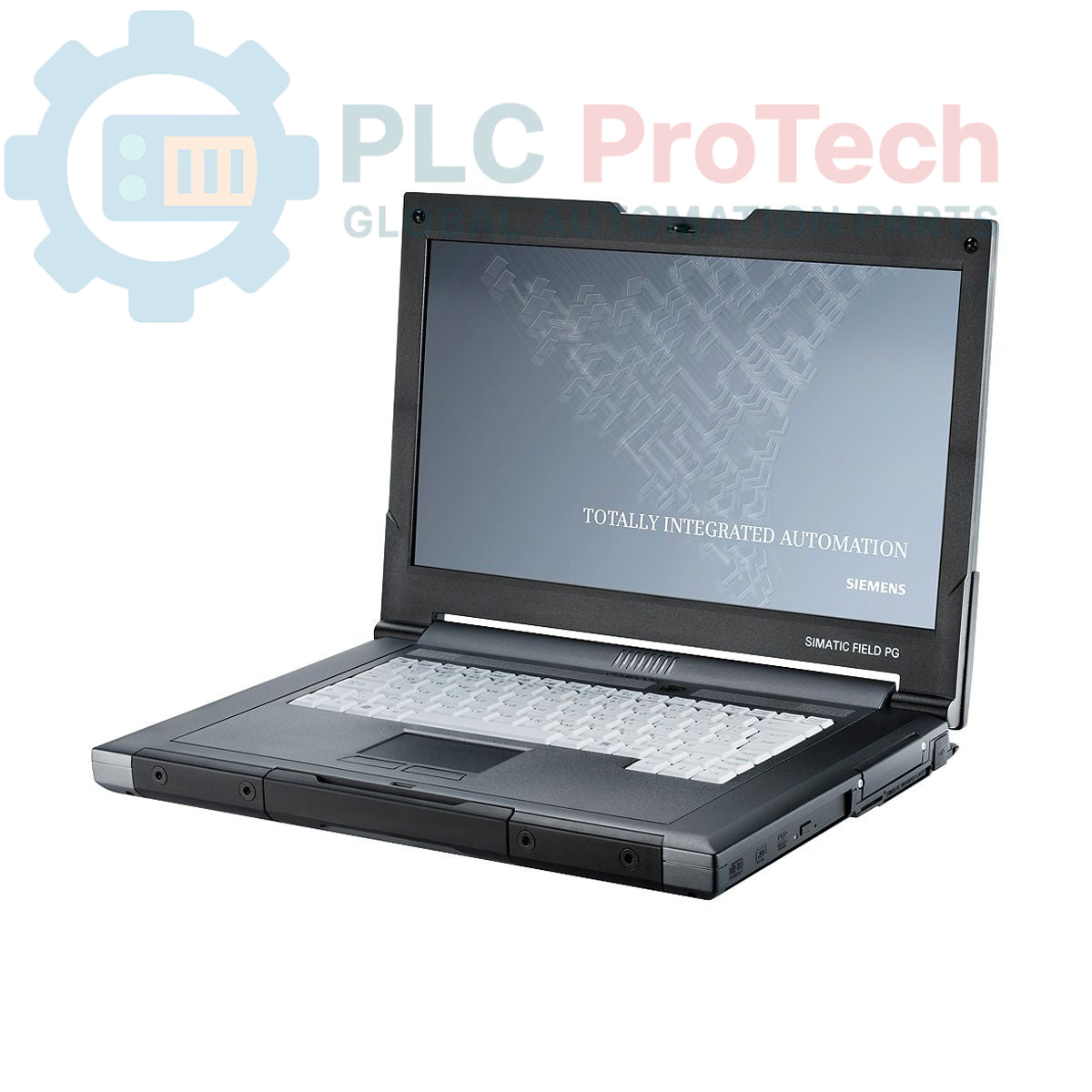
The Siemens 6ES7715-1BB22-0BE2 is a ruggedized industrial programming device from the SIMATIC Field PG M3 series, configured as a Premium model. This unit is engineered for commissioning, servicing, and maintaining automation systems directly in the field. It is equipped with an Intel Core i5-520M processor, 4 GB of DDR3 RAM, and a 500 GB SATA hard drive. The device includes a comprehensive suite of pre-loaded software licenses, including STEP 7 Professional V11 and WinCC Advanced V11, running on a Windows 7 Ultimate 32-bit operating system. Note that this specific configuration is supplied without an S5 interface or S5-EPROMMER.
| Specification | Value |
|---|---|
| General | |
| Brand | Siemens |
| Model | 6ES7715-1BB22-0BE2 |
| Series | SIMATIC Field PG M3 |
| Configuration | Premium (HDD) |
| Product Lifecycle Status | Obsolete |
| Hardware | |
| Processor | Intel Core i5-520M |
| Processor Speed | 2.4 GHz |
| Memory (RAM) | 4 GB DDR3 |
| Storage | 500 GB SATA HDD |
| Display | 15.6 inch, Full HD |
| Resolution | 1920 x 1080 |
| Optical Drive | DL Multi-Standard DVD RW |
| Keyboard | QWERTY (German layout) |
| Included Cable | MPI Cable |
| Software | |
| Operating System | Windows 7 Ultimate (32-bit) |
| Included Licenses | STEP 7 Professional V11, WinCC Advanced V11, STEP 7 Micro/WIN |
| License Compatibility | V11 licenses also valid for STEP 7 Professional 2010 and WinCC flexible Advanced 2008 |
| Software Version | 08/2011 |
| Power & Compliance | |
| Power Supply Cable | For USA and Japan |
| Approvals | FCC (USA), IC (Canada) |
| Logistics | |
| Shipping Weight | 3.50 kg |
| Package Dimensions (Calculated) | 39.5 x 30.0 x 17.0 cm |
| Commodity Code | 84713000 |
| ECCN | N |
| Country of Origin | Germany (Estimate) |
| Manufacturer | Siemens |
CRITICAL WARNING: ELECTRICAL HAZARD
This is a mains-powered device. Always use the supplied power adapter and cable. Ensure the power source is properly grounded. Disconnect from mains power before connecting or disconnecting any communication cables to automation equipment to prevent equipment damage or electrical shock.

Global Express Shipping
Returns & Warranty


Global Express Shipping
Returns & Warranty
Orders are processed and delivered Monday-Friday (excluding public holidays).
For full eligibility, restocking fees, and international return details, please view our official Refund & Return Policy .
| Country of origin |
Germany
|

A field checklist for IC693MDL916 relay commands, terminal blocks, load current, switching rate and contact-side measurements.

A field checklist for KL1512 signal thresholds, counter direction, process data and the KL1512-to-KS1512 wiring difference.

A field checklist for EPP2008-0001 current limits, supply voltage, channel LEDs, connector coding and load-related output faults.

Before moving a TwinCAT 3 license with a Beckhoff C9900-L100, verify the TwinCAT build, XML device description, exact order code and cabinet limits.

A field checklist for replacing a Beckhoff EL4032, covering the ±10 V load, terminal map, power contacts, EtherCAT state, and watchdog behavior.

Before replacing a Yokogawa AAI835, verify the 4-in/4-out channel map, power-loss loop behavior, barrier type, output load, cable, and redundancy.