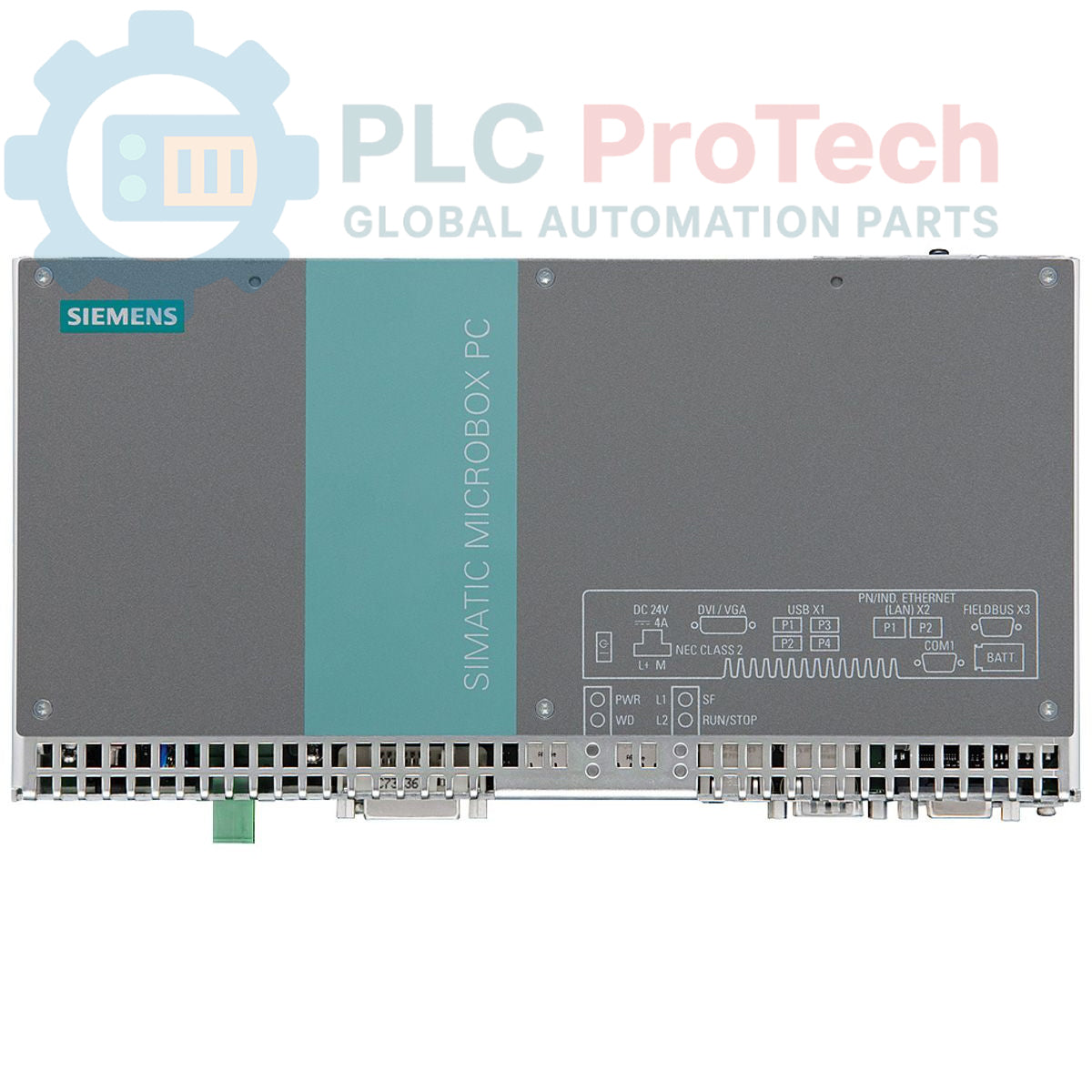
Description
The Siemens 6ES7647-7BL20-0AB0 is a compact SIMATIC IPC427C Microbox PC designed for control, visualization, and data acquisition tasks in demanding industrial environments. This model is configured with an Intel Core 2 Duo 1.2 GHz processor, 1 GB of DDR3 RAM, and a non-accessible internal 320 GB SATA HDD. It provides robust connectivity through an integrated 3-port PROFINET interface for deterministic automation communication and comes pre-installed with the Windows XP Professional operating system.
Features
-
Processor: Intel Core 2 Duo at 1.2 GHz with 800 MHz FSB.
-
Memory: 1 GByte DDR3 1066 SODIMM.
-
Internal Storage: 320 GB SATA Hard Disk Drive.
-
Industrial Networking: Integrated 3-port PROFINET interface.
-
Operating System: Windows XP Professional (Multi-Language) pre-installed.
-
Expansion: This configuration is supplied without hardware expansions.
Applications
-
Machine-level control and visualization (HMI).
-
Industrial data logging and acquisition systems.
-
Communication gateway for plant-floor networks.
-
Compact process control solutions in manufacturing.
Technical Specifications
| Specification |
Value |
| Product Identification |
|
| Brand |
Siemens |
| Product Range |
Simatic Box PC |
| Series |
SIMATIC IPC427C |
| Product Type |
Microbox PC |
| Product Lifecycle Status |
Phase-Out |
| Processor & Memory |
|
| Processor |
Core 2 Duo 1.2 GHz |
| Front Side Bus (FSB) |
800 MHz |
| Cache |
3 MB SLC |
| Memory Configuration |
1 GByte DDR3 1066, SODIMM |
| Storage & Interfaces |
|
| Internal Drive |
320 GB HDD SATA (not accessible) |
| Removable Drive Bay |
Without drive |
| Network Interface |
PROFINET (3 Ports) |
| Software |
|
| Operating System |
Windows XP Professional (Multi-Language), pre-installed |
| Logistics & Compliance |
|
| Country of Origin |
Germany (Estimate) |
| Manufacturer |
Siemens |
| Package Dimensions (Calculated) |
76.0 x 22.0 x 5.0 cm |
| Shipping Weight |
3.25 kg |
| Commodity Code |
85371091 |
| ECCN |
N |
Installation Guidelines
CRITICAL WARNING: Risk of Equipment Damage
This device contains components sensitive to electrostatic discharge (ESD). Always use a grounded wrist strap and work at an ESD-safe workstation. Disconnect all power sources before installation or removal. Failure to observe ESD precautions can result in permanent damage to the unit.
-
1
Verify Mounting Location
Select a mounting location within the control cabinet that provides adequate clearance for ventilation and cable routing. Ensure the mounting surface is flat, secure, and free from excessive vibration.
-
2
Secure the Unit
Firmly attach the Microbox PC to the mounting surface or DIN rail using the appropriate mounting hardware. Verify the unit is mechanically stable before proceeding.
-
3
Establish Ground Connection
Connect the chassis grounding terminal to the main protective earth (PE) busbar of the control cabinet using a low-impedance conductor. A reliable ground connection is essential for safety and noise immunity.
-
4
Connect I/O and Network Cables
Connect all required interface cables, including power, PROFINET, and any peripherals. Ensure all connectors are fully seated and secured. Route cables neatly and separate signal cables from high-voltage power lines.
-
5
Apply Power and Verify Operation
Once all connections are verified, apply power to the unit. Observe status indicators to confirm a successful boot sequence and establish network communication.