Description
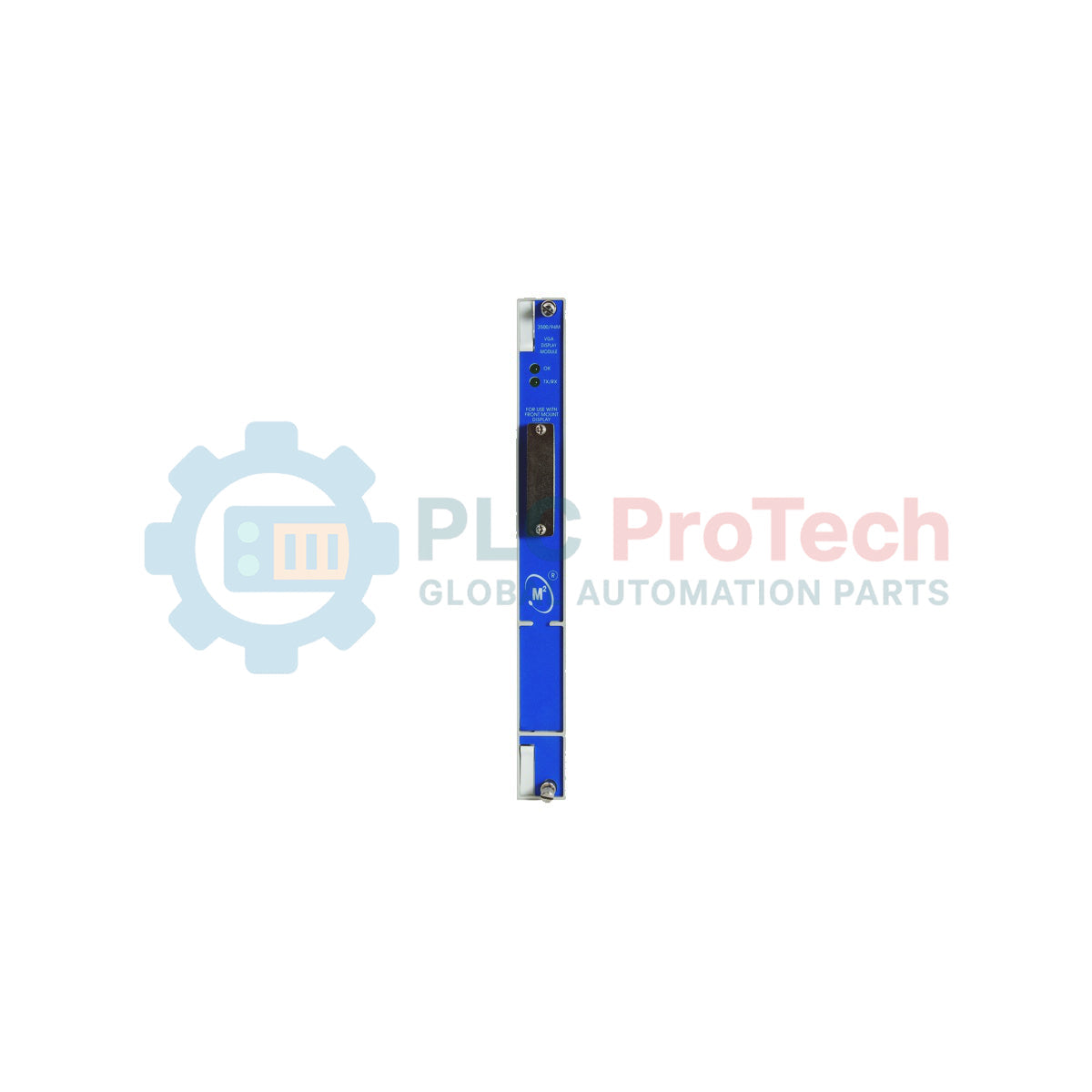
Facilitating real-time visual output of machinery protection status, this 10-inch industrial monitor integrates into monitoring architectures as the Bently Nevada 3500/94M-02-00-CN VGA Display Module. Designed to interface directly with the 3500 series machinery protection rack, it provides operators with localized, high-resolution visual feedback on machinery vibration, status, and system alarms directly on the plant floor.
Key Features
-
10-Inch Display Interface: Offers clear local reading of critical channel parameters, alarm events, and system health status.
-
Standard 19-Inch Rack Mounting: Pre-configured for seamless physical integration into industrial instrument enclosures and operator panels.
-
Cableless Configuration (Option 00): Configured without KVM extenders or external display router box cabling, optimizing point-to-point connections.
-
CN Agency Approvals: Certified under country-specific hazardous area and safety regulations for regional compliance.
Applications
- Steam and gas turbine local visual monitoring nodes.
- Heavy industrial compressor and pump protection display systems.
- Refinery, petrochemical, and power generation control enclosures.
- 19-inch rack-mounted operator stations within harsh electrical environments.
Technical Specifications
| Parameter |
Specification |
| Manufacturer |
Bently Nevada |
| Model Series |
3500 Machinery Protection System |
| Part Number |
3500/94M-02-00-CN |
| Display Size |
10-inch Diagonal |
| Mounting Format |
19-inch standard rack mount (02) |
| KVM Extender Options |
None (00) |
| Approvals Option |
CN (Country Specific Approvals) |
| Net Weight |
1.07 kg |
| Shipping Weight (Calculated) |
2.50 kg |
| Country of Origin |
United States (U.S.A.) |
Alternative Models & Compatibility
The display module must be driven by a compatible 3500/94 Display Interface Module located inside the 3500 rack. Ensure your rack firmware and interface modules are aligned with the 3500/94M display controller to avoid synchronization, video aspect ratio, or scan-rate mismatches during system power-up cycles.
Application Pitfalls & Engineering Notes
When configuring a direct point-to-point analog VGA connection without an active KVM extender, the video transmission length must be kept within conservative industrial standards. Long cable runs in high-frequency environments (e.g., near variable frequency drives or large generators) are susceptible to screen flickering and image ghosting due to electromagnetic interference.
Commissioning & Wiring Tips
Ensure complete electrical continuity between the 19-inch metal frame and the main instrument earth. Ground loops between the display chassis and the 3500 monitor rack can degrade display quality and cause intermittent communication faults on adjacent visual modules. Use double-shielded, low-attenuation coaxial VGA lines for optimal image performance.
Installation Guidelines
CRITICAL WARNING
Isolate and de-energize all associated system instrumentation, power buses, and auxiliary output circuits prior to physical mounting. Failure to isolate power lines before mounting can damage internal CMOS logic and pose electric shock hazards to field personnel.
1
Position the display module within the designated slot of the standard 19-inch instrument rack.
2
Secure the outer mounting brackets to the rack framing rails using standard industrial thread-locking screws.
3
Connect the heavy-duty shielded VGA transmission line directly from the 3500/94 Display Interface Module output.
4
Perform a systematic earth bonding check to verify that ground impedance complies with local instrumentation standards before applying system power.