1 von 3

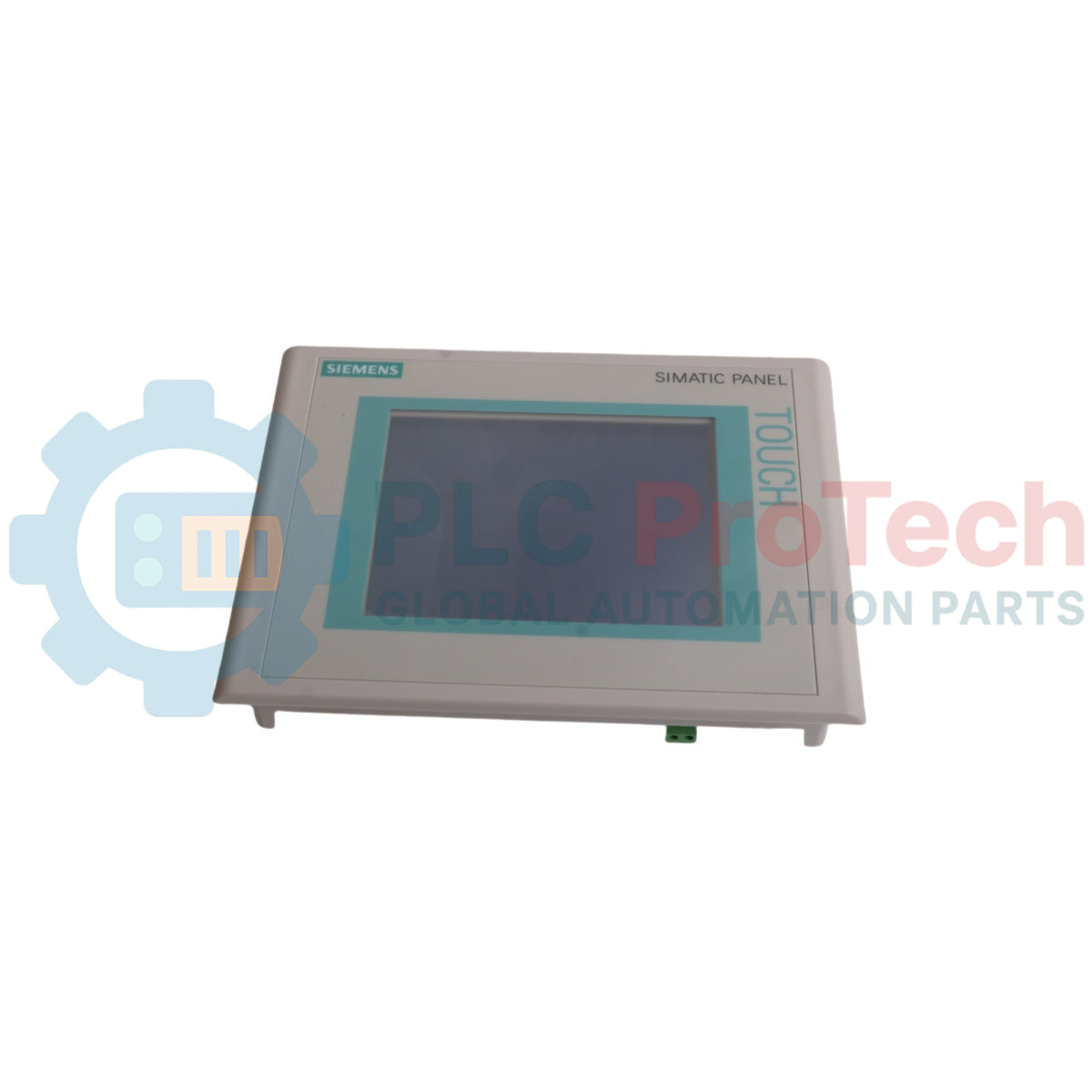
Siemens 6AV6642-0BC01-1AX1 SIMATIC TP 177B DP-6 Touch Panel

Siemens 6AV6642-0BC01-1AX1 SIMATIC TP 177B DP-6 Touch Panel

Only 7 item(s) left in stock
  • Manufacturer: Siemens

  • Product No.: 6AV6642-0BC01-1AX1

  • Country of origin:Deutschland

  • Product Type: HMI Operator Panel

  • Barcode: 8537101190

  • Payment: T/T, Western Union

  • Weight: 760g

  • Dimensions: 23 cm x 18 cm x 7 cm

  • Shipping port: Xiamen

  • Warranty: 12 months

Anzahl
Vollständige Details anzeigen

Description

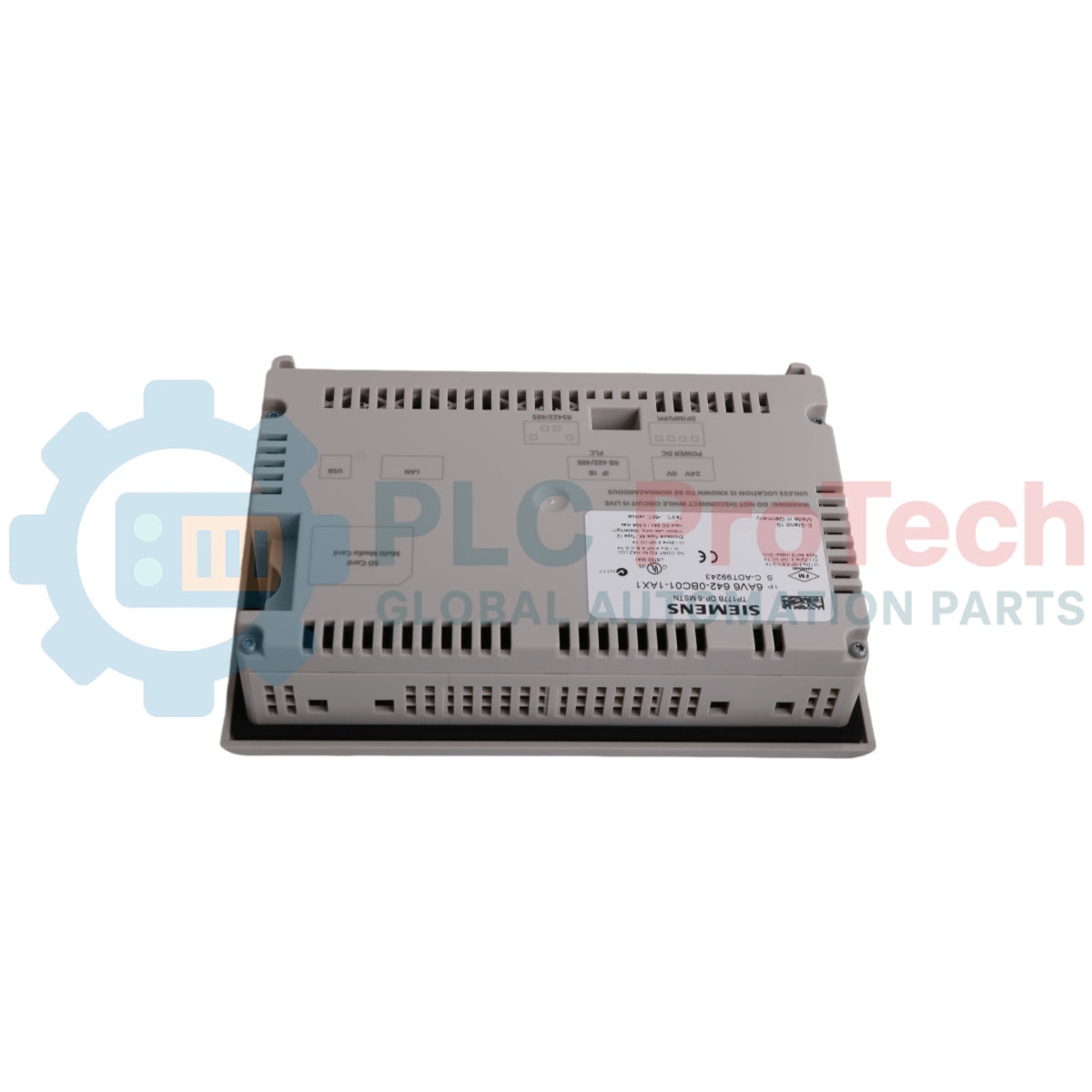
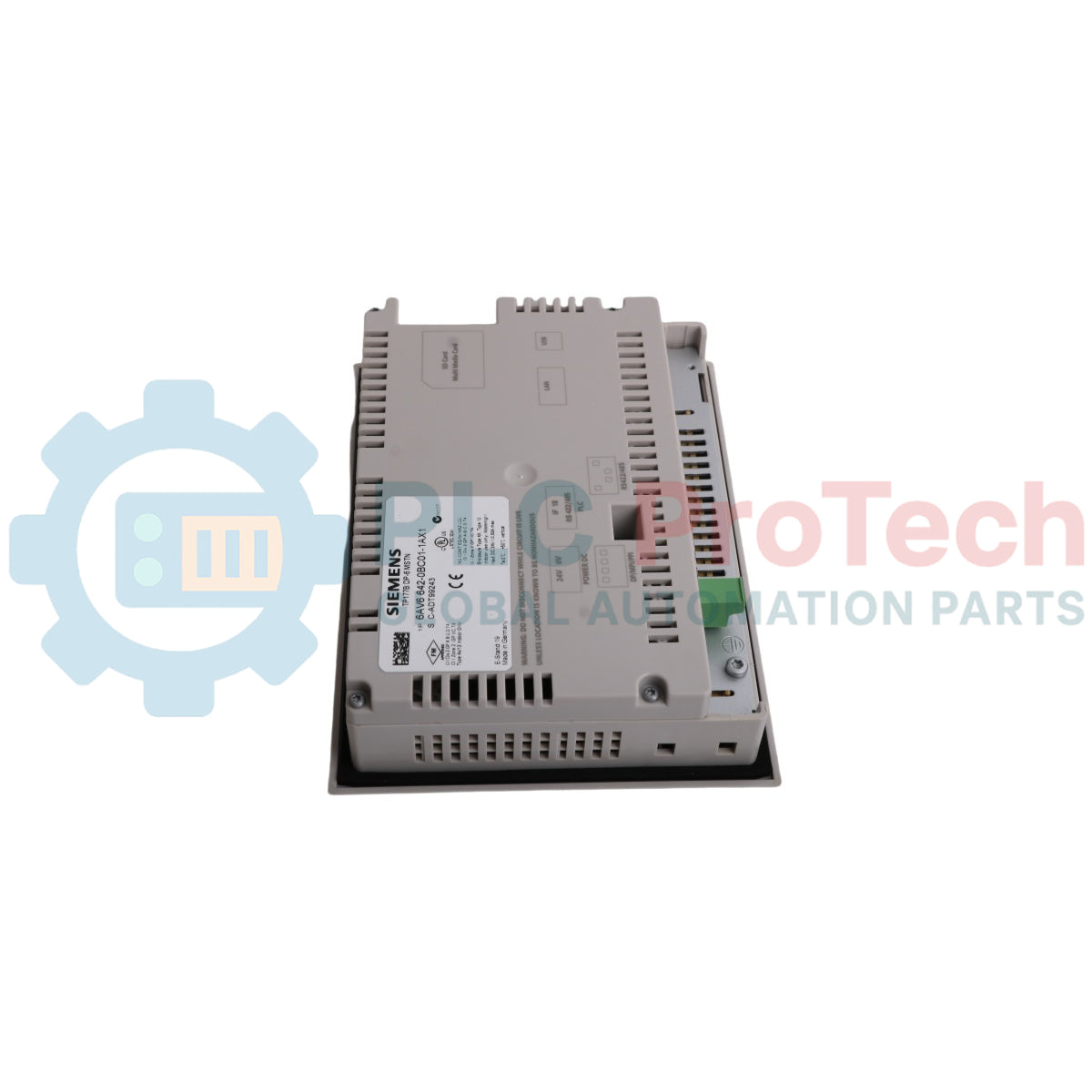
The Siemens 6AV6642-0BC01-1AX1 is a SIMATIC TP 177B DP-6 operator panel designed for machine-level visualization and control in industrial environments. This unit features a 5.7-inch monochrome STN display with "blue mode" for clear process representation. Operator input is managed via the integrated touch screen. For system integration, the panel is equipped with a versatile RS 485 interface that supports PROFIBUS DP, MPI, and PPI communication protocols, enabling direct connection to Siemens PLC systems.

Features

  • 5.7-inch STN monochrome display with 4 blue levels
  • Analog resistive touch screen for operator interaction
  • Integrated RS 485 interface for PROFIBUS DP communication
  • Configuration via Siemens WinCC flexible software
  • Compact design suitable for panel mounting

Applications

This HMI panel is intended for use in a variety of industrial automation tasks, including:

  • Machine-level operator control and monitoring
  • Manufacturing and assembly lines
  • Packaging and bottling systems
  • Material handling and conveyor control

Technical Specifications

Specification Value
Manufacturer Siemens
Model Number 6AV6642-0BC01-1AX1
Product Type TP 177B DP-6 Touch Panel - Blue Mode
Display Type 5.7-inch STN, 4 Blue Levels
Display Resolution 320 x 240 pixels
Communication Interface RS 485 (PROFIBUS DP, MPI, PPI)
Configuration Software WinCC flexible 2005 SP1 or higher
Shipping Weight 0.76 kg
Dimensions 21 cm x 15.5 cm x 5 cm
Country of Origin Germany
HS Code 8537101190
Package Dimensions (Calculated) 23 cm x 18 cm x 7 cm

Installation Guidelines

CRITICAL WARNING: Installation must be performed by qualified personnel only. Disconnect and lock out all power sources before installation or maintenance to prevent electric shock and equipment damage. This device is sensitive to electrostatic discharge (ESD); use appropriate grounding measures.
  1. 1 Ensure the control cabinet is de-energized and locked out according to safety procedures.
  2. 2 Verify the panel cutout dimensions in the enclosure match the HMI's installation requirements. Ensure the mounting surface is clean and flat.
  3. 3 Insert the operator panel into the cutout from the front. Secure it by evenly tightening the mounting clamps from the rear to ensure a proper seal.
  4. 4 Connect the PROFIBUS DP communication cable to the RS 485 port. Ensure proper shielding, grounding, and bus termination as required by the network topology.
  5. 5 Connect the 24V DC power supply to the designated terminals, observing correct polarity.
  6. 6 After verifying all connections, remove the lockout/tagout and re-energize the cabinet. Test HMI functionality and communication with the PLC.

What software is used to program this HMI?

The 6AV6642-0BC01-1AX1 is configured using Siemens WinCC flexible 2005 SP1 or a higher version. It is not compatible with the newer TIA Portal engineering framework.

What is the communication interface on this panel?

The primary communication interface is an RS 485 port that supports PROFIBUS DP, MPI, and PPI protocols for connection to PLCs and other automation devices.

Is the display on the 6AV6642-0BC01-1AX1 color or monochrome?

This is a monochrome 'Blue Mode' STN display with 4 blue levels for contrast. It does not display in color.

What is the screen size and resolution?

The panel features a 5.7-inch diagonal screen with a resolution of 320 x 240 pixels.

Global Express Shipping

  • Standard Delivery: 4-6 Business Days via DHL, FedEx, and UPS.
  • Express Dispatch: Same-day dispatch for in-stock orders placed before 2:00 PM (GMT+8).
  • Worldwide Coverage: Serving over 150 countries, including rapid delivery to Saudi Arabia and UAE.

Returns & Warranty

  • 30-Day Guarantee: Returns accepted for in-stock products in original, factory-sealed packaging.
  • 12-Month Warranty: Every industrial component is backed by our professional technical warranty.

Orders are processed and delivered Monday-Friday (excluding public holidays).


For full eligibility, restocking fees, and international return details, please view our official Refund & Return Policy .

TECHNICAL SPECIFICATIONS

Country of origin
Deutschland

Recently Viewed Products

Technical knowledge

Umfassender Leitfaden zu industriellen Firewalls und OT-Netzwerksegmentierung

Industrielle Firewalls spielen eine entscheidende Rolle in der OT-Cybersicherheit, indem sie PLC-, DCS- und SCADA-Netzwerke durch Segmentierung, Ein- und Ausgangskontrolle sowie IDS/IPS-Integration...

Leitfaden für Roboter-Greifer: Von der schonenden Handhabung bis zur Schwerlastautomatisierung

Moderne robotische Greifer entwickeln sich über traditionelle mechanische Greifbacken hinaus. Von gecko-inspirierten Haftsystemen und weichen, lebensmittelechten Greifern bis hin zu KI-gestützten...

Rückblick: Wie frühe Elektromotoren den Untertagebergbau veränderten

Von seilgetriebenen Gleichstromkompressoren bis hin zu batteriebetriebenen Grubenwagen markierten frühe Bergbauoperationen einen Wendepunkt in der industriellen Elektrifizierung. Dieser Artikel...

Factory I/O: Ein modernes PLC-Simulationswerkzeug für die Ausbildung in der Industrieautomatisierung

Factory I/O revolutioniert die SPS-Ausbildung, indem es immersive 3D-Industriesimulationen für Studenten, Ingenieure und Wartungsteams bereitstellt. Die Plattform überbrückt die Lücke zwischen...

Programmierung von Ein-Achsen-Bewegungszyklen auf einem CMZ-Servoantrieb

Dieses Tutorial untersucht, wie die integrierte SPS-Funktionalität in einem CMZ SBD-Servoantrieb eigenständige Bewegungsprogramme ausführen kann, einschließlich Referenzfahrt-Logik,...

Einachsige Bewegungssteuerung mit CMZ-Servoantrieben einrichten

Dieses Tutorial behandelt die Inbetriebnahme eines einachsigen Servobewegungssystems mit einem CMZ SBD-Antrieb und umfasst die Hardwareeinrichtung, Achsenskalierung, Homing-Konfiguration und die...