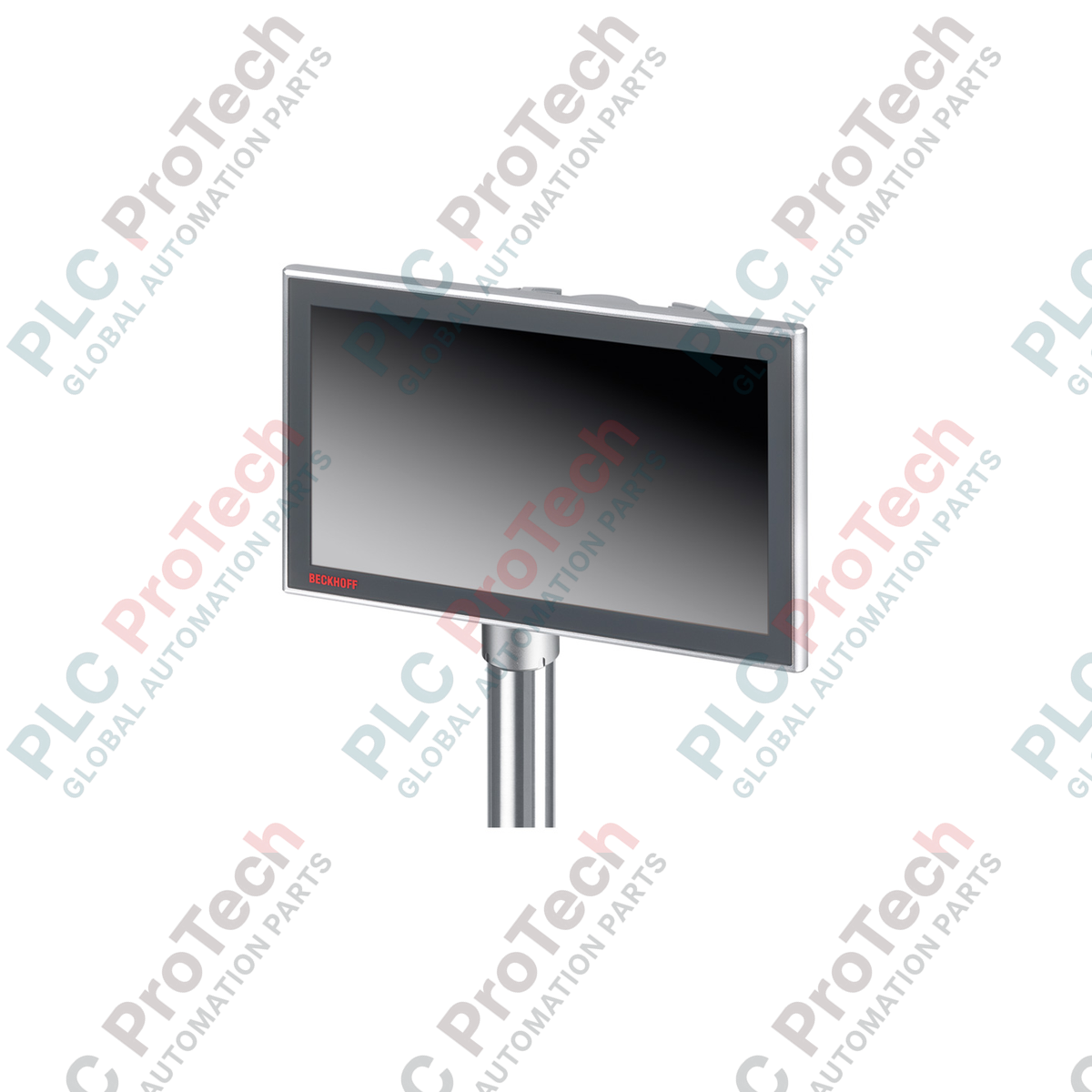
Engineered for direct integration onto mounting arm systems, the Beckhoff CP3224-0020 combines a spacious 24-inch widescreen multi-touch interface with high-performance Intel processing power. This control panel PC is housed in a robust, fully enclosed IP65 aluminum chassis, making it ideal for operator interface applications directly at the machine site without requiring an electrical cabinet.
Key Features
-
High-Resolution Display: 24-inch widescreen multi-finger touch screen with a native resolution of 1920 x 1080.
-
Robust Enclosure: Fully enclosed aluminum housing designed for Rittal and Rolec mounting arm systems with a 48 mm tube.
-
Advanced Cooling: Passive cooling through an external heat sink structure, supplemented by an internal fan for uniform heat distribution.
-
Flexible Storage: Dual-slot configuration supporting 2.5-inch SSD/HDD and CFast media.
-
Industrial Connectivity: Integrated on-board dual Gigabit Ethernet ports alongside a dedicated push-pull Ethernet interface.
Applications
- Automotive assembly lines and robotic work cells.
- Food, beverage, and pharmaceutical packaging lines requiring washdown-compatible IP65 operator interfaces.
- Heavy machine tool control and CNC monitoring stations.
- Process automation monitoring in chemical and petrochemical facilities.
Technical Specifications
| Parameter |
Specification |
| Manufacturer |
Beckhoff |
| Model / Article Number |
CP3224-0020 |
| Display Size & Resolution |
24-inch widescreen, 1920 x 1080 pixels |
| Touch Technology |
Multi-finger capacitive touch screen |
| Processor Support |
Intel Celeron G3900TE 2.3 GHz (up to Intel Core i7 7700(T) 2.9 GHz) |
| Motherboard |
3.5-inch motherboard for 6th/7th generation Intel processors |
| System Memory |
4 GB DDR4 RAM (expandable up to 32 GB) |
| Storage Slots |
1 x 2.5-inch HDD/SSD slot, 1 x CFast slot |
| On-Board Network |
2 x 100/1000BASE-T Ethernet ports |
| External Interfaces |
1 x Ethernet 100/1000BASE-T push-pull interface |
| Power Supply |
24 V DC (optional UPS integration) |
| Protection Rating |
IP65 (fully enclosed) |
| Operating Temperature |
0 to 45 degC |
| Required Air Clearance |
20 cm (7.9 inches) around the chassis |
| Shipping Weight (Calculated) |
11.0 kg |
Connections and Interfaces
| Connector / Interface |
Function / Assignment |
| Power Input |
24 V DC connection terminal |
| Ethernet 1 & 2 |
On-board RJ45 Gigabit Ethernet interfaces for control network integration |
| Push-Pull Ethernet |
IP65-rated external network connection for field commissioning |
| Wiring Area |
Accommodates up to 6 IP65 connectors (4 available for custom integration) |
Empirical Engineering Insights
Alternative Models & Compatibility
The CP3224-0020 replaces older single-touch CP72xx and CP79xx series panels. When upgrading, verify mounting arm adapter compatibility, as this unit uses a 48 mm tube connection designed specifically for Rittal and Rolec systems. Ensure that your TwinCAT configuration (TC2 or TC3) is updated to support the 6th/7th generation Intel processor architecture.
Application Pitfalls & Engineering Notes
Although the CP3224-0020 is passively cooled via external heat sinks, the internal fan must remain operational to prevent localized hotspots inside the fully sealed IP65 enclosure. Always maintain the mandatory 20 cm (7.9 inches) clearance around the cooling fins to prevent thermal throttling under maximum CPU load in high-ambient environments.
Commissioning & Wiring Tips
Ensure the 24 V DC power supply is properly grounded to the mounting arm chassis to prevent capacitive noise on the multi-touch screen. Use high-quality shielded Cat6 cables for the push-pull Ethernet interface to mitigate electromagnetic interference (EMI) from nearby variable frequency drives (VFDs).
Installation Guidelines
CRITICAL WARNING:
De-energize all power sources before initiating installation or maintenance. Ensure the mounting arm is rated to support the 11 kg weight of the panel PC. Verify that all IP65 cable glands and connector covers are fully sealed to prevent moisture ingress.
1
Mount the rotatable/tiltable adapter securely to the 48 mm mounting arm tube, ensuring correct orientation (top or bottom entry).
2
Route all connection cables (Power, Ethernet, I/O) through the interior of the mounting arm to the wiring area.
3
Connect the 24 V DC power supply and network cables to their respective terminals inside the wiring compartment.
4
Secure the wiring area cover, ensuring the IP65 gaskets are properly seated and screws are torqued to specification.