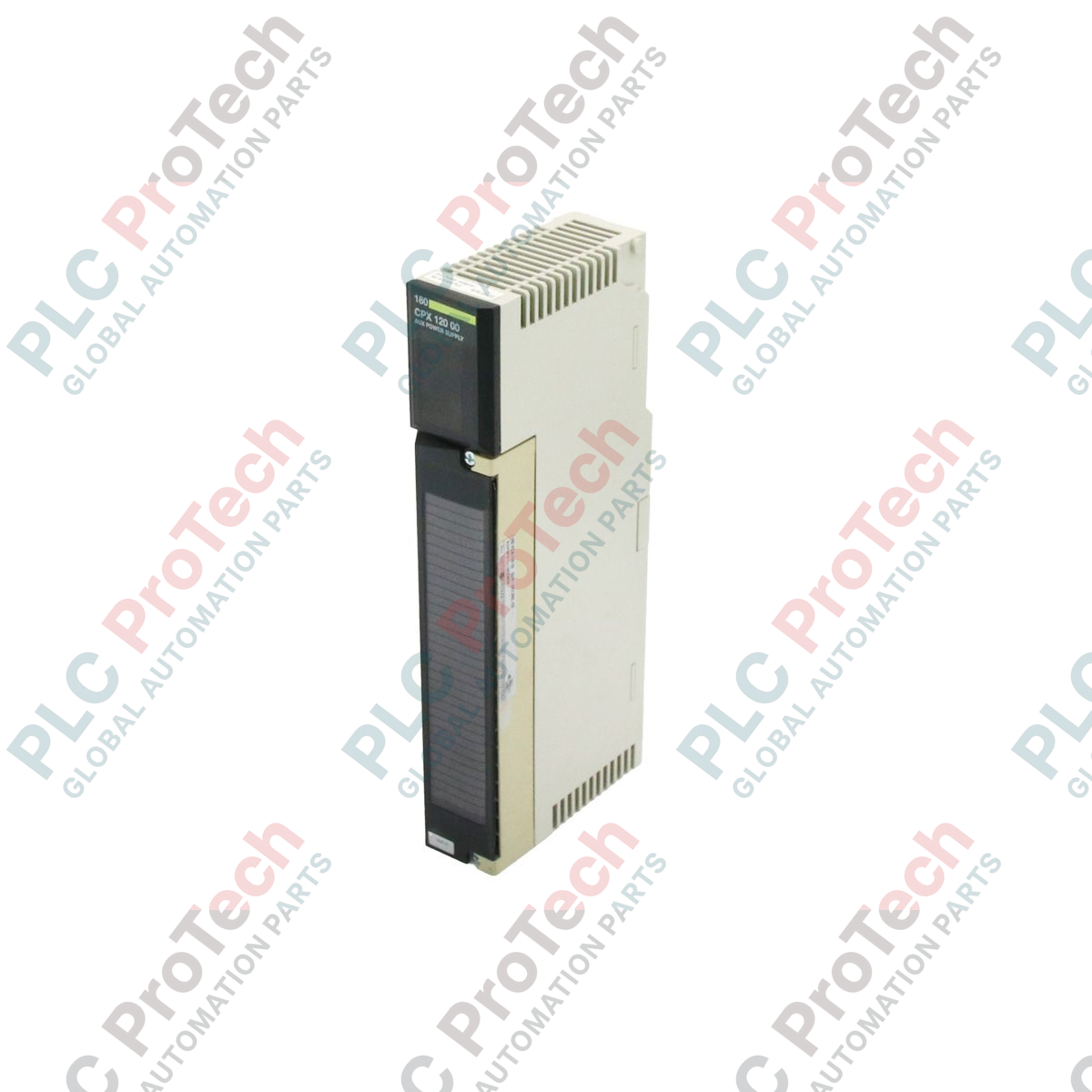
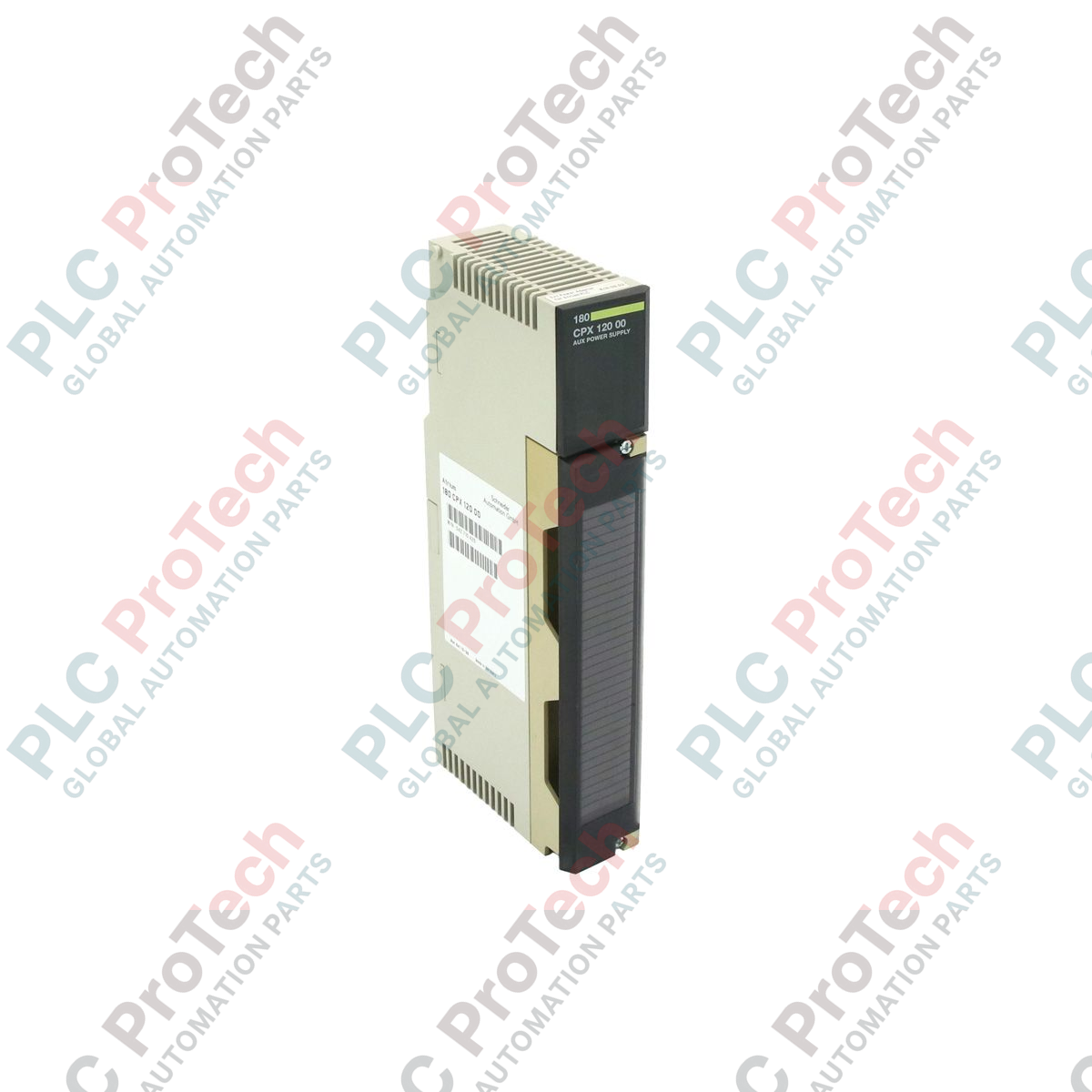
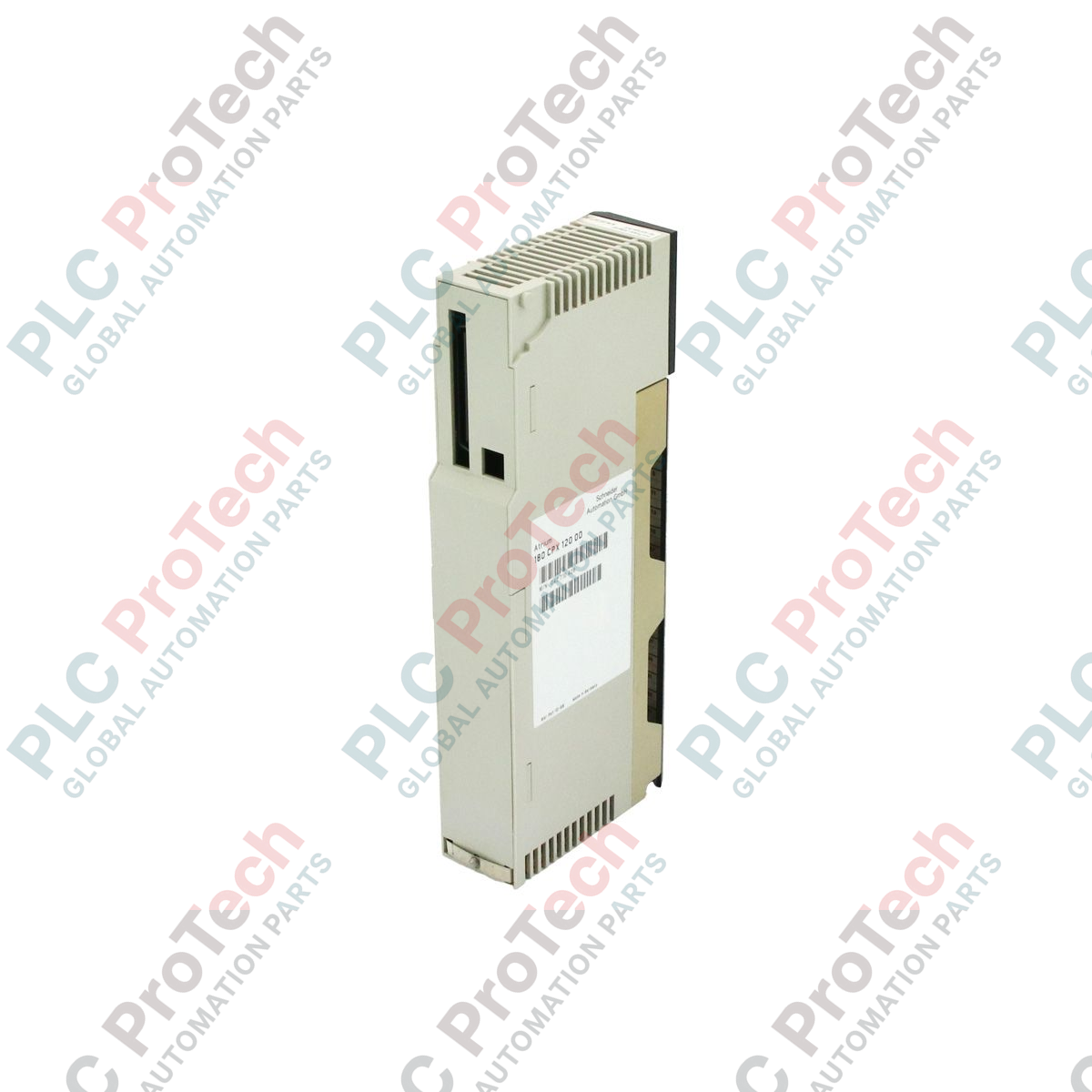
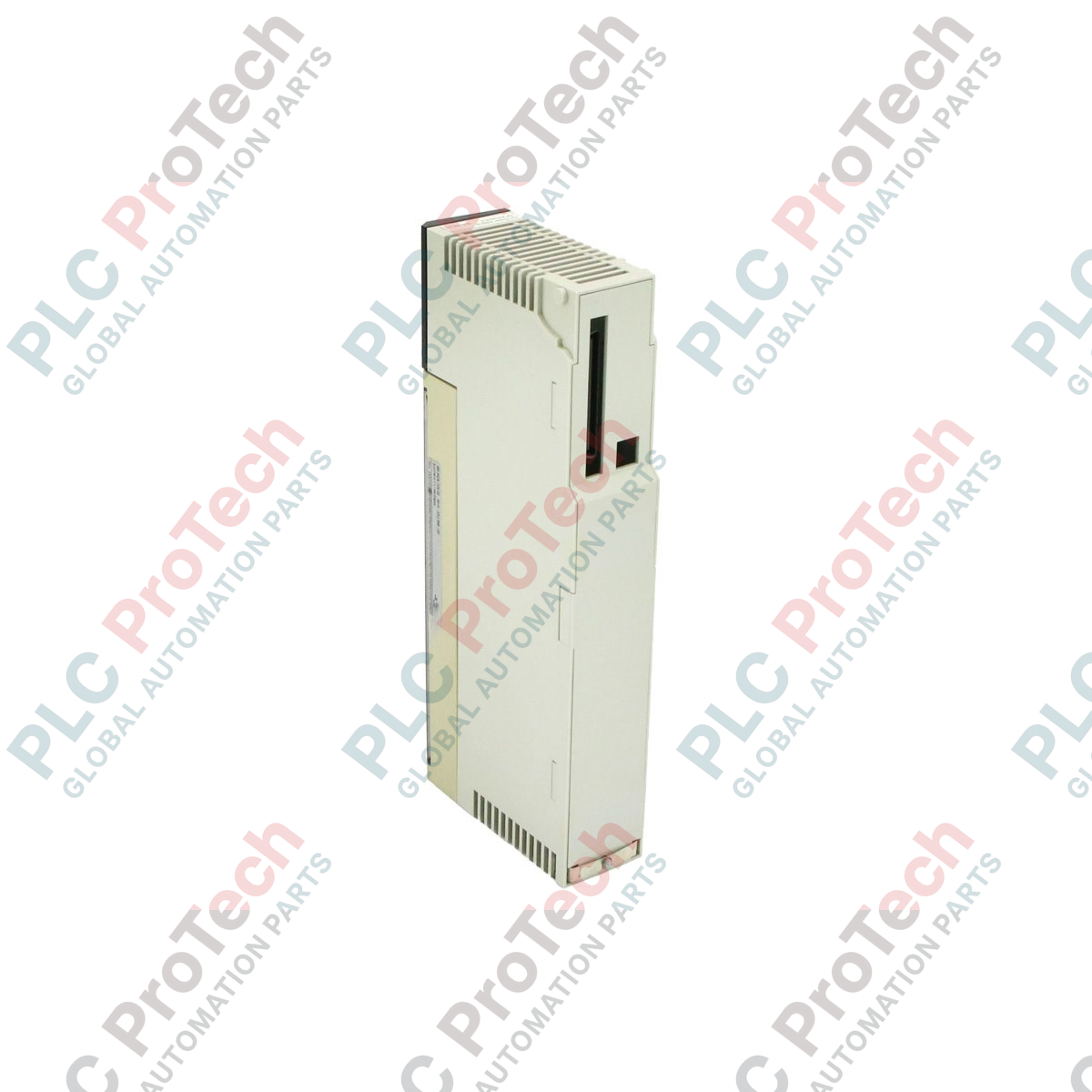
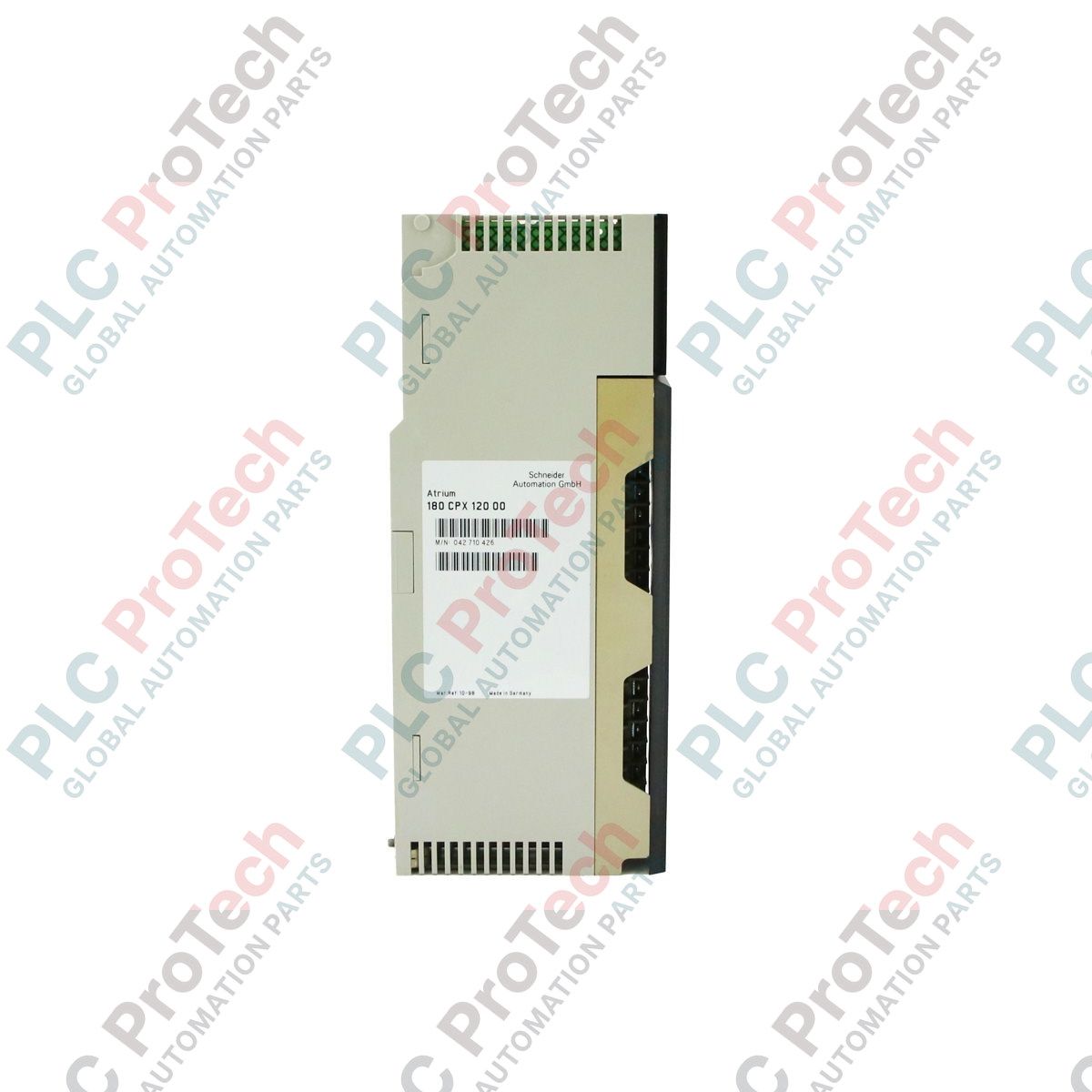
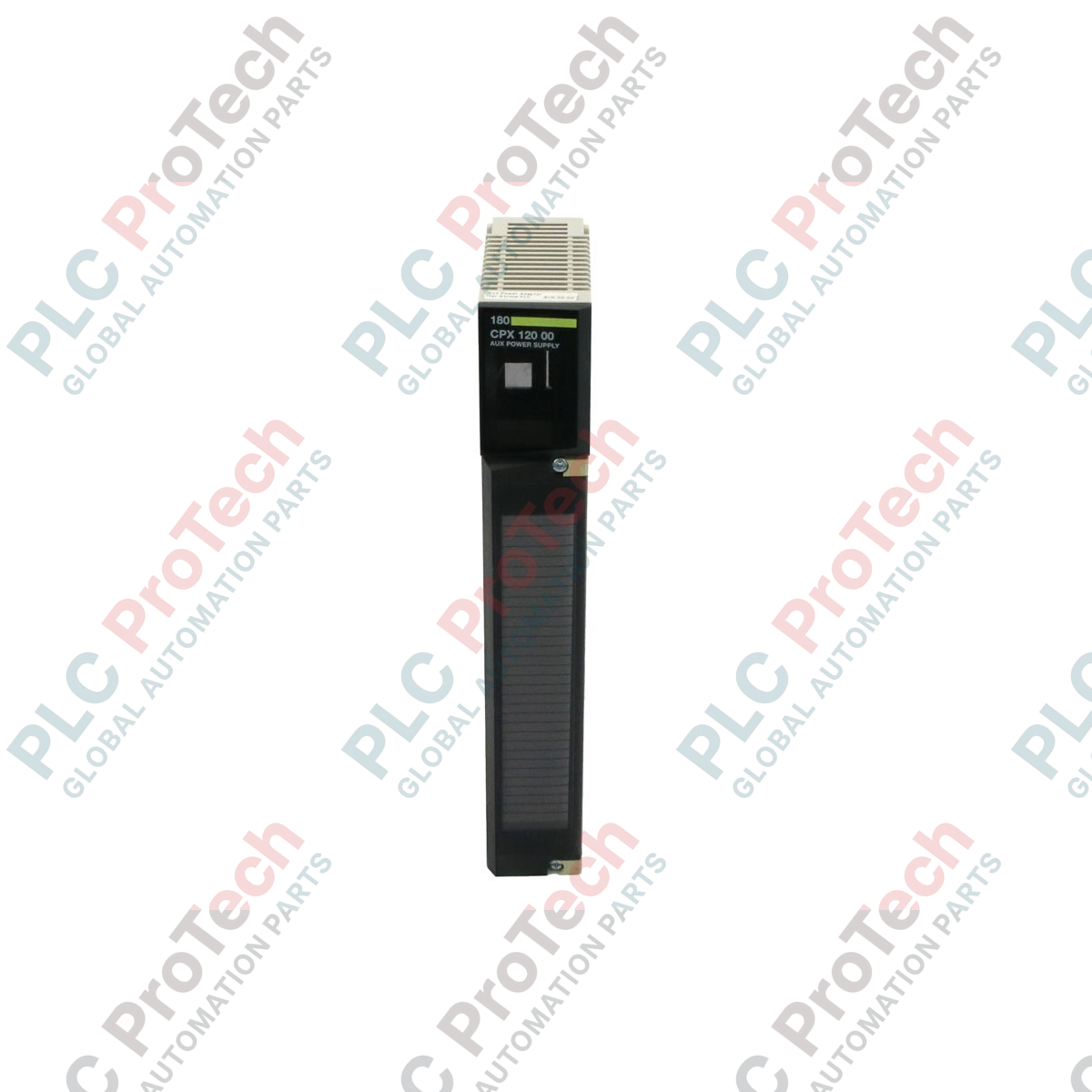
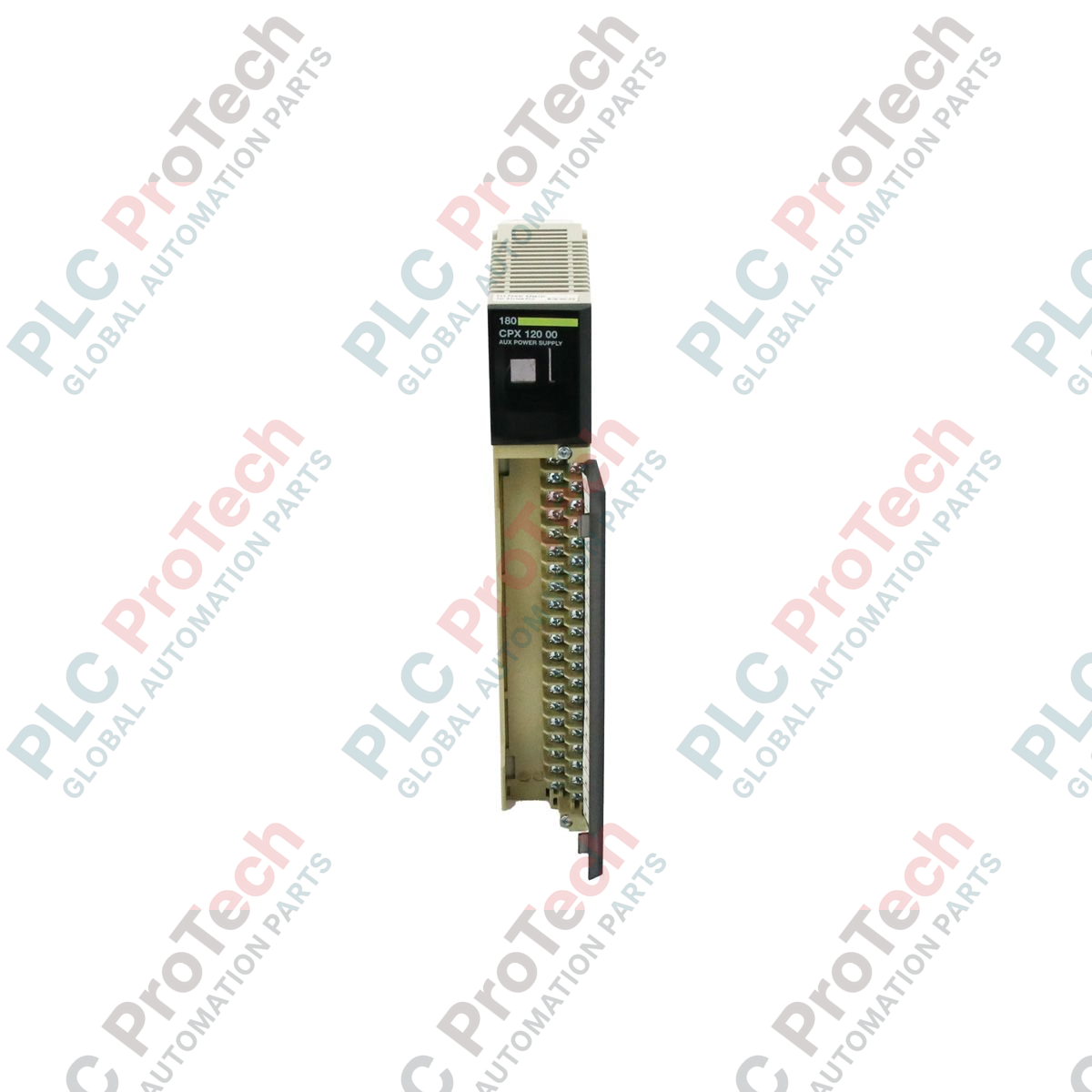
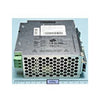
Integrating directly into specialized PC-based control architectures, the Schneider Electric 180CPX12000 serves as a highly reliable Atrium auxiliary power supply module within the Modicon Quantum hardware ecosystem. This module is engineered to provide stable, continuous auxiliary power to co-processor cards, ensuring critical control logic and communication states are preserved even during primary PC chassis power cycles or system reboots.
Key Features
- Dedicated auxiliary power delivery designed specifically for the Modicon Quantum Atrium slot-card systems.
- Maintains system state and register integrity during host PC power-downs and maintenance cycles.
- Compact, robust form factor optimized for standard industrial enclosure mounting and integration.
- Fully testable component allowing for straightforward verification of operational integrity during commissioning.
Industrial Applications
- PC-based industrial control systems utilizing Atrium co-processors.
- Legacy Modicon Quantum control system maintenance and infrastructure support.
- Continuous process monitoring systems requiring non-volatile state preservation during host reboots.
Technical Specifications
| Parameter |
Specification |
| Manufacturer |
Schneider Electric |
| Model Number |
180CPX12000 |
| Product Series |
Modicon Quantum / Atrium |
| Module Type |
Auxiliary Power Supply Module |
| Lifecycle Status |
Phase-Out (Legacy Support) |
| Country of Origin |
France |
| Commodity Code |
85389091 |
| Export Control Classification (ECCN) |
N |
| Shipping Weight (Calculated) |
0.73 kg |
| Package Dimensions (Calculated) |
16.5 x 31.0 x 5.0 cm |
Empirical Engineering Insights
Alternative Models & Compatibility
The 180CPX12000 is specifically tailored for Atrium slot-card architectures. When replacing older revisions of this module, ensure that the auxiliary power cabling harness matches the pin configuration of your existing PC-based backplane interface.
Application Pitfalls & Engineering Notes
In high-vibration environments or inside standard industrial PC chassis, ensure the auxiliary power cable is securely anchored. A momentary loss of auxiliary power during a host PC reboot will trigger a cold-start routine on the Atrium co-processor, clearing un-backfilled registers and interrupting fieldbus communications.
Commissioning & Wiring Tips
Always verify the ground potential between the auxiliary power source and the PC chassis. Ground loops in auxiliary power lines can introduce high-frequency noise into the Atrium backplane bus, leading to intermittent communication dropouts or diagnostic faults.
Installation Guidelines
CRITICAL WARNING
Before installing or removing the auxiliary power supply module, completely de-energize the host PC chassis and all connected field wiring. Failure to isolate the power sources can result in equipment damage, electrical shock, or unexpected control system behavior.
1
Mount the module securely within the designated slot or panel space, ensuring adequate clearance for thermal dissipation.
2
Connect the auxiliary power harness to the module, verifying correct polarity and secure terminal seating.
3
Perform a continuity and ground check before energizing the system to prevent ground loops.