Description
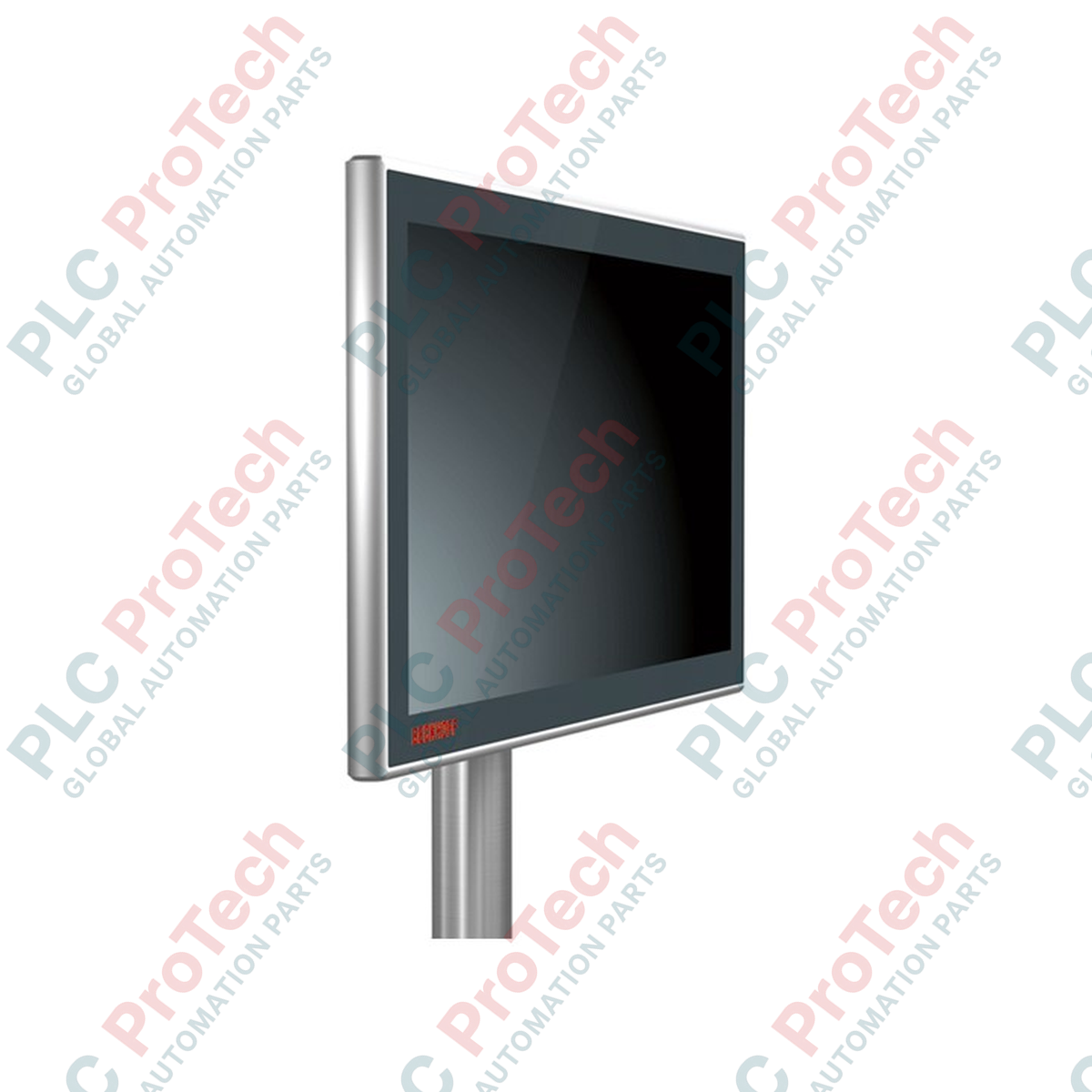
Conçu pour une visualisation haute performance directement au niveau de la machine, le Beckhoff CP3918-0000 intègre un écran panoramique de 18,5 pouces doté de technologies d’interface multipoint robustes. Fonctionnant comme un terminal d’affichage de qualité industrielle, cet appareil utilise les normes de transmission DVI-E et USB-E 2.0, permettant une utilisation à distance fiable jusqu’à 50 mètres du PC industriel (IPC). Protégé par un boîtier IP65 intégral hautement protecteur, ce pupitre de commande résiste aux environnements physiques exigeants tout en conservant une sensibilité précise à la saisie capacitive multipoint.
Caractéristiques principales
-
Écran haute résolution : écran de 18,5 pouces fonctionnant avec une résolution panoramique de 1366 × 768 pour afficher des graphiques de processus détaillés.
-
Connectivité étendue : les ports DVI-E et USB-E 2.0 intégrés permettent une transmission claire du signal et un transfert de données haut débit jusqu’à 50 mètres, sans dégradation du signal.
-
Protection industrielle : étanchéité IP65 intégrale, avec un boîtier en aluminium et une façade robuste en verre protégeant contre l’humidité, la poussière et les particules contaminantes.
-
Interface multipoint : la technologie de capteur tactile capacitif projeté (PCT) prend en charge le suivi de plusieurs doigts et le contrôle par gestes complexes.
-
Montage flexible : équipé d’un adaptateur de bras de montage standard compatible avec les systèmes de montage sur tube de 48 mm.
Applications
-
Topologies IPC distribuées : idéal pour les installations où le PC de l’armoire de commande est situé à distance afin de protéger le matériel principal contre les risques physiques de l’atelier.
-
Automatisation des machines lourdes : déploiement direct sur des cellules robotisées, des lignes d’assemblage automobile et des fraiseuses.
-
Commandes de processus hygiéniques : convient aux lignes modernes de conditionnement et de production pharmaceutique nécessitant des façades en verre propres et faciles à essuyer, sans interstices.
Caractéristiques techniques
| Paramètre technique |
Caractéristique / valeur technique |
| Fabricant |
Beckhoff Automation |
| Référence du modèle |
CP3918-0000 |
| Taille de l’écran et format d’image |
18,5 pouces (écran large 16:9) |
| Résolution |
1366 × 768 pixels |
| Technologie tactile |
Écran tactile capacitif projeté (PCT) multipoint |
| Norme d’interface |
DVI-E et USB-E 2.0 |
| Longueur maximale du câble |
50 mètres |
| Tension de fonctionnement |
24 V CC (−15 % / +20 %) |
| Indice de protection |
IP65 (sur tout le pourtour) |
| Température de fonctionnement |
De 0 à 55 °C |
| Construction du boîtier |
Boîtier en aluminium avec panneau frontal en verre de sécurité feuilleté |
| Fixation |
4 trous filetés M6 (entraxe de 100 × 100 mm) / adaptateur pour tube de 48 mm |
| Poids d’expédition (calculé) |
5,0 kg (11,0 lb) |
Connexions et interfaces
| Port / borne de connexion |
Description du signal / de l’interface |
| Entrée d’alimentation 24 V CC |
Connexion à 3 broches (+24 V, 0 V, terre fonctionnelle) |
| Connecteur DVI-E |
Entrée DVI-D industrielle depuis l’émetteur PC via une ligne longue distance |
| Connecteur USB-E 2.0 |
Connecteur industriel USB-E 2.0 de type B pour le retour tactile et les périphériques |
| Ports USB externes |
Ports USB conformes à la norme IP65 pour connecter des clés USB et des périphériques externes |
Observations techniques empiriques
Modèles alternatifs et compatibilité
Le panneau de commande CP3918-0000 fonctionne exclusivement comme terminal d’affichage et tactile, sans processeur ni système d’exploitation intégrés. L’intégration avec l’hôte nécessite une unité émettrice spécialisée côté PC, telle que la CU8801 (extendeur USB-E 2.0) ou des cartes modules PCIe Beckhoff équivalentes. Si l’architecture de votre machine comporte un ordinateur local, envisagez de passer à la série CP2918, qui propose des options de carte mère à fonction tactile simple ou multipoint intégrée.
Pièges liés à l’application et remarques d’ingénierie
Lors de la pose de câbles DVI-E et USB-E d’une longueur pouvant atteindre 50 mètres, vous devez éviter les boucles et courbures trop prononcées à l’intérieur des chemins porte-câbles. L’atténuation du signal et les problèmes de gigue peuvent perturber la matrice de suivi tactile PCT si des câbles dynamiques à haute flexibilité sont utilisés au-delà de leur limite de fatigue nominale. Évitez également de connecter en cascade des concentrateurs USB externes côté terminal d’affichage, car cela pourrait dépasser les marges de synchronisation USB sur la ligne étendue de 50 mètres.
Conseils de mise en service et de câblage
Pour éviter les « touches fantômes » ou le comportement erratique de la souris causés par les variateurs de vitesse (VSD) et autres sources de bruit haute fréquence présentes sur le châssis de la machine, assurez-vous que l’adaptateur du bras de montage dispose d’une connexion de terre en cuivre directe et à faible impédance vers la terre principale du système. Utilisez des câbles hybrides DVI-E/USB-E blindés et terminés en usine de Beckhoff afin de préserver l’intégrité du signal.
Consignes d’installation
AVERTISSEMENT CRITIQUE : Mettez hors tension toutes les sources d’alimentation 24 V CC principales et auxiliaires avant de brancher ou de débrancher les câbles DVI-E, USB-E ou d’alimentation. Le branchement à chaud des lignes de données d’un écran industriel alors que le circuit est sous tension peut provoquer des pointes transitoires de courant dans la boucle de terre, susceptibles d’endommager définitivement les cartes de commande internes sensibles.
1
Montez le panneau de commande sur la structure de l’adaptateur pour tube de 48 mm. Vérifiez que les 4 boulons filetés M6 sont serrés au couple spécifié de 4,5 Nm.
2
Raccordez directement le conducteur de terre fonctionnelle de la borne du bloc de montage à la barre de référence de terre de la machine.
3
Acheminez les câbles DVI-E et USB-E au centre du tube de montage, en évitant les courbures trop prononcées, puis verrouillez fermement les connecteurs circulaires IP65 dans les ports désignés.
4
Branchez la fiche d’alimentation 24 V CC à 3 broches, en vérifiant la polarité de la tension avant de mettre le circuit électrique sous tension.