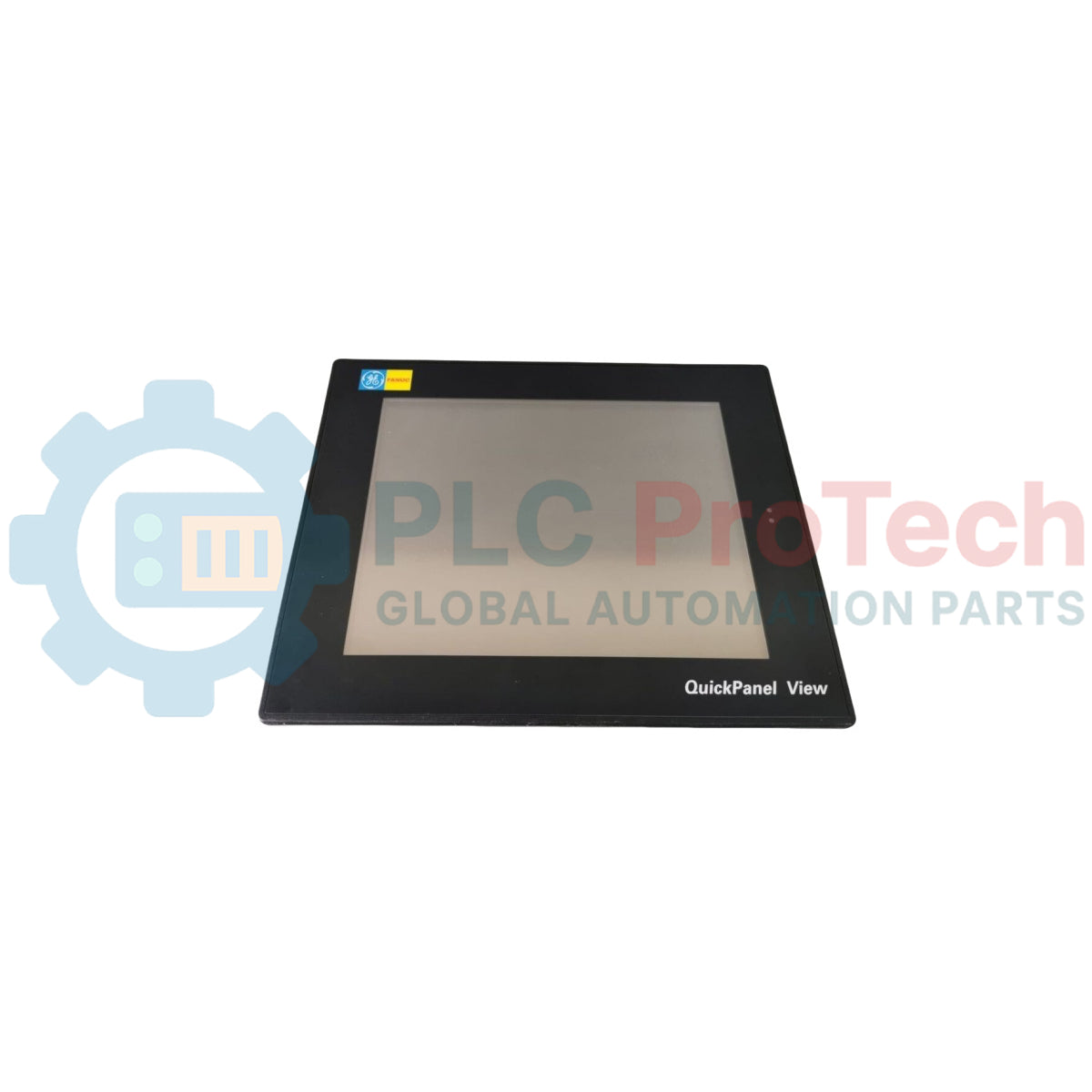
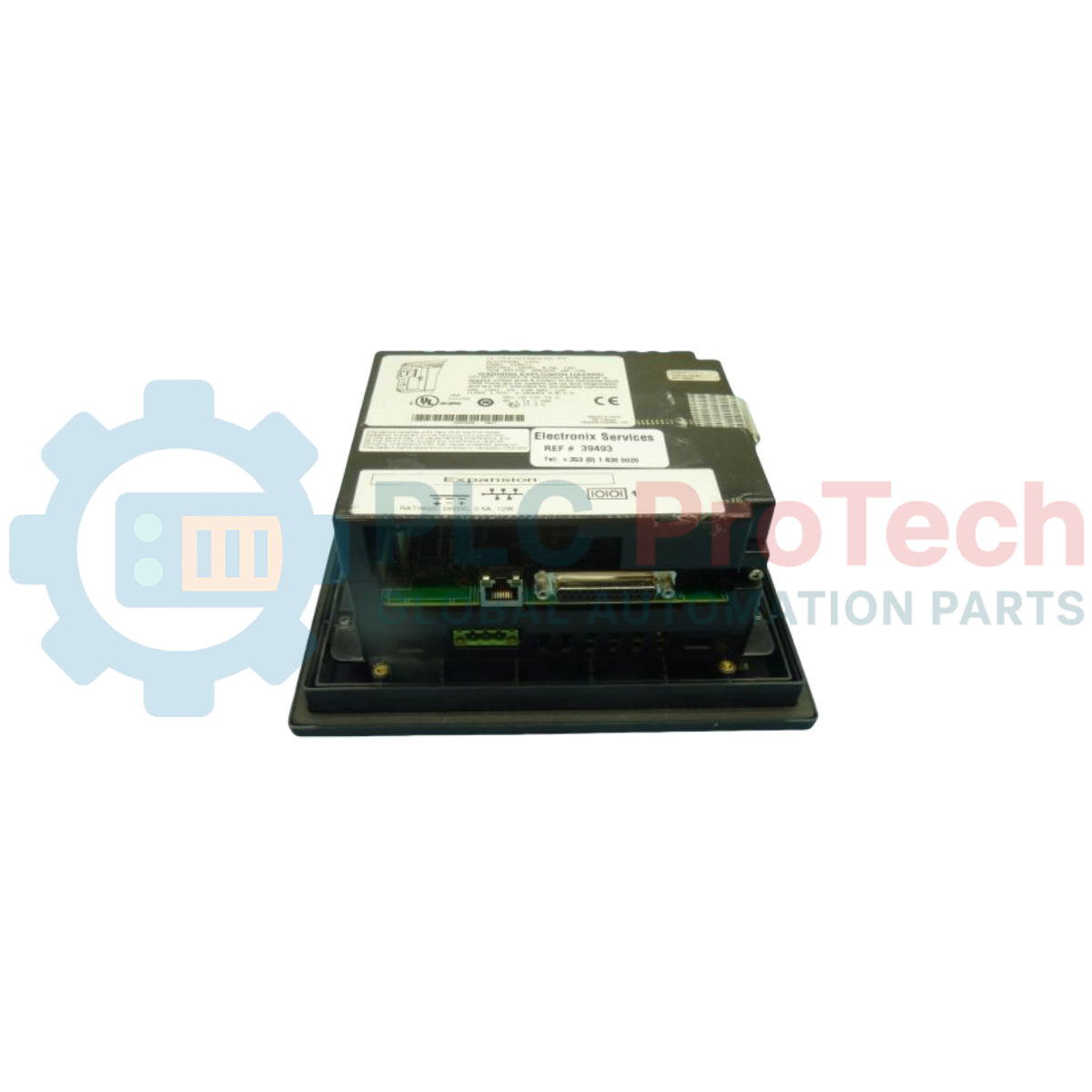
Présentation du produit
Le IC754VGI06STD (IC754-VGI-06-STD) est une interface QuickPanel View "Intermédiaire" robuste de 6 pouces, servant de pont critique entre les opérateurs humains et les systèmes de contrôle au niveau machine. Propulsé par le système d'exploitation Microsoft Windows CE et le runtime Proficy View de GE, cet IHM est conçu pour la visualisation en temps réel dans des applications industrielles de taille moyenne, comme les lignes de transformation alimentaire, systèmes de manutention de matériaux, et les unités de traitement de l'eau. Le IC754VGI06STD combine la puissance d'un ordinateur industriel dédié avec la simplicité d'une interface à écran tactile, permettant des alarmes complexes, tendance, et communication multiprotocole. Son format compact de 6 pouces en fait un choix idéal pour le contrôle localisé par opérateur lorsque l'espace sur le panneau est limité mais qu'une haute résolution graphique est requise.
Configuration technique
Cet IHM dispose d'un écran VGA de 6 pouces (640 x 480 pixels) avec un écran tactile résistif à 4 fils. Sous le capot, il utilise un processeur RISC 32 bits optimisé pour une faible consommation d'énergie et un rendu graphique rapide. L'unité est livrée de série avec un Ethernet intégré pour la mise en réseau à l'échelle de l'usine et plusieurs ports série pour l'interface directe avec les automates programmables. L'environnement Windows CE offre une base stable pour le logiciel Proficy Machine Edition, supportant des fonctionnalités avancées comme l'exécution de scripts, prise en charge multilingue, et des bibliothèques de pilotes étendues pour les contrôleurs GE et tiers.
Spécifications techniques
| Attribut |
Spécification |
| Modèle |
IC754VGI06STD |
| Marque |
GE Fanuc / GE Automation |
| Gamme |
QuickPanel View |
| Taille de l'écran |
6,0 pouces (diagonale) |
| Type d'affichage |
Écran LCD couleur TFT |
| Résolution |
640 x 480 pixels (VGA) |
| Système d'exploitation |
Microsoft Windows CE |
| Exécution |
Proficy View Intermediate |
| Alimentation |
24 VCC (isolé) |
| Connectivité |
Ethernet (RJ-45), RS-232, RS-485 |
| Indice de protection du boîtier |
NEMA 4 / IP65 (panneau avant) |
| Poids |
Environ 1,2 kg |
FAQ techniques
Quelle est la différence entre les versions QuickPanel « Intermédiaire » et « Basique » ?La version « Intermédiaire » (indiquée par le code « STD » ou « VGI ») offre des capacités de communication plus étendues et une mémoire plus grande pour les tags et les écrans comparée aux modèles « Basique ». Il est conçu pour gérer des logiques plus complexes et des applications riches en données.
Puis-je remplacer un IC754VGI06STD défectueux par un modèle QuickPanel+ plus récent ?Oui, la série QuickPanel+ de GE est le successeur moderne. Cependant, bien que la découpe physique puisse être similaire, vous devrez migrer votre projet Proficy Machine Edition vers la plateforme matérielle plus récente, ce qui peut nécessiter des mises à jour logicielles et une revalidation des pilotes.
Comment sauvegarder l'application depuis cette IHM ?Les sauvegardes peuvent être effectuées via le logiciel Proficy Machine Edition en utilisant la fonction « Upload », ou en utilisant une carte CompactFlash (CF) pour cloner les fichiers runtime directement depuis le menu utilitaire Windows CE.
Guide d'ingénierie et d'installation
-
Découpe et étanchéité du panneau : Lors de l'installation de l'IHM, assurez-vous que la surface du panneau est plane et exempte d'ébarbures. Le classement NEMA 4 / IP65 n'est maintenu que si le joint de montage est correctement compressé. Serrez les clips de montage en croix pour éviter une pression inégale sur le cadre LCD.
-
Étalonnage de l'écran tactile : Avec le temps ou après des cycles de température extrêmes, l'écran tactile résistif peut nécessiter une recalibration. Accédez au Panneau de configuration Windows CE ou à l'outil GE Utility pour lancer la routine d'étalonnage. Utilisez un stylet en plastique souple plutôt que des objets pointus pour éviter de rayer la couche de protection.
-
Gestion thermique : Bien que l'unité soit conçue pour un refroidissement par convection naturelle, assurez-vous qu'il y ait au moins 10 cm de dégagement derrière l'unité à l'intérieur de l'armoire. Évitez de monter l'IHM directement au-dessus de sources de chaleur intense comme de gros démarreurs de moteur ou des transformateurs de puissance.