Description
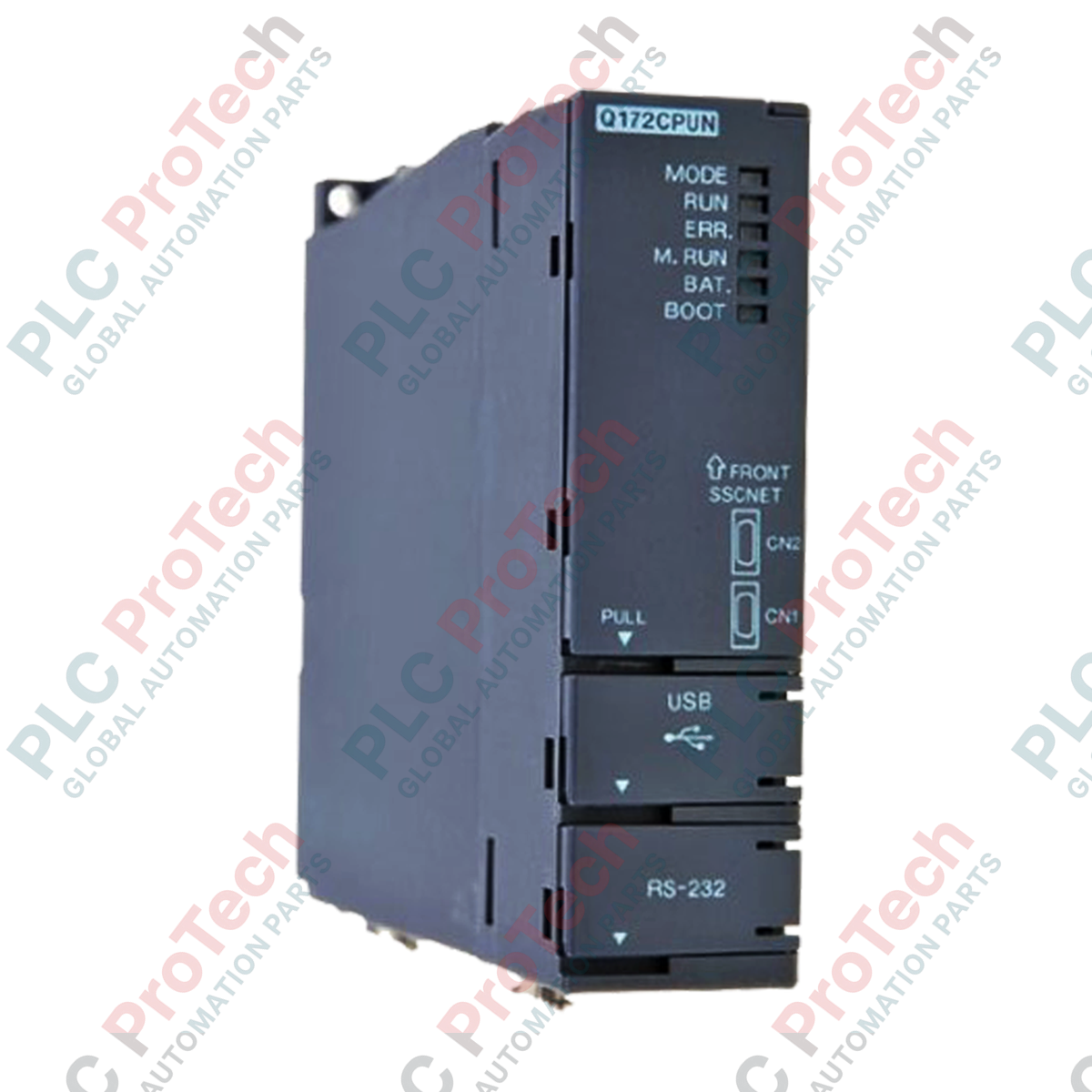
Conçu pour la synchronisation multiaxe haute performance, le Mitsubishi Electric Q173CPUN sert d’UC de mouvement dédiée au sein de la plateforme MELSEC série Q. Ce contrôleur s’intègre de manière transparente sur la même unité de base que les UC d’API standard de la série Q, répartissant les charges de traitement pour assurer une synchronisation précise des machines complexes. Il prend en charge des tâches avancées de commande de mouvement, telles que la configuration d’axes virtuels, les cames électroniques et les opérations d’engrenage synchronisées, tout en s’appuyant sur des interfaces de communication à fibre optique hautement immunisées contre les interférences pour communiquer avec les amplificateurs servo externes.
Fonctionnalités
-
Architecture multi-UC : s’installe directement sur le fond de panier de la série Q afin de partager les données avec l’UC de l’API hôte principale à haut débit sur le bus.
-
Synchronisation robuste : exécute simultanément des cames électroniques complexes, des conversions de coordonnées mécaniques et des rapports d’engrenage électroniques sur plusieurs canaux.
-
Intégration SSCNET III : utilise des lignes de communication à fibre optique pour assurer une transmission de données rapide et insensible au bruit vers les variateurs servo.
-
Gestion étendue des E/S : gère jusqu’à 8192 points du système de commande afin de traiter les retours d’information complexes du système et le mappage des signaux.
Applications
- Machines d’emballage et de conditionnement à grande vitesse
- Presses d’impression multiaxes et machines de transformation du papier
- Systèmes automatisés de prise et de dépose et lignes de fabrication de semi-conducteurs
- Systèmes de positionnement synchronisés pour grues portiques
Tableau des spécifications techniques
| Fabricant |
Mitsubishi Electric |
| Modèle |
Q173CPUN |
| Série |
MELSEC série Q |
| Type de module |
Module UC du contrôleur de mouvement |
| Nombre d’axes de commande |
Jusqu’à 32 axes |
| Points d’E/S |
8192 points |
| Capacité du programme |
14 k pas |
| Réseau de mouvement |
SSCNET III (fibre optique) |
| Température de fonctionnement |
0 à 55 °C |
| Température de stockage |
-25 à 75 °C |
| Poids d’expédition (calculé) |
3,0 kg |
| Dimensions de l’emballage (calculées) |
150 mm x 120 mm x 100 mm |
Connexions et interfaces
| Type d’interface |
Description physique et fonction |
| Ports SSCNET III |
Prises de connecteurs à fibre optique pour la communication de synchronisation à haut débit avec les amplificateurs servo des séries MR-J3/MR-J4. |
| Interface multi-UC |
Connecteur de fond de panier haute vitesse correspondant à l’emplacement prévu sur l’unité de base principale de la série MELSEC Q. |
| Connexion USB |
Port de communication périphérique pour la mise en service, le téléchargement de la configuration et le diagnostic par traçage en temps réel. |
Observations techniques empiriques
Modèles alternatifs et compatibilité
Lors de la migration depuis des modèles plus anciens dépourvus de la terminaison N, tels que le Q173CPU, vérifiez la configuration physique du réseau. Le Q173CPU standard utilise un SSCNET à base de cuivre, tandis que le Q173CPUN utilise le SSCNET III à fibre optique. Cette évolution nécessite de remplacer les câbles de communication par des câbles à fibre optique et de vérifier que les servovariateurs correspondants prennent en charge les protocoles SSCNET III.
Pièges à éviter et remarques techniques
Le calcul de la puissance du fond de panier est essentiel. Comme un CPU de contrôleur de mouvement consomme davantage de courant sur l’alimentation 5 V du fond de panier que les modules d’E/S numériques standard, vous devez additionner la consommation du CPU de l’automate, du Q173CPUN et de tous les modules hôtes afin d’éviter une surcharge de l’alimentation du système (par exemple, Q61P contre Q63P).
Conseils de mise en service et de câblage
Manipulez les câbles à fibre optique SSCNET III avec une extrême précaution lors du câblage dans l’armoire. Il est essentiel de respecter un rayon de courbure minimal de 25 mm ; dépasser cette limite peut entraîner une atténuation du signal optique, provoquant des défaillances de communication difficiles à diagnostiquer ou des déclenchements sporadiques de défauts d’axe (tels que les codes 32 ou 10) pendant les cycles de fonctionnement à grande vitesse.
Directives d’installation
AVERTISSEMENT CRITIQUE : Avant d’installer, de retirer ou de câbler le Q173CPUN sur l’unité de base, assurez-vous que toutes les phases de l’alimentation externe utilisée par le système sont complètement coupées. Le fait de ne pas mettre l’ensemble hors tension peut provoquer une défaillance du module, une corruption des communications ou un choc électrique.
1
Alignez le crochet inférieur du module Q173CPUN avec l’orifice de fixation du module sur l’unité de base principale de la série Q, en veillant à installer l’unité dans un emplacement réservé au Motion CPU.
2
Appuyez fermement sur le haut du module contre l’unité de base jusqu’à ce qu’il s’enclenche, puis serrez la vis de fixation du module au couple spécifié.
3
Retirez les capuchons antipoussière de protection des ports optiques SSCNET III et insérez les câbles à fibre optique jusqu’à ce qu’ils s’enclenchent correctement. Conservez les capuchons antipoussière en lieu sûr pour les opérations de maintenance ultérieures.