


Menerapkan Logika Tangga XOR 3 Sakelar dengan Bit Internal
Implementasikan rangkaian lampu XOR dengan sakelar 3-SPST di LogixPro atau RSLogix 500 menggunakan bit relai internal. Mencakup tabel kebenaran, persamaan Boolean, dan telah diverifikasi.

Untuk memenuhi kebutuhan kontrol gerak multi-sumbu yang kompleks, Mitsubishi Electric MR-J3-500B mengoordinasikan sinkronisasi jalur kontinu dan pemosisian presisi melalui jaringan serat optik berkecepatan tinggi. Sebagai bagian dari keluarga produk MELSERVO J3, penguat servo 5,0 kW ini terintegrasi langsung dengan pengontrol gerak melalui bus komunikasi SSCNET III, sehingga mengurangi kerentanan terhadap derau listrik melalui isolasi optik. Unit ini memproses umpan balik dari encoder absolut/inkremental 18-bit beresolusi tinggi, sehingga mampu mempertahankan konsistensi kecepatan yang presisi dan menjalankan algoritme penekanan getaran pada berbagai profil beban dinamis.
| Parameter | Nilai Spesifikasi |
|---|---|
| Produsen | Mitsubishi Electric |
| Nomor Model | MR-J3-500B |
| Seri Produk | Seri MELSERVO-J3 (Tipe Jaringan SSCNET III) |
| Daya Output Terukur | 5,0 kW (5000 W) |
| Input Daya Sirkuit Utama | AC tiga fase 200 hingga 230 V, 50/60 Hz |
| Input Daya Sirkuit Kontrol | AC satu fase 200 hingga 230 V, 50/60 Hz |
| Sistem Kontrol | Kontrol PWM gelombang sinus, sistem kontrol arus |
| Antarmuka Komunikasi | SSCNET III (Bus Serial Serat Optik Berkecepatan Tinggi) |
| Respons Frekuensi Kecepatan | 2100 Hz |
| Suhu Pengoperasian Lingkungan | 0 hingga 55 °C (tidak membeku) |
| Metode Pendinginan | Kipas Pendingin Paksa (Bawaan) |
| Negara Asal | Jepang |
| Berat Pengiriman (Dihitung) | 6,0 kg (sekitar 13,2 lbs) |
| Dimensi Kemasan (Dihitung) | 280 mm x 150 mm x 220 mm |
| Terminal / Konektor | Fungsi / Penetapan Sirkuit |
|---|---|
| CN1A | Konektor Serat Optik SSCNET III (Sambungan hulu/pengendali) |
| CN1B | Konektor Serat Optik SSCNET III (Sambungan drive hilir/berikutnya) |
| CN2 | Antarmuka Umpan Balik Encoder Motor Servo (Umpan balik absolut/inkremental 18-bit) |
| CN3 | Antarmuka I/O Eksternal (Sakelar batas, penghentian darurat, input dog titik dekat) |
| L1 / L2 / L3 | Terminal Catu Daya Utama (Input AC 200–230 V tiga fase) |
| L11 / L21 | Terminal Catu Daya Sirkuit Kontrol (Input AC 200–230 V satu fase) |
| U / V / W | Terminal Output Motor Servo (Fase output ke lilitan motor) |
| P / C / D | Titik Sambungan Opsi Rem Regeneratif Eksternal |
Model jaringan langsung MR-J3-500B beroperasi menggunakan protokol SSCNET III dan tidak kompatibel langsung dengan pengendali SSCNET II atau jaringan analog/rangkaian pulsa standar (drive tipe A). Jika meningkatkan mesin lama yang menggunakan drive MR-J2S-500B, Anda harus mengganti kabel encoder standar dan meningkatkan pengendali ke Q-Series Motion Controller yang kompatibel (seperti Q172HCPU atau QD75MH4) atau modul pemosisian L-Series untuk mendukung antarmuka optik.
Dengan rating 5,0 kW, drive ini menghasilkan kehilangan panas kontinu hingga 300 Watt dalam profil akselerasi beban penuh. Saat menata panel, pastikan tersedia ruang bebas minimum 40 mm di atas dan di bawah amplifier. Jika memasang beberapa amplifier dalam satu baris, pertahankan jarak bebas sekurang-kurangnya 10 mm antardrive untuk mencegah beban termal timbal balik dan pemicu dini gangguan perlindungan termal (AL.45 atau AL.46).
Jangan pernah melebihi batas radius tekuk ketat 25 mm pada kabel serat optik SSCNET III yang menghubungkan CN1A dan CN1B. Melebihi batas ini akan menurunkan transmisi cahaya dan menyebabkan gangguan AL.16 (Kesalahan Komunikasi SSCNET) yang muncul secara berkala. Selalu gunakan penutup plastik pelindung pada port optik yang tidak digunakan untuk mencegah masuknya debu atau kabut oli, yang dapat menurunkan kualitas optik penerima internal secara permanen.
Global Express Shipping
Returns & Warranty

Produsen: Mitsubishi Electric
Nomor Produk: MR-J3-500B
Negara asal:Amerika Serikat
Jenis Produk: Penguat Servo AC
Pembayaran: T/T, Western Union
Berat: 500g
Dimensi: 280 mm x 150 mm x 220 mm
Pelabuhan pengiriman: Xiamen
Garansi: 12 bulan
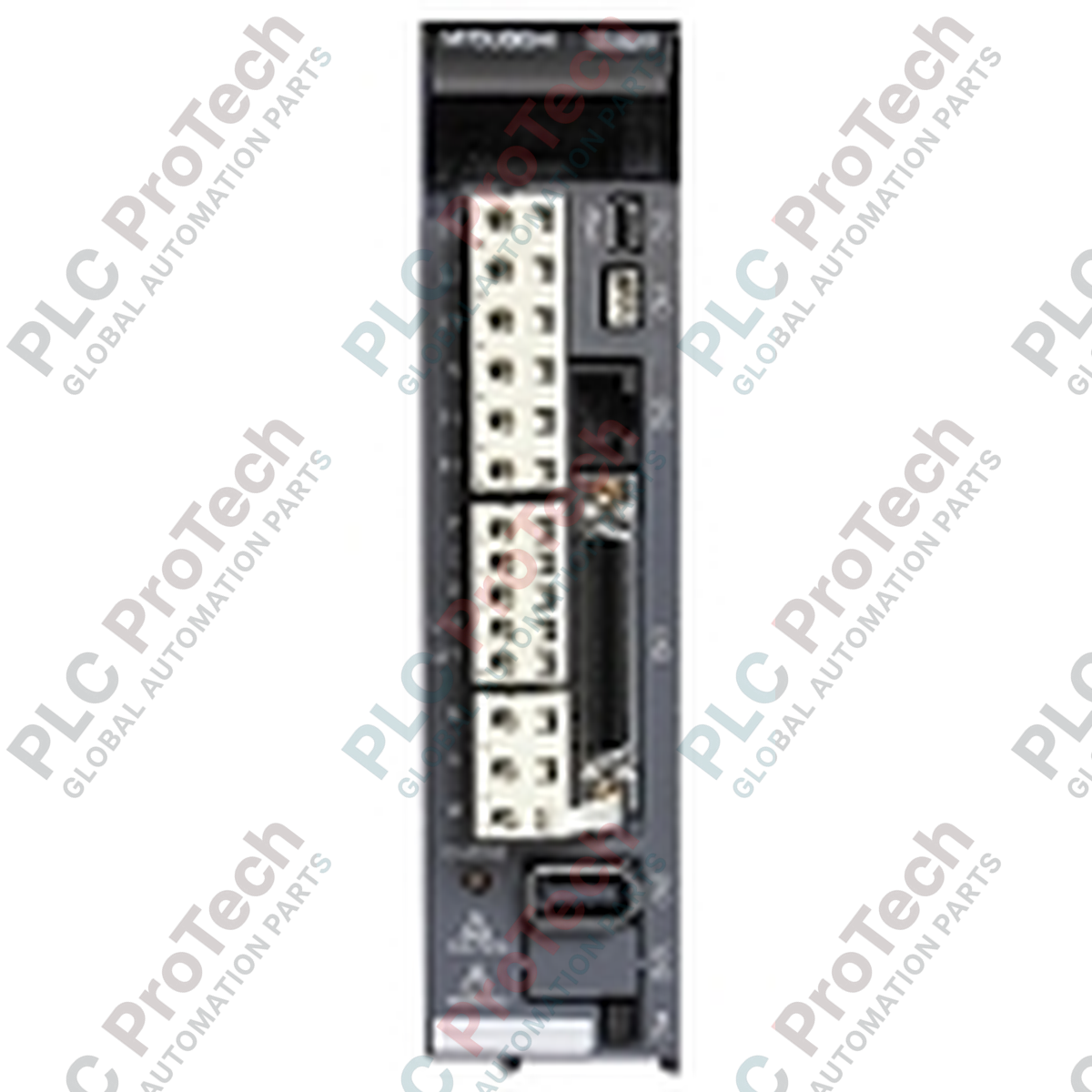
Untuk memenuhi kebutuhan kontrol gerak multi-sumbu yang kompleks, Mitsubishi Electric MR-J3-500B mengoordinasikan sinkronisasi jalur kontinu dan pemosisian presisi melalui jaringan serat optik berkecepatan tinggi. Sebagai bagian dari keluarga produk MELSERVO J3, penguat servo 5,0 kW ini terintegrasi langsung dengan pengontrol gerak melalui bus komunikasi SSCNET III, sehingga mengurangi kerentanan terhadap derau listrik melalui isolasi optik. Unit ini memproses umpan balik dari encoder absolut/inkremental 18-bit beresolusi tinggi, sehingga mampu mempertahankan konsistensi kecepatan yang presisi dan menjalankan algoritme penekanan getaran pada berbagai profil beban dinamis.
| Parameter | Nilai Spesifikasi |
|---|---|
| Produsen | Mitsubishi Electric |
| Nomor Model | MR-J3-500B |
| Seri Produk | Seri MELSERVO-J3 (Tipe Jaringan SSCNET III) |
| Daya Output Terukur | 5,0 kW (5000 W) |
| Input Daya Sirkuit Utama | AC tiga fase 200 hingga 230 V, 50/60 Hz |
| Input Daya Sirkuit Kontrol | AC satu fase 200 hingga 230 V, 50/60 Hz |
| Sistem Kontrol | Kontrol PWM gelombang sinus, sistem kontrol arus |
| Antarmuka Komunikasi | SSCNET III (Bus Serial Serat Optik Berkecepatan Tinggi) |
| Respons Frekuensi Kecepatan | 2100 Hz |
| Suhu Pengoperasian Lingkungan | 0 hingga 55 °C (tidak membeku) |
| Metode Pendinginan | Kipas Pendingin Paksa (Bawaan) |
| Negara Asal | Jepang |
| Berat Pengiriman (Dihitung) | 6,0 kg (sekitar 13,2 lbs) |
| Dimensi Kemasan (Dihitung) | 280 mm x 150 mm x 220 mm |
| Terminal / Konektor | Fungsi / Penetapan Sirkuit |
|---|---|
| CN1A | Konektor Serat Optik SSCNET III (Sambungan hulu/pengendali) |
| CN1B | Konektor Serat Optik SSCNET III (Sambungan drive hilir/berikutnya) |
| CN2 | Antarmuka Umpan Balik Encoder Motor Servo (Umpan balik absolut/inkremental 18-bit) |
| CN3 | Antarmuka I/O Eksternal (Sakelar batas, penghentian darurat, input dog titik dekat) |
| L1 / L2 / L3 | Terminal Catu Daya Utama (Input AC 200–230 V tiga fase) |
| L11 / L21 | Terminal Catu Daya Sirkuit Kontrol (Input AC 200–230 V satu fase) |
| U / V / W | Terminal Output Motor Servo (Fase output ke lilitan motor) |
| P / C / D | Titik Sambungan Opsi Rem Regeneratif Eksternal |
Model jaringan langsung MR-J3-500B beroperasi menggunakan protokol SSCNET III dan tidak kompatibel langsung dengan pengendali SSCNET II atau jaringan analog/rangkaian pulsa standar (drive tipe A). Jika meningkatkan mesin lama yang menggunakan drive MR-J2S-500B, Anda harus mengganti kabel encoder standar dan meningkatkan pengendali ke Q-Series Motion Controller yang kompatibel (seperti Q172HCPU atau QD75MH4) atau modul pemosisian L-Series untuk mendukung antarmuka optik.
Dengan rating 5,0 kW, drive ini menghasilkan kehilangan panas kontinu hingga 300 Watt dalam profil akselerasi beban penuh. Saat menata panel, pastikan tersedia ruang bebas minimum 40 mm di atas dan di bawah amplifier. Jika memasang beberapa amplifier dalam satu baris, pertahankan jarak bebas sekurang-kurangnya 10 mm antardrive untuk mencegah beban termal timbal balik dan pemicu dini gangguan perlindungan termal (AL.45 atau AL.46).
Jangan pernah melebihi batas radius tekuk ketat 25 mm pada kabel serat optik SSCNET III yang menghubungkan CN1A dan CN1B. Melebihi batas ini akan menurunkan transmisi cahaya dan menyebabkan gangguan AL.16 (Kesalahan Komunikasi SSCNET) yang muncul secara berkala. Selalu gunakan penutup plastik pelindung pada port optik yang tidak digunakan untuk mencegah masuknya debu atau kabut oli, yang dapat menurunkan kualitas optik penerima internal secara permanen.
Pengiriman Ekspres Global
Pengembalian & Garansi
Pesanan diproses dan dikirimkan Senin-Jumat (tidak termasuk hari libur nasional).
Untuk kelayakan penuh, biaya pengisian ulang, dan detail pengembalian internasional, silakan lihat resmi kami Kebijakan Pengembalian & Pengembalian Dana .
| Country of origin |
Amerika Serikat
|

Implementasikan rangkaian lampu XOR dengan sakelar 3-SPST di LogixPro atau RSLogix 500 menggunakan bit relai internal. Mencakup tabel kebenaran, persamaan Boolean, dan telah diverifikasi.

Integrasikan Allen-Bradley CompactLogix, Caterpillar ATS, dan generator ke dalam DeltaV DCS melalui Modbus RTU. Mencakup gateway ProSoft MVI69-MCM dan Miille DIN266.

Instruksi ONS aktif, tetapi koil OTE tidak pernah mengunci di Studio 5000 karena one-shot hanya bernilai benar selama satu pemindaian. Gunakan OTL/OTU atau logika seal-in sebagai gantinya.

Konfigurasikan drive servo Allen-Bradley Kinetix 5500 di EtherNet/IP. Mencakup CIP Sync, pengaturan waktu IEEE 1588 V2, pemilihan Stratix, topologi DLR, dan HMI.

Filter rata-rata bergerak adalah penghalus jendela geser yang paling sering dipasang oleh teknisi instrumentasi ke jalur analog DCS dan PLC. Berikut cara kerja jendelanya, bagaimana N dan waktu...

Pada turbin gas Frame 5–9, GE Mark VI dan Mark VIe menjalankan kontrol sebagai perangkat lunak aplikasi berbasis blok fungsi. Artikel ini memetakan fungsi proses, proteksi, dan pengurutan—serta...