


Replacing a Beckhoff EL4032: Wiring and Output Checks
A field checklist for replacing a Beckhoff EL4032, covering the ±10 V load, terminal map, power contacts, EtherCAT state, and watchdog behavior.
Manufacturer: ABB
Product No.: 1SAP530200R0001 CP630-WEB
Country of origin:Sweden
Product Type: Control Panels
Barcode: 8537101190
Payment: T/T, Western Union
Weight: 950g
Dimensions: 19.7 x 14.3 x 5.6 cm
Shipping port: Xiamen
Warranty: 12 months
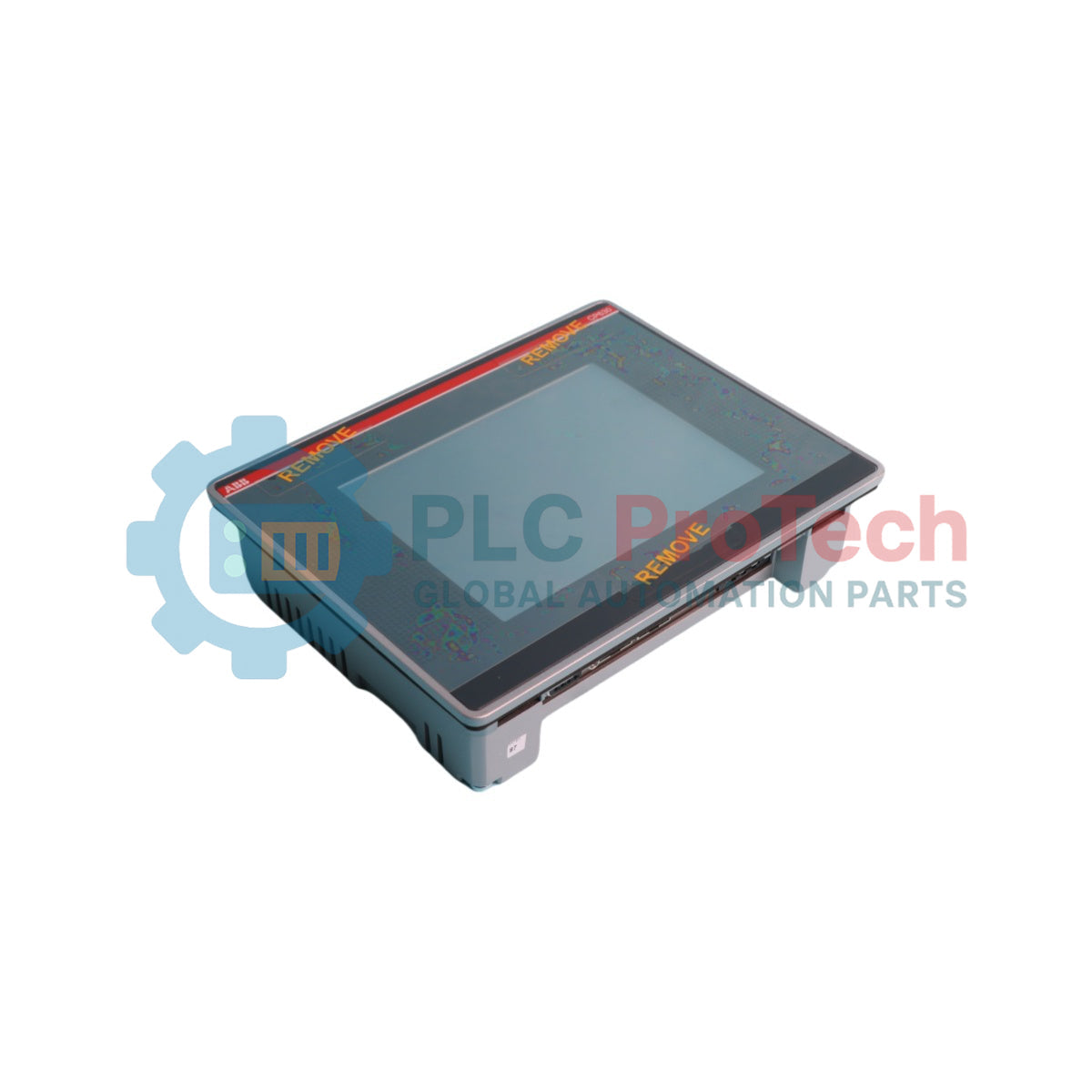
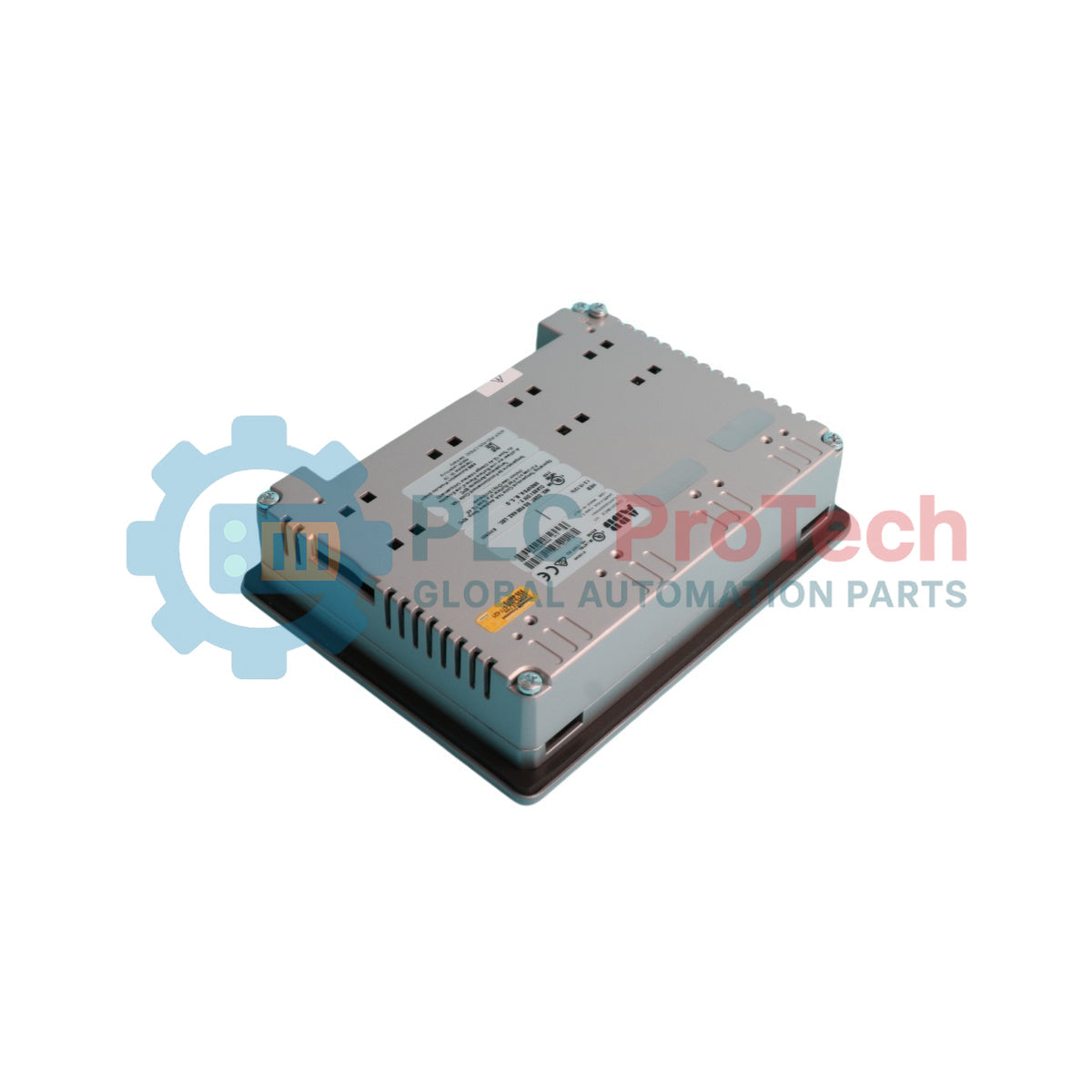
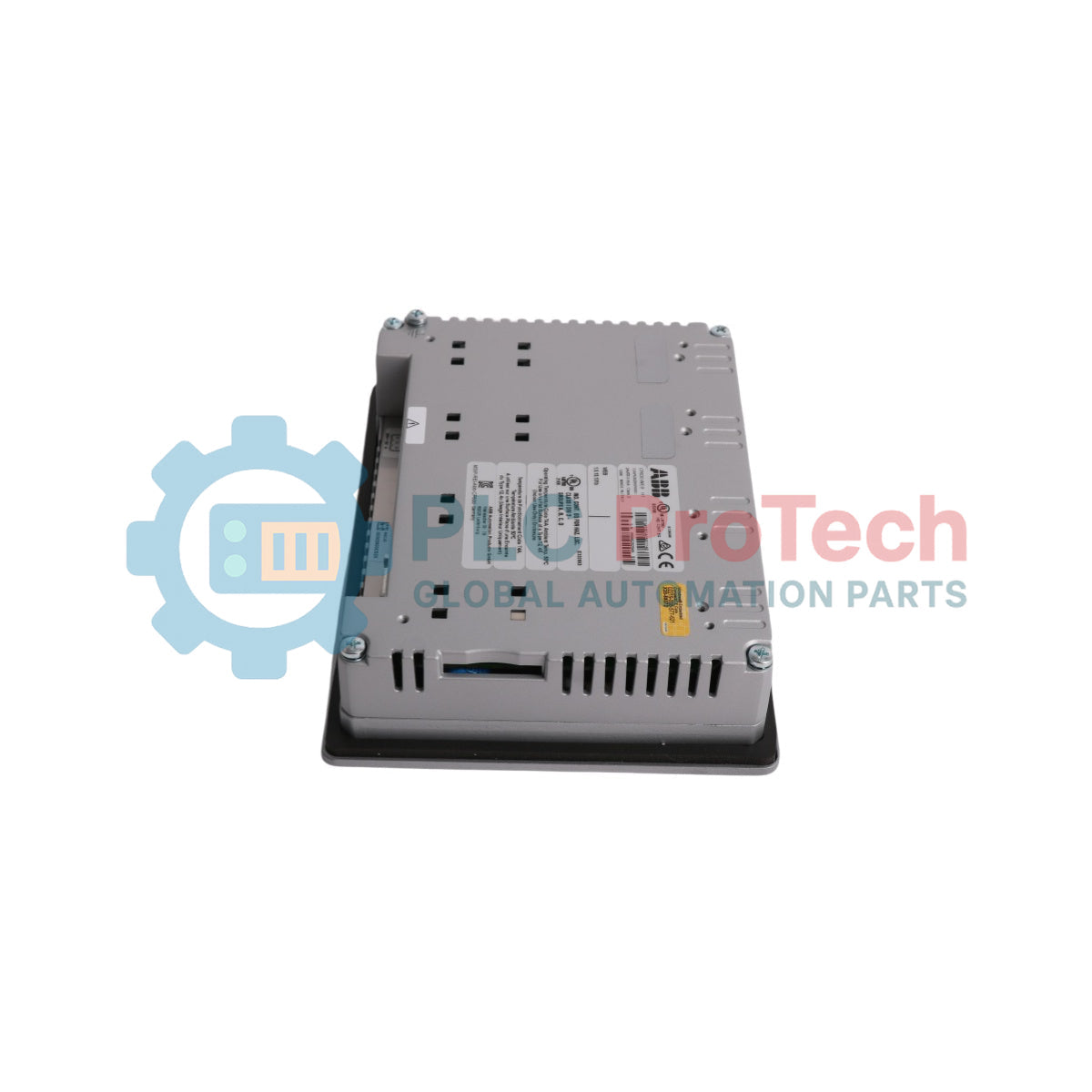
The ABB 1SAP530200R0001 CP630-WEB is a high-performance control panel featuring a 5.7-inch TFT color touch screen designed for industrial automation visualization tasks. Part of the ABB Control Panel 600 series, this operator panel combines intuitive user interaction with reliable processing power, making it well-suited for monitoring and controlling machines, manufacturing lines, and process automation systems.
Equipped with 128 MB of flash disk user memory and 256 MB DDR RAM, the CP630-WEB delivers responsive execution of HMI projects. It operates on a standard 24 V DC power supply and features integrated Ethernet connectivity to communicate seamlessly with PLCs, drives, and control systems across industrial networks.
| Parameter | Specification |
|---|---|
| Manufacturer | ABB |
| Exact Model | 1SAP530200R0001 (CP630-WEB) |
| Product Type | Control Panel / HMI |
| Display Type | 5.7-inch TFT Touch Screen |
| Flash Memory | 128 MB |
| RAM | 256 MB DDR |
| Supply Voltage | 24 V DC (18 to 30 V DC range) |
| Power Consumption | 16.8 W typical |
| Communication | Ethernet |
| Country of Origin | Sweden |
| Interface | Function |
|---|---|
| Ethernet Port | Network communication and web server access |
| Power Supply Terminals | 24 V DC input connection |
| Serial Interfaces | PLC and peripheral device connectivity |
| USB Port | Data transfer and peripheral attachment |


Global Express Shipping
Returns & Warranty


Global Express Shipping
Returns & Warranty
Orders are processed and delivered Monday-Friday (excluding public holidays).
For full eligibility, restocking fees, and international return details, please view our official Refund & Return Policy .
| Country of origin |
Sweden
|

A field checklist for replacing a Beckhoff EL4032, covering the ±10 V load, terminal map, power contacts, EtherCAT state, and watchdog behavior.

Before replacing a Yokogawa AAI835, verify the 4-in/4-out channel map, power-loss loop behavior, barrier type, output load, cable, and redundancy.

ABB PM891K01 article 3BSE053241R1 is the non-redundant AC 800M processor kit. Use this field checklist before replacement.

Replacement checks for ABB TP853 3BSE018126R1: identify the installed CI853, CI855, CI857, or CI861 interface, record wiring, and verify communication after installation.

Engineering checks for the Allen-Bradley 5069-L330ERMS2: controller capacity, separate RTB kits, local I/O limits, network-node limits, and motion-axis count.

Checks to record before replacing ABB 3HNE 00006-1 DSQC 351: controller generation, X3/X5/X20/X21 wiring, DeviceNet settings, INTERBUS mapping, and LED states.