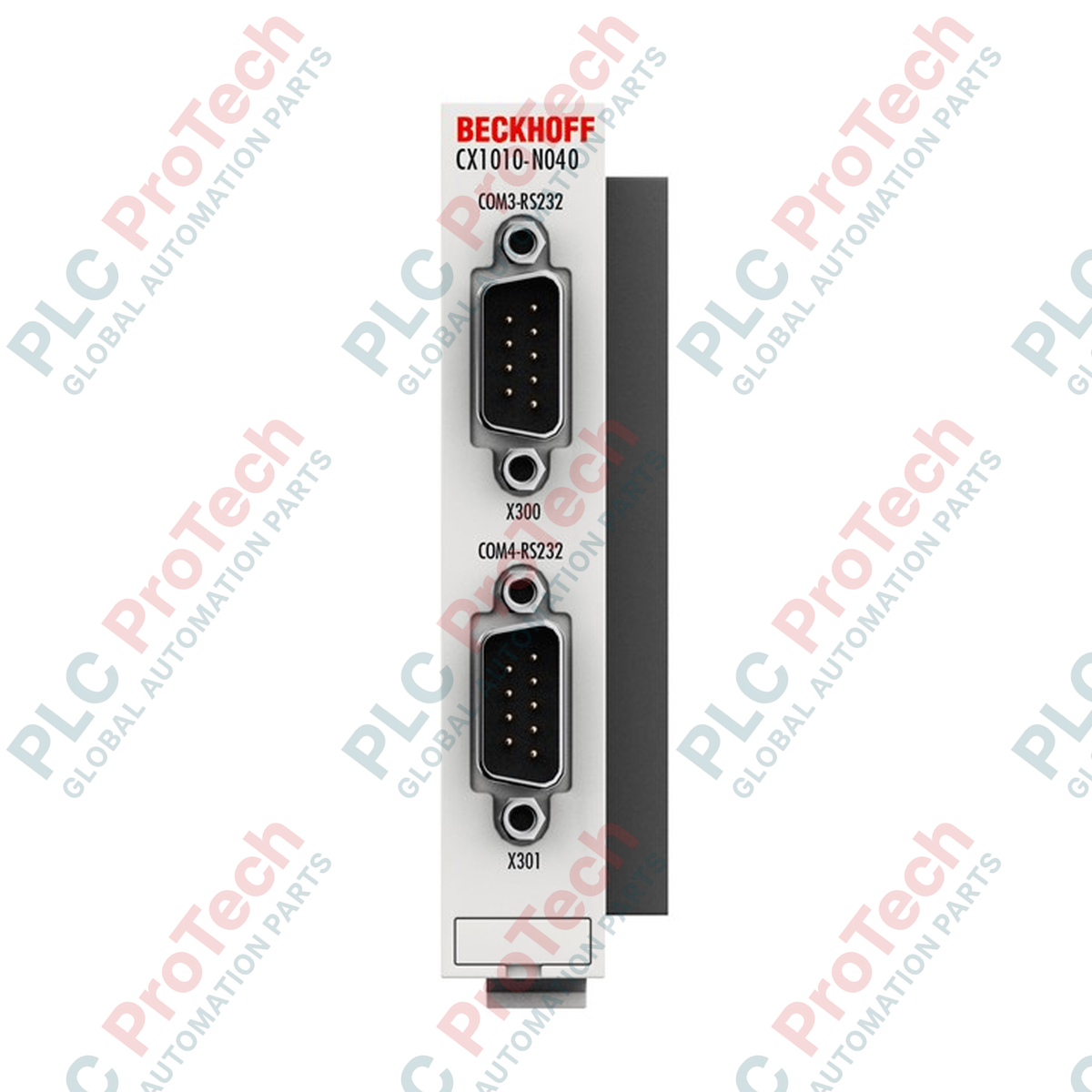
Description
The BECKHOFF CX1010-N040 is a dedicated system interface module designed to expand the communication capabilities of BECKHOFF CX1010 Embedded PCs. This expansion module provides two independent serial interfaces configured for the RS422 and RS485 physical communication standards, typically designated as COM3 and COM4 within the controller operating system.
By integrating directly via the internal PC104 system bus, the CX1010-N040 allows the basic CPU module to connect directly to serial field devices, legacy controllers, and industrial network peripherals. This module is powered directly through the internal system connection, eliminating the need for external power wiring for the module electronics.
Features
- Provides two independent serial interfaces configurable for RS422 or RS485 communication.
- Designed for direct hardware expansion of CX1010 Embedded PC basic modules.
- Features two standard 9-pin D-sub connectors for serial connections.
- Internal bus connection provides communication and power supply directly from the CX system bus.
- Space-saving 19 mm housing for standard DIN rail assembly.
Applications
- Interfacing with industrial serial devices including drives, barcode scanners, and weight indicators.
- Integrating legacy PLCs or human-machine interfaces (HMIs) using point-to-point RS422/RS485 networks.
- Industrial data acquisition and serial protocol transmission in manufacturing environments.
Technical Specifications
| Parameter |
Specification |
| Manufacturer |
BECKHOFF |
| Model |
CX1010-N040 |
| Product Type |
System Interface Module |
| Interface Ports |
2 x RS422 / RS485 (COM3 & COM4) |
| Connection Technology |
2 x D-sub plug, 9-pin |
| Maximum Baud Rate |
115.2 kbaud |
| Power Supply |
Via internal CX system bus (through power supply module) |
| Width |
19 mm |
| Height |
100 mm |
| Depth |
51 mm |
| Protection Rating |
IP20 |
| Operating Temperature |
0 to +55 degC |
| Storage Temperature |
-25 to +85 degC |
Connections / Interfaces
| Interface |
Function |
| COM3 (D-sub 9-pin) |
First RS422/RS485 serial communication port |
| COM4 (D-sub 9-pin) |
Second RS422/RS485 serial communication port |
Installation Guidelines
- Ensure the entire industrial control system, including the basic CPU module and power supply, is fully de-energized before beginning physical installation.
- Visually inspect the PC104 bus connectors on the side of the CX1010-N040 module and the adjoining basic CPU module for debris or bent pins.
- Slide the interface module onto the DIN rail and guide the PC104 connector carefully into the mating connector of the basic CPU module until they are securely engaged and latched.
- Connect the external RS422 or RS485 serial cables using standard 9-pin D-sub connectors. Verify correct cable pin assignments based on your field device requirements.
- Apply power to the system through the primary CX power supply module and verify communication status using TwinCAT system manager or the operating system device manager.