


Commissioning PLX32-EIP-MBTCP: Subnets, Registers, and RPI
A commissioning checklist for the ProSoft PLX32-EIP-MBTCP covering subnet separation, register contracts, EtherNet/IP timing, failure tests and replacement records.
Manufacturer: Bently Nevada
Product No.: 3500/93 135799-01
Country of origin:United States
Product Type: Display Interface Module
Barcode: 8537101190
Payment: T/T, Western Union
Weight: 800g
Dimensions: 2.5cm x 25.2cm x 24cm
Shipping port: Xiamen
Warranty: 12 months
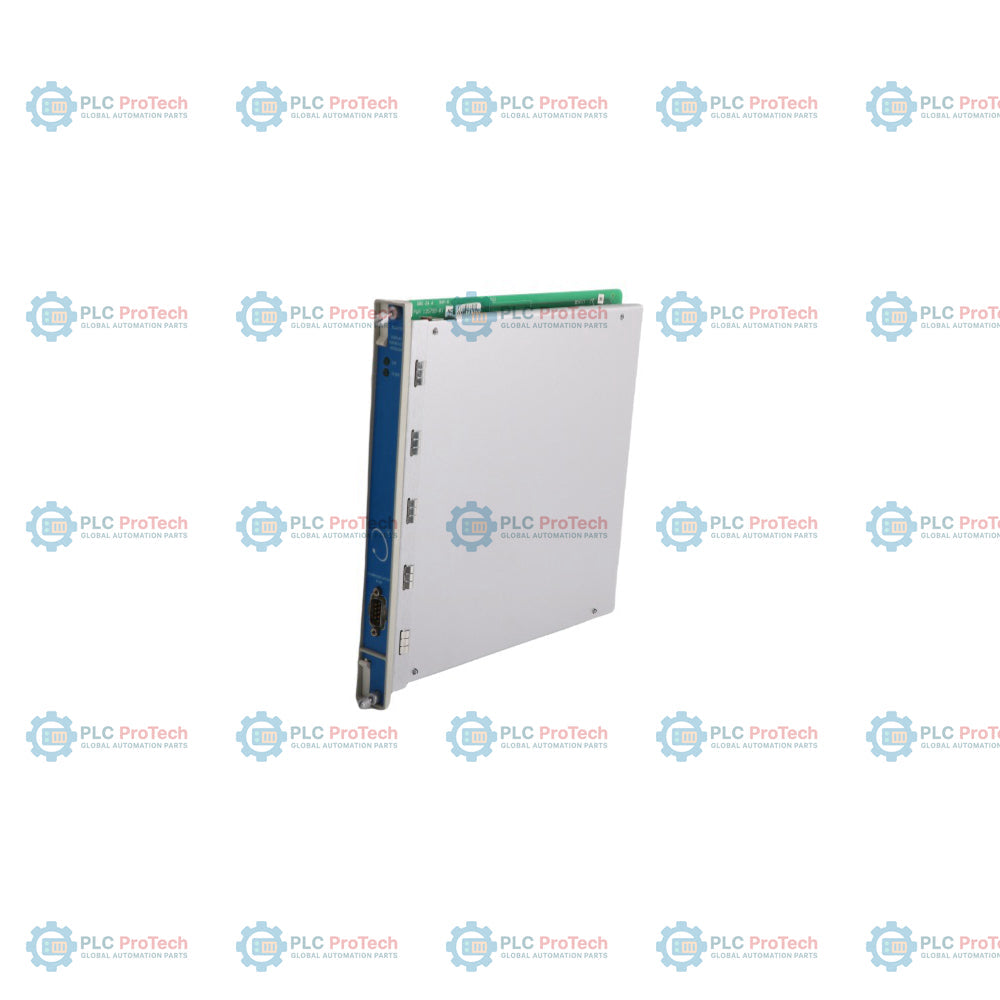
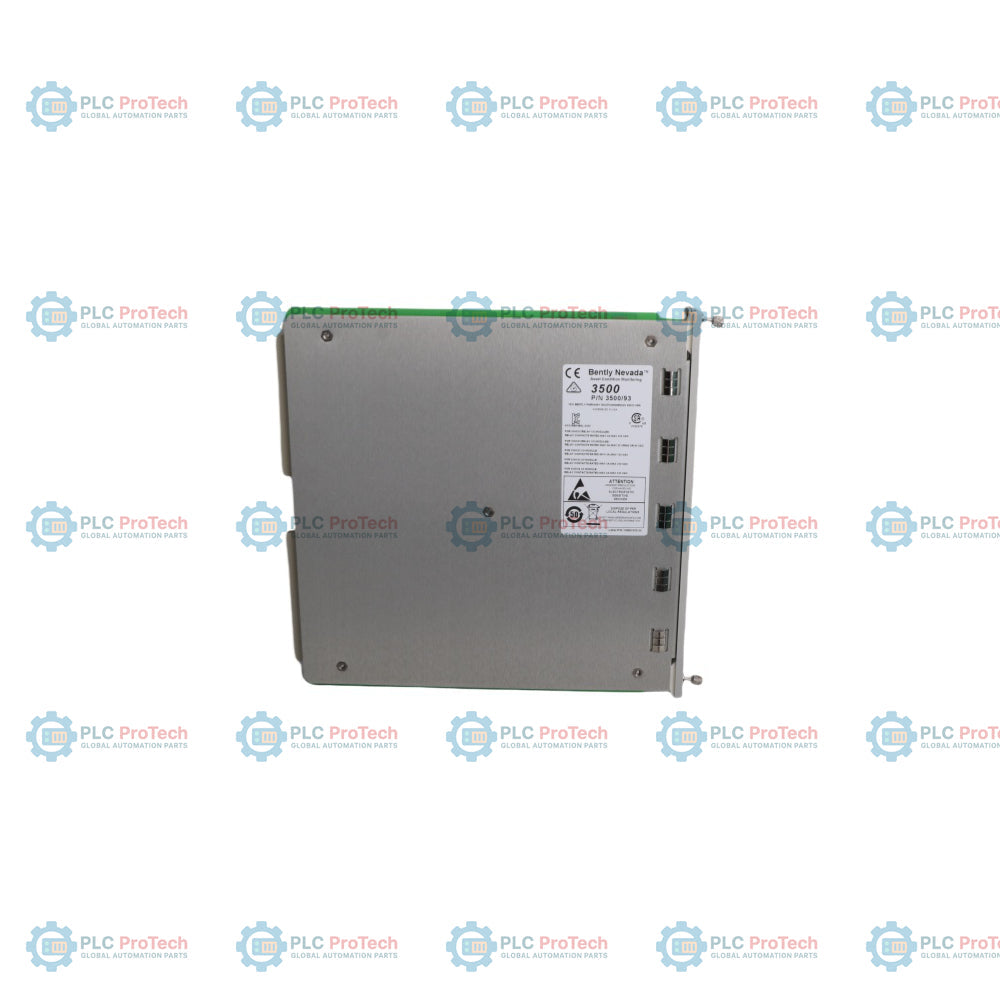
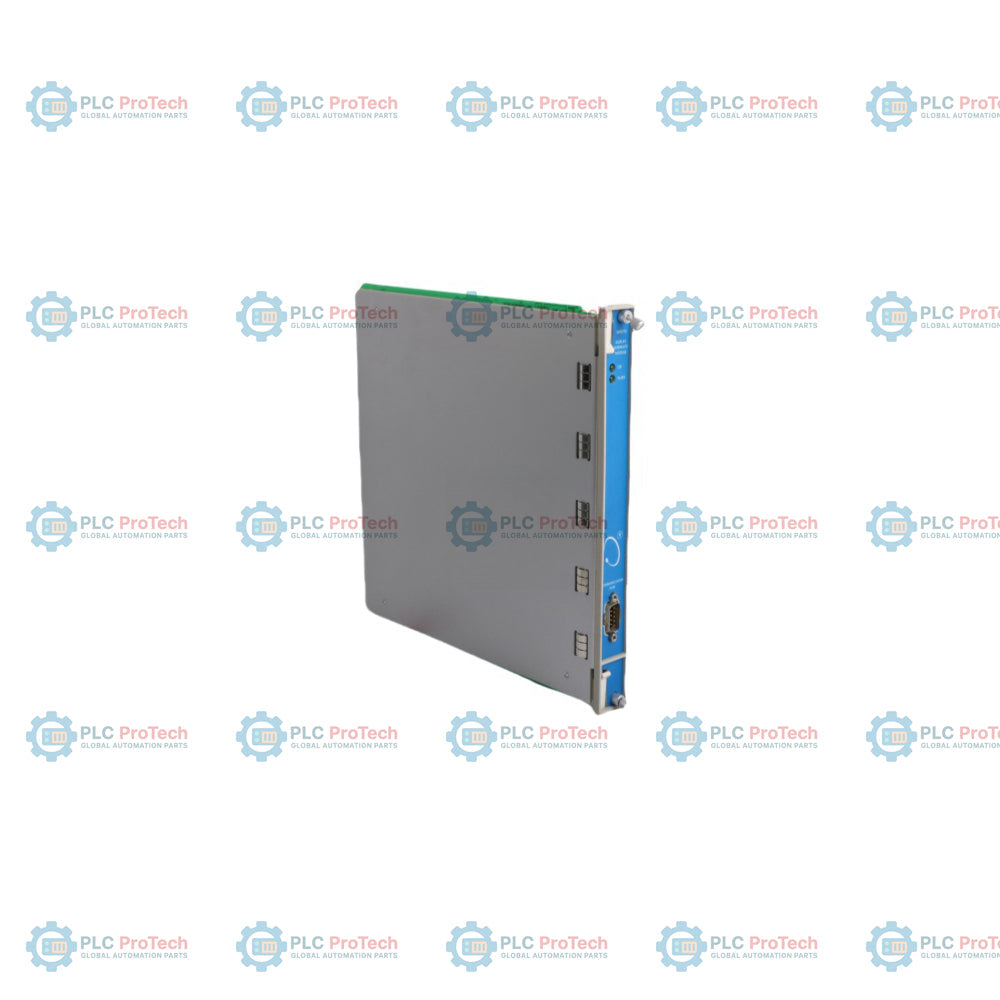
The 135799-01 (135799-01) Display Interface Module serves as the dedicated data-collection engine for the Bently Nevada 3500/93 monitoring setup. Installed in the rear of the 3500 rack, this hardware gathers raw metrics from various machinery protection cards and drives the front-facing visualization screen. It is heavily utilized in high-reliability heavy industries such as hydrocarbon processing, offshore drilling rigs, and marine propulsion tracking. By processing structural vibration, temperature, and speed variables locally, it guarantees that critical machinery status remains visible to field engineers, drastically reducing mean time to repair (MTTR) during plant upsets and minimizing overall system downtime.
The 135799-01 serves as the crucial link between the internal 3500 system backplane and the external display panel. It reads digital data packets from the 3500/22M Transient Data Interface or standard monitor modules, translating complex modbus or proprietary registers into visible strings. The board layout features isolated serial data pathways to protect internal logic from external electrical surges. It supports point-to-point connections with the display faceplate via high-integrity ribbon cables, maintaining continuous operations even under heavy electromagnetic interference (EMI) typical of power plant turbine halls.
| Attribute | Specification Details |
| Model | 135799-01 |
| Brand | Bently Nevada (Baker Hughes) |
| Origin | USA |
| Component Type | Display Interface Module |
| Communication Port | Dedicated Serial Interface |
| Power Consumption | 5.0 W typical |
| Operating Temp | -30 to 65 deg C |
| Storage Temp | -40 to 85 deg C |
| Circuit Board Coating | Standard Conformal Coating |
| Dimensions | 241 mm x 24 mm x 103 mm |
| Weight | 0.82 kg |
What is the maximum cable length supported between the 135799-01 interface card and the display faceplate?
The standard unshielded ribbon cable connection should not exceed 3 meters to prevent signal attenuation. For setups requiring remote installations up to 30 meters, you must use the specialized shielded cable variant with inline signal boosters.
How do you isolate a "Display Comm Error" logged in the system event list?
First check the integrity of the connection cable between the interface module and the display panel. If the cable is secure, verify that the interface module position matches the slot assigned in the 3500 Rack Configuration Software.
Does this interface card require separate firmware configuration apart from the main rack?
No, the 135799-01 inherits its active operational parameter matrix from the main rack configuration file. When replacing a damaged board, the system auto-loads the required settings as soon as the rack reboots or identifies the new hardware.
Cable Strain Relief Steps
Secure the connection cable to the rack chassis using the integrated nylon ties. Avoid sharp bends near the interface pin headers; maintain a minimum bend radius of 25 mm to prevent inner wire fatigue under high structural vibration.
Pin Alignment Protocols
Prior to inserting the module into the rear slot, check the backplane connector pins for misalignment or debris. Align the board horizontally with the chassis guide rails and push firmly until the locking mechanisms seat fully.
ESD Prevention Requirements


Global Express Shipping
Returns & Warranty


Global Express Shipping
Returns & Warranty
Orders are processed and delivered Monday-Friday (excluding public holidays).
For full eligibility, restocking fees, and international return details, please view our official Refund & Return Policy .
| Color pattern |
Greyish White
|
| Country of origin |
United States
|
| Power source |
DC Power
|

A commissioning checklist for the ProSoft PLX32-EIP-MBTCP covering subnet separation, register contracts, EtherNet/IP timing, failure tests and replacement records.

A field checklist for IC693MDL916 relay commands, terminal blocks, load current, switching rate and contact-side measurements.

A field checklist for KL1512 signal thresholds, counter direction, process data and the KL1512-to-KS1512 wiring difference.

A field checklist for EPP2008-0001 current limits, supply voltage, channel LEDs, connector coding and load-related output faults.

Before moving a TwinCAT 3 license with a Beckhoff C9900-L100, verify the TwinCAT build, XML device description, exact order code and cabinet limits.

A field checklist for replacing a Beckhoff EL4032, covering the ±10 V load, terminal map, power contacts, EtherCAT state, and watchdog behavior.