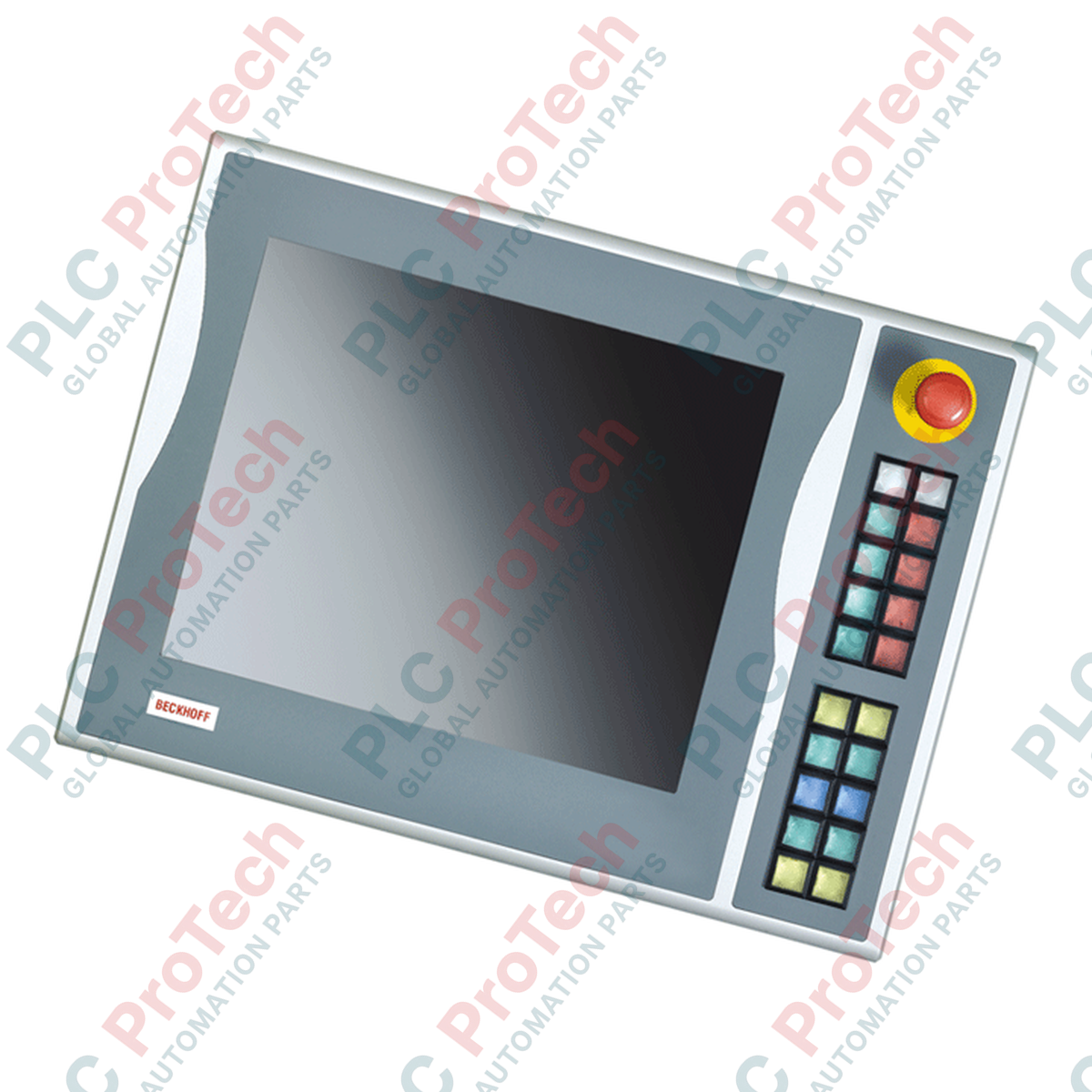
Beckhoff C9900-E828 Control Panel Push-Button Extension
SKU C9900-E828
In stock
No reviews
12-month warranty
Free returns within 30 days
Manufacturer:
BECKHOFF
Product No.:
C9900-E828
Country of origin:Germany
Product Type:
Push-button extension
Payment:
T/T, Western Union
Weight:
1200g
Dimensions:
85 mm x 380 mm x 120 mm (H x W x D)
Shipping port:
Xiamen
Warranty:
12 months
Description
The Beckhoff C9900-E828 is an industrial push-button extension designed for integration with CP6xxx and CP7xxx Control Panels and Panel PCs equipped with a 15-inch display without a keyboard. Operating in service phase, this extension module provides physical operator control elements mounted directly adjacent to the visualization surface, enabling immediate tactile feedback for machine control functions, manual override actions, and system status indications.
Features
Ergonomic integration with 15-inch display configurations of CP6xxx and CP7xxx units
Provides tactile control elements alongside touchscreen interface
Designed for industrial operator control panels requiring dedicated physical push-buttons
Applications
Machine tool operator panels
Industrial automation control stations
Process visualization interfaces requiring direct tactile input
Technical Specifications
Parameter
Specification
Manufacturer
Beckhoff Automation
Model
C9900-E828
Compatible Displays
15-inch display without keyboard
Compatible Product Lines
CP6xxx and CP7xxx Control Panels and Panel PCs
Lifecycle Status
Service phase
Installation Guidelines
Panel Mounting: Secure the push-button extension directly to the designated mounting points of the compatible 15-inch CP6xxx or CP7xxx display unit following standard mechanical enclosure tolerances.
Grounding & Shielding: Ensure proper low-impedance grounding connection to the main control panel frame to minimize electro-magnetic interference (EMI).
Cable Routing: Route internal signal and power leads away from high-voltage motor drives and switching power supplies.
FAQ
Which control panels are compatible with this push-button extension?
The device is designed for Beckhoff CP6xxx and CP7xxx Control Panels and Panel PCs featuring a 15-inch display without a built-in keyboard.
What is the service status of this accessory?
This component is currently in the service phase lifecycle status.
What is the main function of the push-button extension?
It adds dedicated physical control buttons to 15-inch display control panels, allowing direct manual operation alongside touch interfaces.
A practical replacement guide for the GE Fanuc IC693CPU313, covering its embedded five-slot architecture, memory backup, firmware-dependent capacity and why it cannot use Series 90-30 expansion racks.
A field-focused comparison of Bently Nevada 3500/40M and 3500/42M monitor inputs, channel-pair configuration, rear I/O options, external termination hardware and firmware checks before replacement.
A field checklist for diagnosing Allen-Bradley 1746-NR4 RTD and resistance inputs, including sensor curves, lead compensation, excitation current, filter timing and channel diagnostics.
A field-focused checklist for replacing an Allen-Bradley 1785-L40B or planning a PLC-5/40 migration, covering backups, 1771 I/O mapping, DH+/RIO channels, revision risks and commissioning.
Replacing an Allen-Bradley 1747-SN scanner? Check SLC 500 logical rack and G-file mapping, link speed, cable termination, COMM/FAULT LEDs and hardware series before blaming the module or changing the...