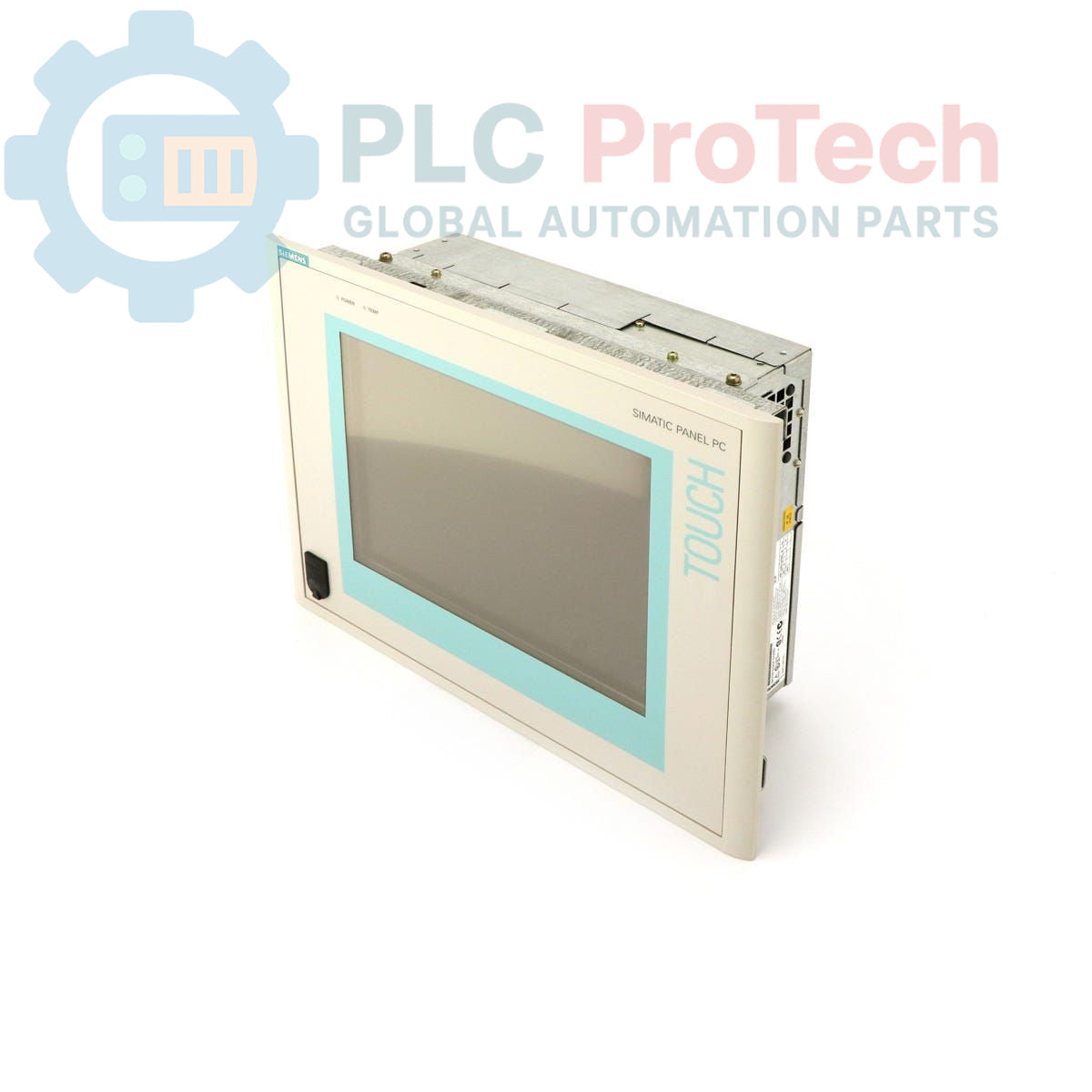
Description
The Siemens
6AV7611-0AE10-0BH0 is a
SIMATIC Panel PC 670 designed for industrial applications requiring a robust human-machine interface and computing platform. This panel PC features a
10-inch TFT display, a
Celeron 300 MHz CPU,
64 MB of RAM, and a
40 GB hard drive. It comes pre-configured with
Windows NT 4.0 German and supports a
115-230 V power input, typically supplied with a U.S. mains cable. The
SIMATIC Panel PC 670 series provides a compact and integrated solution for visualization and control tasks in various industrial environments.
Features
- Integrated 10-inch TFT Display
- Celeron 300 MHz Processor
- 64 MB System RAM
- 40 GB Hard Disk Drive
- Pre-installed Windows NT 4.0 (German)
- Wide-range power input (115-230 V)
- Industrial-grade panel mounting design
Applications
- Machine control and visualization
- Process monitoring and data acquisition
- Operator interface for automation systems
- Data logging and reporting in manufacturing
- Embedded control systems requiring a graphical interface
Technical Specifications
| Brand |
Siemens |
| Manufacturer |
Siemens |
| Range |
Simatic Panel PC |
| Subrange |
PC670 |
| Type of Product |
Panel PC |
| Display Type |
10" TFT Display |
| CPU |
Celeron 300 MHz |
| RAM |
64 MBYTE |
| Hard Drive |
40 GB HD |
| Operating System |
Windows NT 4.0 German |
| Power Supply |
115-230 V (U.S. Mains Cable) |
| Product Phase |
Obsolete |
| Shipping Weight |
4.00 kg |
| Commodity Code |
85371091 |
| Export Control Regulations (ECCN) |
N |
Installation Guidelines
-
De-energize System: Ensure all power to the installation area and connected equipment is completely de-energized and locked out before beginning installation.
-
Mounting: Secure the panel PC into a prepared panel cutout using the appropriate mounting clamps or screws provided. Ensure a tight seal to maintain environmental protection.
-
Power Connection: Connect the 115-230 V AC power supply to the designated power input terminal. Verify correct voltage and polarity before applying power.
-
Grounding: Establish a proper protective earth (PE) connection to the designated grounding terminal on the panel PC chassis to ensure safety and minimize electromagnetic interference.
-
Peripheral Connections: Connect any required peripherals such as keyboards, mice, or external storage devices to the appropriate ports.
-
Network/Communication: If applicable, connect Ethernet or other communication cables to the respective ports. Ensure proper cable routing to avoid strain and interference.
-
System Startup: After all connections are secure, re-energize the system. Monitor the panel PC during startup for proper operation and display initialization.