


Allen-Bradley 1771-IG: TTL Logic and 5 V Wiring Checks
Check 1771-IG TTL HIGH/LOW logic thresholds, field supply ripple and 1771-WC wiring before replacing an input module.
Manufacturer: Siemens
Product No.: 6AV7875-0AE51-1AC0
Country of origin:Germany
Product Type: Panel PC
Barcode: 85371098
Payment: T/T, Western Union
Weight: 17g
Dimensions: 67.0 x 83.0 x 11.5 cm
Shipping port: Xiamen
Warranty: 12 months
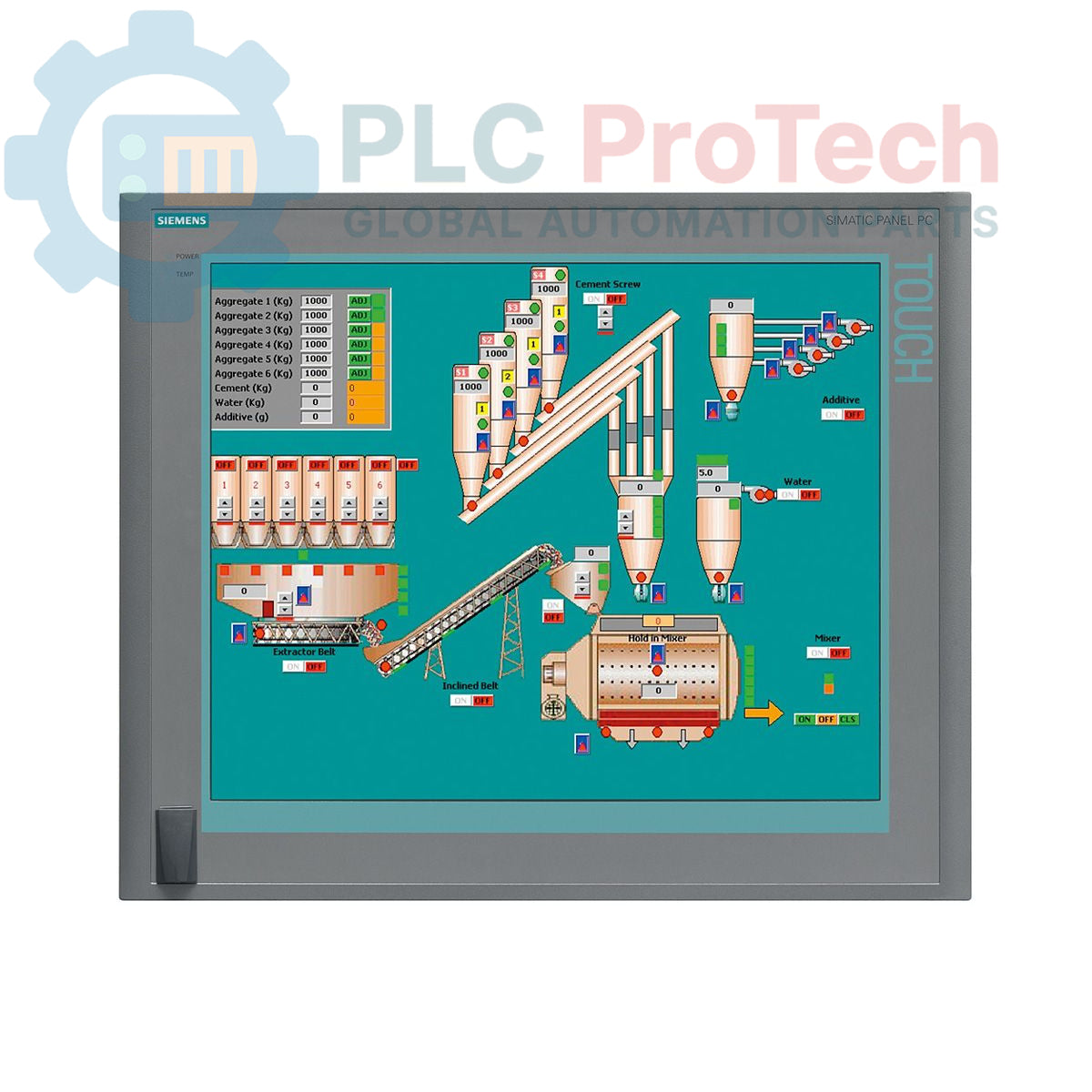
The Siemens 6AV7875-0AE51-1AC0 is a SIMATIC Panel PC 677B designed for demanding industrial human-machine interface (HMI) and control applications. This unit features a 19-inch touchscreen display with a 1280x1024 resolution, powered by an Intel Core 2 Duo T7400 2.16 GHz processor and 4 GB of DDR2 RAM. It is equipped with extensive connectivity options, including dual Gigabit Ethernet ports, a PROFIBUS/MPI interface, and multiple USB 2.0 ports. Storage is provided by a 250 GB SATA hard disk drive, and the system comes pre-installed with Windows XP Professional MUI. This panel PC operates on a 24 V DC power supply and includes two PCI slots for hardware expansion.
| Specification | Value |
|---|---|
| Brand | Siemens |
| Product Series | SIMATIC Panel PC 677B |
| Part Number | 6AV7875-0AE51-1AC0 |
| Product Lifecycle Status | Obsolete |
| Power Supply | 24 V DC |
| Processor | Intel Core 2 Duo T7400, 2.16 GHz |
| Processor Cache | 4 MB SLC |
| Memory (RAM) | 4 GB DDR2 |
| Storage | 250 GB SATA HDD 3.5" |
| Optical Drive | DVD±R/±RW |
| Display Type | 19-inch Touchscreen |
| Display Resolution | 1280 x 1024 pixels |
| Ethernet Ports | 2 x 10/100/1000 Mbit/s |
| USB Ports | 4 x USB 2.0 (rear), 1 x USB (front) |
| Serial Port | 1 x COM1 |
| Fieldbus Interface | PROFIBUS/MPI (with 2 MB buffered SRAM) |
| Expansion Slots | 2 x PCI |
| Operating System | Windows XP Professional MUI (DE, EN, FR, ES, IT, JA, ZH, KO) |
| Shipping Weight | 17.00 kg |
| Commodity Code | 85371098 |
| ECCN | N |
| Country of Origin | Germany (Estimate) |
| Manufacturer | Siemens |
| Package Dimensions (Calculated) | 67.0 x 83.0 x 11.5 cm |

Global Express Shipping
Returns & Warranty


Global Express Shipping
Returns & Warranty
Orders are processed and delivered Monday-Friday (excluding public holidays).
For full eligibility, restocking fees, and international return details, please view our official Refund & Return Policy .
| Country of origin |
Germany
|

Check 1771-IG TTL HIGH/LOW logic thresholds, field supply ripple and 1771-WC wiring before replacing an input module.

A field checklist for distinguishing Danfoss 060G2105, 060G1323 and 060G2109 by pressure range, fitting, loop signal and controller scaling.

A field checklist for separating 24 VDC input, carrier bus, output derating and alarm-contact faults before replacing an Emerson SE5009.

A controlled commissioning method for using the 140XSM00200 simulator to verify Modicon Quantum input mapping and interlocks before reconnecting field wiring.

A commissioning checklist for the ProSoft PLX32-EIP-MBTCP covering subnet separation, register contracts, EtherNet/IP timing, failure tests and replacement records.

A field checklist for IC693MDL916 relay commands, terminal blocks, load current, switching rate and contact-side measurements.