


Allen-Bradley 1771-IG: TTL Logic and 5 V Wiring Checks
Check 1771-IG TTL HIGH/LOW logic thresholds, field supply ripple and 1771-WC wiring before replacing an input module.
Manufacturer: Siemens
Product No.: 6ES7647-6BH26-0BB0
Country of origin:Germany
Product Type: PC Box
Barcode: 85371091
Payment: T/T, Western Union
Weight: 7g
Dimensions: 120.50 x 50.50 x 10.00 cm
Shipping port: Xiamen
Warranty: 12 months
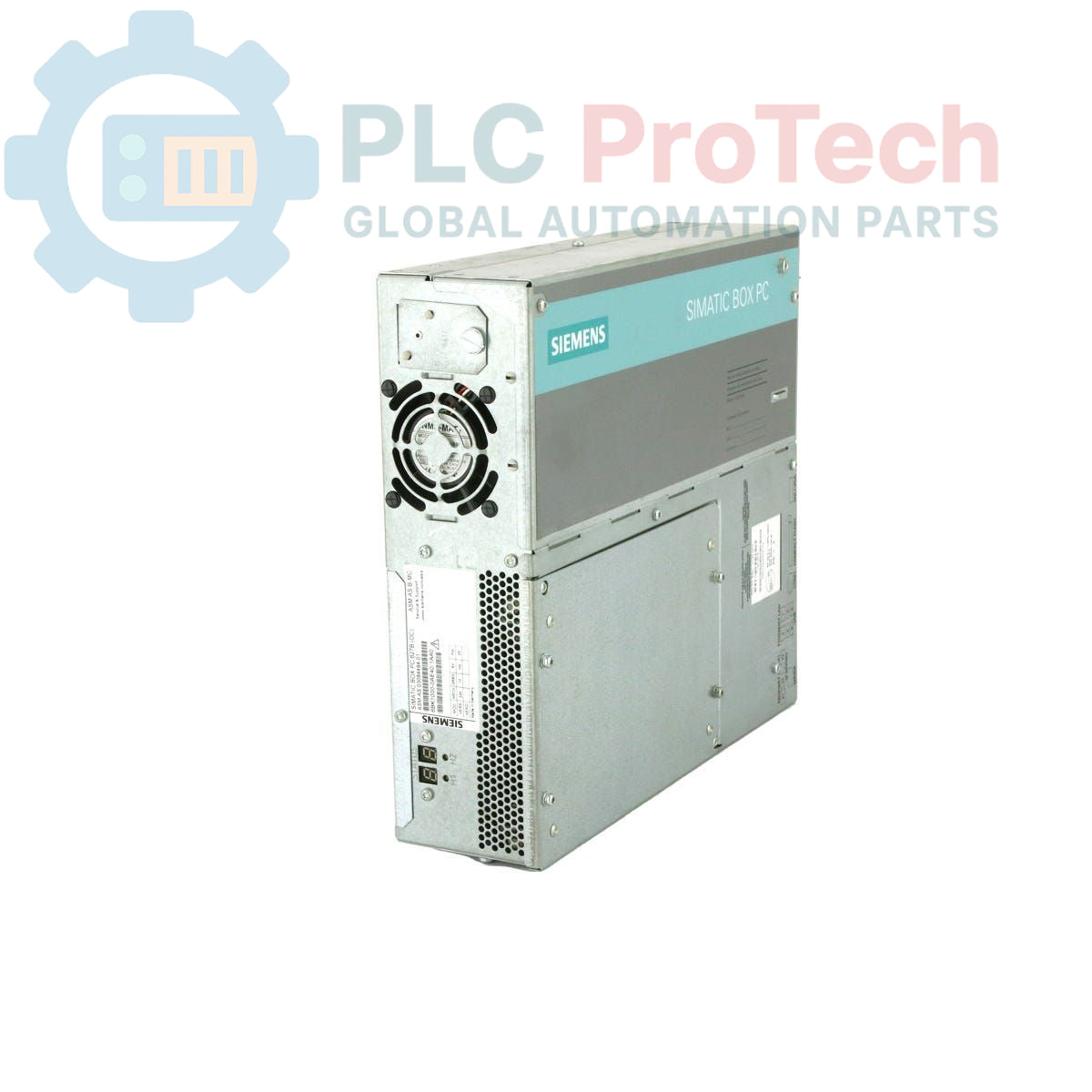
The Siemens 6ES7647-6BH26-0BB0 is a SIMATIC Box PC 627B, an industrial personal computer designed for robust operation in automation environments. This unit features onboard graphics with 128 MB shared memory, multiple communication interfaces including 2x 10/100/1000 Mbit/s Ethernet RJ45 ports, 4x USB V2.0 ports, and 1x serial (COM1) port. It integrates an onboard RAID controller and a front-side CompactFlash drive slot (without CF card). For reliable operation, the PC includes watchdog, temperature, and fan monitoring functions. Processing power is provided by an Intel Core 2 Duo T7400 processor (2.16 GHz, 4 MB SLC, 667 MHz FSB), complemented by a PROFIBUS/MPI interface, 2 MB buffered SRAM, and 1 GB DDR2 667 SODIMM RAM. The system operates on a 24 V DC industrial power supply and offers expansion capabilities with 2x free PCI slots. Storage is handled by a 160 GB SATA HDD, and it includes a DVD +/-RW drive. The PC comes pre-installed with Windows XP Professional Multi-Language SP2.
The SIMATIC Box PC 627B is suitable for a wide range of industrial applications, including:
| Attribute | Specification |
| Brand | Siemens |
| Manufacturer | Siemens |
| Range | Simatic Box PC |
| Subrange | PC627B |
| Product Type | PC box |
| PLM Product Phase | Obsolete |
| Processor | Intel Core 2 Duo T7400 (2.16 GHz, 4 MB SLC, 667 MHz FSB) |
| Graphics | Onboard, 128 MB Shared Memory |
| Ethernet | 2x 10/100/1000 Mbit/s RJ45 |
| USB Ports | 4x V2.0 (High Current) |
| Serial Port | 1x (COM1) |
| RAID Controller | Onboard |
| CompactFlash Drive | Front-side slot (without CF) |
| Monitoring | Watchdog, Temperature/Fan |
| Communication Interface | PROFIBUS/MPI |
| Buffered SRAM | 2 MB |
| RAM | 1 GB DDR2 667 SODIMM |
| Power Supply | 24 V DC Industrial |
| Expansion Slots | 2x PCI Free |
| Storage | 160 GB SATA HDD |
| Optical Drive | DVD +/-RW |
| Operating System | Windows XP Professional Multi-Language SP2 |
| Package Dimensions (Calculated) | 120.50 x 50.50 x 10.00 cm |
| Shipping Weight | 7.00 kg |
| Commodity Code | 85371091 |

Global Express Shipping
Returns & Warranty


Global Express Shipping
Returns & Warranty
Orders are processed and delivered Monday-Friday (excluding public holidays).
For full eligibility, restocking fees, and international return details, please view our official Refund & Return Policy .
| Country of origin |
Germany
|

Check 1771-IG TTL HIGH/LOW logic thresholds, field supply ripple and 1771-WC wiring before replacing an input module.

A field checklist for distinguishing Danfoss 060G2105, 060G1323 and 060G2109 by pressure range, fitting, loop signal and controller scaling.

A field checklist for separating 24 VDC input, carrier bus, output derating and alarm-contact faults before replacing an Emerson SE5009.

A controlled commissioning method for using the 140XSM00200 simulator to verify Modicon Quantum input mapping and interlocks before reconnecting field wiring.

A commissioning checklist for the ProSoft PLX32-EIP-MBTCP covering subnet separation, register contracts, EtherNet/IP timing, failure tests and replacement records.

A field checklist for IC693MDL916 relay commands, terminal blocks, load current, switching rate and contact-side measurements.